
OpenXWA VR
Star Wars: X-Wing Alliance in a real cockpit, standalone on Meta Quest and PICO.
About
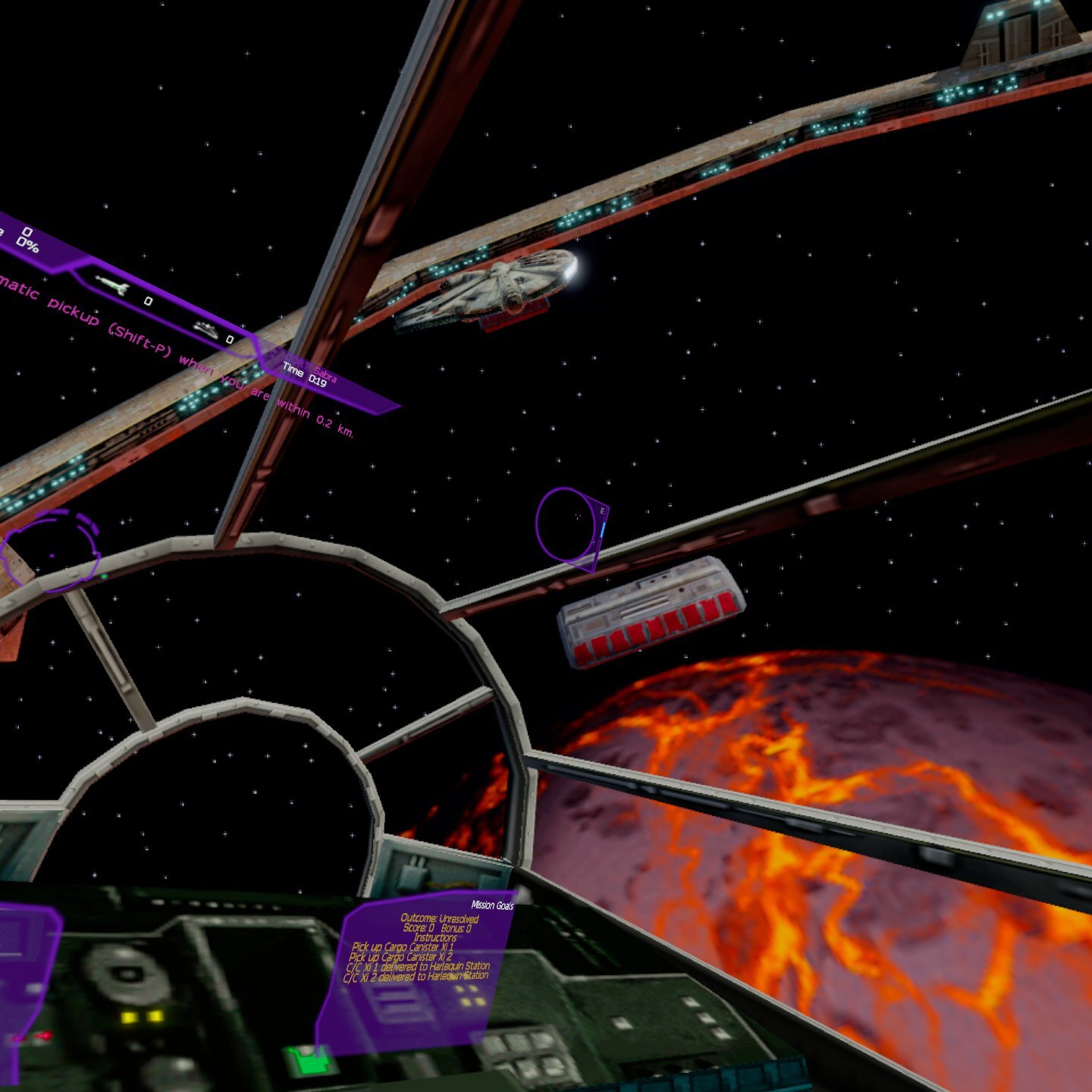
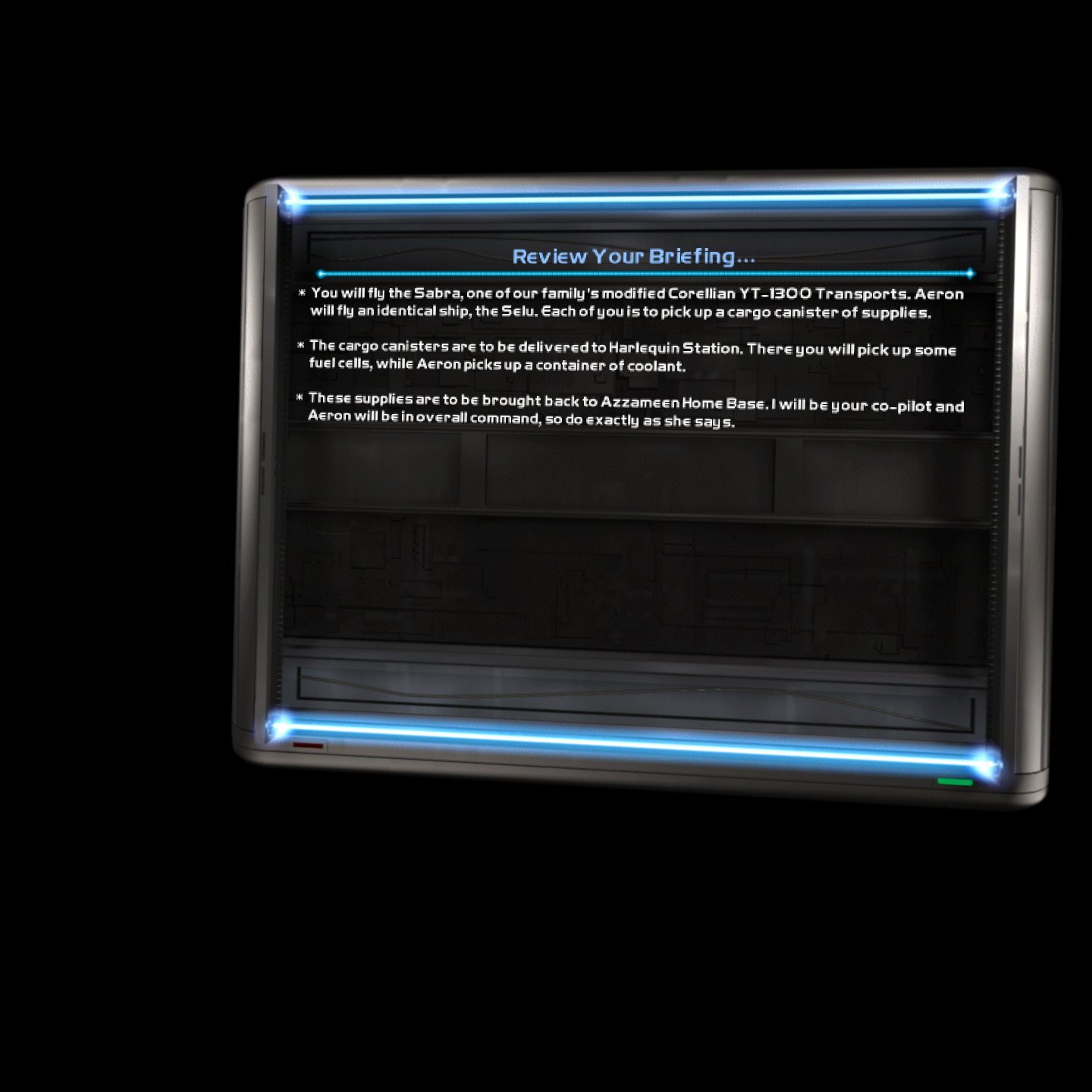
A VR port of OpenXWA, the open source rebuild of Star Wars: X-Wing Alliance, running standalone. You sit in the 3D cockpit of your ship and look around freely while you fly with the Touch controllers. The concourse, briefings and cutscenes play on a big virtual screen.
Features
- Head-tracked stereo 3D cockpit and space in flight, including the hyperspace jump
- Detailed 3D cockpits from X-Wing Revival for the X-Wing, Y-Wing, A-Wing, B-Wing, TIE Fighter/Interceptor, TIE Bomber and Millennium Falcon
- Full flight control on the controllers, remappable in the game's controller options
- Laser pointer for the concourse, hangar and in-flight menus
- Virtual keyboard for pilot names and other text fields
- Menus over passthrough on Meta Quest
- Controller vibration
Manual
Installation
- Sideload the APK with SideQuest or
adb install -r OpenXWA-VR-v0.1.7-beta.apk. - Copy your whole X-Wing Alliance game folder (the one with
STRINGS.TXT) to the headset's internal storage asOpenXWA, so that/sdcard/OpenXWA/STRINGS.TXTexists. - Start OpenXWA VR from Unknown Sources and allow "access to all files" when asked.
- Optional: to make hyperspace selectable in Options → Game Controller Options, add the line
!KEY_H!104 H Hyperspaceto/sdcard/OpenXWA/JOYSTICK.TXT.
Good to know
- The APK contains no game data: you need your own copy of the game.
- The small screens built into the X-Wing Revival cockpits are dark. All other craft (and gunner seats) keep X-Wing Alliance's own cockpits with their live screens.
- Passthrough behind the menus works on Meta Quest only; on PICO the menus float in front of black.
- Ambient occlusion is off in VR; the GPU runs close to its limit in busy scenes.
- PICO needs PICO OS 5.9.0 or newer: only from that version does the PICO runtime work with the generic Khronos OpenXR loader the port uses.
- The PICO build is untested: if it does not start, or the controllers do nothing, please open an issue on GitHub.
adb logcat -s SDL/APP:*shows how far it gets, which is the useful thing to paste in.
Controller mapping
| Input | Flight | Menus and hangar |
|---|---|---|
| Left stick | Pitch and yaw | Arrow keys |
| Right stick | Roll (left/right), throttle lever (up/down, stays where you leave it) | |
| Right trigger | Fire | Click |
| Left trigger | Confirm (Space) | Click / launch from the hangar |
| Right grip | Target the craft in your sights | Right-click |
| A / B | Next target / cycle weapons | Enter / back |
| X / Y | Fighters targeting you / nearest fighter | Y = Space |
| Left stick click | Cycle firing mode (link fire) | |
| Right stick click | Hyperspace | |
| Menu button | Options screen | Back |
| Left grip + A / B | Laser / shield recharge rate | |
| Left grip + X / Y | Pick up targeted cargo / release carried cargo | |
| Left grip + left / right stick click | Nearest objective / match target speed | |
| Left grip + left trigger | Dock with / board the targeted craft | |
| Left grip + right grip | Target components | |
| Meta button (hold) | Recenter the view | Recenter the view |
Button names are those of the Meta Quest controllers; PICO controllers use the same layout.
Download
Install from your browser
Over USB, for Meta Quest and PICO: installs the app and copies your own game files to the right place. No SideQuest, no adb. Works in Chrome or Edge on a PC, Mac or Android phone.
The installer needs JavaScript. Use the manual download below.
First time? Before you start
- Turn on developer mode. Quest: Meta Horizon app on your phone → Devices → your headset → Headset settings → Developer mode. PICO: Settings → General → About → tap Software version 7 times, then Settings → Developer → turn on USB debugging.
- Connect the headset to this computer with a USB cable that carries data (not a charge-only cable).
- Close SideQuest and Meta Quest Developer Hub. If you use adb, run
adb kill-serverfirst: only one program can talk to the headset at a time. - Windows: if the headset doesn't show up in the list, install the Meta Quest ADB driver.
- After pressing Connect, put on the headset and allow USB debugging for this computer.
OpenXWA VR v0.1.7-beta (Meta Quest + PICO) latestv0.1.7-beta · 19 Oct 2026
All releases: github.com/SgtBilko76/OpenXWA-VR/releases
Need help or found a bug? Ask in #support on our Discord, and get new releases in #new-releases.
Join the DiscordPictures & video
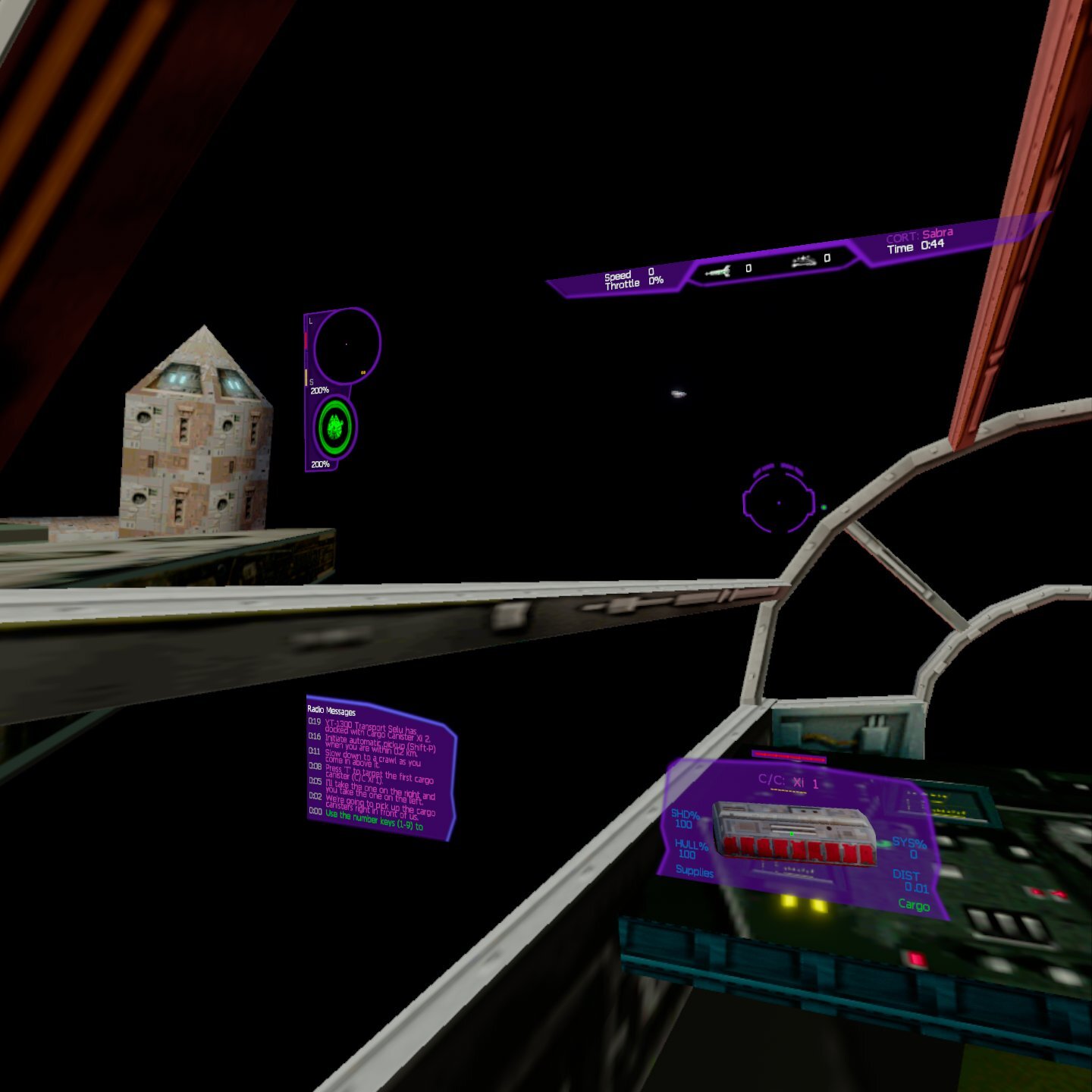
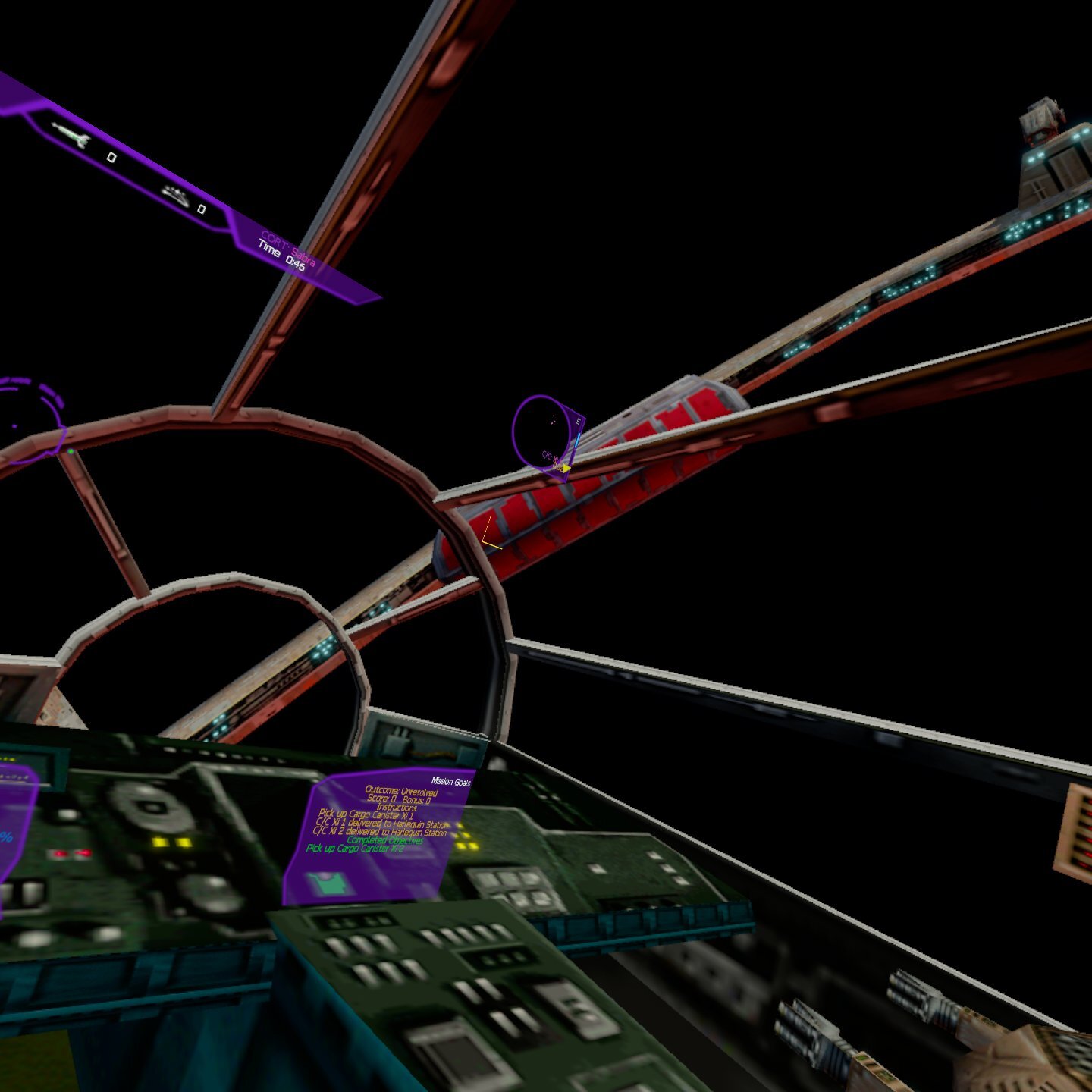
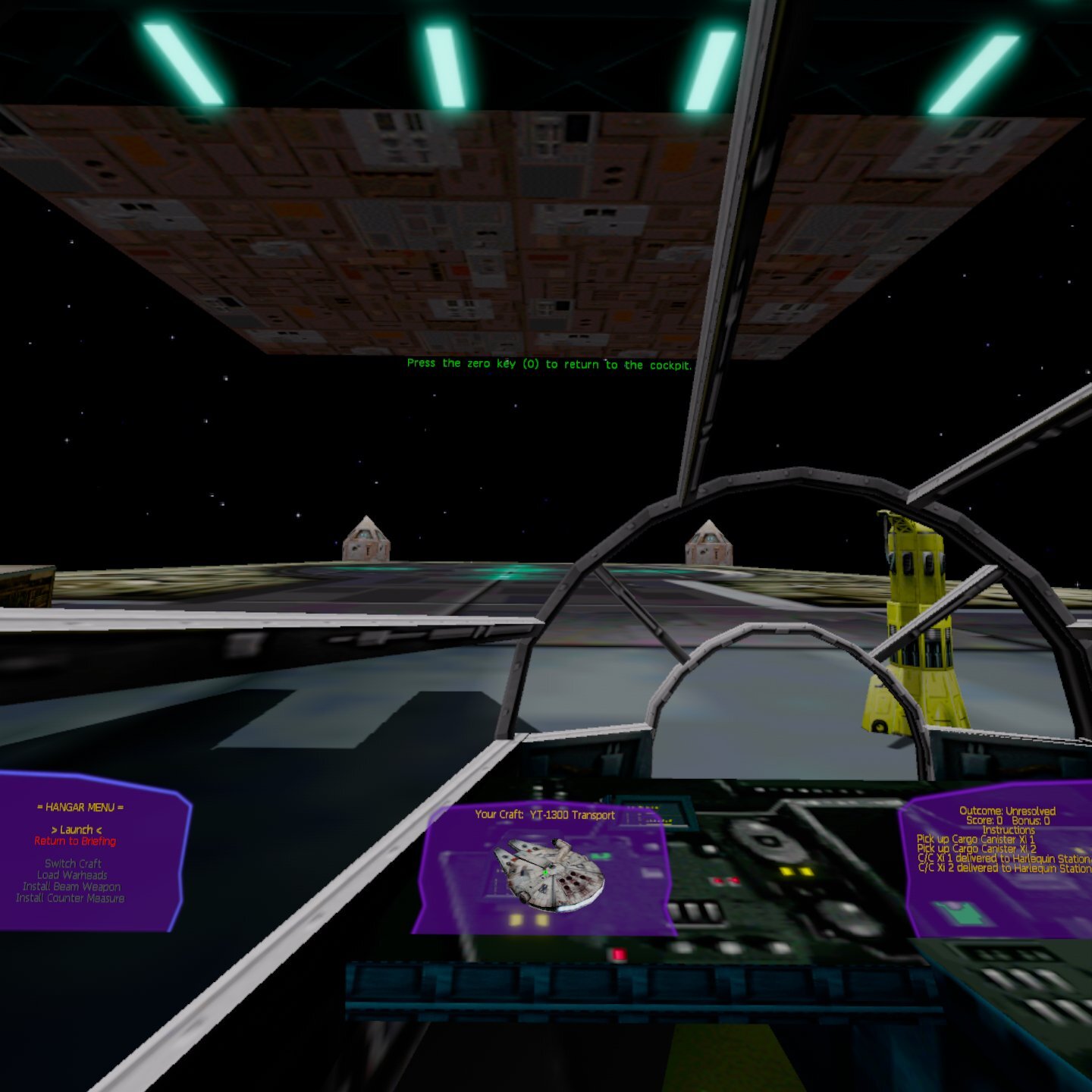
Credits: Based on OpenXWA and the Aeron engine by elyosh. 3D cockpit models: X-Wing Revival by Raptor007 and contributors (originally from the X-Wing Alliance Upgrade project). Pictures: captured on a Meta Quest 3.