Wing Commander VR
The 1990 space combat classic Wing Commander in stereo 3D, standalone on Meta Quest and PICO.
About
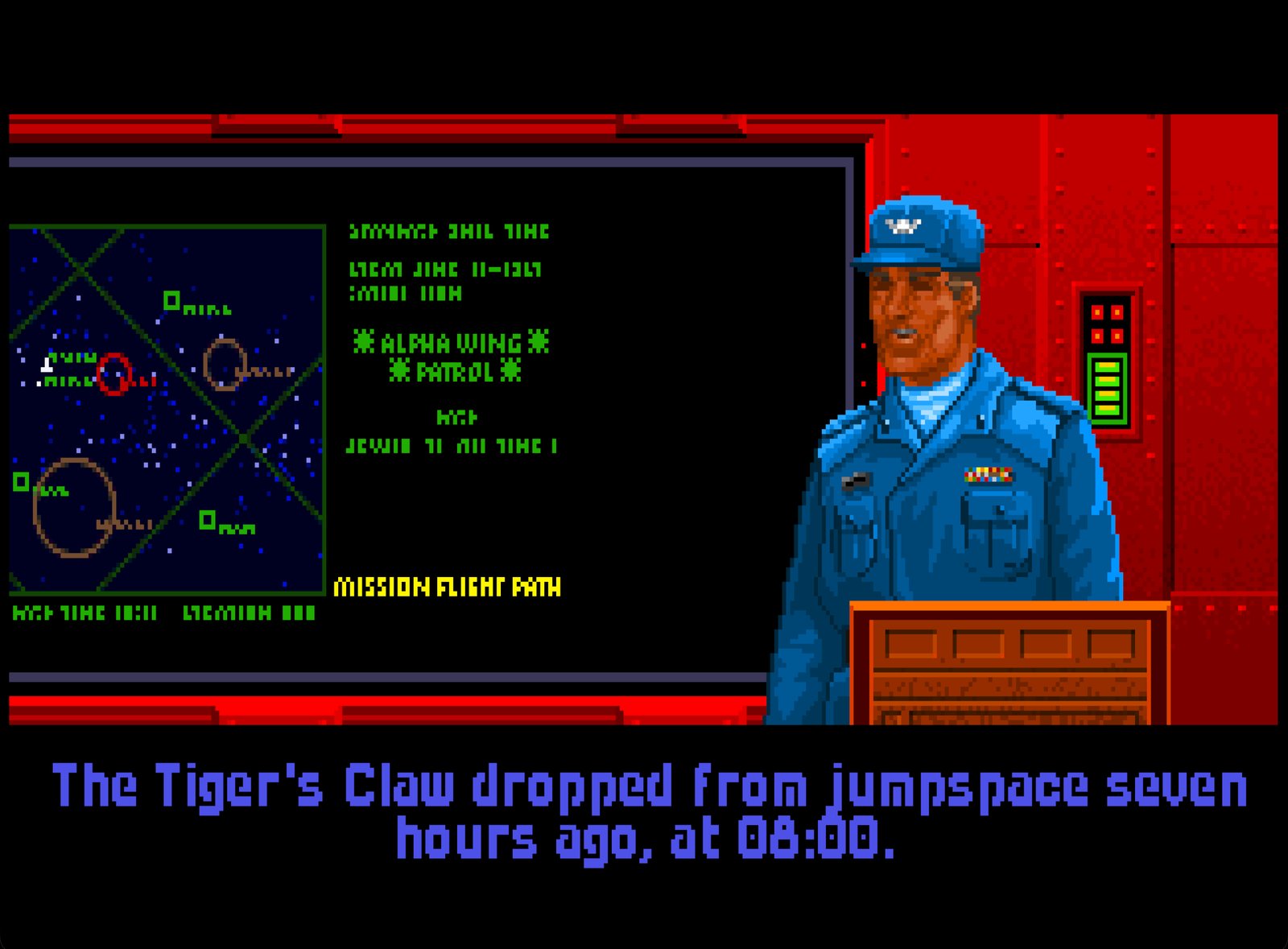
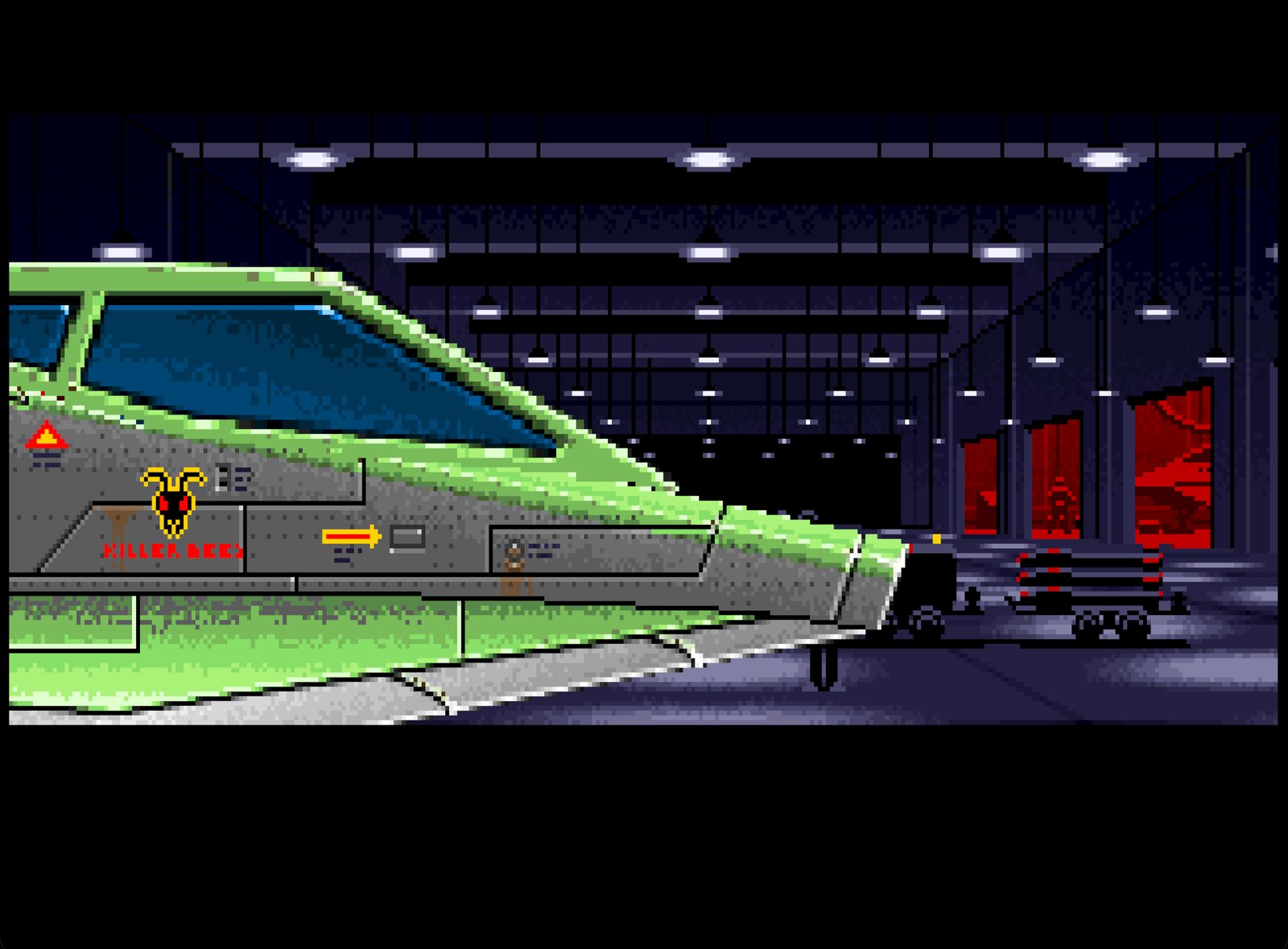
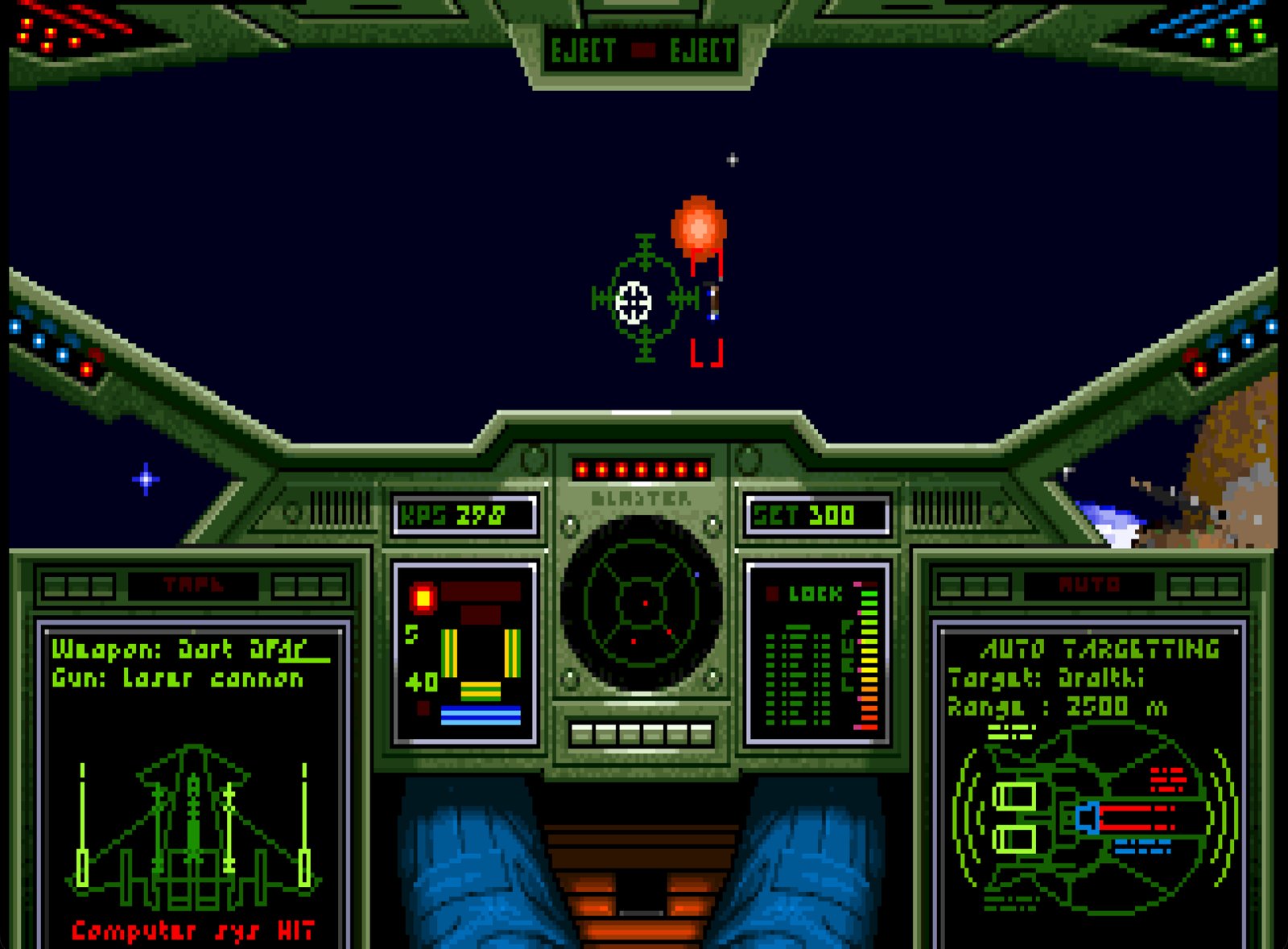
A VR port of Wing Commander, running standalone on wc1-re, the source reconstruction of the DOS original. In flight, space is rendered in stereo around you: Kilrathi fighters, missiles and capital ships sit at their real distance, stars stay fixed at infinity, and you can look around freely. You sit in a 3D cockpit built from the original cockpit art, with live gauges, radar and HUD. The Tiger's Claw, the bar, briefings and cutscenes play on a big virtual screen. Bring your own copy of the game from GOG.
PICO support is brand new and not tested on PICO hardware yet: reports are very welcome. One APK covers both makes.
Features
- Head-tracked stereo 3D space in flight, ships at their real depth
- 3D cockpit made from the original cockpit art, with live gauges, radar and targeting display
- Reticle and target brackets lined up with the ships
- Full flight control on the Touch controllers, with a soft centre for precise aiming
- Runs on PICO 4 / Neo 3 too, from the same APK (untested)
- Laser pointer for the menus, A/B answer Yes/No prompts
- VR keyboard for your pilot name and callsign
- Settings file for stick response and cockpit distance
Manual
Installation
- Sideload the APK with SideQuest or
adb install -r WingCommanderVR-1.0.1.apk. SideQuest is a Quest tool, so on PICO use adb or whichever sideloader you already use. - From your GOG Wing Commander folder, copy
WC.EXE,SM2.EXEand theGAMEDATfolder to/sdcard/WingCommanderon the headset. Without Windows, the GOG offline installer unpacks with innoextract. - Start Wing Commander VR from Unknown Sources and allow "access to all files" when asked (on PICO: allow storage access; the game then restarts by itself).
Good to know
- The APK contains no game data: you need your own copy of the game.
- PICO needs PICO OS 5.9.0 or newer. The PICO build is untested: if it does not start, or the controllers do nothing, please open an issue on GitHub.
adb logcat -s WC1VR:*shows how far it gets, which is the useful thing to paste in. - Stick response and cockpit distance can be tuned in
/sdcard/WingCommander/vr.cfg(stick_sensitivity,stick_expo,stick_deadzone,dash_distance;cockpit3d=0brings back the flat cockpit). Restart the game after editing. - Ships are the game's original sprites, so in 3D they are flat pictures at the right depth rather than models.
Controller mapping
| Input | Flight | Menus |
|---|---|---|
| Left stick | Pitch and yaw | |
| Right stick | Roll (left/right), throttle (up/down) | |
| Right / left trigger | Guns / missile | Click |
| Right grip | Afterburner | Right-click |
| A | Cycle target | Enter (Yes in a Y/N prompt) |
| B | Select missile | Escape (No in a Y/N prompt) |
| X / Y | Select guns / pause | N / Y |
| Left stick click | Nav map (hold 1 s: recenter) | Hold 1 s: recenter |
| Right stick click | Autopilot | |
| Menu button | Escape | Escape |
| Left grip + A / B | Lock target / full stop | |
| Left grip + X / Y | Comms / full speed |
Button names are those of the Meta Quest controllers; PICO controllers use the same layout. Point the laser at the screen and pull either trigger to click; the hand that pulls last aims.
Download
Install from your browser
Over USB, for Meta Quest and PICO: installs the app and copies your own game files to the right place. No SideQuest, no adb. Works in Chrome or Edge on a PC, Mac or Android phone.
The installer needs JavaScript. Use the manual download below.
First time? Before you start
- Turn on developer mode. Quest: Meta Horizon app on your phone → Devices → your headset → Headset settings → Developer mode. PICO: Settings → General → About → tap Software version 7 times, then Settings → Developer → turn on USB debugging.
- Connect the headset to this computer with a USB cable that carries data (not a charge-only cable).
- Close SideQuest and Meta Quest Developer Hub. If you use adb, run
adb kill-serverfirst: only one program can talk to the headset at a time. - Windows: if the headset doesn't show up in the list, install the Meta Quest ADB driver.
- After pressing Connect, put on the headset and allow USB debugging for this computer.
Wing Commander VR 1.0.1 latestquest-vr-1.0.1 · 24 Oct 2026
All releases: github.com/SgtBilko76/wc1-re-vr/releases
Need help or found a bug? Ask in #support on our Discord, and get new releases in #new-releases.
Join the DiscordPictures & video