
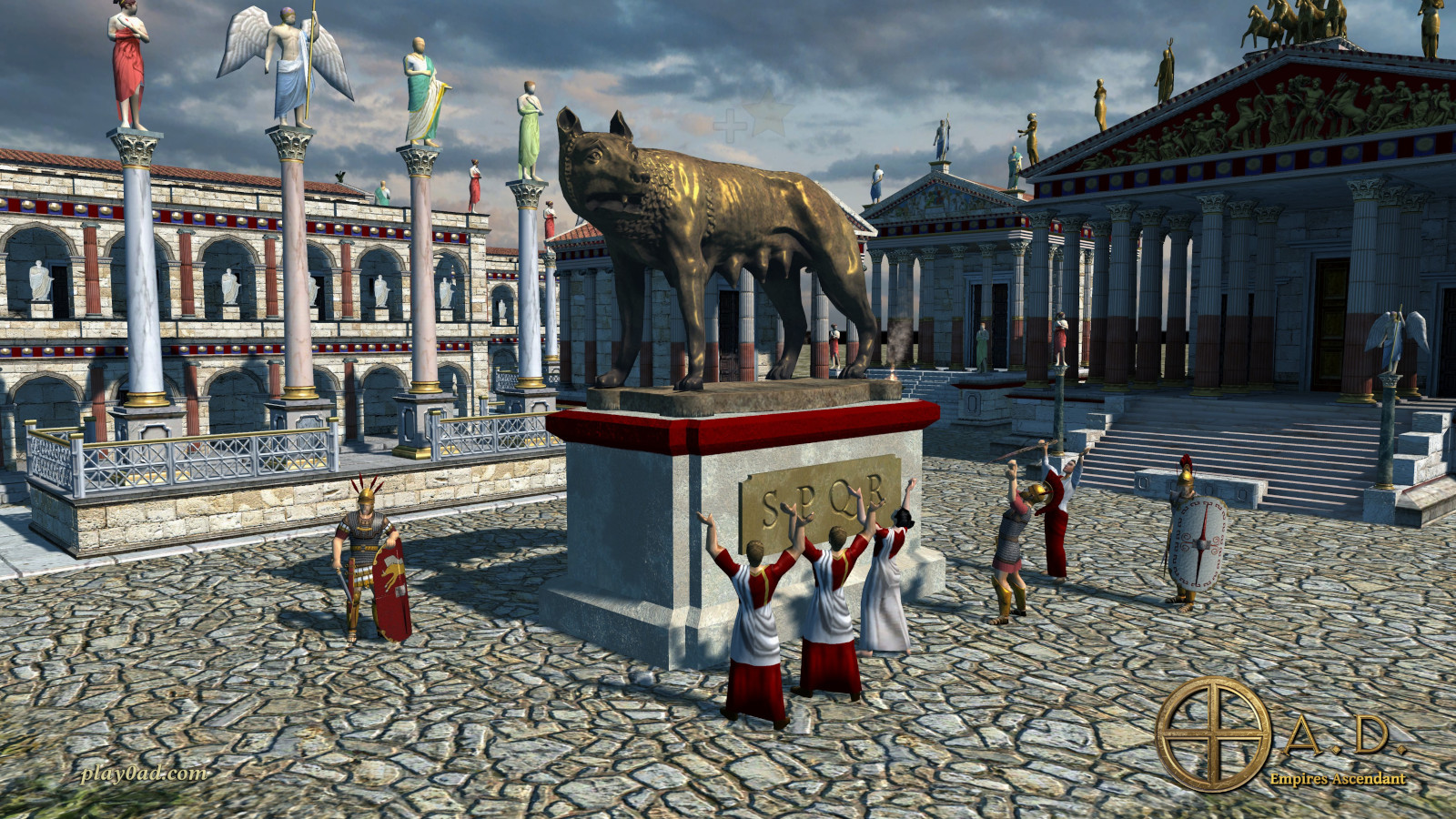
0 A.D. VR
Ancient-world real-time strategy on a battlefield table in front of you.
About
A native port of 0 A.D., Wildfire Games' free real-time strategy game, for Meta Quest and PICO. The battlefield stands as a 3D table in front of you, and the menus and HUD float on a panel above it.
Play in VR, with the sky around the table, or in mixed reality with your own room around it. A short click on the left stick switches between them.
Tested on Meta Quest 3 and PICO: the same APK runs on both.
Features
- Battlefield as a stereo 3D tabletop with head tracking
- VR and mixed reality (passthrough) modes
- Laser pointer with a cursor on the battlefield and drag-to-select
- Virtual keyboard for chat, player names and the lobby
- Skirmishes against the computer, all civilisations of the game
- Runs on PICO headsets with the same APK (tested)
Manual
Installation
- Enable developer mode on your Quest.
- Download the APK below.
- Sideload it with SideQuest or
adb install -r <file>.apk. - Launch it from Library → Unknown Sources.
Before the first start, download 0AD-VR-Quest-data-v0.1.0-beta.zip, unzip it and copy the 0AD folder to the headset's internal storage (adb push 0AD /sdcard/), so you end up with /sdcard/0AD/data. On the first start allow All files access and start the game again. SideQuest is a Quest tool, so on PICO install with adb install -r (or your usual sideloader).
Good to know
- The game data is a separate download (about 2 GB) on the release page, next to the APK. The install box below can copy the unzipped
0ADfolder for you. - PICO needs PICO OS 5.9.0 or newer: only from that version does the PICO runtime work with the generic Khronos OpenXR loader the port uses.
- Known issues: short freezes now and then while the computer players think.
Controller mapping
| Input | Left controller | Right controller |
|---|---|---|
| Laser | Mouse pointer | |
| Trigger | Shift (batch training, add to selection) | Select / click, hold and drag for a selection box |
| Grip | Ctrl (control groups) | Order: move, attack, gather |
| Stick | Scroll the map | Rotate (left/right), zoom (up/down) |
| Stick click (short) | Switch VR / mixed reality | |
| A / X | Select idle worker | Follow selection |
| B / Y | Pause | Cancel |
| Menu button | Game menu | |
| Both sticks held 1 s | Recenter the table |
PICO controllers use the same button layout.
Download
Install from your browser
Over USB, for Meta Quest and PICO: installs the app and copies your own game files to the right place. No SideQuest, no adb. Works in Chrome or Edge on a PC, Mac or Android phone.
The installer needs JavaScript. Use the manual download below.
First time? Before you start
- Turn on developer mode. Quest: Meta Horizon app on your phone → Devices → your headset → Headset settings → Developer mode. PICO: Settings → General → About → tap Software version 7 times, then Settings → Developer → turn on USB debugging.
- Connect the headset to this computer with a USB cable that carries data (not a charge-only cable).
- Close SideQuest and Meta Quest Developer Hub. If you use adb, run
adb kill-serverfirst: only one program can talk to the headset at a time. - Windows: if the headset doesn't show up in the list, install the Meta Quest ADB driver.
- After pressing Connect, put on the headset and allow USB debugging for this computer.
0 A.D. VR for Meta Quest v0.1.0-beta latestv0.1.0-beta · 18 Oct 2026
All releases: github.com/SgtBilko76/0AD-VR/releases
Need help or found a bug? Ask in #support on our Discord, and get new releases in #new-releases.
Join the DiscordPictures & video
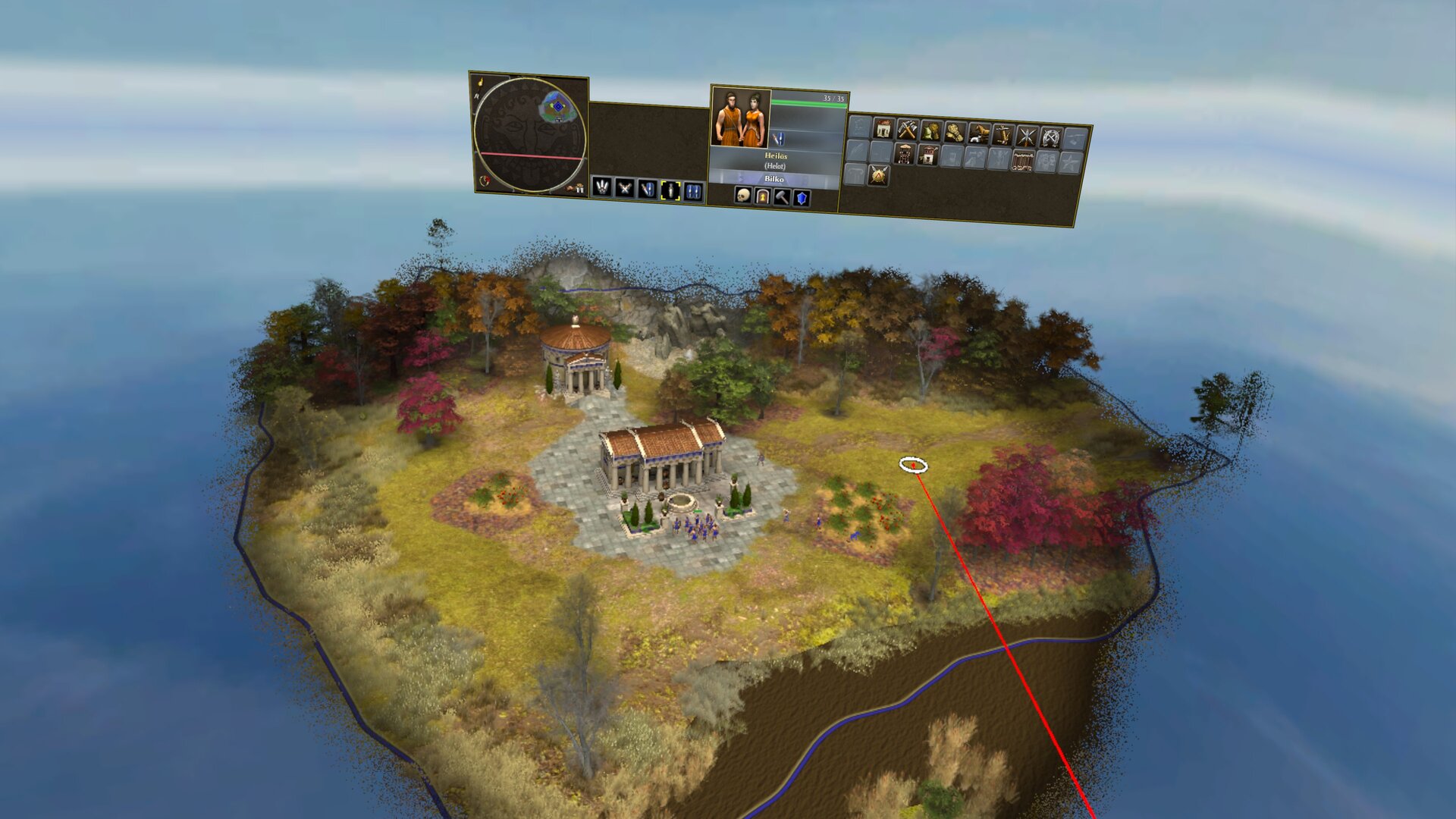
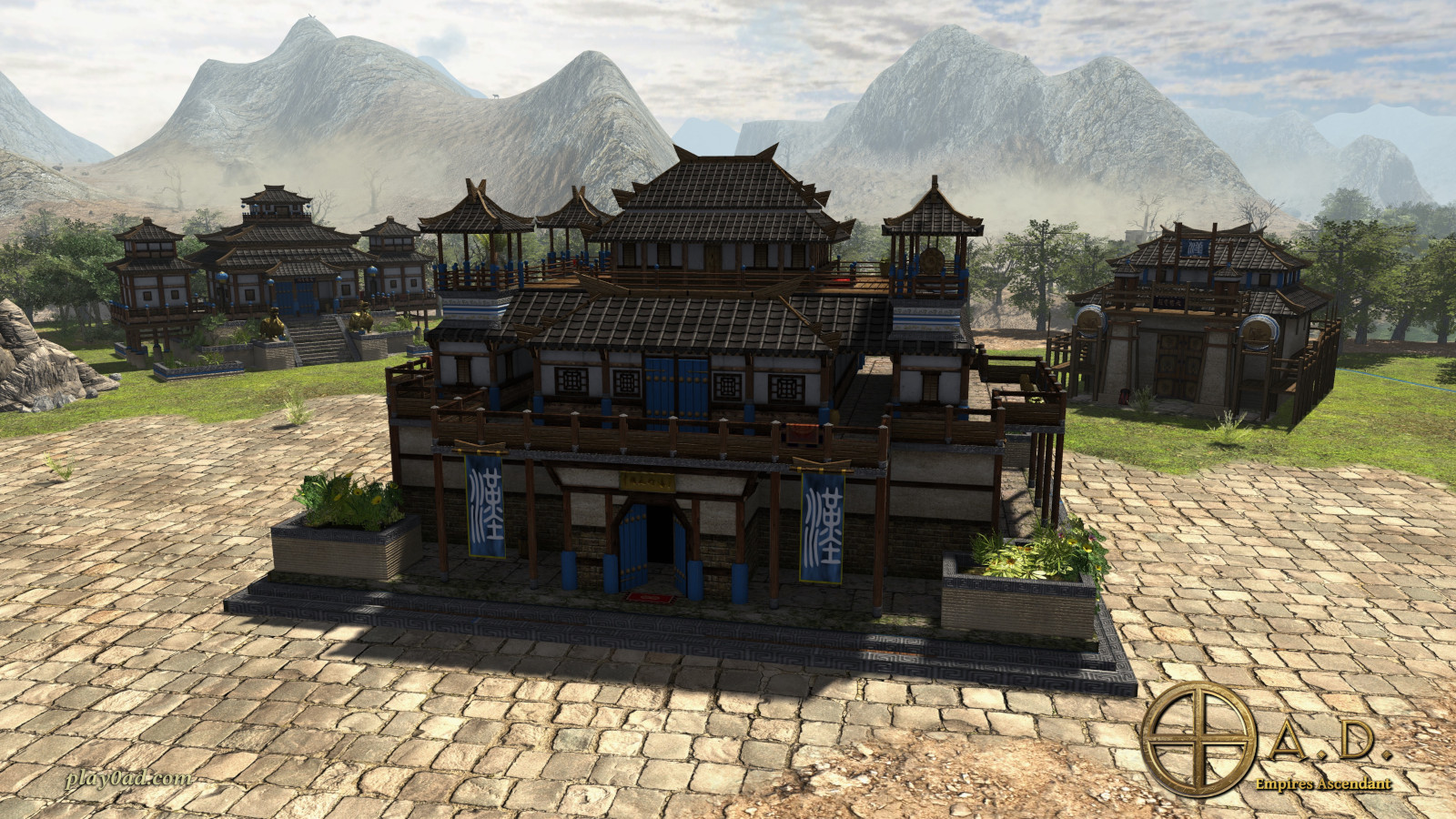
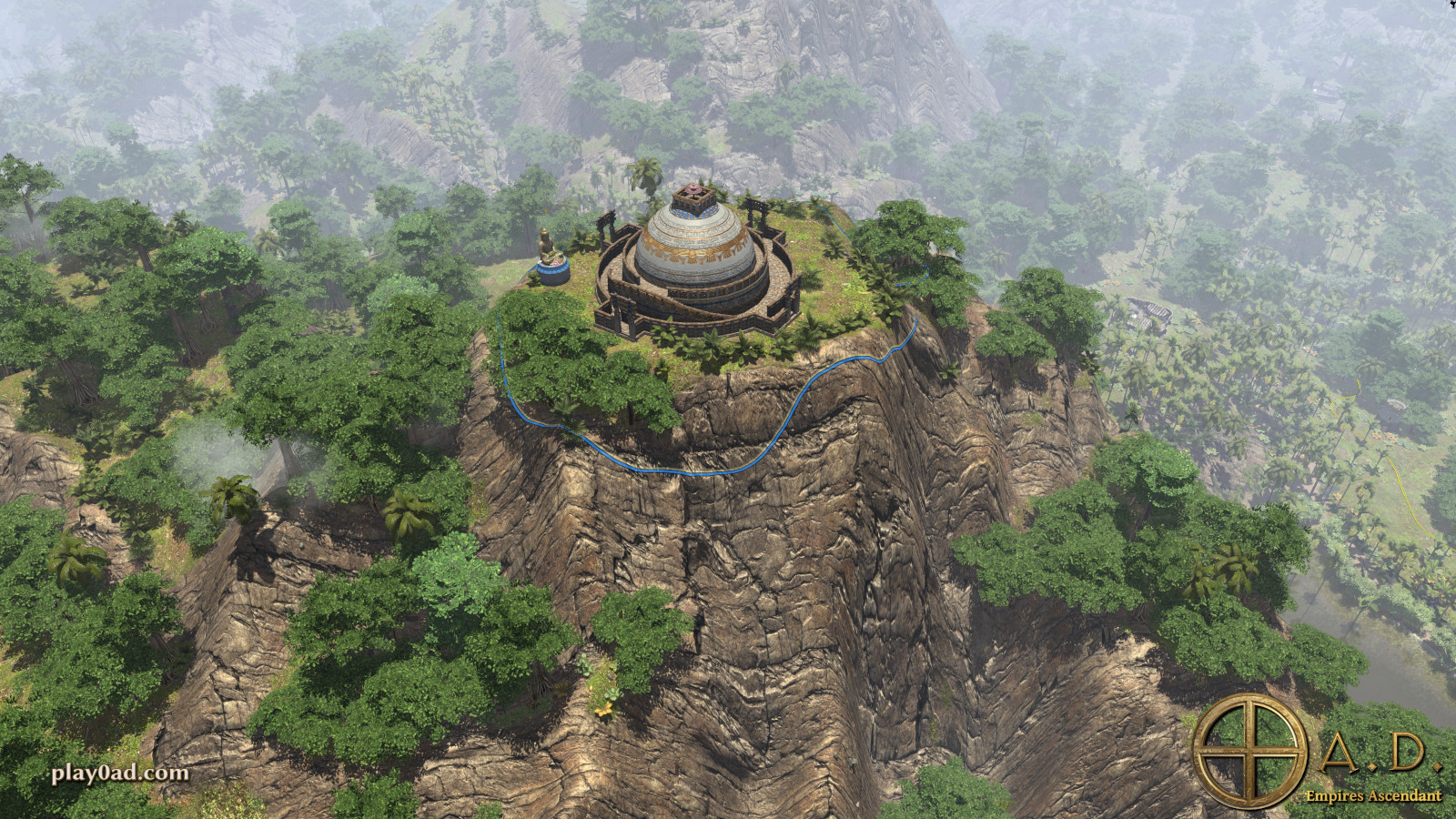
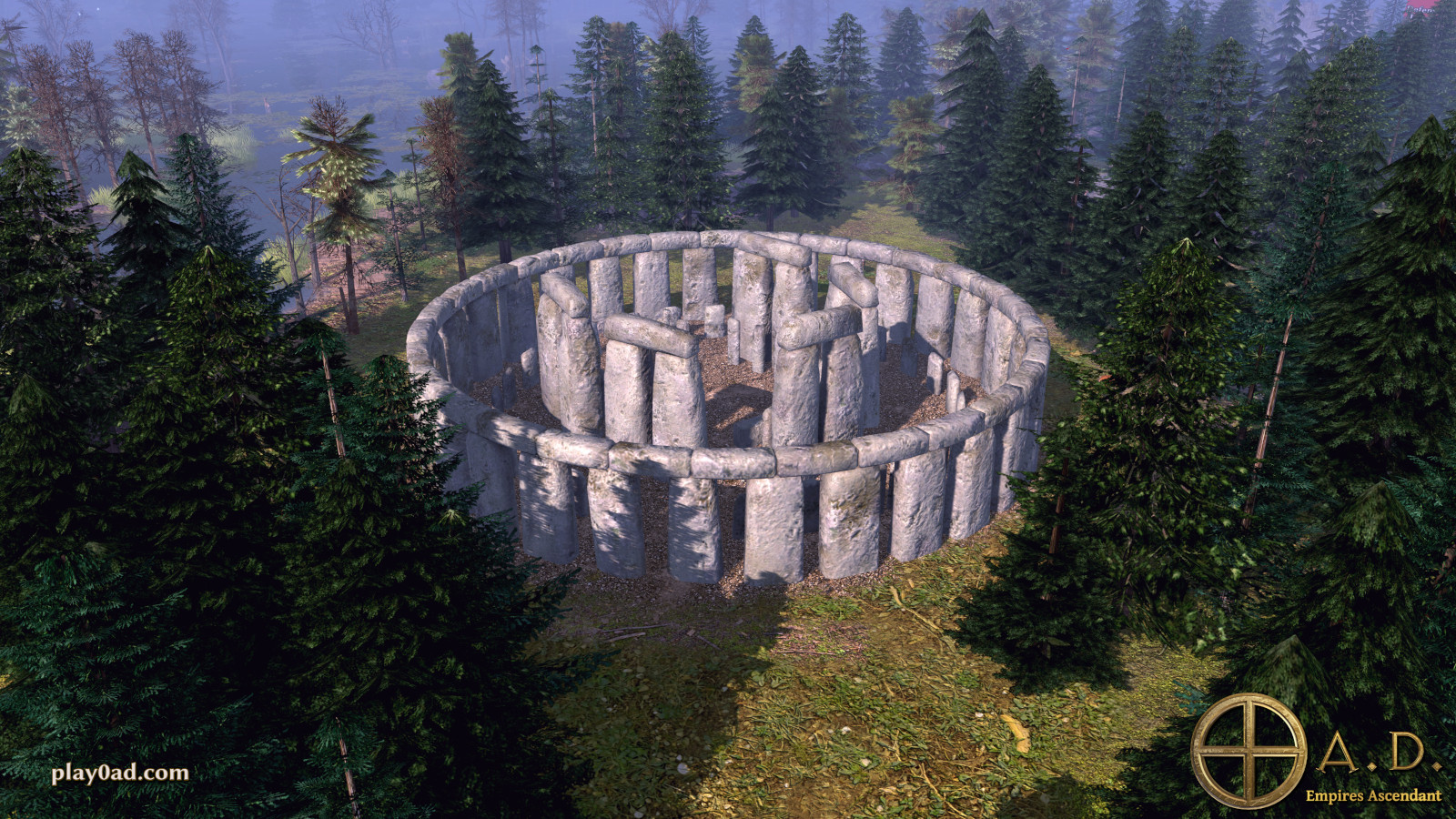
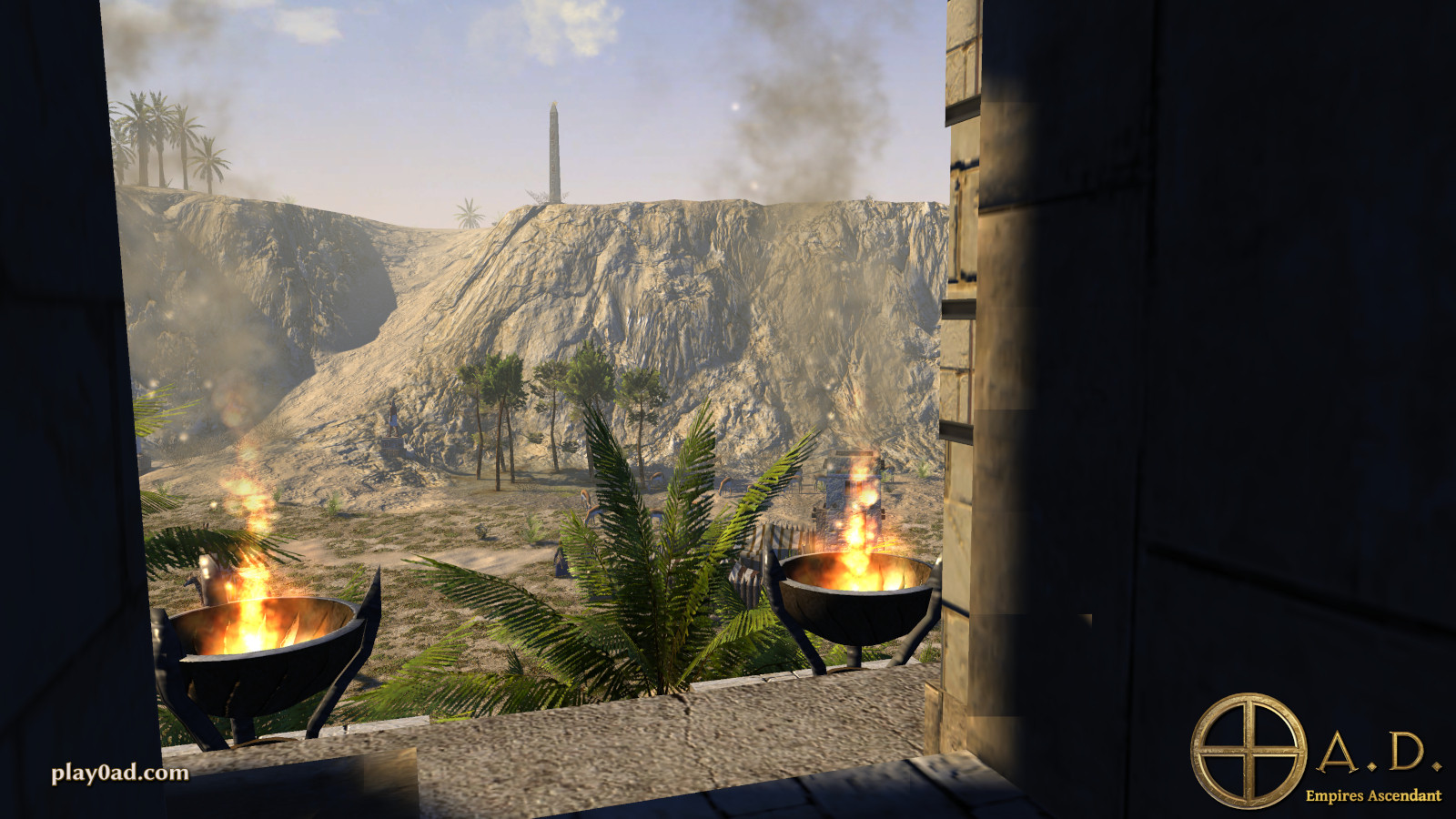
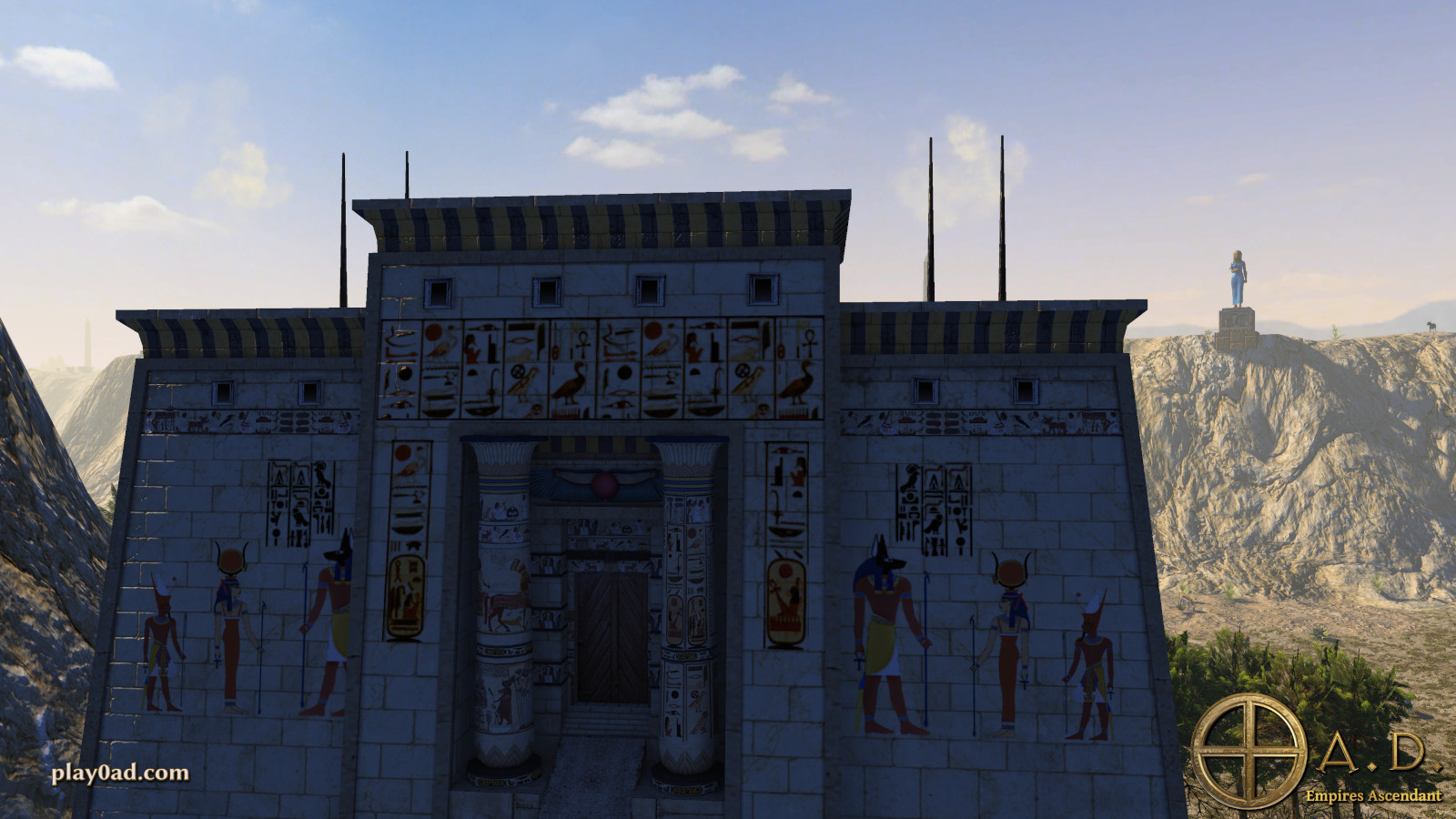
Credits: Based on 0 A.D. by Wildfire Games (code GPL v2+, art CC BY-SA 3.0). Picture 2: captured on a Meta Quest 3; pictures 1 and 3–7: play0ad.com screenshots by Wildfire Games, CC BY-SA 3.0.