
Wing Commander Saga VR
The free Wing Commander fan game Wing Commander Saga in stereo 3D, standalone on Meta Quest.
About
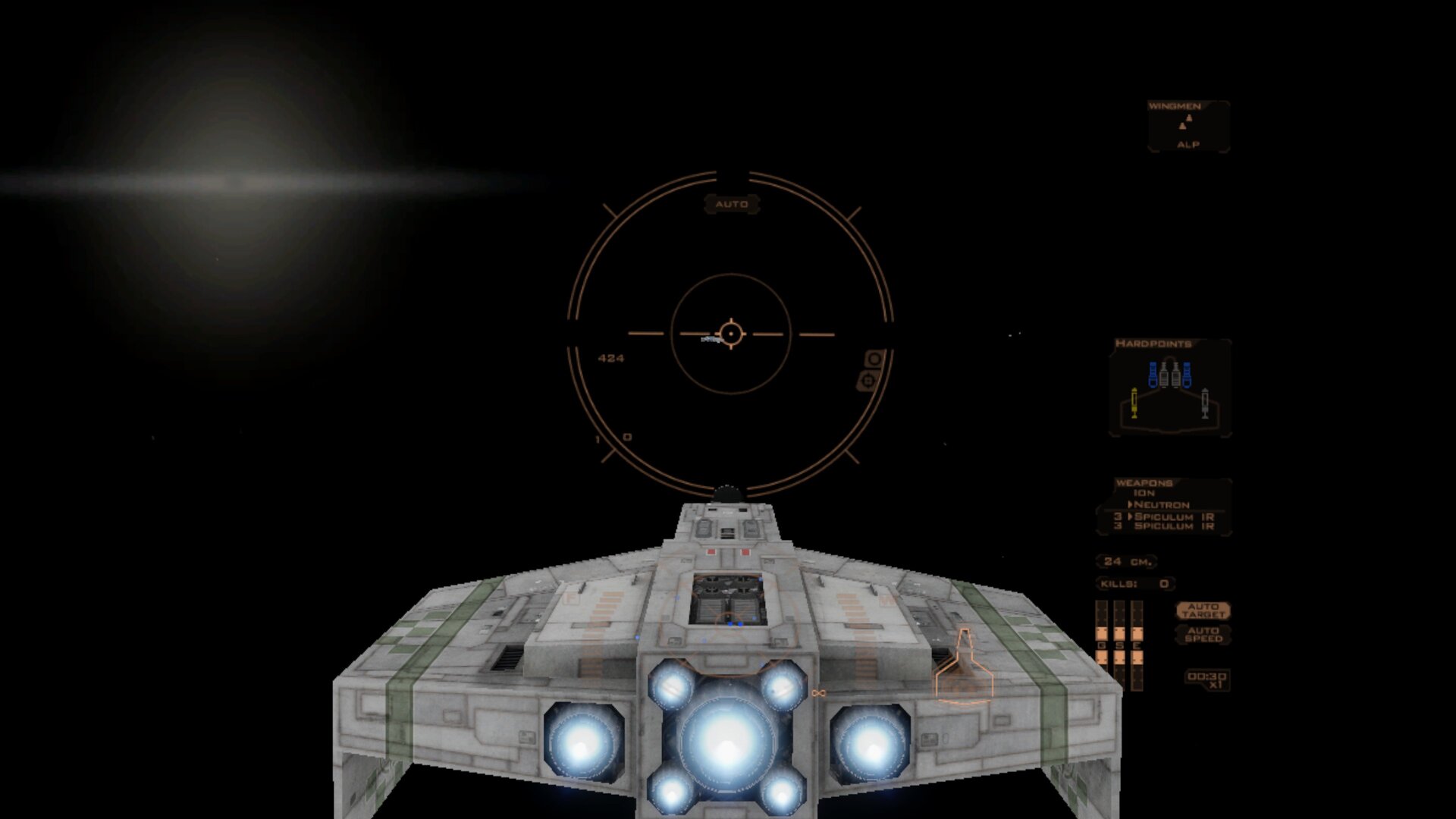
A VR port of Wing Commander Saga, the free fan-made Wing Commander game, running standalone on the FreeSpace Open engine. Space is rendered in stereo around you, the HUD floats in front of your ship and lines up with your guns, and the menus, briefings and cutscenes play on a big virtual screen.
Features
- Head-tracked stereo 3D space in flight
- HUD fixed in front of the ship, with crosshair, target brackets and lead indicators lined up with your guns
- Full flight control on the controllers: throttle lever on the right stick, a second button layer on the left grip, remappable in Options → Controls
- Chase view behind your ship
- Full lighting with ship shine, environment reflections and anti-aliasing
- Laser pointer for the menus
- Laser keyboard for typing your pilot callsign
- One-Tap Installer: no PC needed, the app downloads and installs the free game data by itself on the first start
Manual
Installation
- Sideload the APK with SideQuest or
adb install -r WCSaga-VR-v0.1.5-beta.apk. - Start Wing Commander Saga VR from Unknown Sources. The One-Tap Installer opens: press Allow file access, switch on "Allow access" and press Done.
- Press Download and install. The game data is downloaded from the official FSNebula mod repository, checked and unpacked on the headset (about 10–20 minutes, depending on your Wi-Fi). Keep the headset on; if it gets interrupted, start the app again and it continues where it stopped. When it is finished, the game starts, and later starts go straight into the game.
- Already have the game data? If the folder
/sdcard/WCSaga/Wing_Commander_Saga/dataexists, the installer is skipped. You can put it there yourself with get_wcs_data.py (python3 get_wcs_data.py WCSaga --push) or by copying a Windows install of the full game + patch v1.1.0.7822 from wcsaga.com with SideQuest.
Good to know
- The APK contains no game data; Wing Commander Saga is free, and the One-Tap Installer downloads it on the first start.
- Flight runs at about 26–30 fps; menus run at full speed.
- Shadows are off by default to keep the frame rate up; you can turn them on in Options → Graphics → Shadow Quality.
- There is no 3D cockpit: Wing Commander Saga has no cockpit models.
- Tested on Meta Quest 3 only.
Controller mapping
| Input | Flight | Menus |
|---|---|---|
| Left stick | Pitch and turn | |
| Right stick | Roll (left/right), throttle (up/down, stays where you leave it) | |
| Right / left trigger | Guns / missiles | Click |
| Right grip (hold) | Afterburner | |
| A / B | Target nearest enemy / target ship in crosshair | Enter / Escape |
| X / Y | Next missile type / next gun type | |
| Left / right stick click | Autopilot / match target speed | |
| Left Menu button | Pause menu | Escape |
| Left grip + A / B | Next target / target your target's attacker | |
| Left grip + X / Y | Next subsystem on target / comms menu | |
| Left grip + right stick up / down | Full speed / full stop | |
| Left grip + left / right stick click | Look behind / chase view on and off |
Button names are those of the Meta Quest controllers. In the comms menu, left stick up/down picks an order, A or a trigger confirms it and Y closes the menu. Every flight binding can be changed in Options → Controls; "Reset to default" brings this layout back.
Download
Install from your browser
One click over USB, for Meta Quest and PICO: no SideQuest needed. Works in Chrome or Edge on a PC, Mac or Android phone.
The installer needs JavaScript. Use the manual download below.
First time? Before you start
- Turn on developer mode. Quest: Meta Horizon app on your phone → Devices → your headset → Headset settings → Developer mode. PICO: Settings → General → About → tap Software version 7 times, then Settings → Developer → turn on USB debugging.
- Connect the headset to this computer with a USB cable that carries data (not a charge-only cable).
- Close SideQuest and Meta Quest Developer Hub. If you use adb, run
adb kill-serverfirst: only one program can talk to the headset at a time. - Windows: if the headset doesn't show up in the list, install the Meta Quest ADB driver.
- After pressing Connect, put on the headset and allow USB debugging for this computer.
Wing Commander Saga VR v0.1.5-beta (Meta Quest 3) latestv0.1.5-beta · 18 Oct 2026
All releases: github.com/SgtBilko76/WCSaga-VR/releases
Need help or found a bug? Ask in #support on our Discord, and get new releases in #new-releases.
Join the DiscordPictures & video
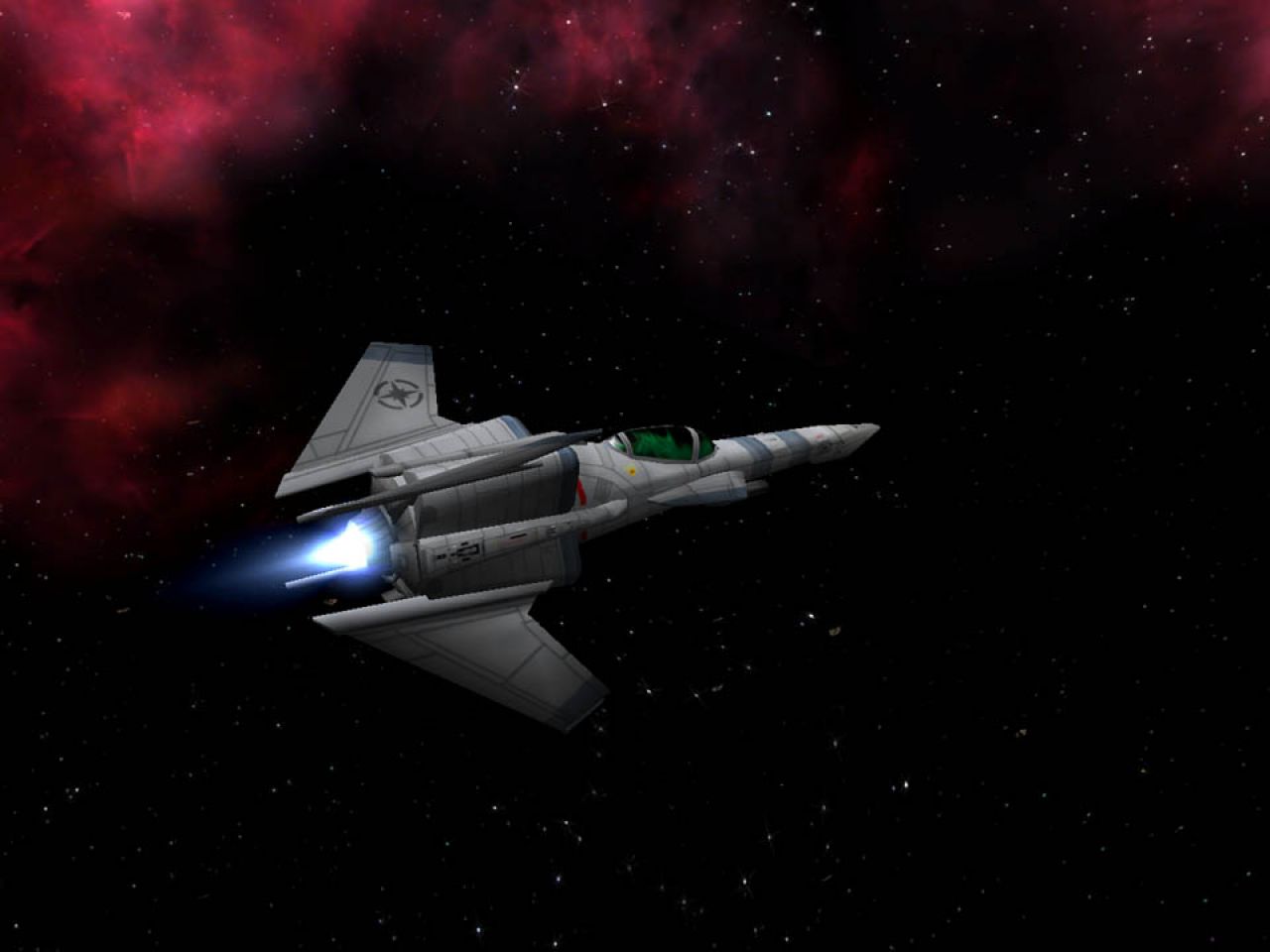
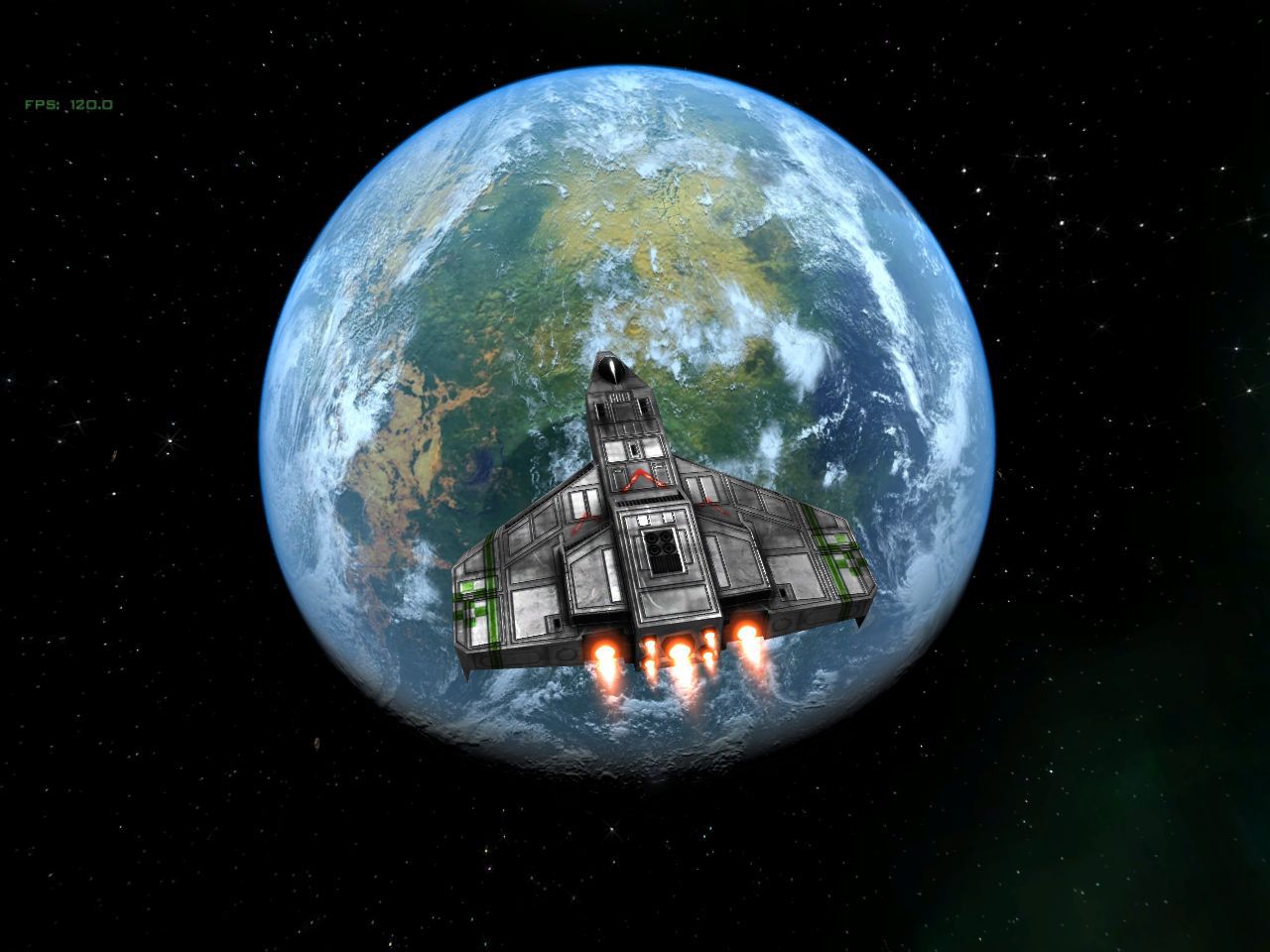
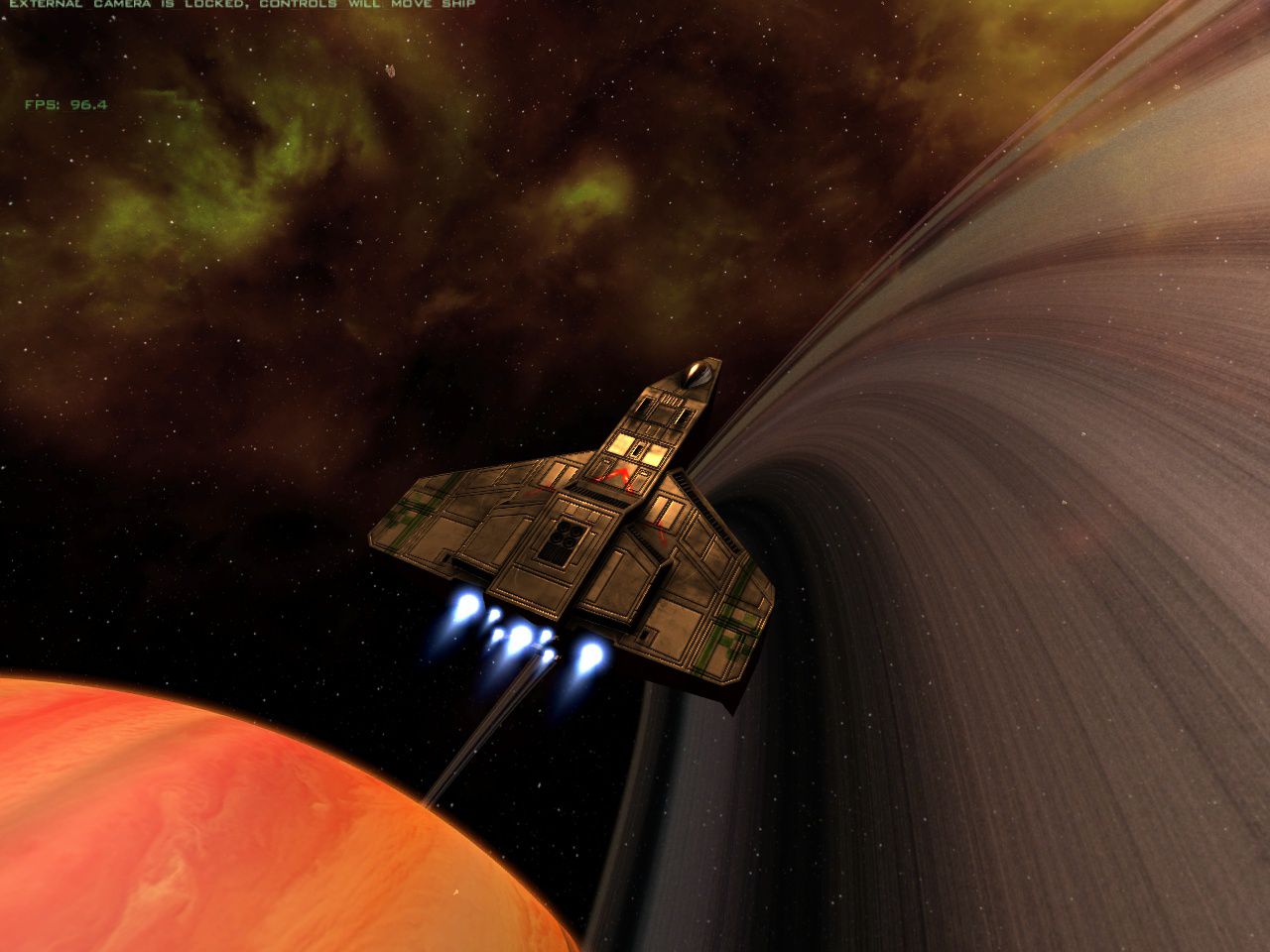
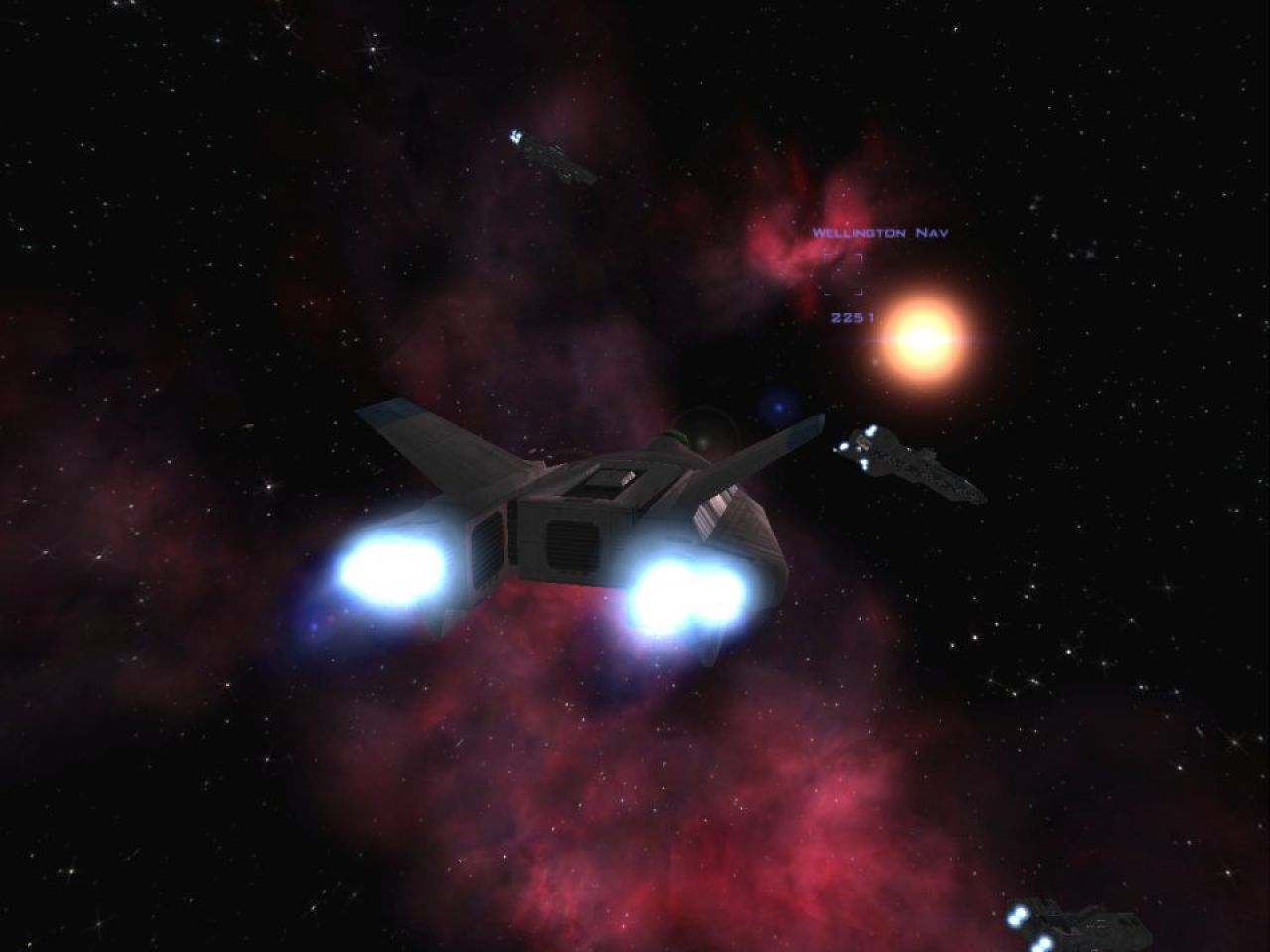
Credits: Wing Commander Saga by the Wing Commander Saga team; FreeSpace Open by the Source Code Project. Wing Commander is a trademark of Electronic Arts; Wing Commander Saga is a non-commercial fan project. Picture 1: captured on a Meta Quest 3; pictures 2–5: wcsaga.com.