
Bugdom VR
Pangea's 1999 bug adventure in stereo 3D, standalone on Meta Quest.
About
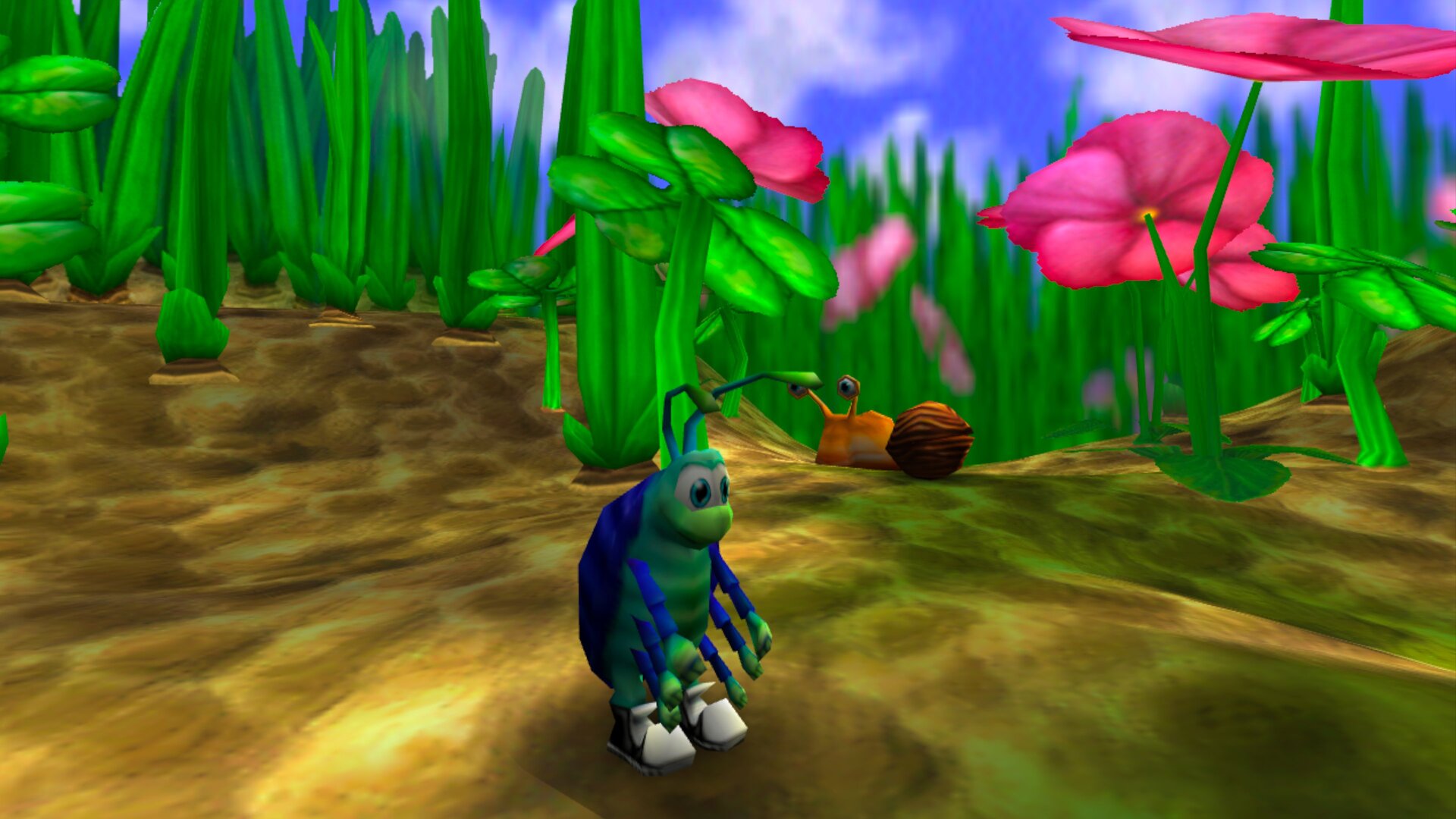
Bugdom, Pangea Software's 1999 3D platformer in Iliyas Jorio's modern port, running natively on Meta Quest through OpenXR. You play Rollie McFly, a pill bug out to free the ladybugs from King Thorax.
The world is rendered in stereo 3D around you, with the chase camera behind Rollie and the horizon kept level. The HUD floats on a panel in front of you, and menus are point-and-click with the controller laser.
The game data is free and comes inside the APK, so there is nothing else to copy. PICO support is built in but not tested on PICO hardware yet: reports are very welcome.
Features
- Stereoscopic 3D with head tracking, 4x antialiasing
- Chase camera with a level horizon and 30° snap turns
- Recenter: automatic on start, or hold the right stick click for 1 second (sets forward and eye height, seated or standing)
- In-game HUD bars moved toward the edges of your view, so they don't cover the action
- Point-and-click menus with the right controller's laser
- Correct colors (sRGB output, no washed-out look)
- One APK for Quest and PICO; game data included
Manual
Installation
- Enable developer mode on your headset.
- Download the APK below.
- Sideload it with SideQuest or
adb install -r Bugdom-VR-1.3.5-beta1.apk. On PICO use adb or whichever sideloader you already use. - Launch Bugdom from Library → Unknown Sources on Quest, or from your library on PICO.
Good to know
- This is the first public beta, tested on Quest 3. Please report problems on GitHub.
- PICO needs PICO OS 5.9.0 or newer: only from that version does the PICO runtime work with the generic Khronos OpenXR loader the port uses.
- The APK is signed with a debug key (sideload only).
- Bugdom is licensed CC BY-NC-SA 4.0: free to share, not for sale.
Controller mapping
| Input | In game | In menus |
|---|---|---|
| Left stick | Move | – |
| Right stick left / right | Snap turn (30°) | – |
| Right stick up / down | Camera | – |
| Right stick click (hold 1 s) | Recenter | Recenter |
| A | Jump | Confirm |
| B | Roll into a ball | – |
| X or right trigger | Kick | Confirm |
| Y | Buddy attack | – |
| Left / right grip | Zoom camera in / out | – |
| Menu button | Pause | – |
| Right controller laser | – | Point at items |
Button names are those of the Meta Quest controllers; PICO controllers use the same layout.
Download
Bugdom VR 1.3.5 beta 1 (Meta Quest / Pico) latestv1.3.5-vr-beta1 · 01 Oct 2026
All releases: github.com/SgtBilko76/Bugdom/releases
Need help or found a bug? Ask in #support on our Discord, and get new releases in #new-releases.
Join the DiscordPictures & video
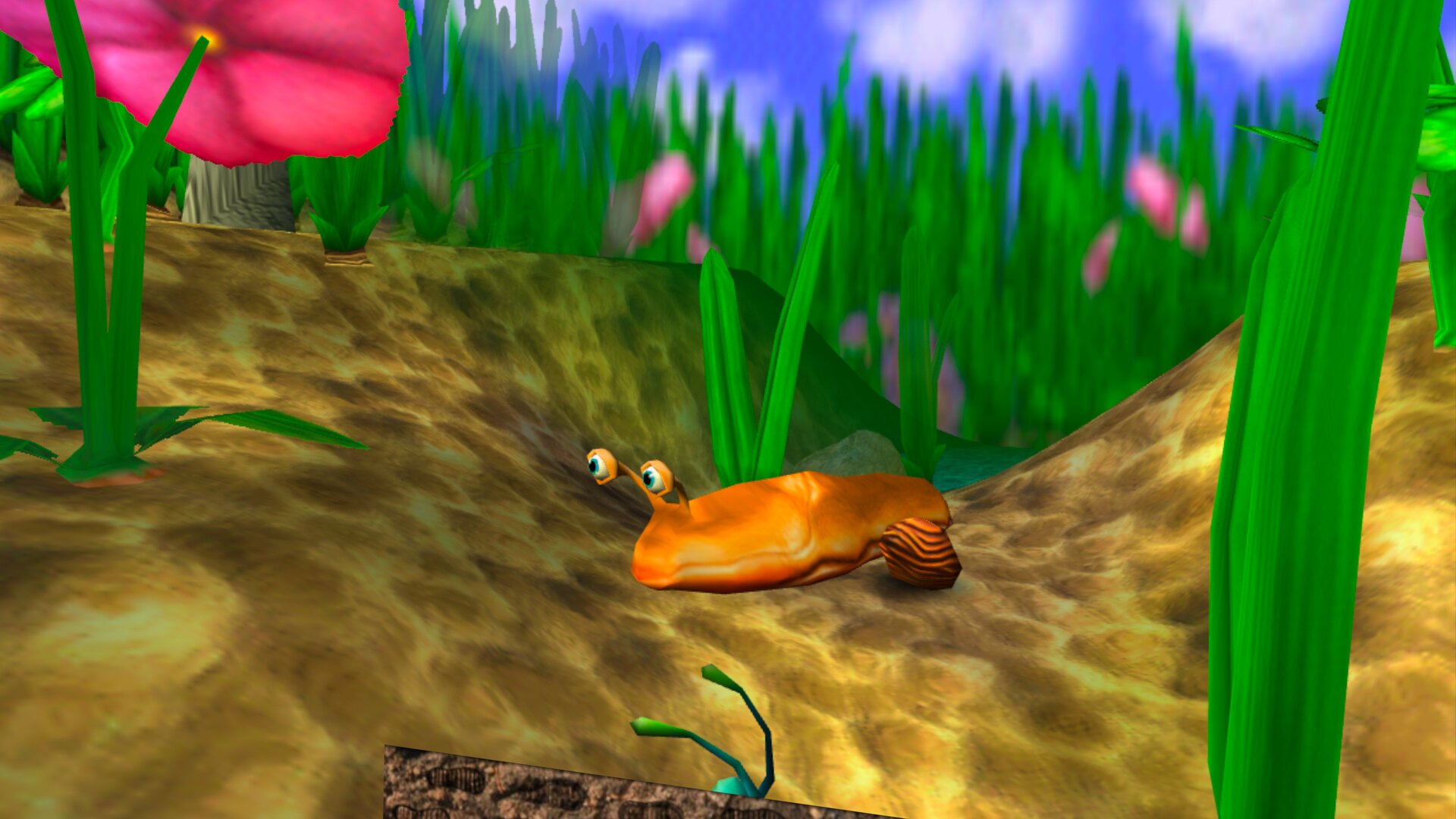
Credits: Based on Bugdom by Iliyas Jorio, approved by Pangea Software. Bugdom © 1999 Pangea Software, Inc. License: CC BY-NC-SA 4.0. Pictures: captured on a Meta Quest 3.