
Luanti VR
The open-source voxel game engine (formerly Minetest), block by block in VR.
About
A native port of Luanti (formerly Minetest) for Meta Quest and PICO. The same APK works on both headsets. The world is rendered in stereo with head tracking, you dig and build by pointing the right controller, and the menus, inventory and chat float in front of you on a panel you use with a laser pointer.
Everything from the desktop version is there: singleplayer and multiplayer, and the games, mods and texture packs from ContentDB, which you can install right inside the game. A VR keyboard pops up whenever you need to type, for world names, chat or server addresses.
PICO support is brand new and not tested on PICO hardware yet: reports are very welcome.
Features
- Stereo rendering with head tracking
- Dig, attack and place by pointing the right controller
- Smooth movement and snap turning
- Floating menu panel with laser pointer, VR keyboard for typing
- Singleplayer and multiplayer, games and mods from ContentDB
- Runs on PICO headsets from the same APK (experimental)
Manual
Installation
- Enable developer mode on your Quest.
- Download the APK below.
- Sideload it with SideQuest or
adb install -r <file>.apk. - Launch it from Library → Unknown Sources.
The first start unpacks the game files, which takes a few seconds. SideQuest is a Quest tool, so on PICO install with adb install -r (or your usual sideloader) and launch it from your library.
Good to know
- Luanti is an engine: pick a game on the first start. Mineclonia, VoxeLibre and Minetest Game can be installed from the Content tab.
- The PICO build is untested: if it does not start, or the controllers do nothing, please open an issue on GitHub.
- PICO needs PICO OS 5.9.0 or newer: only from that version does the PICO runtime work with the generic Khronos OpenXR loader the port uses.
- The package name is
net.minetest.minetest, the same as the regular Luanti Android app, so the two can't be installed side by side. - Settings starting with
vr_inminetest.confadjust resolution, MSAA, panel size and snap turn angle.
Controller mapping
| Input | Menus | Game |
|---|---|---|
| Right hand pointer | Move the cursor | Aim |
| Right trigger | Click / type on the VR keyboard | Dig / attack |
| Right grip | Right click | Place / use |
| Left trigger | Place / use | |
| Left stick | Scroll | Walk |
| Right stick left / right | Snap turn | |
| Right stick up / down | Scroll | Hotbar slot |
| A | Jump | |
| B | Close menu | Sneak |
| X | Sprint | |
| Y | Close menu | Inventory |
| Left stick click | Toggle fly | |
| Right stick click | Chat | |
| Left grip | Drop item | |
| Menu button | Close menu | Pause menu |
Download
Luanti VR 0.1.1-beta – Quest + PICO latestv0.1.1-beta · 24 Sep 2026
All releases: github.com/SgtBilko76/Luanti-VR/releases
Pictures & video
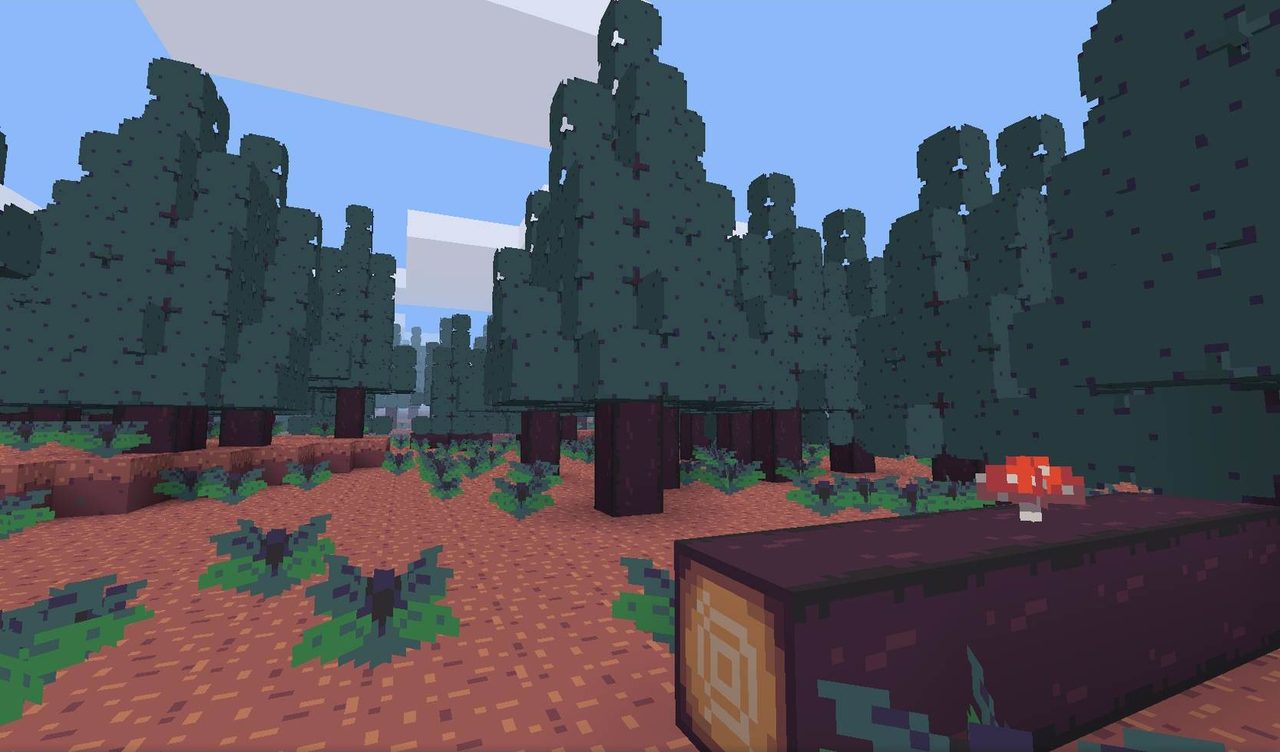
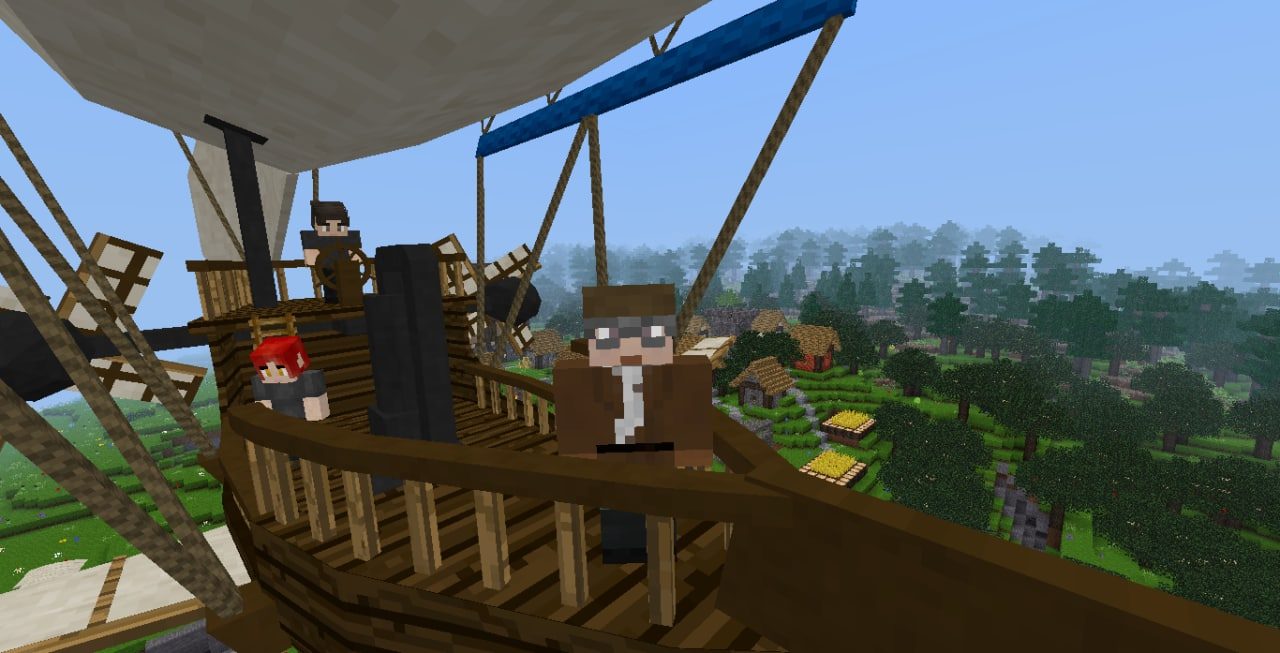
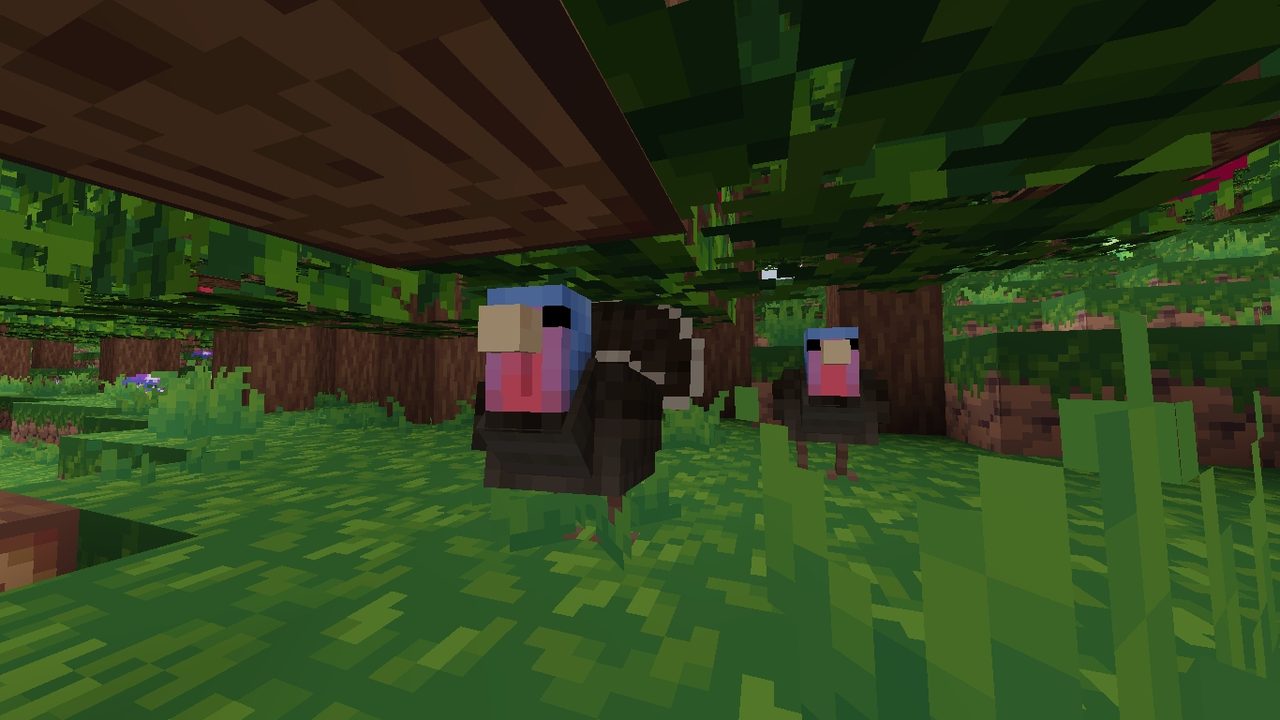
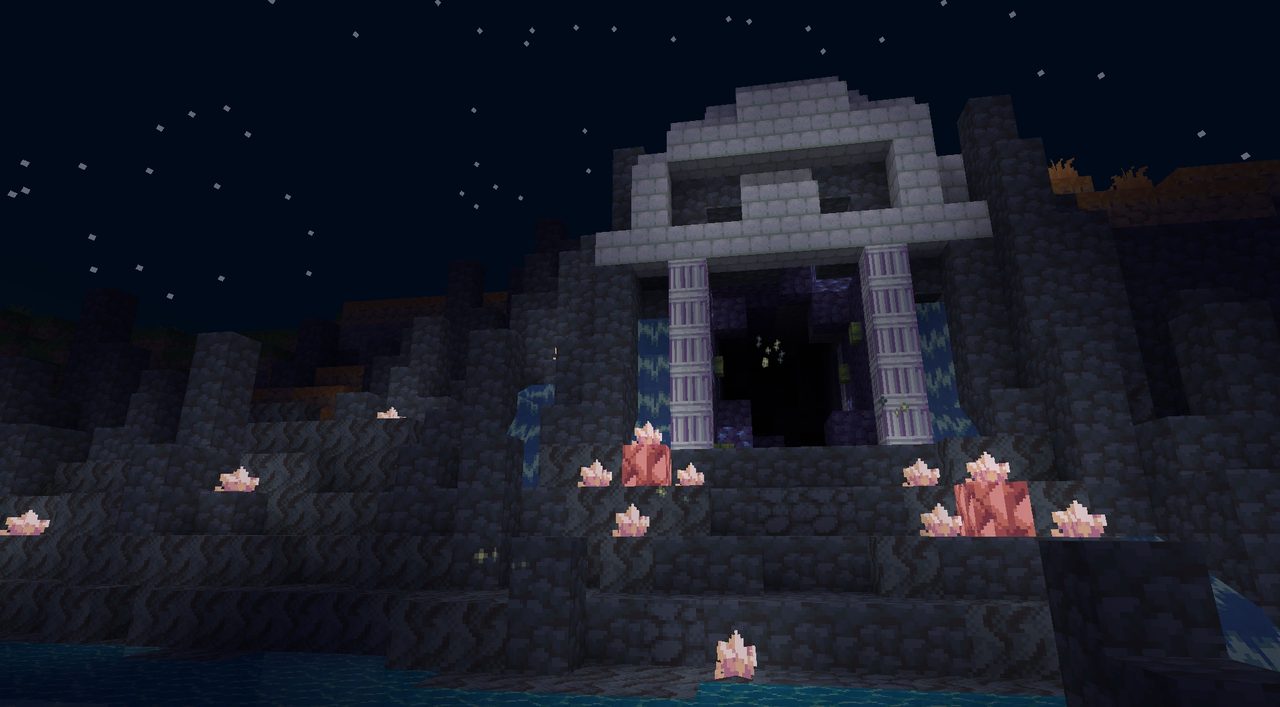
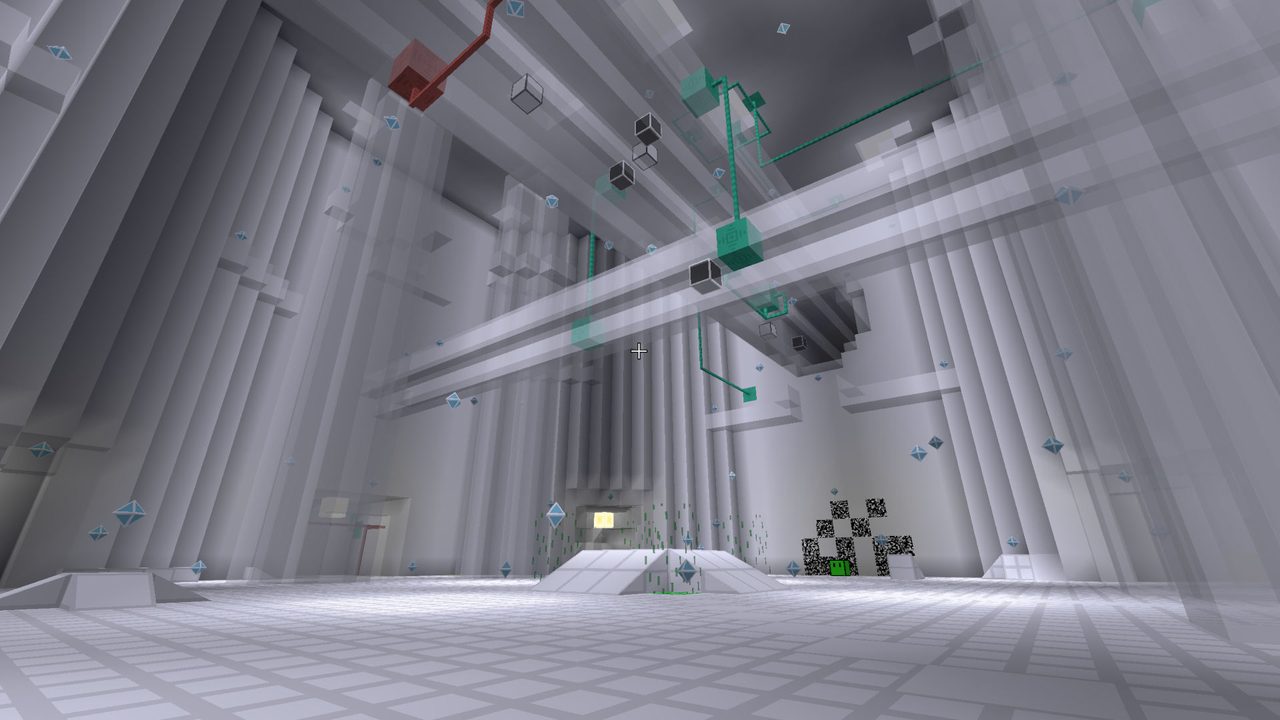
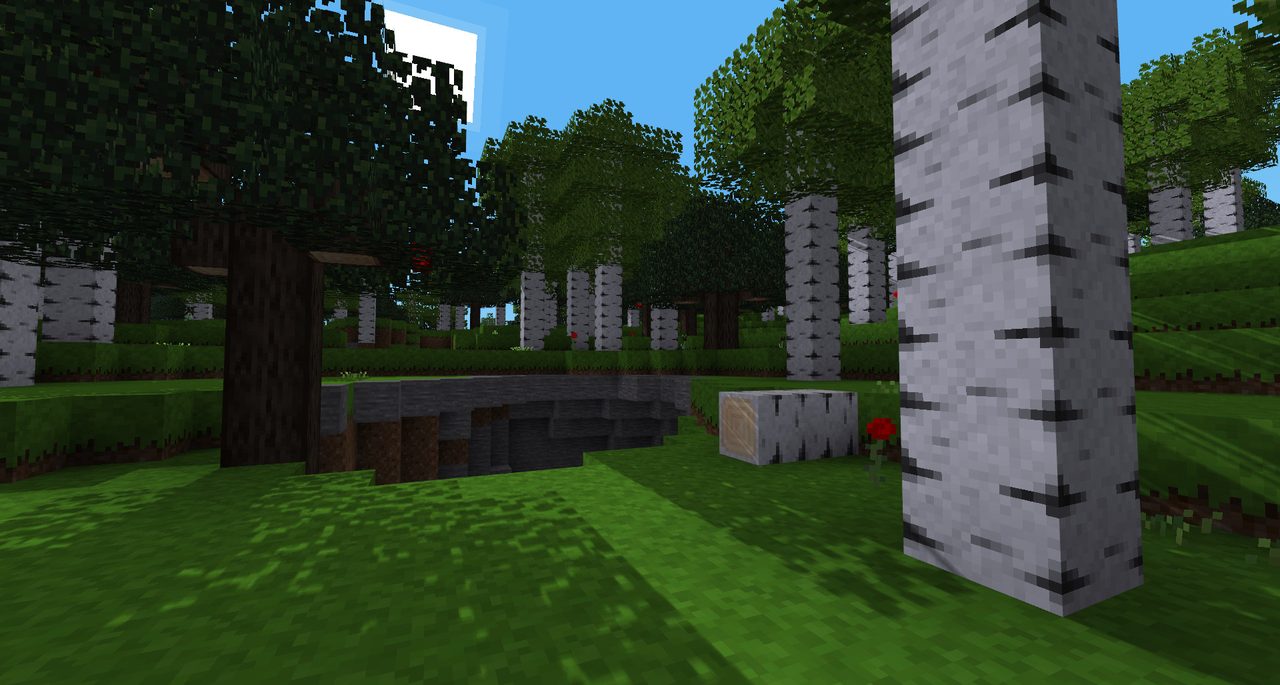
Credits: Based on Luanti by the Luanti contributors, LGPL 2.1+. Pictures (desktop version) from the luanti.org gallery: Minetest Game, Soothing 32, Steampunk Blimp, Animalia, RPG16 and Glitch.