
Fate of the Galaxy VR
Star Wars starfighter combat from the Original Trilogy in stereo 3D, standalone on Meta Quest and PICO.
About
A VR port of Fate of the Galaxy, the free fan-made total conversion set in the Star Wars Original Trilogy, running standalone on the FreeSpace Open engine. Fly for the Rebel Alliance, the Empire or as a smuggler, sit in a full 3D cockpit, and look around the battle in stereo. FreeSpace 2 is not needed: the game itself is free.
PICO support is brand new and not tested on PICO hardware yet: reports are very welcome. One APK covers both makes.
Features
- Head-tracked stereo 3D space in flight
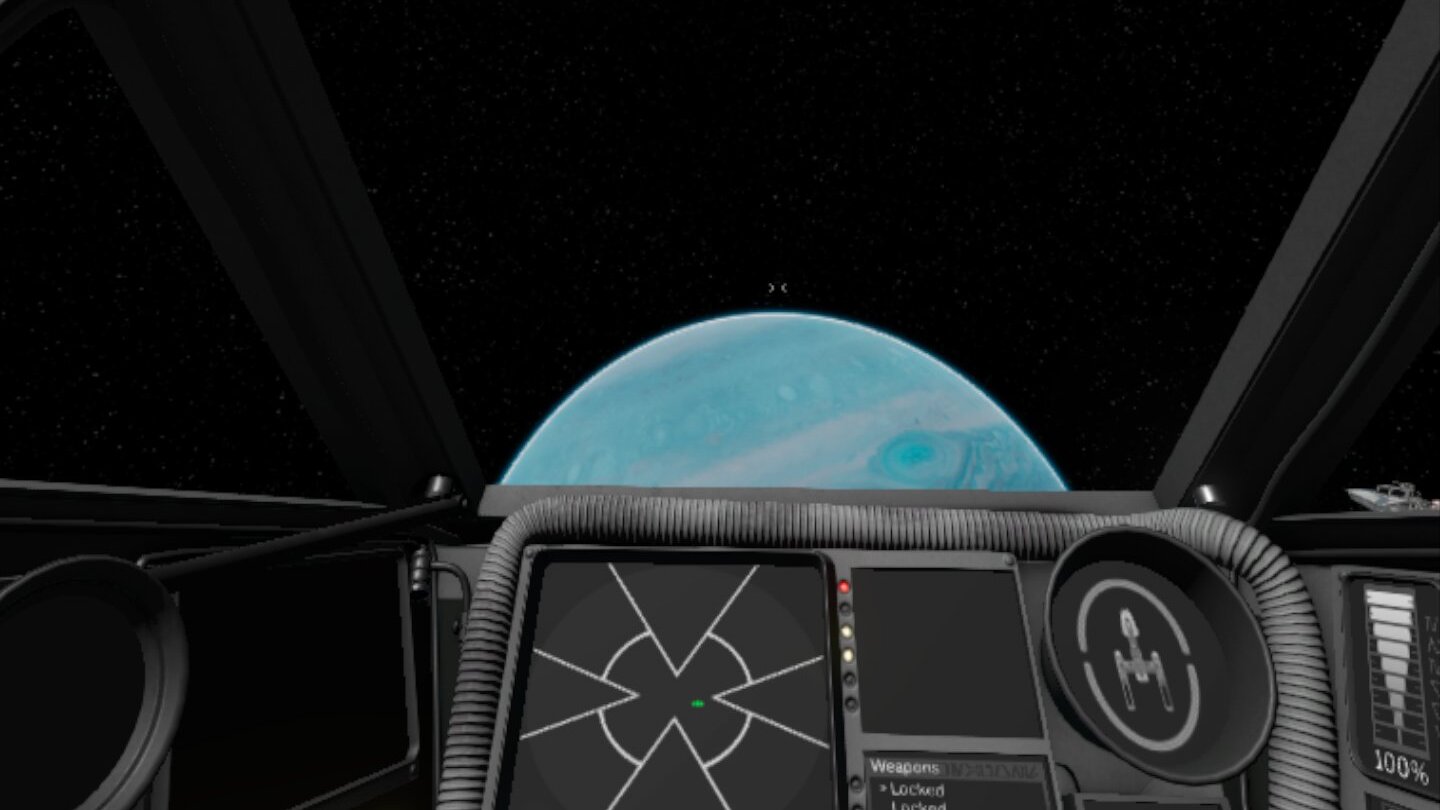
- Full 3D cockpits of the Original Trilogy starfighters, with working instruments
- HUD fixed in front of the ship, with crosshair, target brackets and lead indicators lined up with your guns
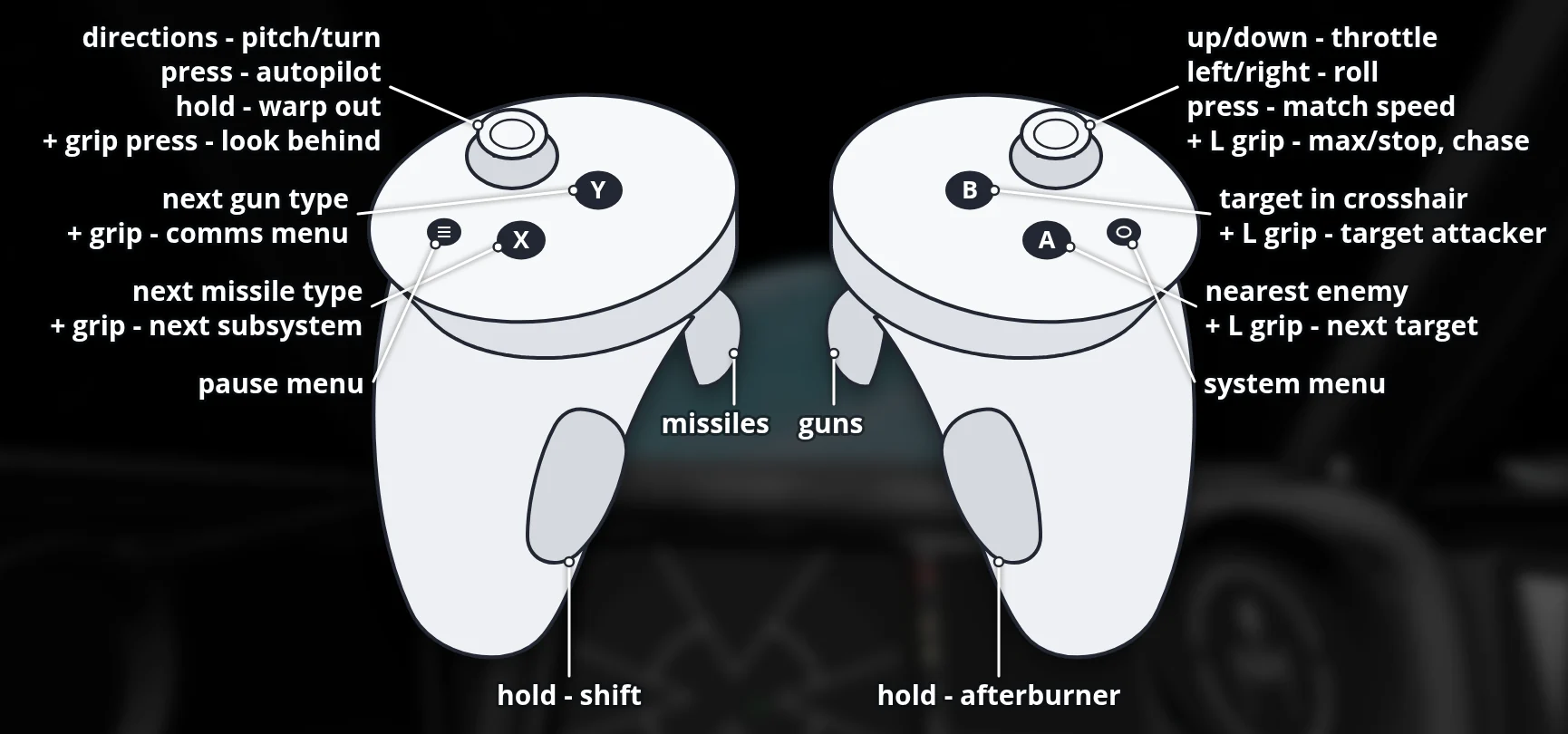
- Full flight control on the controllers: throttle lever on the right stick, a second button layer on the left grip, remappable in Options → Controls
- Rebel, Imperial and smuggler campaigns
- Locked 72 fps in flight on Quest 3
- Laser pointer for the menus, laser keyboard for typing your pilot callsign
- Runs on PICO 4 / Neo 3 too, from the same APK (untested)
Manual
Installation
- Sideload the APK with SideQuest or
adb install -r -g FotG-VR-v0.1.0-beta.apk. SideQuest is a Quest tool, so on PICO use adb or whichever sideloader you already use. - Get the game data onto the headset so that
/sdcard/FotG/FotG_R/dataholds the folderstables,models,mapsand so on. The easiest way: on a PC with Python 3, 7-Zip and the headset on USB, run get_fotg_data.py withpython3 get_fotg_data.py --push. It downloads the newest release from the official Nebula mod server, checks it and copies it over. - Or install Fate of the Galaxy on your PC with Knossos.NET and copy the
datafolder from itsFotG_R-<version>folder to/sdcard/FotG/FotG_R(with the box above or SideQuest). - Start Fate of the Galaxy VR from Unknown Sources and allow "access to all files" when asked (on PICO: allow storage access; the game then restarts by itself).
Good to know
- The APK contains no game data; the Fate of the Galaxy data is a free download (see the install steps).
- Deferred lighting is off to keep 72 fps in the detailed cockpits; ships and planets are still fully lit.
- Tested on Meta Quest 3 only. PICO needs PICO OS 5.9.0 or newer and is untested: if it does not start, or the controllers do nothing, please open an issue on GitHub.
adb logcat -s FotGVR:* QuestVR:*shows how far it gets, which is the useful thing to paste in. - Fate of the Galaxy is a fan project and is not associated with Lucasfilm Ltd or Disney.
Controller mapping
| Input | Flight | Menus |
|---|---|---|
| Left stick | Pitch and turn | |
| Right stick | Roll (left/right), throttle (up/down, stays where you leave it) | |
| Right / left trigger | Guns / missiles | Click |
| Right grip (hold) | Afterburner | |
| A / B | Target nearest enemy (next ship if there is none) / target ship in crosshair | Enter / Escape |
| X / Y | Next missile type / next gun type | |
| Left / right stick click | Autopilot (tap; hold 1 s: warp out) / match target speed | |
| Left Menu button | Pause menu | Escape |
| Left grip + A / B | Next target / target your target's attacker | |
| Left grip + X / Y | Next subsystem on target / comms menu | |
| Left grip + right stick up / down | Full speed / full stop | |
| Left grip + left / right stick click | Look behind / chase view on and off | |
| A, B, Menu or trigger | Skip a cutscene |
Button names are those of the Meta Quest controllers; PICO controllers use the same layout. In the comms menu, left stick up/down picks an order, A or a trigger confirms it and Y closes the menu. Every flight binding can be changed in Options → Controls; "Reset to default" brings this layout back.
Download
Install from your browser
Over USB, for Meta Quest and PICO: installs the app and copies your own game files to the right place. No SideQuest, no adb. Works in Chrome or Edge on a PC, Mac or Android phone.
The installer needs JavaScript. Use the manual download below.
First time? Before you start
- Turn on developer mode. Quest: Meta Horizon app on your phone → Devices → your headset → Headset settings → Developer mode. PICO: Settings → General → About → tap Software version 7 times, then Settings → Developer → turn on USB debugging.
- Connect the headset to this computer with a USB cable that carries data (not a charge-only cable).
- Close SideQuest and Meta Quest Developer Hub. If you use adb, run
adb kill-serverfirst: only one program can talk to the headset at a time. - Windows: if the headset doesn't show up in the list, install the Meta Quest ADB driver.
- After pressing Connect, put on the headset and allow USB debugging for this computer.
Fate of the Galaxy VR v0.1.0-beta (Meta Quest 3 and PICO) latestv0.1.0-beta · 03 Nov 2026
All releases: github.com/SgtBilko76/FotG-VR/releases
Need help or found a bug? Ask in #support on our Discord, and get new releases in #new-releases.
Join the DiscordPictures & video
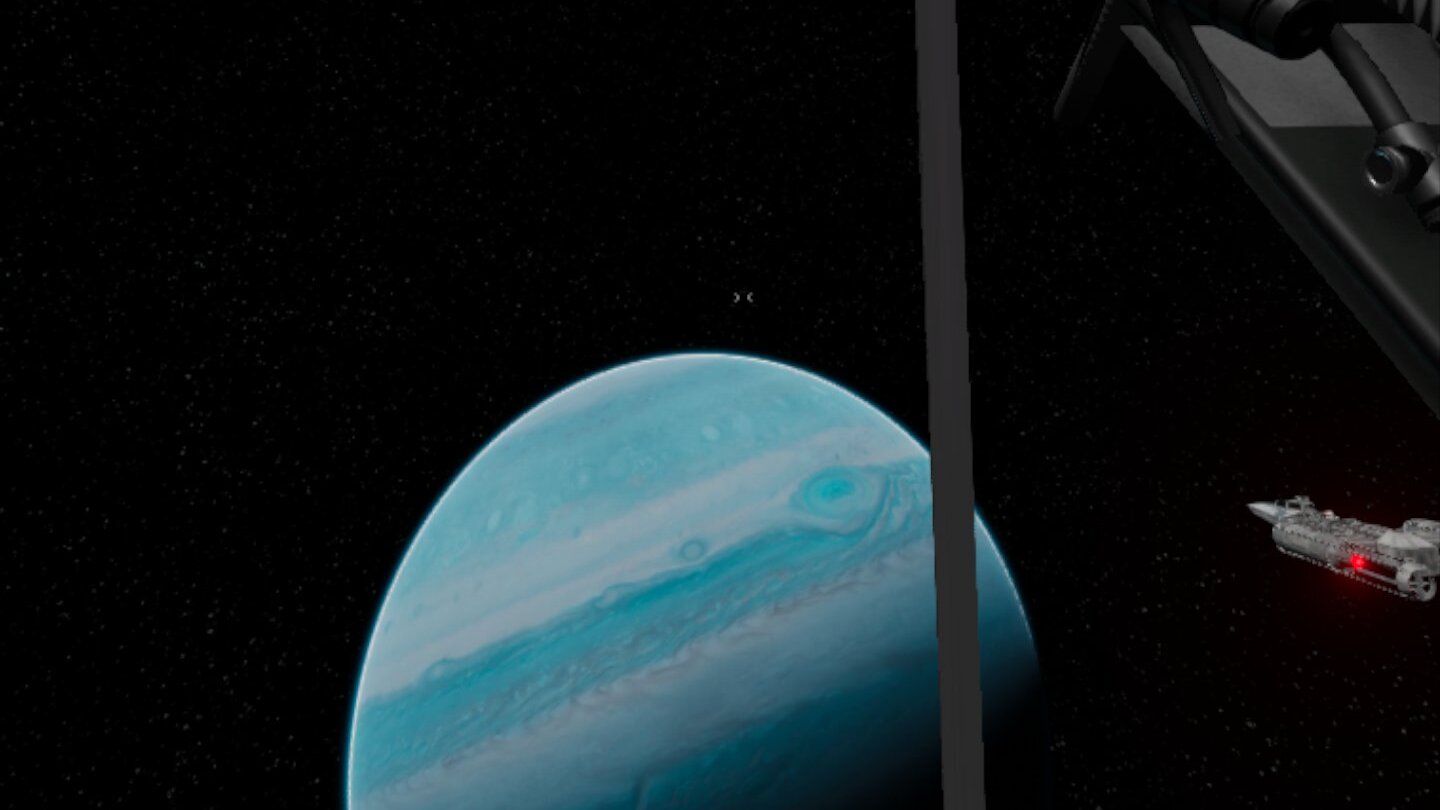
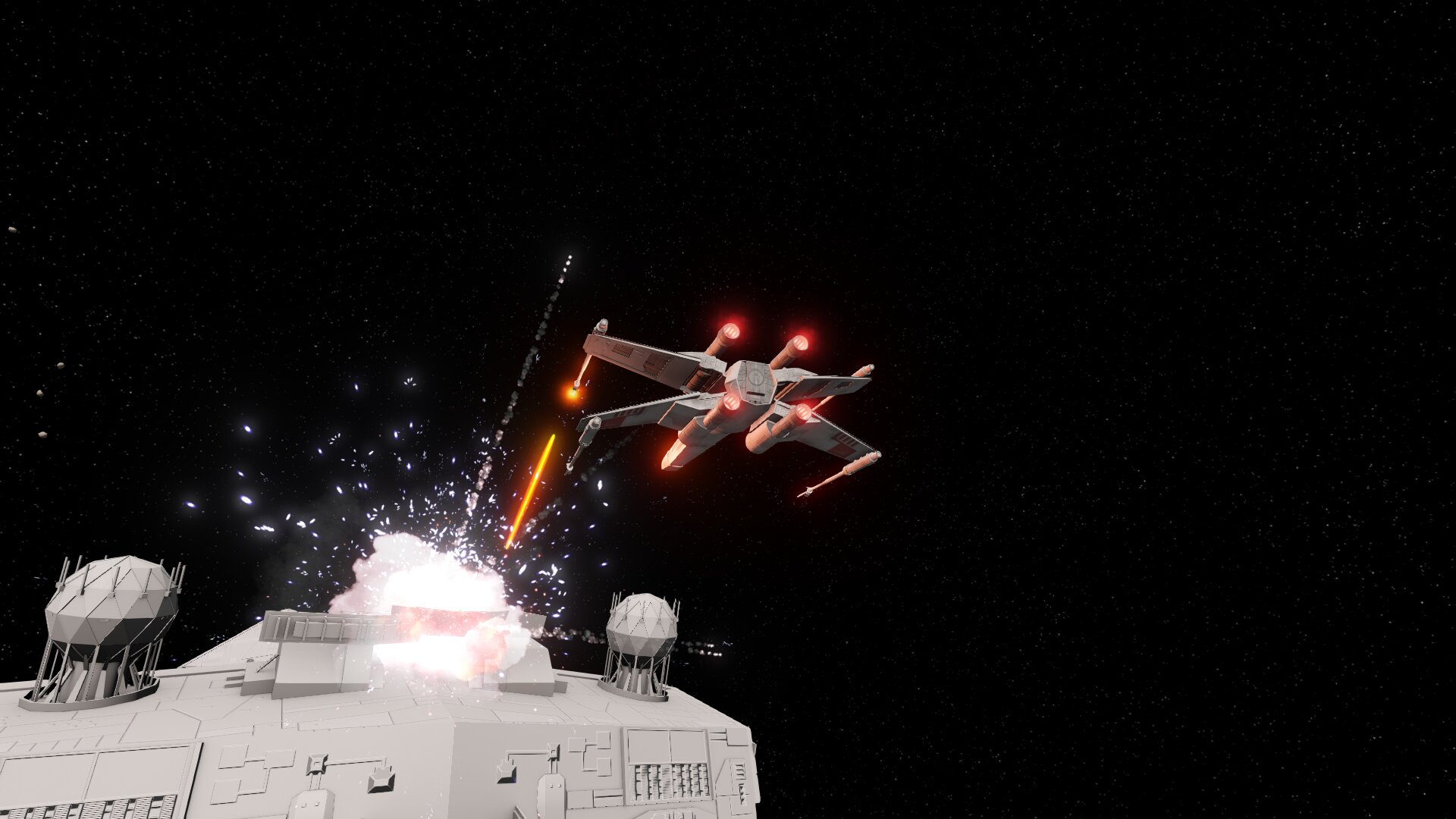
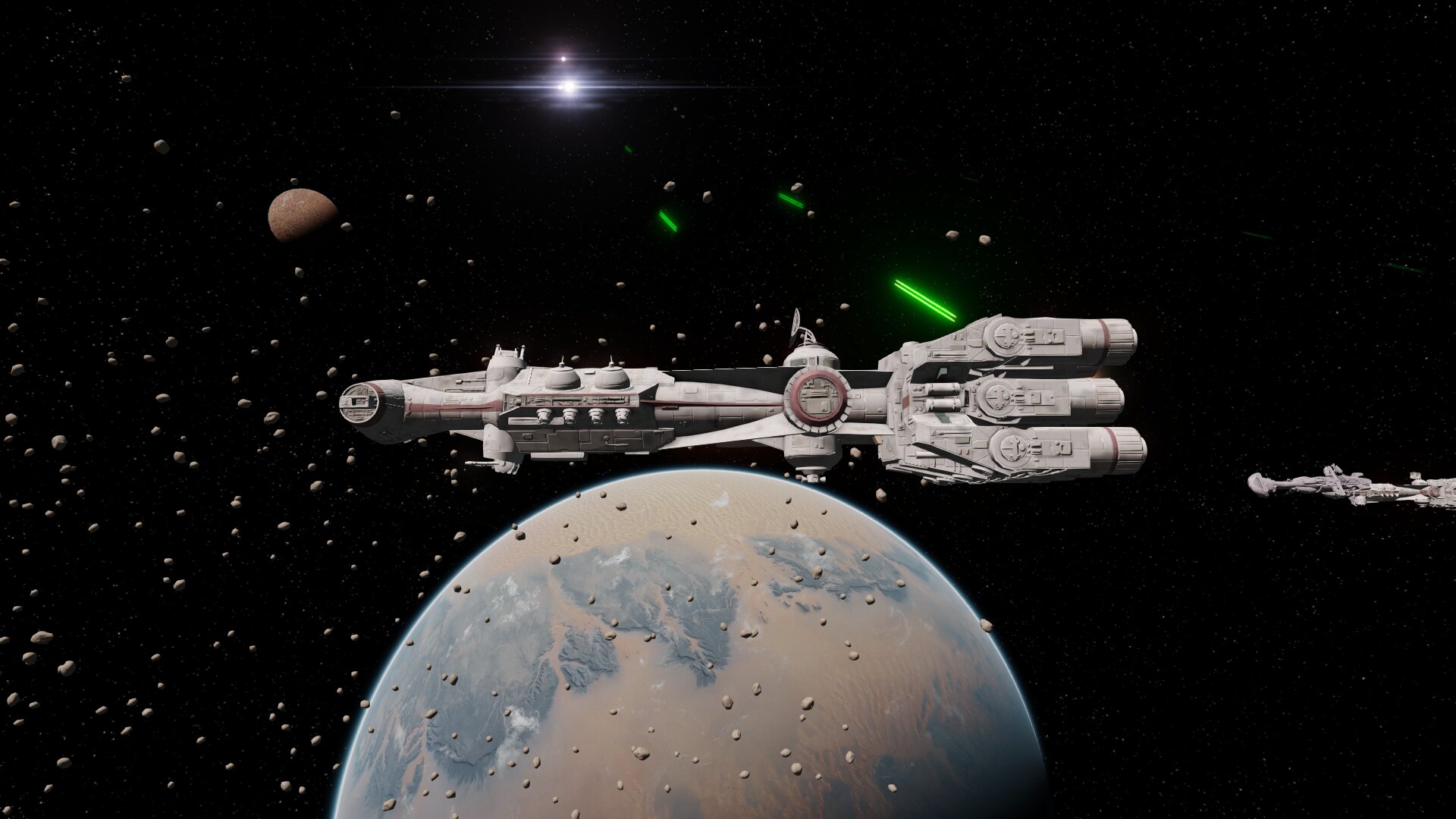
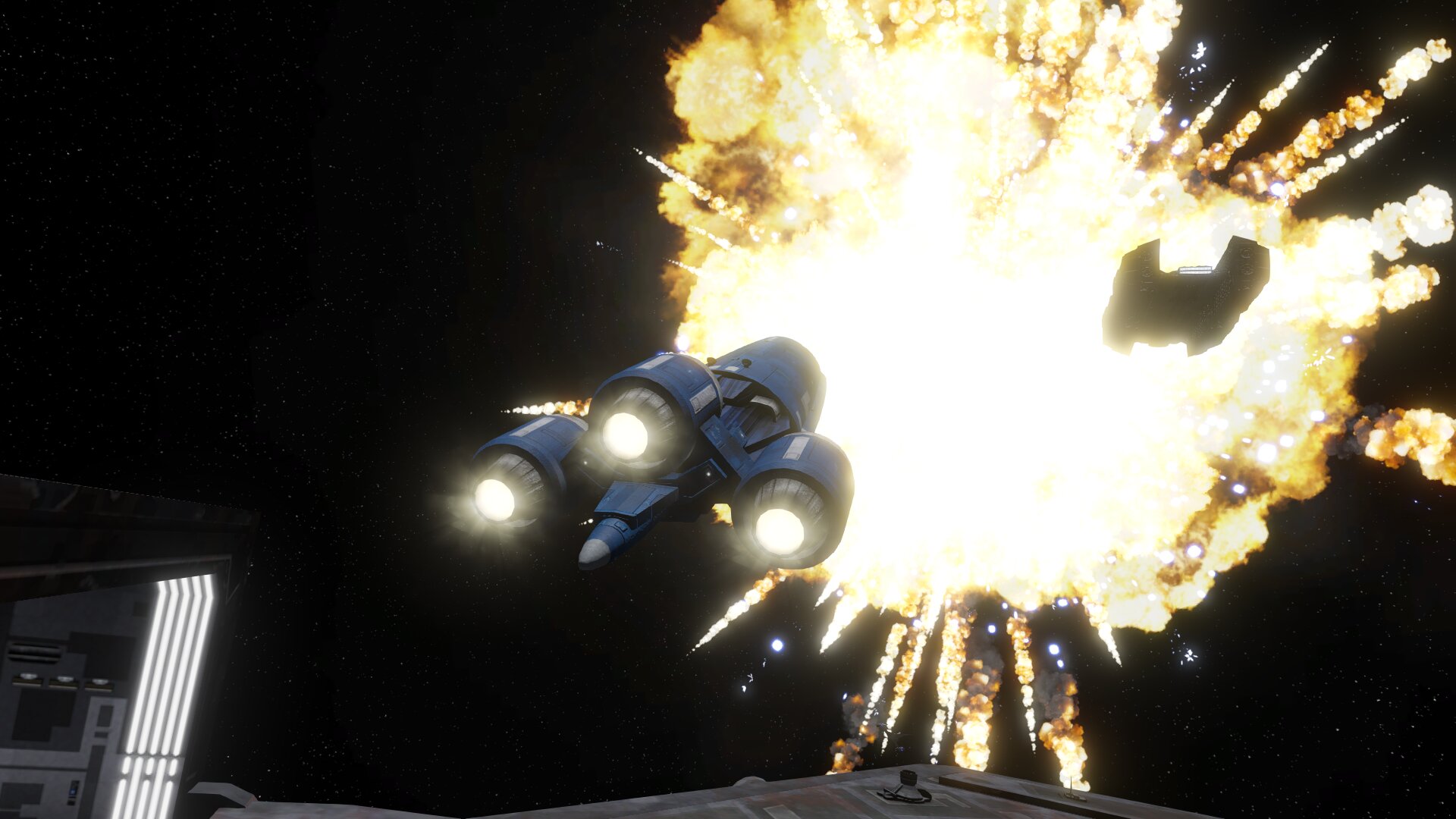
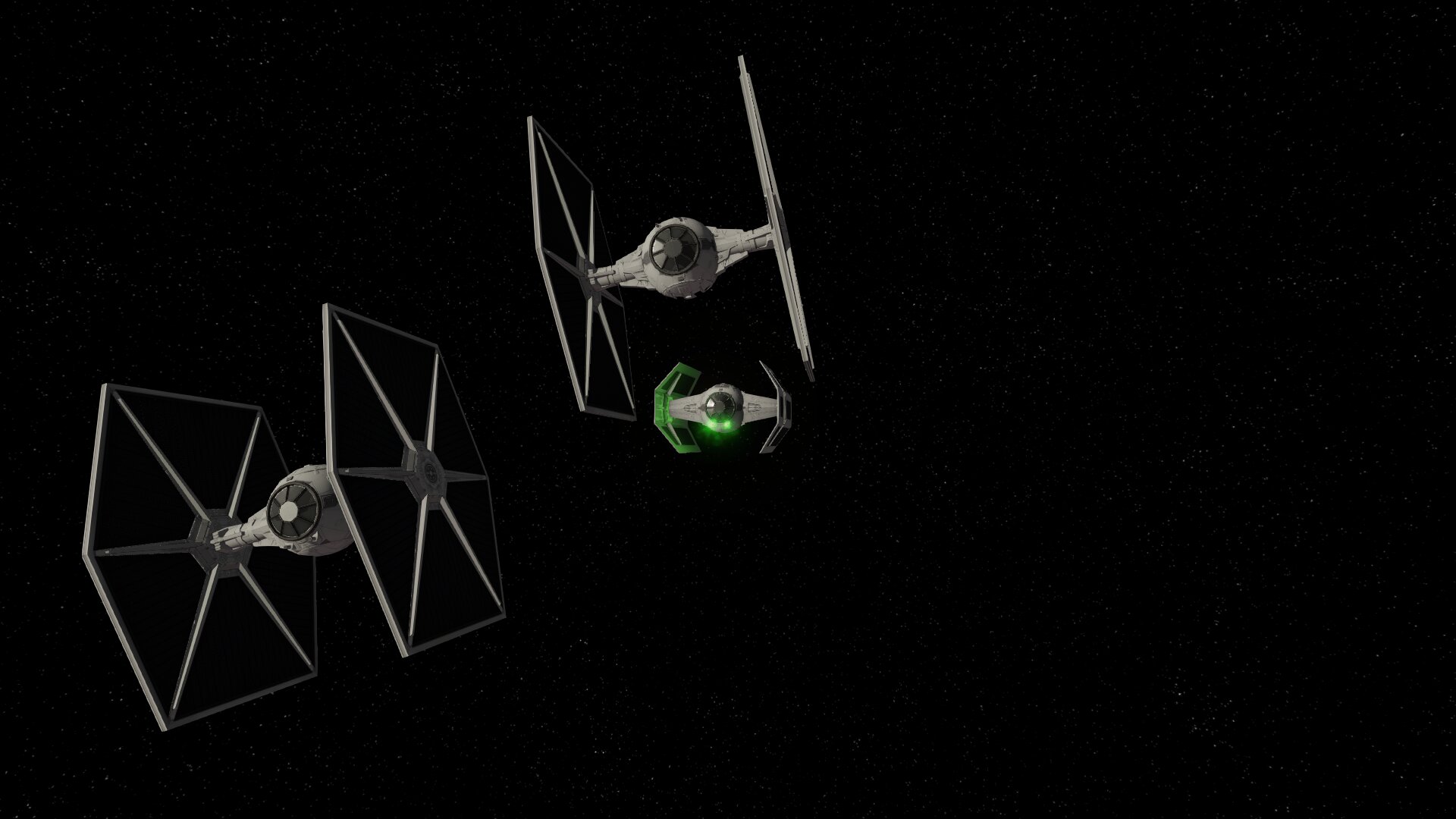
Credits: Fate of the Galaxy by the Fate of the Galaxy Dev Team; FreeSpace Open by the Source Code Project. Pictures 1–2: captured on a Meta Quest 3; pictures 3–6: Fate of the Galaxy Dev Team (Nebula release).