
OpenXvT VR
Star Wars: X-Wing vs. TIE Fighter from inside a 3D cockpit, standalone on Meta Quest and PICO.
About
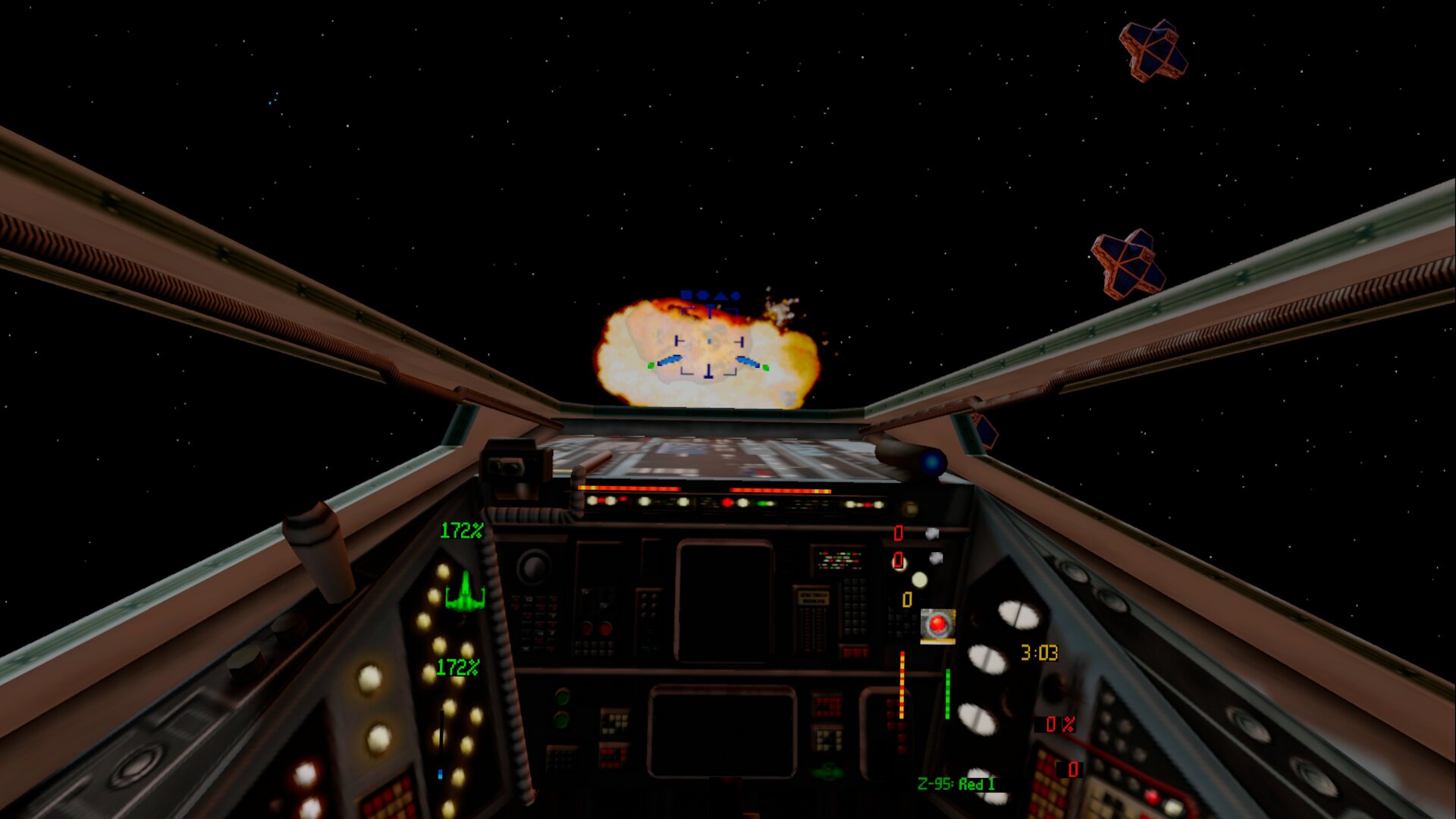
A VR port of OpenXvT, the open source rebuild of Star Wars: X-Wing vs. TIE Fighter with the Balance of Power campaigns, running standalone. Space is rendered in stereo around you and you fly from a 3D cockpit, with the original instruments in front of you. The concourse, briefings and cutscenes play on a big virtual screen.
Features
- Head-tracked stereo 3D space in flight
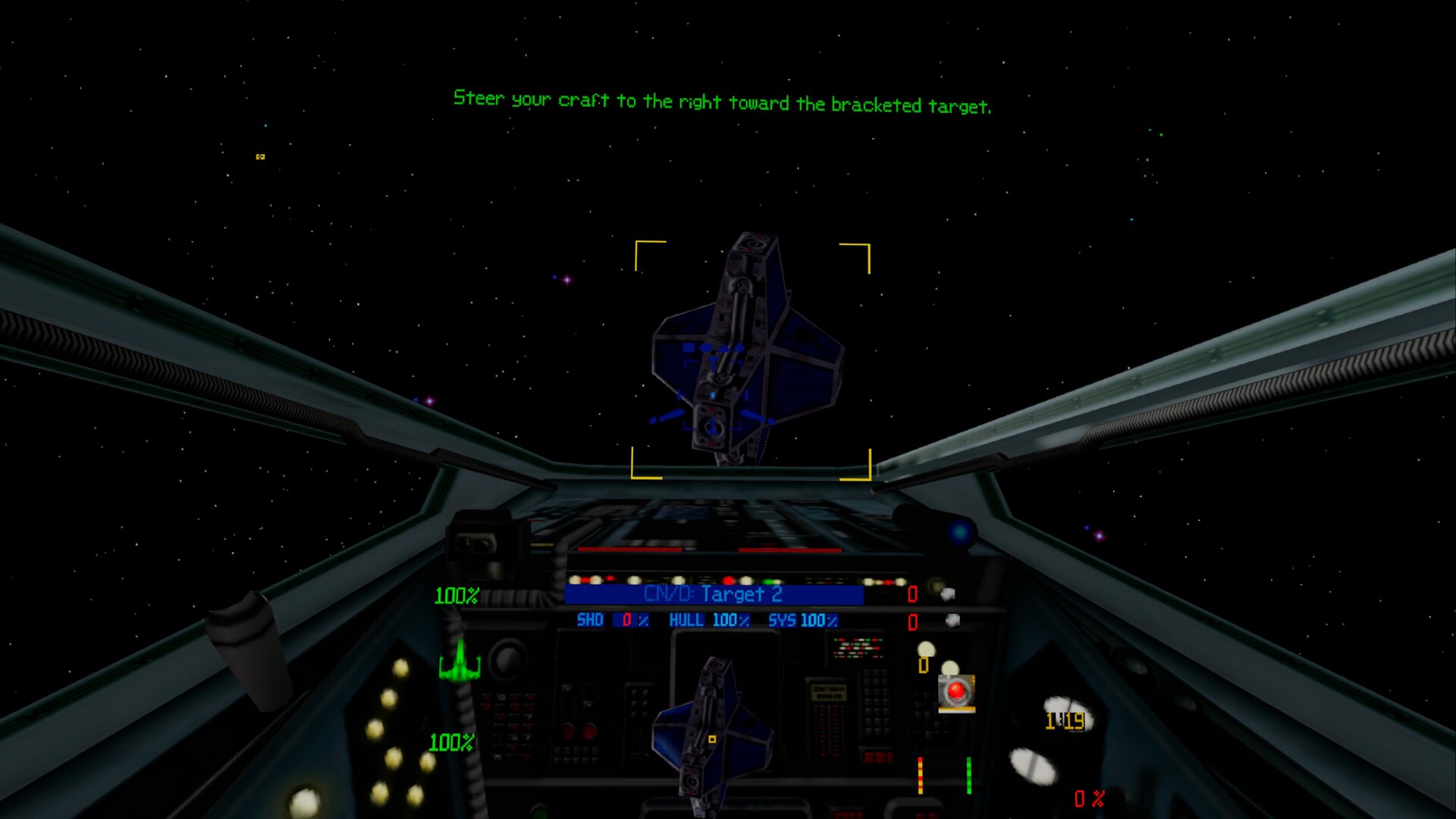
- 3D cockpits from X-Wing Revival for the X-wing, Y-wing, A-wing, B-wing, TIE Fighter, Interceptor, Bomber and Gunboat (included); the other fighters borrow the closest one
- The original instruments in front of you
- Full flight control on the controllers, remappable in Settings → Controller
- Laser pointer for the menus and the in-flight pause screen; on-screen keyboard for the pilot name
- Menus over passthrough on Meta Quest
Manual
Installation
- Sideload the APK with SideQuest or
adb install -r OpenXvT-VR-v0.1.0-beta.apk. - Copy your whole Steam folder
STAR WARS X-Wing vs TIE Fighter(about 400 MB) to/sdcard/OpenXvTon the headset. - Start OpenXvT VR from Unknown Sources and allow "access to all files" when asked.
Good to know
- The APK contains no game data: you need your own copy of the game.
- The Z-95, T-wing, R-41, TIE Advanced, TIE Defender and Missile Boat have no X-Wing Revival cockpit and borrow the closest one; the small screens built into the Revival cockpits are dark.
- The galaxy map and the hyperspace jump are shown flat. Multiplayer is untested.
- Motion blur, temporal upscaling and ambient occlusion are off in VR.
- Passthrough behind the menus works on Meta Quest only; on PICO the menus float in front of black.
- PICO needs PICO OS 5.9.0 or newer: only from that version does the PICO runtime work with the generic Khronos OpenXR loader the port uses.
- The PICO build is untested: if it does not start, or the controllers do nothing, please open an issue on GitHub.
adb logcat -s SDL/APP:*shows how far it gets, which is the useful thing to paste in.
Controller mapping
| Input | Flight | Menus |
|---|---|---|
| Left stick | Pitch and yaw | Arrow keys |
| Right stick | Roll (left/right), throttle lever (up/down, stays where you leave it) | |
| Right trigger | Fire | Click |
| Left trigger | Target / roll modifier | Click |
| Right grip | Target the craft in your sights | Right-click |
| A / B | Next target / cycle weapons | Enter / Escape |
| X / Y | Target my attacker / nearest fighter | Y = Space |
| Left / right stick click | Link fire / hyperspace | |
| Menu button | Pause / settings | Escape |
| Left grip + A / B | Laser / shield recharge rate | |
| Left grip + X / Y | Shield direction / laser energy to shields | |
| Left grip + left trigger | Tractor beam | |
| Left grip + right grip | Next target component | |
| Left grip + right / left stick click | Match target speed / nearest objective |
Button names are those of the Meta Quest controllers; PICO controllers use the same layout. Hold the Meta button to re-centre the view. The pause/settings screen uses the menu controls.
Download
Install from your browser
Over USB, for Meta Quest and PICO: installs the app and copies your own game files to the right place. No SideQuest, no adb. Works in Chrome or Edge on a PC, Mac or Android phone.
The installer needs JavaScript. Use the manual download below.
First time? Before you start
- Turn on developer mode. Quest: Meta Horizon app on your phone → Devices → your headset → Headset settings → Developer mode. PICO: Settings → General → About → tap Software version 7 times, then Settings → Developer → turn on USB debugging.
- Connect the headset to this computer with a USB cable that carries data (not a charge-only cable).
- Close SideQuest and Meta Quest Developer Hub. If you use adb, run
adb kill-serverfirst: only one program can talk to the headset at a time. - Windows: if the headset doesn't show up in the list, install the Meta Quest ADB driver.
- After pressing Connect, put on the headset and allow USB debugging for this computer.
OpenXvT VR v0.1.0-beta (Meta Quest + PICO) latestv0.1.0-beta · 19 Oct 2026
All releases: github.com/SgtBilko76/OpenXvT-VR/releases
Need help or found a bug? Ask in #support on our Discord, and get new releases in #new-releases.
Join the DiscordPictures & video


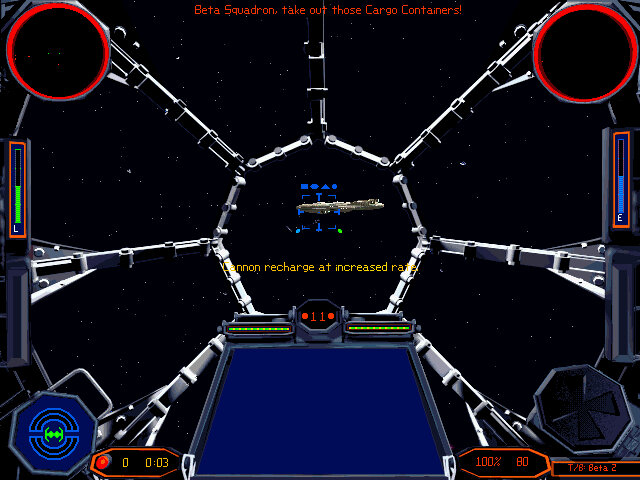
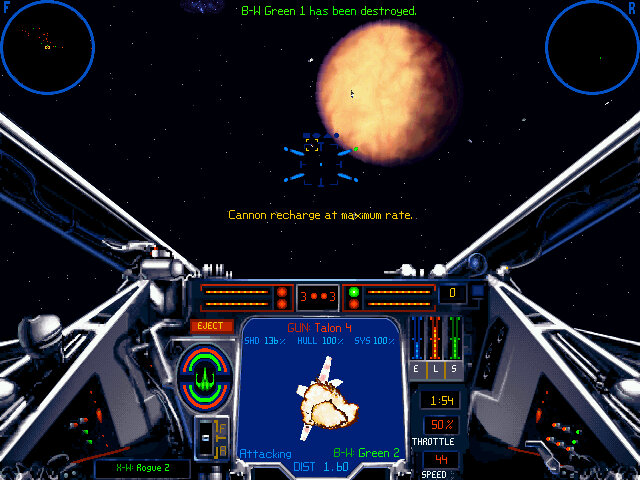
Credits: Based on OpenXvT and the Aeron engine by elyosh. 3D cockpit models: X-Wing Revival by Raptor007 and contributors (originally from the X-Wing Alliance Upgrade project). Pictures 1–2: captured on a Meta Quest 3; pictures 3–6: Steam.