
SpaghettiKart-VR
Mario Kart 64 in real stereoscopic 3D, not a screen in front of you.
About
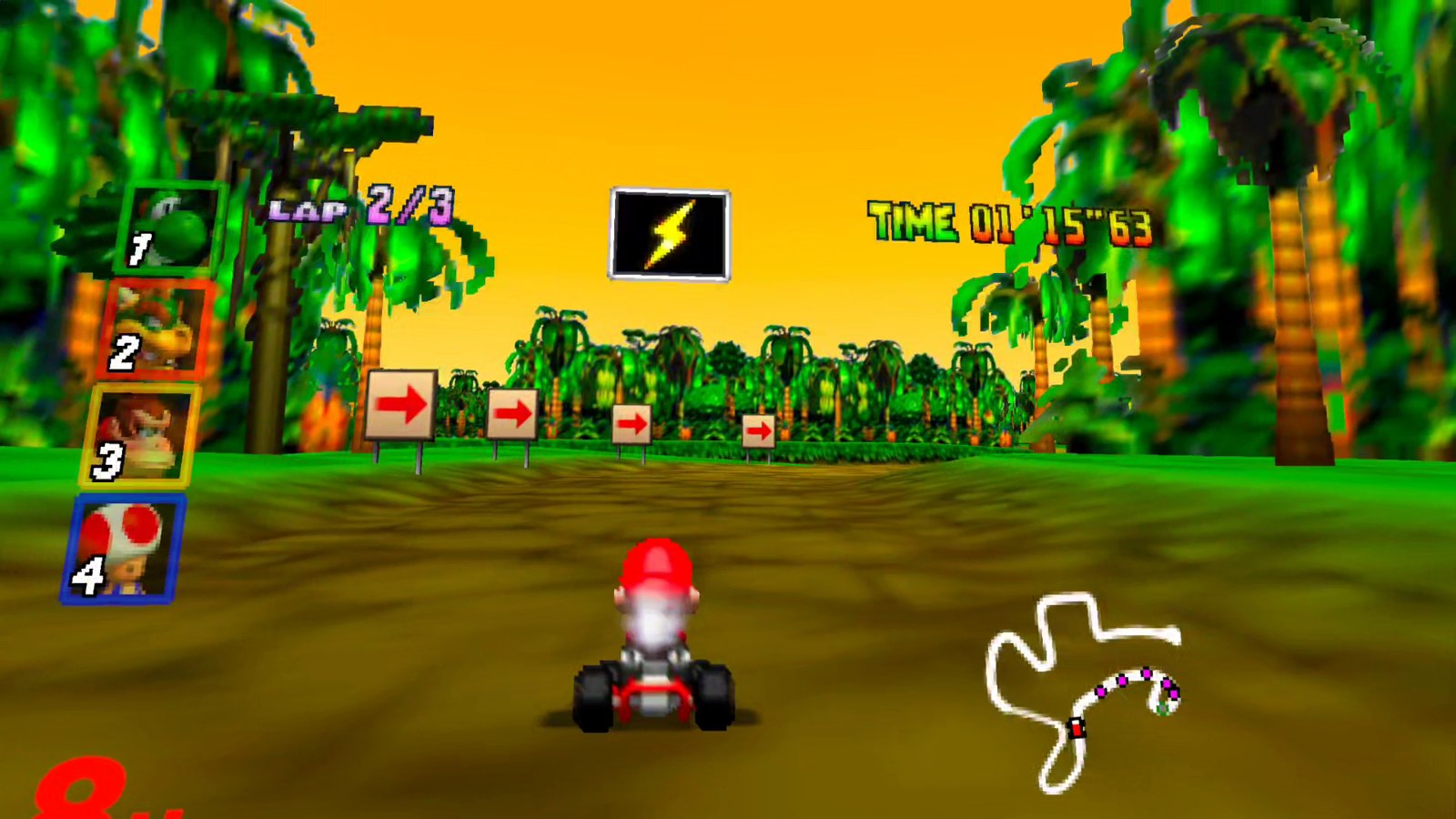
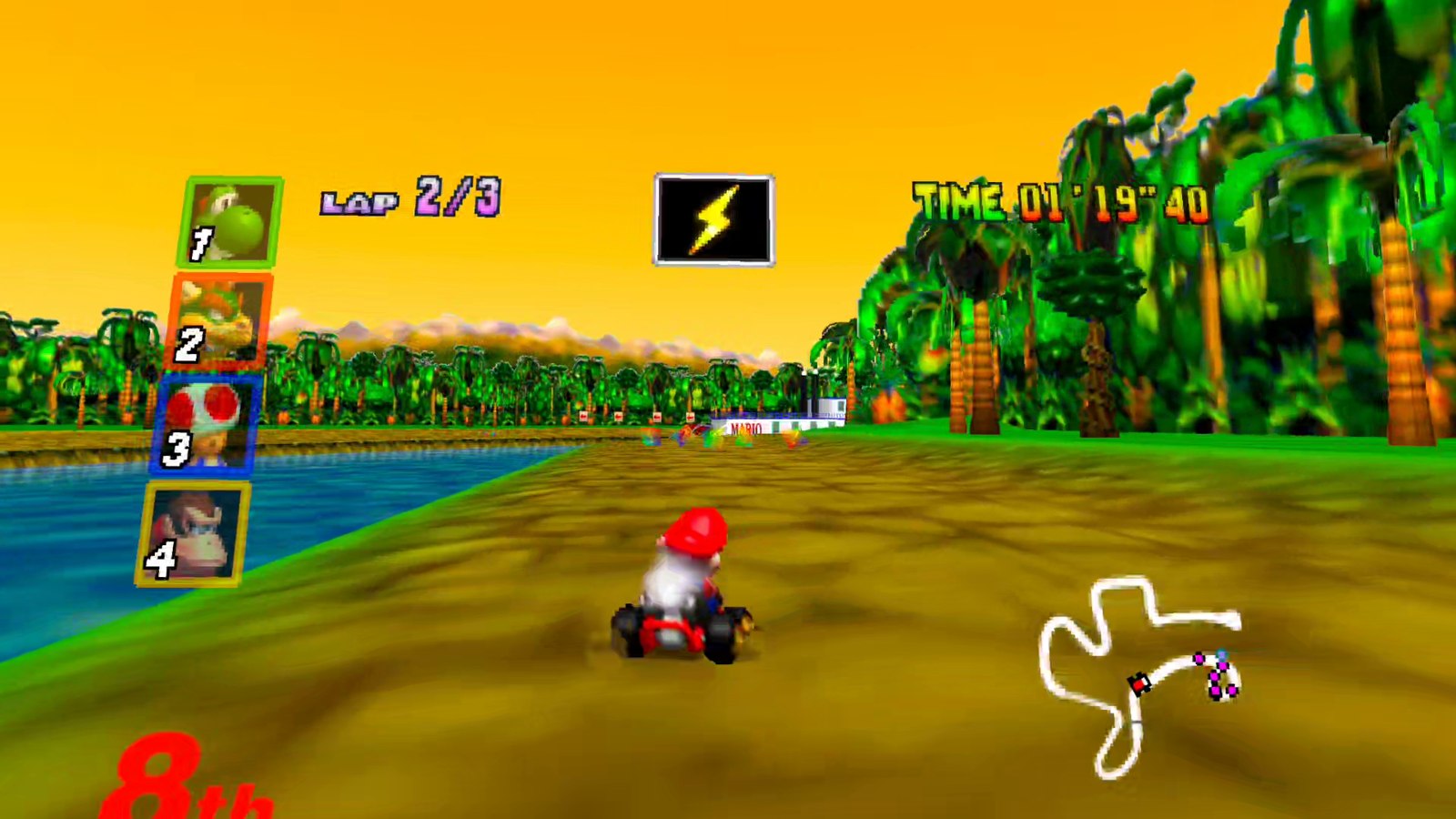
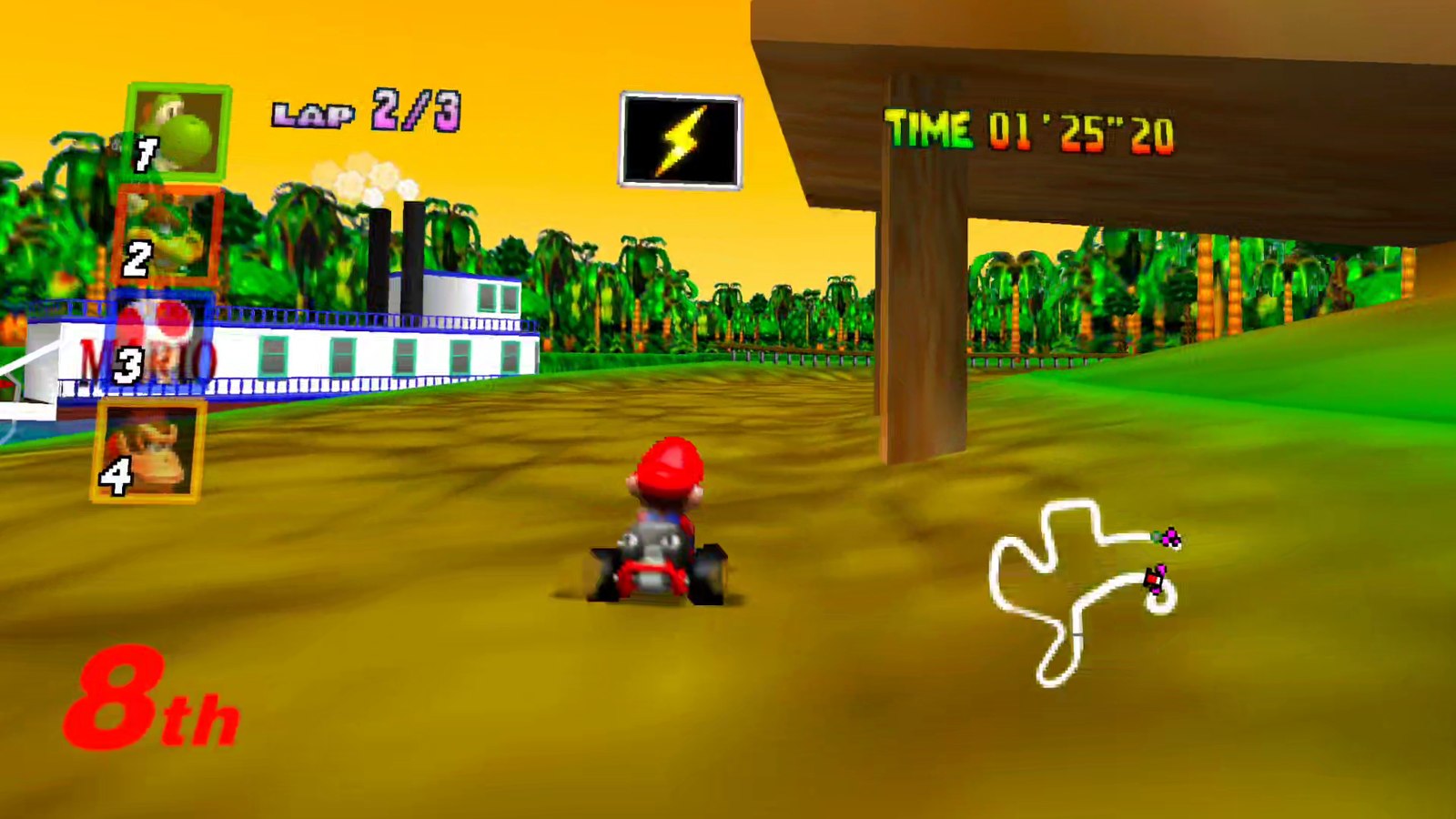
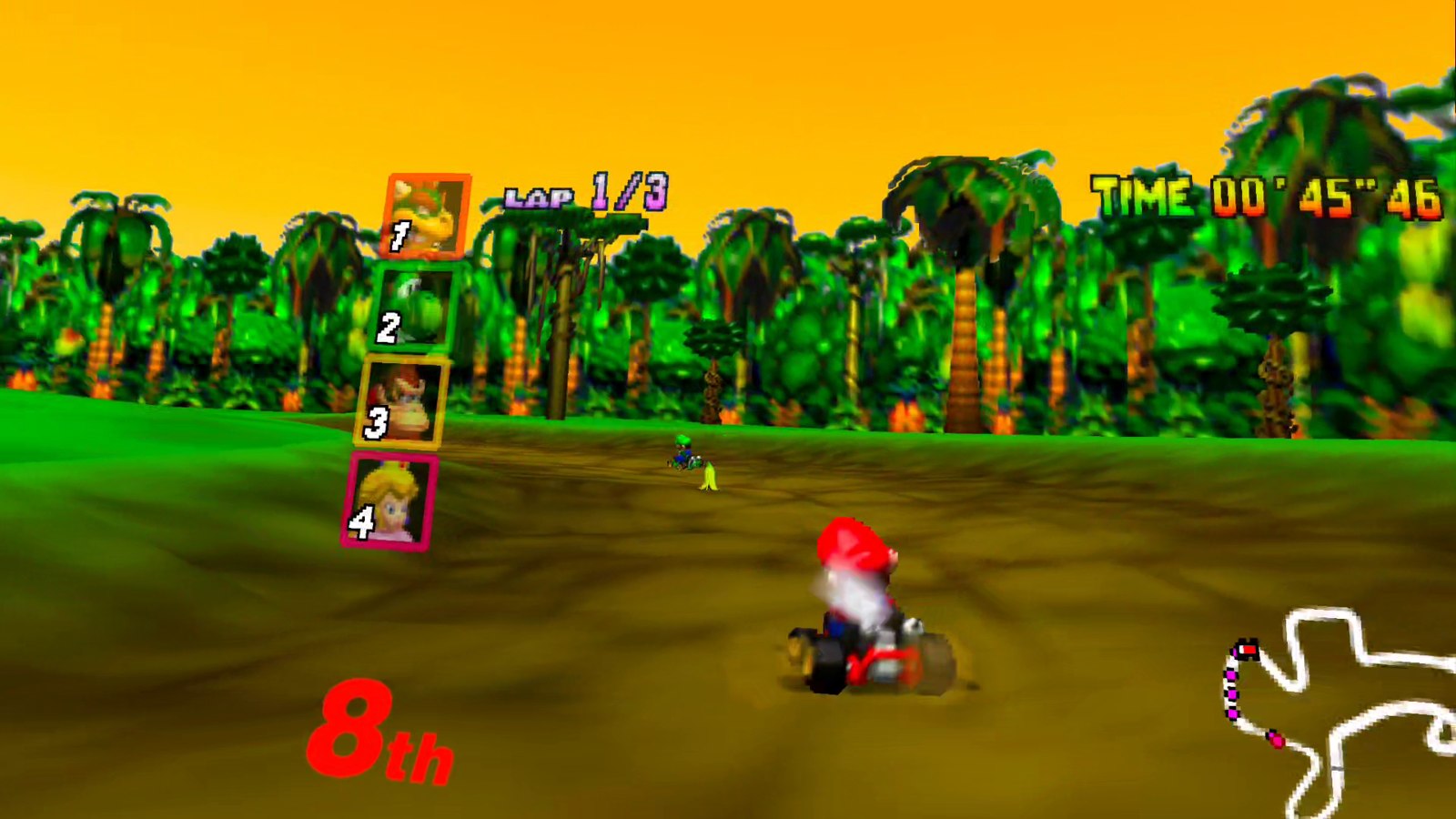
A VR port of SpaghettiKart, the native PC port of Mario Kart 64. The game is not emulated and not shown on a virtual screen: the renderer draws every frame twice, once per eye, so the karts, tracks and item boxes have real depth around you.
Head tracking is applied to the game's own chase camera, so you can look around while the game keeps driving its line. The HUD, the lap times and the menus sit on a panel that stays fixed in the room instead of following your head.
Features
- True per-eye stereo 3D with head tracking, rendered at the headset's full resolution
- HUD, minimap and menus on a panel fixed in the room, with adjustable distance and size
- Sky drawn as a dome around the camera, so it stays put when you look around
- Objects and track pieces stay visible when you turn your head away from the driving line
- Motion controllers mapped to the N64 pad, remappable in SpaghettiKart's controller menu
- Adjustable world scale, HUD width and render resolution
Manual
Installation
- Generate
mk64.o2randspaghetti.o2rfrom your ROM with SpaghettiKart on a PC: put the ROM in the source folder asbaserom.us.z64and build theExtractAssetstarget. - Enable developer mode on your headset.
- Download the APK below and sideload it with SideQuest or
adb install -r SpaghettiKart-VR-0.2.0-beta1.apk. SideQuest is a Quest tool, so on PICO use adb or whichever sideloader you already use. - Copy the game data onto the headset:
adb push mk64.o2r spaghetti.o2r /sdcard/Android/data/dev.spaghettikart.vr/files/ - Launch it from Library → Unknown Sources on Quest, or from your library on PICO.
Good to know
- This is the first beta. Tested on Quest 3; the PICO build is untested, so please open an issue on GitHub if it does not start or the controllers do nothing.
- PICO needs PICO OS 5.9.0 or newer: only from that version does the PICO runtime work with the generic Khronos OpenXR loader the port uses.
- Split-screen multiplayer is disabled in VR, so only single player can be selected.
- The VR settings (world scale, HUD width, panel distance, render resolution) are in
spaghettify.cfg.jsonon the headset; there is no in-headset settings menu yet.
Controller mapping
| N64 | Touch |
|---|---|
| Control stick | Left stick |
| A (accelerate) | Right trigger or A |
| B (brake) | B |
| R (hop, drift) | Right grip |
| Z (item) | Left trigger |
| C buttons | Right stick |
| Start | Left menu button |
Everything is remappable in SpaghettiKart's controller menu, and Bluetooth gamepads work too.
Download
SpaghettiKart-VR 0.2.0 beta 1 latestv0.2.0-beta1 · 23 Sep 2026
All releases: github.com/SgtBilko76/SpaghettiKart-VR/releases
Pictures & video
Credits: Based on SpaghettiKart by the HarbourMasters team, which is itself a decompilation-based PC port of Mario Kart 64.