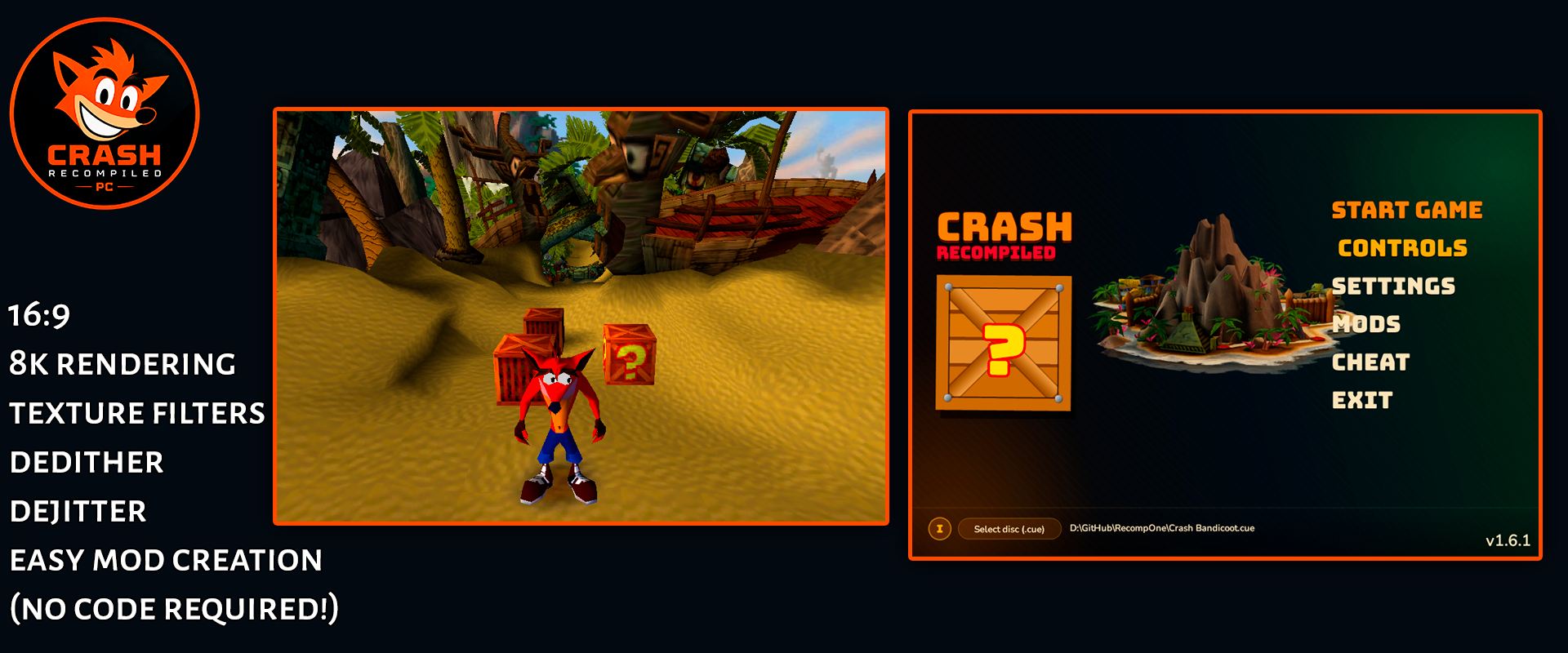
Crash Bandicoot Launcher
The original PlayStation Crash Bandicoot, recompiled for the headset and shown in real stereoscopic 3D.
About
A VR port of the Crash Bandicoot Launcher, which statically recompiles the PS1 game with RecompOne instead of emulating it. The launcher runs as a normal 2D panel; Start Game moves into an immersive OpenXR session with the game on a curved virtual screen.
The 3D comes from the game itself: every polygon keeps the depth the PlayStation's geometry engine calculated for it, and a second eye is rendered from that. Crash sits at screen depth, the level stretches away behind him, and the HUD and menus stay flat.
Features
- Stereoscopic 3D from the PS1's own geometry, with adjustable depth (0% = flat) and depth plane
- Curved OpenXR screen wrapping about 90°, resizable in the headset; flat screen optional
- 120 Hz display for the game's 60 fps
- Passthrough on a stick click, to see your room around the screen
- Internal resolution from 1× to 8×, optional native 16:9 widescreen
- The game is recompiled on the headset on first start, in about half a minute
- Remappable Touch controls; Bluetooth gamepads work too
- Runs on PICO headsets from the same APK (experimental), and on Android phones with touch controls
Manual
Installation
- Enable developer mode on your headset.
- Download the APK below and sideload it with SideQuest or
adb install -r CrashBandicoot-2.0.0-beta.1.apk. SideQuest is a Quest tool, so on PICO use adb or whichever sideloader you already use. - If an earlier version (1.9.x or a test build) is installed, uninstall it first: this APK is signed with a different key. Copy your memory card saves off before you do.
- Copy your disc dump onto the headset, for example into
Download/. - Launch it from Library → Unknown Sources on Quest, or from your library on PICO. Allow All files access, select the disc and press Start Game.
Good to know
- This is the first public beta, tested on Quest 3. The PICO build is untested: if it does not start or the controllers do nothing, please open an issue on GitHub.
- PICO needs PICO OS 5.9.0 or newer: only from that version does the PICO runtime work with the generic Khronos OpenXR loader the port uses.
- Only the NTSC-U release (SCUS-94900) is supported. The APK contains no game data.
- Sprites, menus, the map and videos have no depth and sit at screen depth.
- The Android build uses .NET's CoreCLR runtime, which .NET 10 still marks as experimental.
Controller mapping
| PS1 | Touch |
|---|---|
| D-pad | Left stick |
| Cross / Circle | A / B |
| Square / Triangle | X / Y |
| L1 / R1 | Left / right trigger |
| L2 / R2 | Left / right grip |
| Start | Left menu button |
| Select | Right stick click |
| Screen size / depth plane | Right stick up-down / left-right |
| Passthrough | Left stick click |
Remap the buttons, switch curved/flat and set the 3D depth under Controls in the launcher. RESET VIEW restores the default screen.
Download
2.0.0-beta.1 — Meta Quest / Pico VR public beta latestv2.0.0-beta.1 · 27 Sep 2026
All releases: github.com/SgtBilko76/CrashBandicoot-Launcher/releases
Credits: Based on the Crash Bandicoot Launcher by Matteo842 and RecompOne. Unofficial fan project, not affiliated with Sony, Activision or Naughty Dog. Banner from the Crash Bandicoot Launcher by Matteo842.