
SuperTuxKart VR
The free open-source kart racer, from the driver's seat.
About
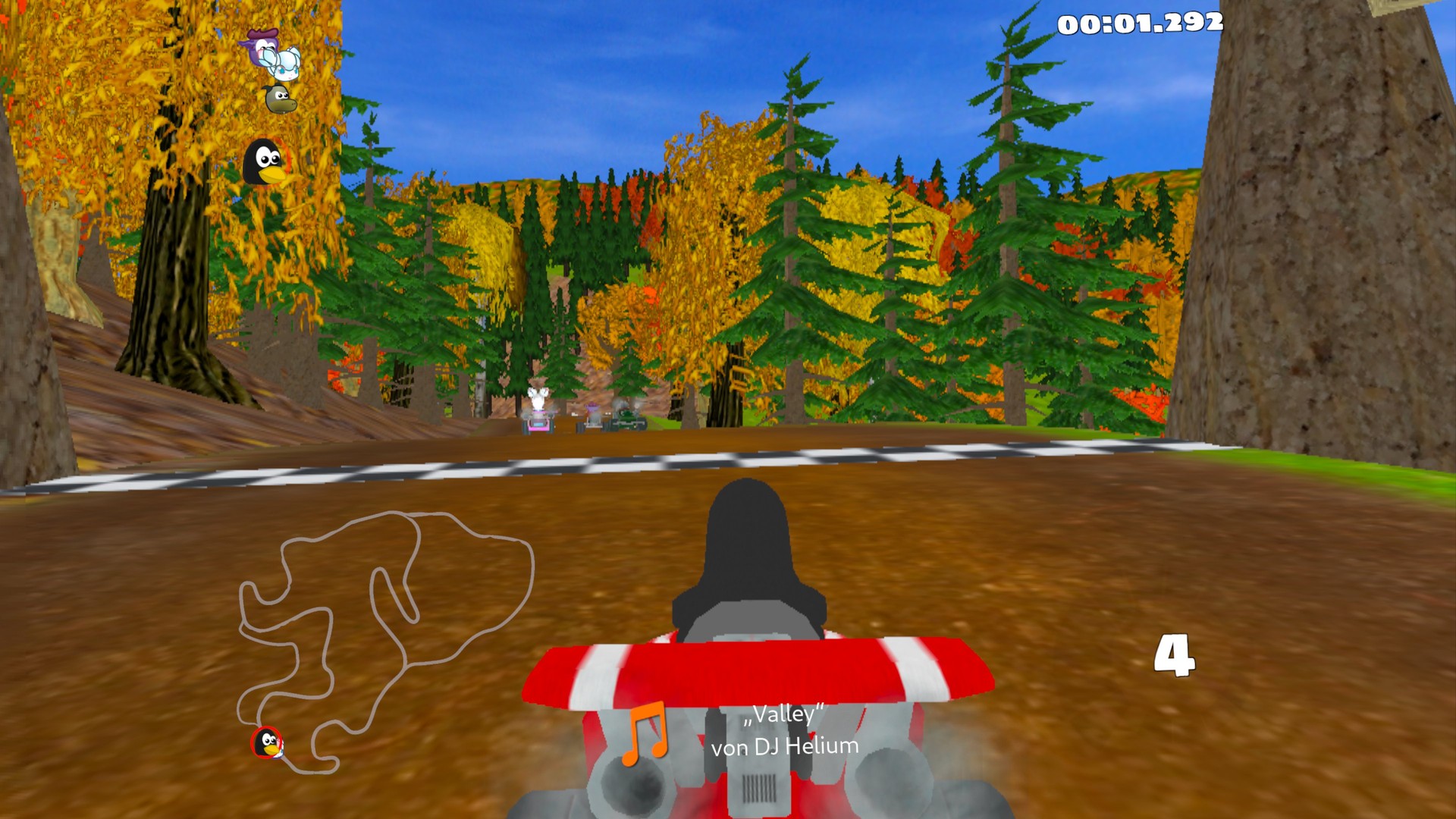
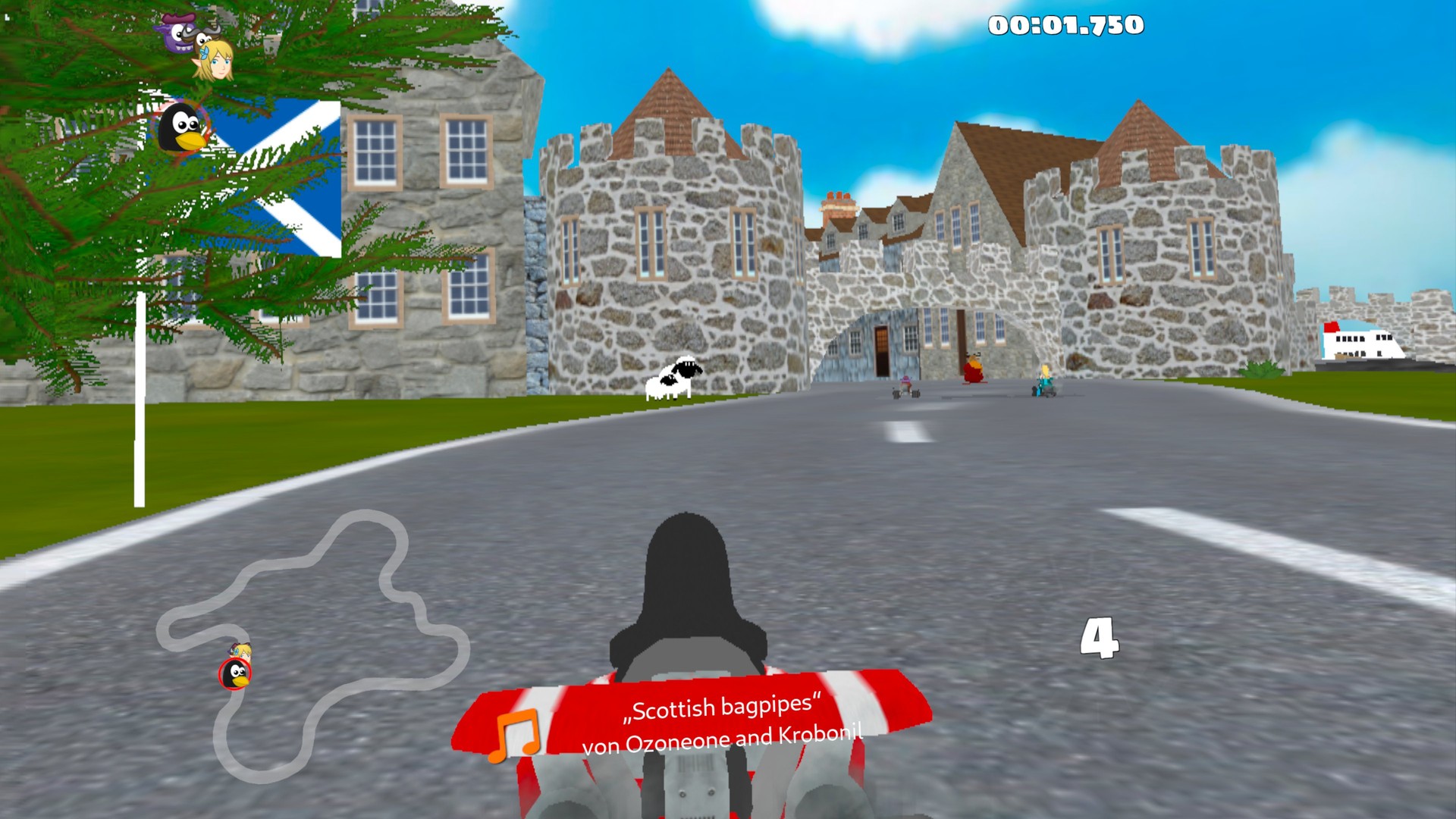
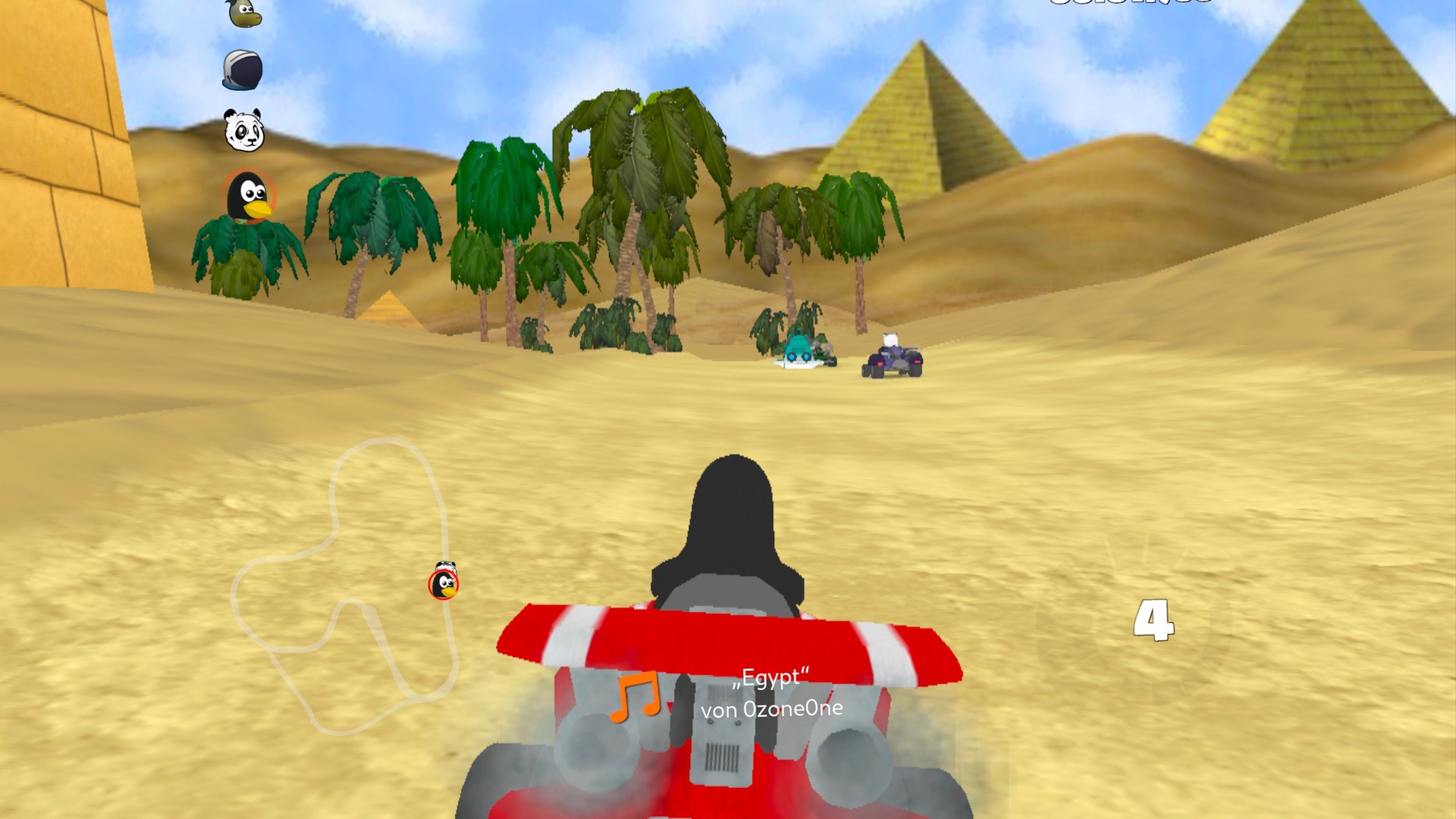
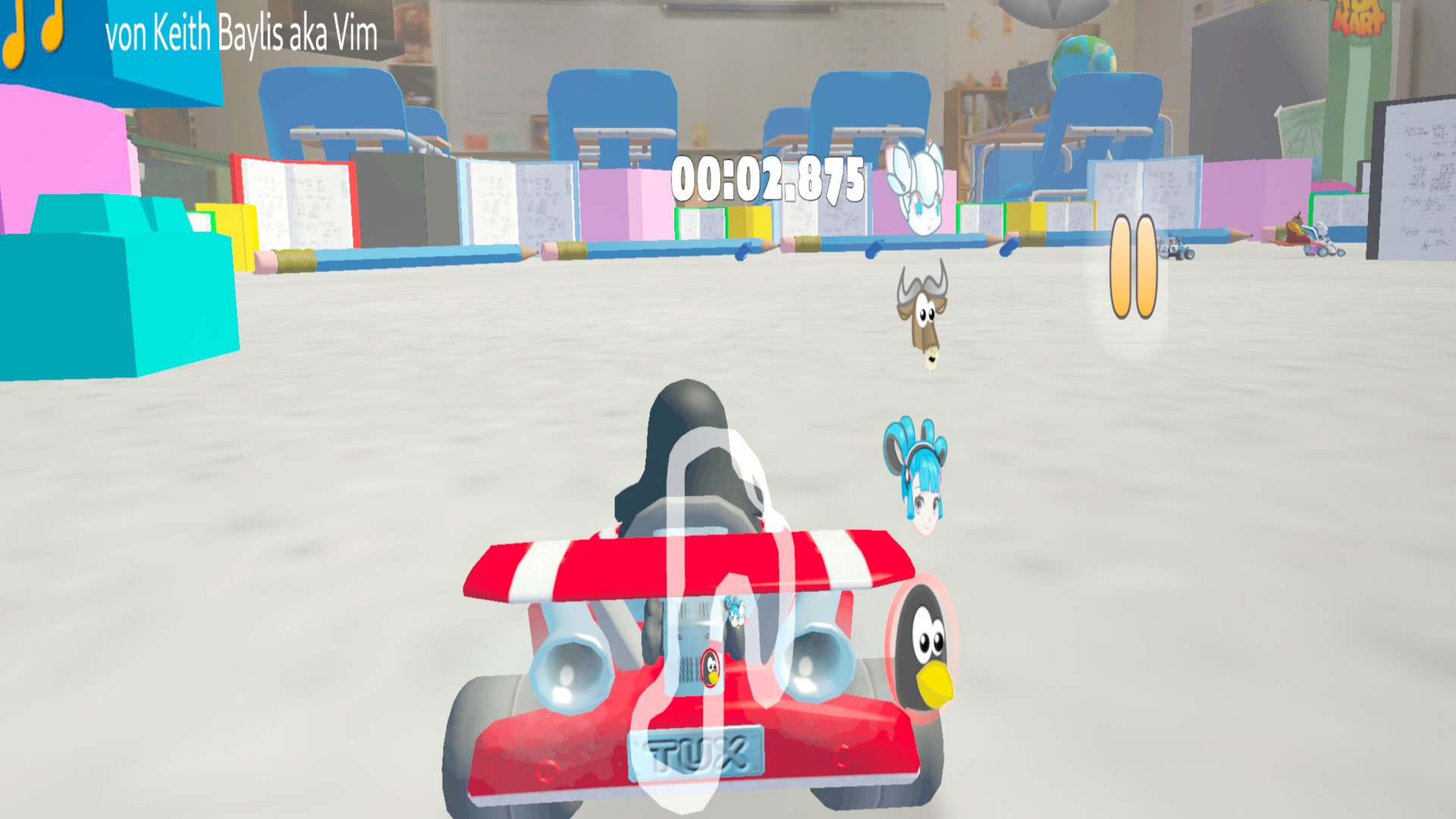
A standalone VR port of SuperTuxKart for Meta Quest. Races are rendered in real per-eye stereo with head tracking, layered on the normal kart-following camera, and the Touch controllers drive SuperTuxKart's standard gamepad controls.
Features
- Native OpenXR app on Quest
- Per-eye stereo rendering with head tracking
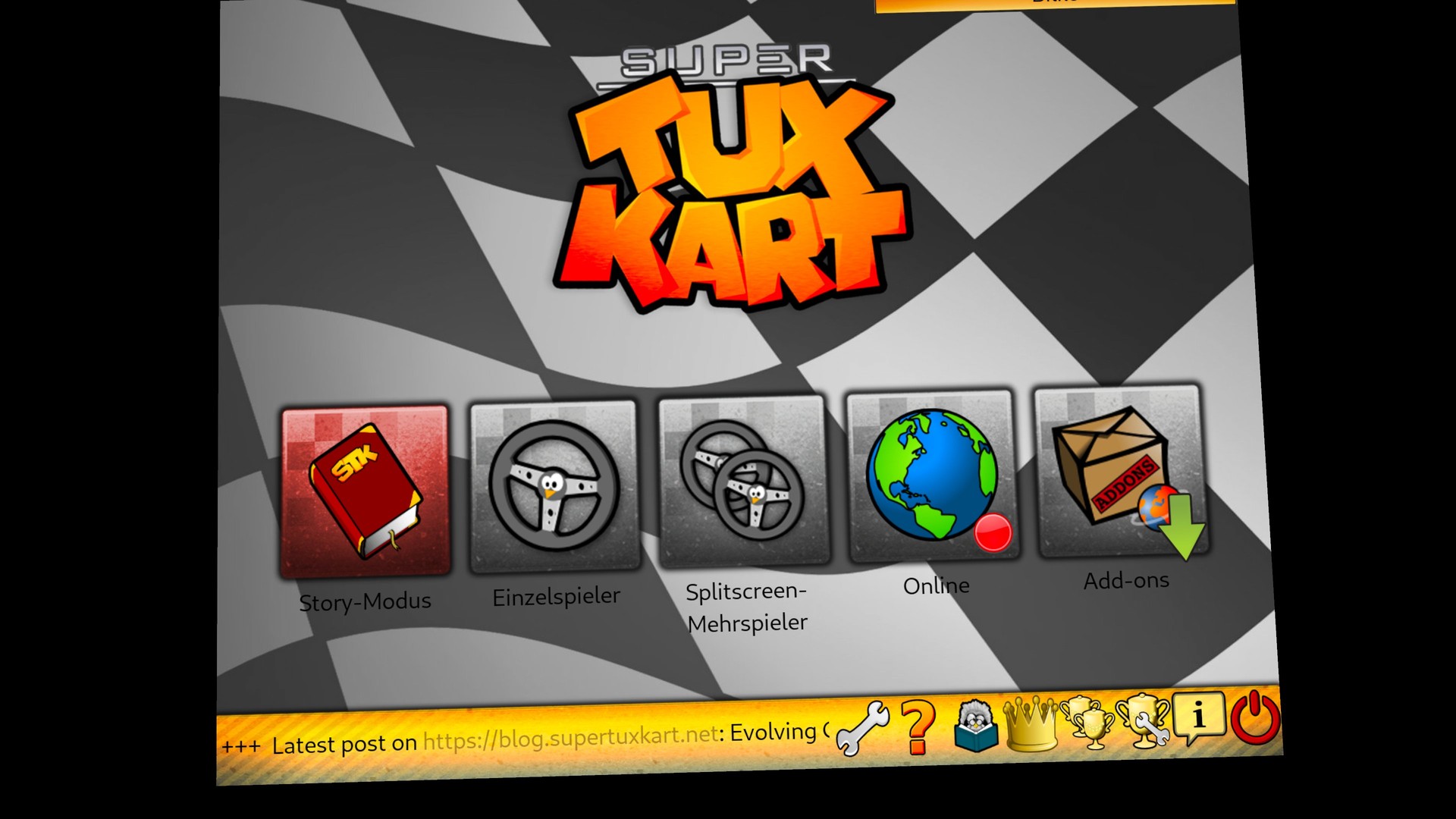
- Menus on a floating screen in VR
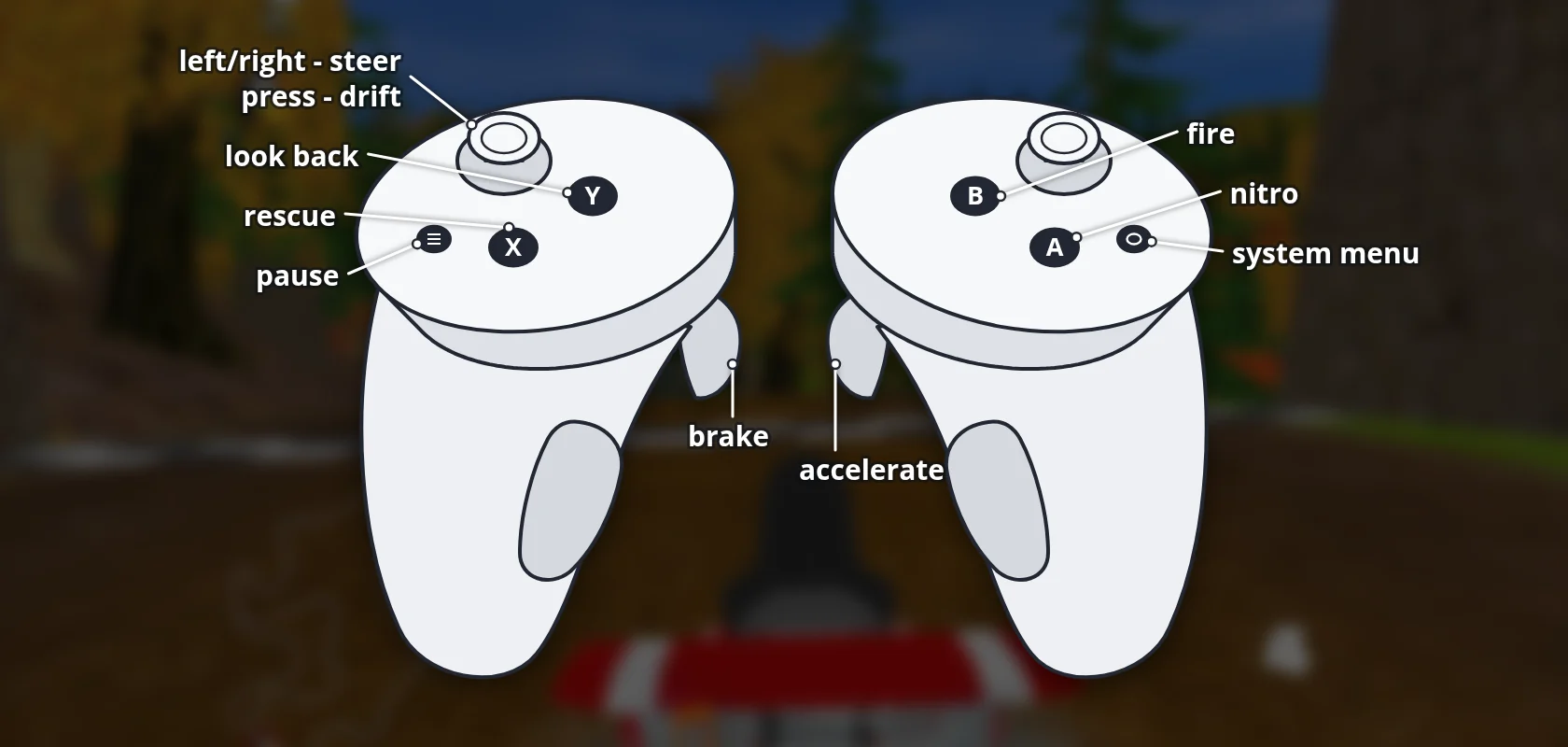
- Touch controllers mapped to the standard gamepad controls
Manual
Installation
- Enable developer mode on your Quest.
- Download the APK below.
- Sideload it with SideQuest or
adb install -r <file>.apk. - Launch it from Library → Unknown Sources.
Controller mapping
| Input | Action |
|---|---|
| Left stick | Steer |
| Right trigger | Accelerate |
| Left trigger | Brake |
| Face buttons | Nitro, fire, drift, rescue, look back, pause |
Download
Install from your browser
One click over USB, for Meta Quest and PICO: no SideQuest needed. USB install works in Chrome or Edge on a PC, Mac or Android phone. No PC? Open this page in the Meta Quest Browser on your headset and install it right there.
The installer needs JavaScript. Use the manual download below.
First time? Before you start
- Turn on developer mode. Quest: Meta Horizon app on your phone → Devices → your headset → Headset settings → Developer mode. PICO: Settings → General → About → tap Software version 7 times, then Settings → Developer → turn on USB debugging.
- Connect the headset to this computer with a USB cable that carries data (not a charge-only cable).
- Close SideQuest and Meta Quest Developer Hub. If you use adb, run
adb kill-serverfirst: only one program can talk to the headset at a time. - Windows: if the headset doesn't show up in the list, install the Meta Quest ADB driver.
- After pressing Connect, put on the headset and allow USB debugging for this computer.
SuperTuxKart VR 1.0.1 latestv1.0.1 · 11 Oct 2026
All releases: github.com/SgtBilko76/SuperTuxKart-VR/releases
Need help or found a bug? Ask in #support on our Discord, and get new releases in #new-releases.
Join the DiscordPictures & video
Credits: Based on SuperTuxKart by the SuperTuxKart team.