
TrackMania Nations Forever VR
The classic stunt racer from the cockpit, standalone on Meta Quest 3.
About
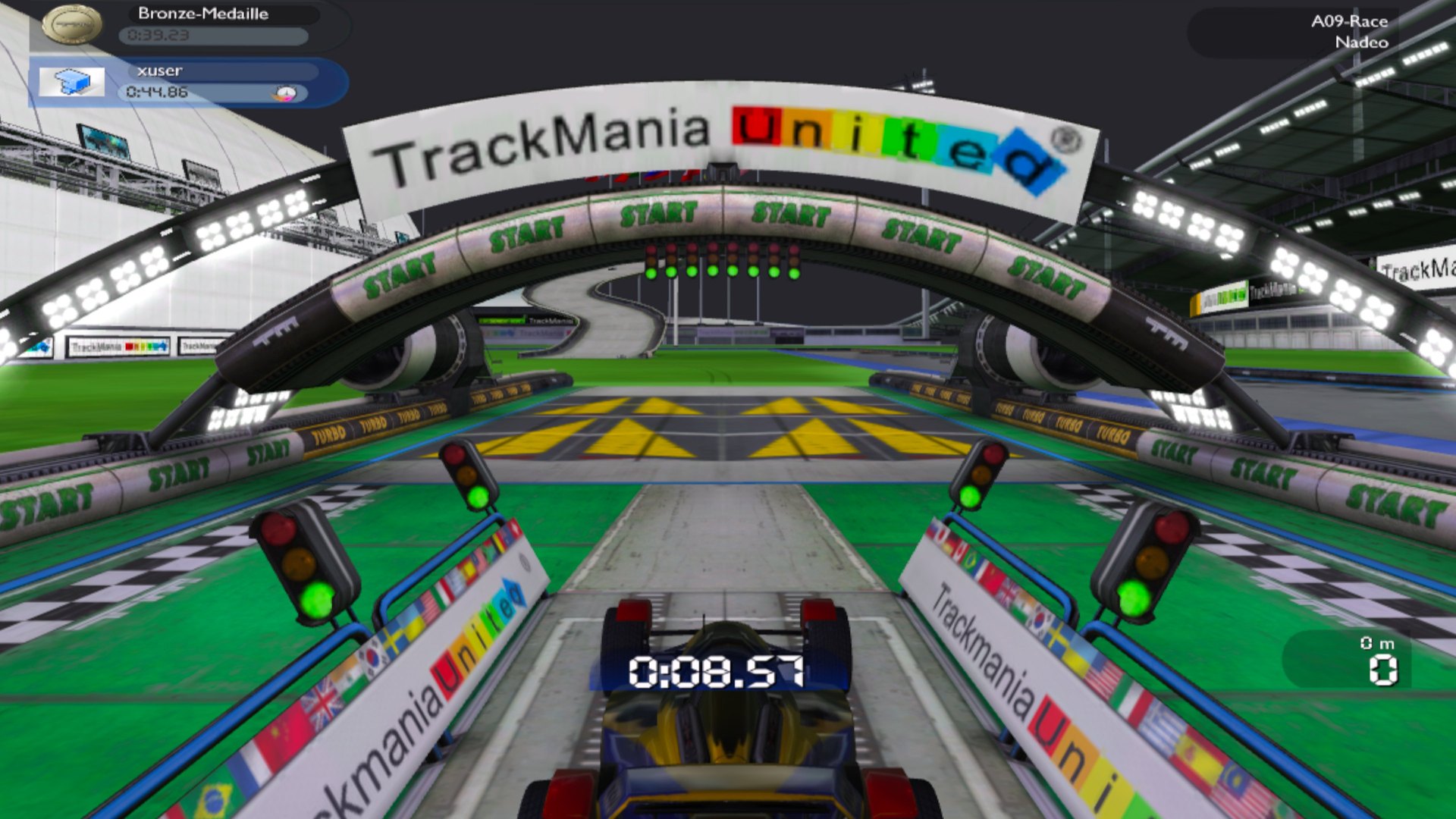
jiink's TrackMania Forever VR mod (TMFOXR), rebuilt to run standalone on Meta Quest 3 through WinlatorXR (Wine + Box64 + DXVK). Races are in stereo 3D with head tracking. The main menu stays on WinlatorXR's sharp flat screen, and VR switches on by itself when a race starts.
Features
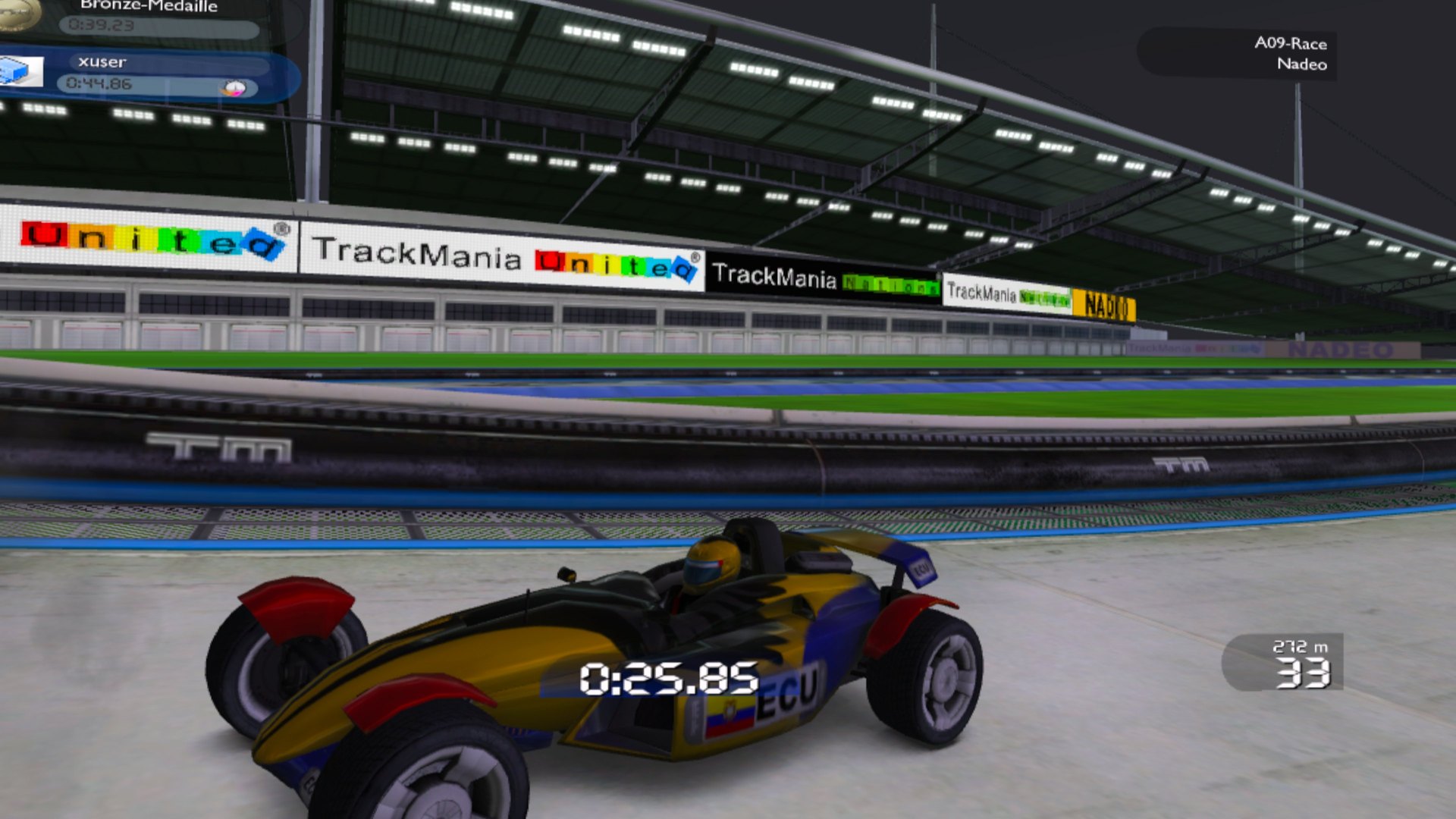
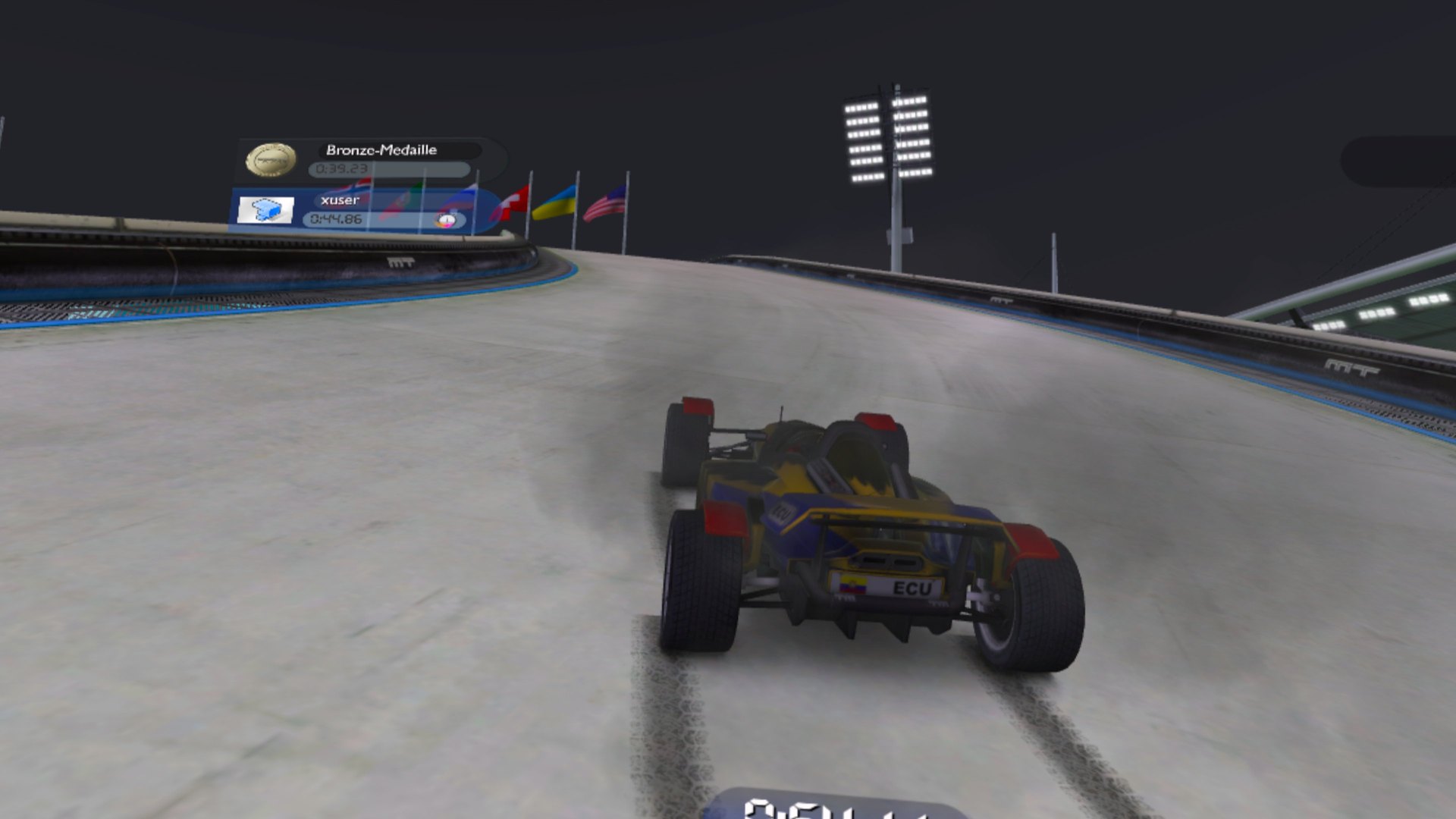
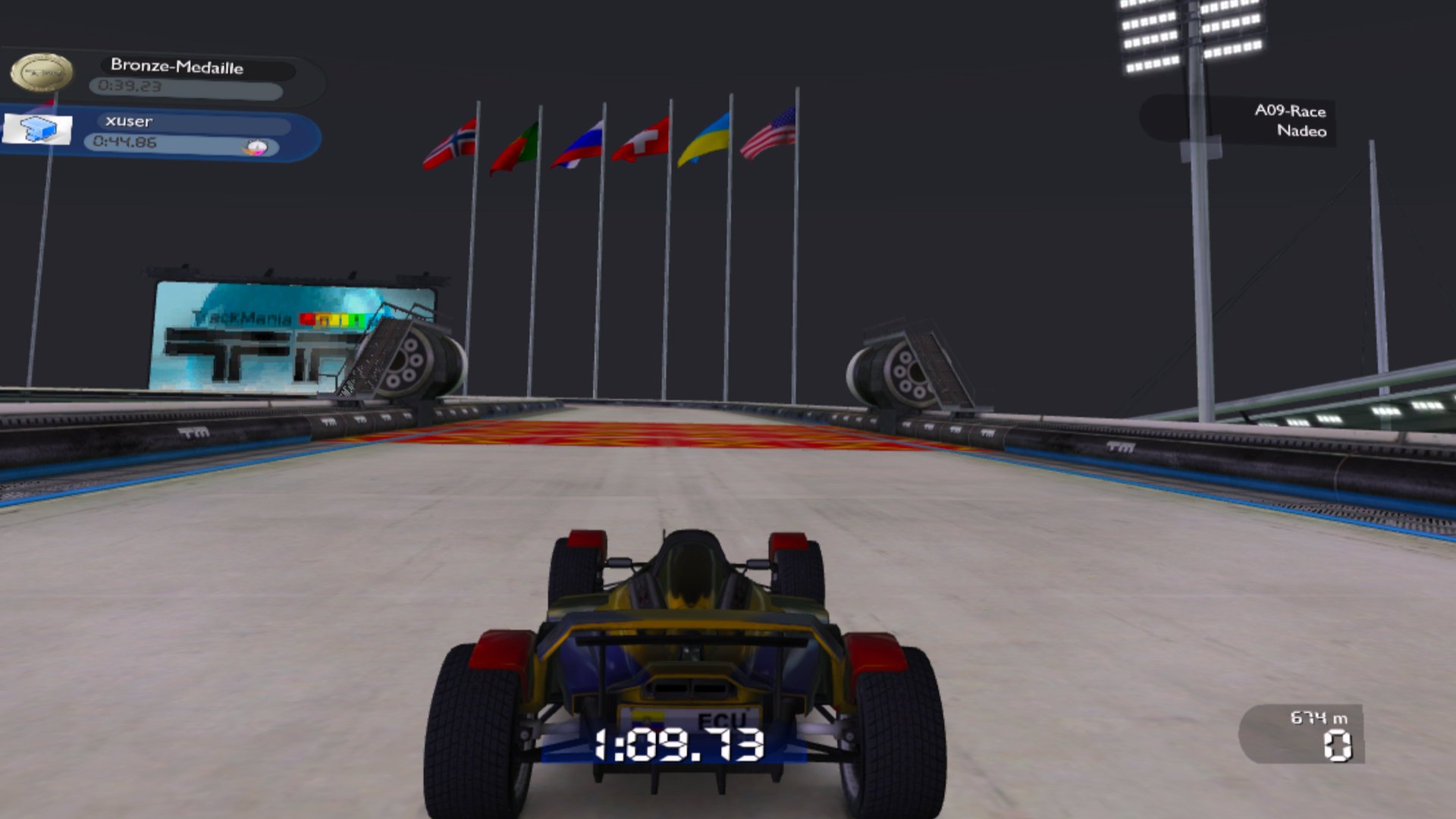
- Stereoscopic 3D races with head tracking, 1728×1728 per eye, 4x antialiasing
- Cockpit camera with the car's own dashboard
- VR only while racing: the main menu stays flat and sharp, while the pause, medal and finish screens stay in VR
- Quest controllers as a gamepad with analog steering; nothing to bind in the game
- The game follows the WinlatorXR screen size automatically
Manual
Installation
- Copy your TrackMania Nations Forever folder to the headset as
Download/TmForeverand extract the TMLoader "prepackaged" zip into it. - Dawn: unzip
TMFOXR-Quest-Dawn-Beta-0.1.zipstraight intoDownload/TmForever, create a shortcut forD:\TmForever\TmForever.exeand import the includedTMFOXR-VR.wxrprofile.json(screen 3456x1728, Turnip driver, Box64 Performance). Set the DX wrapper to DXVK 2.4 with Async by hand. SeeREADME_DAWN.txt. - cats-27: unzip
TMFOXR-Quest-Installer-Beta-0.1.zip, copy its folder toDownload, set the container up (screen 3456x1728, driveD:=/sdcard/Download, DXVK with Async) and runinstall.cmdinside it. SeeREADME_INSTALL.txt. - Recommended: lower the graphics quality once in
TmForeverLauncher.exe(Settings). It raised races from about 23 to 30–45 fps. - Start the shortcut with the headset on. The main menu appears flat, and VR starts with the race.
Good to know
- Races run at about 30–45 fps. The limit is TrackMania's main thread under Box64, so lower graphics quality helps most.
- Use a 2:1 screen size (3456x1728, 2880x1440 or 1920x1080); WinlatorXR crashed with screens wider than about 3500 pixels.
- Short stutters the first time new objects appear, while shaders compile; DXVK async reduces them.
- Only TrackMania Nations Forever (Stadium) was tested.
- Play with more than 50% battery; the Quest throttles below that.
Controller mapping
| Input | In races | In menus |
|---|---|---|
| Left stick | Steer (analog) | Move through the menu |
| Right trigger | Accelerate | – |
| Left trigger | Brake / reverse | – |
| A | Respawn at the last checkpoint | Enter |
| B | Restart the track | Esc / back |
| Y | Next camera | – |
| Left menu button | Pause menu | – |
| Left stick click (hold 1 s) | Recenter | Recenter |
| Right stick click | WinlatorXR menu (VR keyboard) | WinlatorXR menu (VR keyboard) |
Download
TrackMania Forever VR (Quest) — Beta 0.1 latestquest-beta-0.1 · 30 Sep 2026
All releases: github.com/SgtBilko76/TrackManiaForeverOpenXR/releases
Need help or found a bug? Ask in #support on our Discord, and get new releases in #new-releases.
Join the DiscordPictures & video
Credits: Based on TrackManiaForeverOpenXR by jiink (MIT). TrackMania Nations Forever is © Nadeo / Ubisoft. TMLoader by tomashu. Pictures: captured on a Meta Quest 3. No game files included.