

Far Cry VR
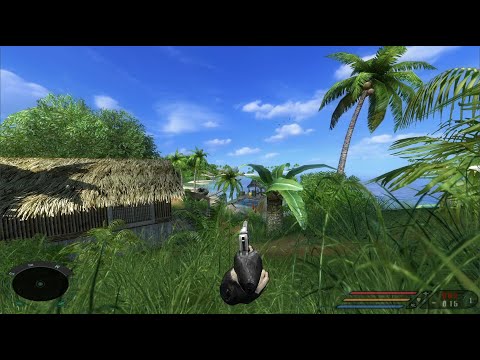
Far Cry (2004) in VR, standalone on Meta Quest 3 via WinlatorXR.
About
fholger's Far Cry VR mod running standalone on Meta Quest 3 under WinlatorXR (Wine + Box64 + DXVK). No PC needed at runtime.
Features
- Full roomscale 6DOF with motion controllers
- Two-handed gun handling, binoculars and scopes, ladder climbing
- Recommended preset for a steady ~60-72 fps
- Pause menu anchored in the world
- Seated mode and 45° snap turn
Manual
Installation
- Download and unzip
FarCryVR-Installer-Beta-0.3.zip. - Follow
README_INSTALL.txt: copy the game and mod to the headset, create the WinlatorXR container and point the shortcut at it. - Recommended 1792×1624 preset (locked 72 fps) - patch
FarCry.exeto be large-address-aware first (see the README), or use 1591×1440 without the patch.
Good to know
- Boots to the main menu (stable on current WinlatorXR builds); start or load a game there. Level loads can crash intermittently in the engine's renderer - just relaunch and load again.
- The 1792×1624 preset holds a locked 72 fps once
FarCry.exeis patched large-address-aware; without the patch use 1591×1440. - Play with more than 50% battery.
Controller mapping
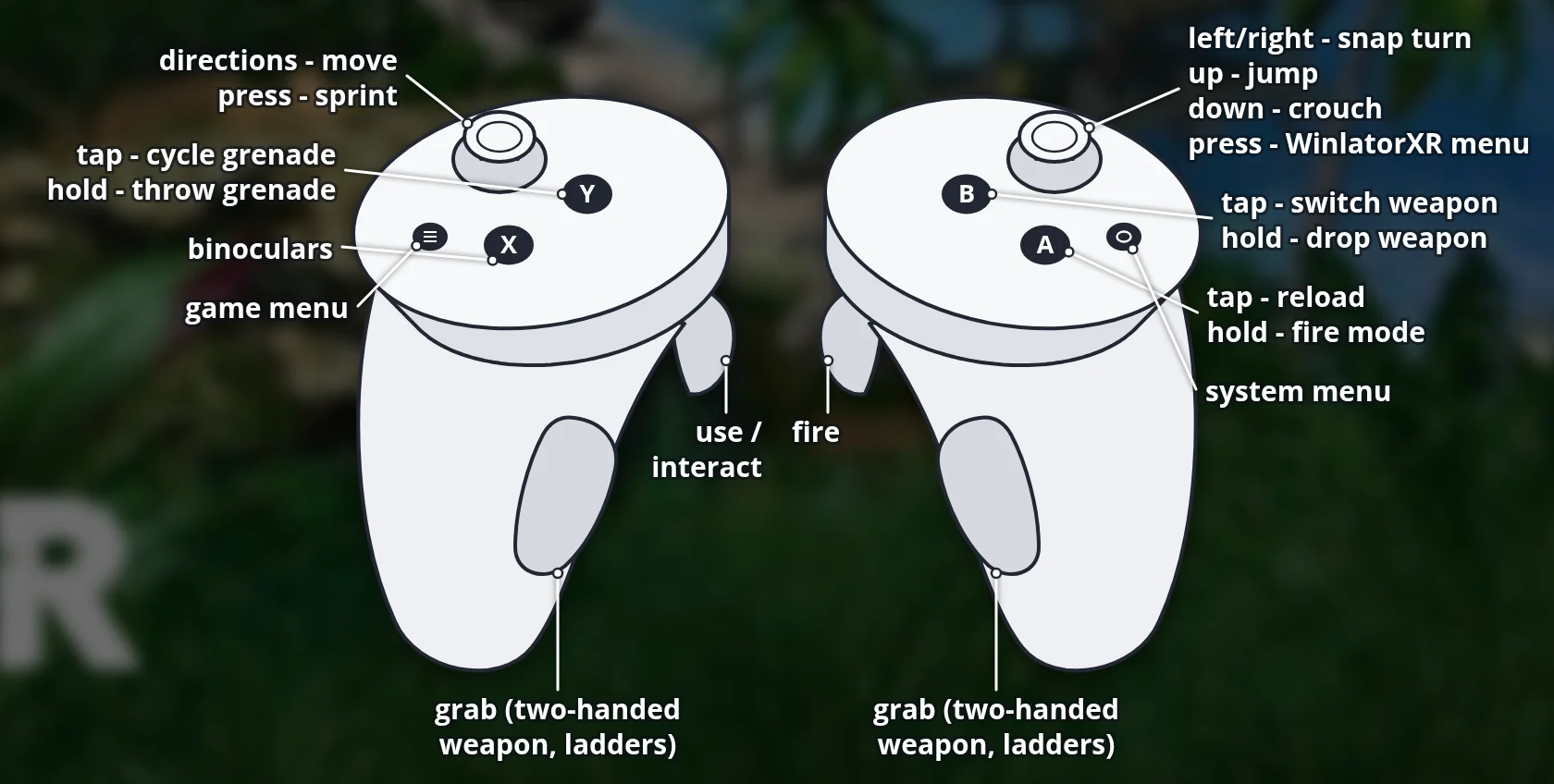
| Input | Action |
|---|---|
| Right trigger | Fire |
| Left trigger | Use / interact |
| A | Reload (hold: fire mode) |
| B | Switch weapon (hold: drop) |
| X | Binoculars |
| Y | Grenade (tap: cycle, hold: throw) |
| Left menu button | Game menu |
| Right stick | Turn / 45° snap; up = jump, down = crouch |
| Left stick | Move; click = sprint |
| Grips | Grab (two-handed weapon / ladders) |
| Right stick click | Reserved for the WinlatorXR menu |
Download
Install from your browser
Over USB, for Meta Quest 3: installs or updates WinlatorXR, copies your own Far Cry folder and unpacks the VR mod into it. It checks for the newest WinlatorXR release (WinlatorXR-dawn-42.apk) first. USB install works in Chrome or Edge on a PC or Mac. On the headset, open this page in the Meta Quest Browser to download WinlatorXR and the mod directly.
The installer needs JavaScript. Use the manual download below.
First time? Before you start
- Turn on developer mode: Meta Horizon app on your phone → Devices → your headset → Headset settings → Developer mode.
- Connect the headset to this computer with a USB cable that carries data (not a charge-only cable).
- Close SideQuest and Meta Quest Developer Hub. If you use adb, run
adb kill-serverfirst: only one program can talk to the headset at a time. - Windows: if the headset doesn't show up in the list, install the Meta Quest ADB driver.
- After pressing Connect, put on the headset and allow USB debugging for this computer.
- Copying a game folder takes a few minutes for big games; keep the headset plugged in and awake.
Far Cry VR (Quest) — Beta 0.3 latestquest-beta-0.3 · 26 Sep 2026
All releases: github.com/SgtBilko76/Farcry_vrmod-WinlatorXR/releases
Need help or found a bug? Ask in #support on our Discord, and get new releases in #new-releases.
Join the Discord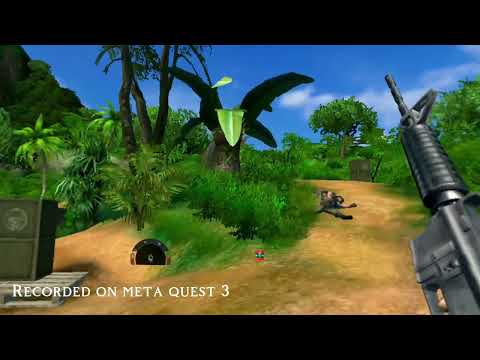
Credits: Based on farcry_vrmod by fholger. No game files included. Videos: Luboš VR and fholger.