
ARMSX1 3D
PlayStation 1 in stereoscopic 3D on a curved virtual screen.
About
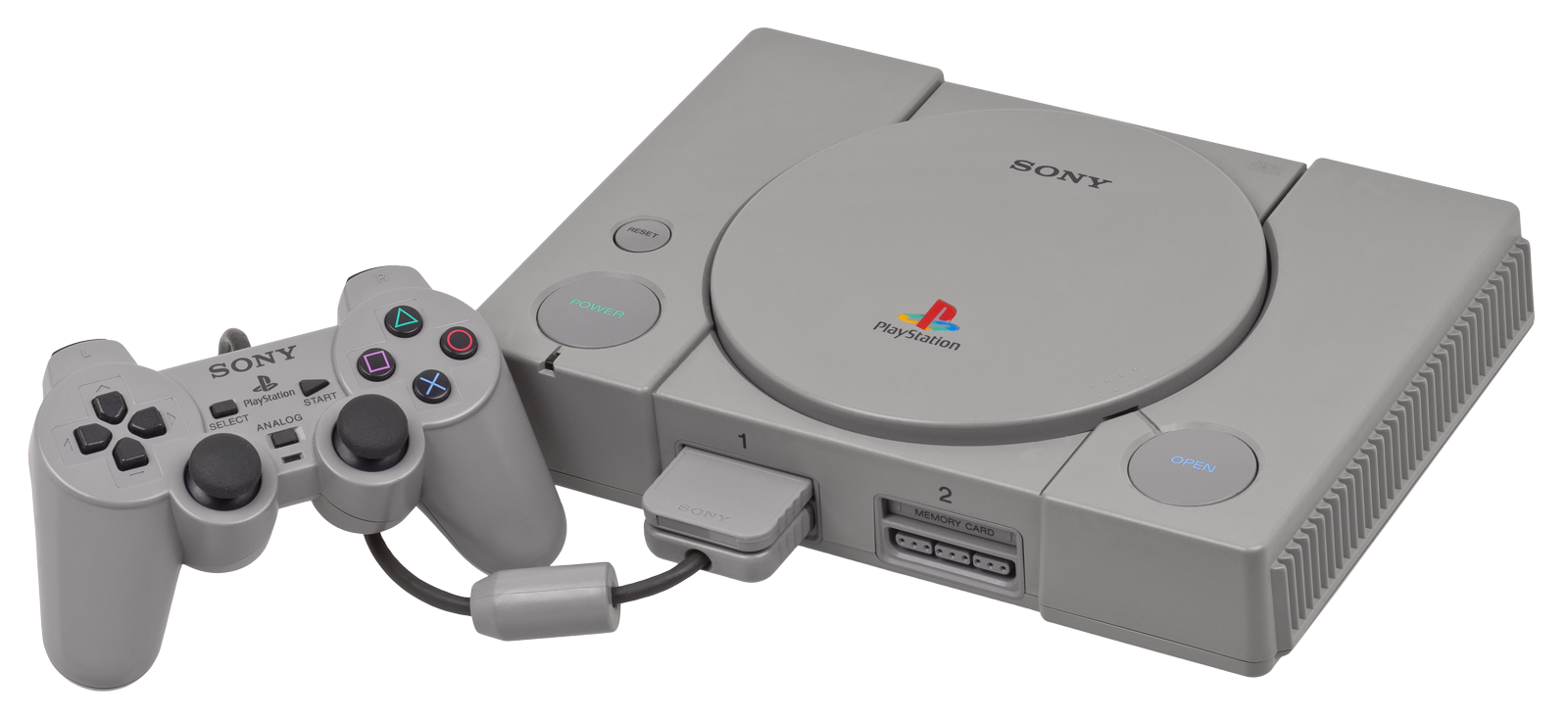
ARMSX1, the PlayStation 1 emulator from the ARMSX2 team, for Meta Quest. The whole emulator runs inside the headset: the game and the menus sit on a curved virtual screen in an immersive OpenXR session.
The 3D comes from the game itself: every polygon keeps the depth the PlayStation's geometry engine calculated for it, and each eye's picture is built from that. Sprites, text and videos stay flat on the screen.
Features
- Stereoscopic 3D from the PS1's own geometry, with adjustable strength and screen plane under Pause menu → VR Settings
- Curved or flat virtual screen; size and distance adjustable, recenter from the pause menu
- Steady 60 fps on Quest 3, with the emulator on the fast CPU cores and the 3D work on the spare ones
- Touch controllers mapped to the PlayStation pad, with the same layout as ARMSX2-3D
- Save states: five slots per game in the pause menu
- Memory card saves
- Plays
.cue/.bin,.iso,.chdand.zipdisc images
Manual
Installation
- Enable developer mode on your headset.
- Download the APK below and sideload it with SideQuest or
adb install -r ARMSX1-0.2.0-beta1-quest-arm64-v8a.apk. - If an ARMSX1 nightly build for Quest is already installed, uninstall it first: this APK is signed with a different key.
- Copy your BIOS and games onto the headset, for example into
Download/. - Launch ARMSX from Library → Unknown Sources, allow file access and point it at your BIOS and games.
Good to know
- This is the first public beta, tested with Crash Bandicoot on Quest 3. Please report problems on GitHub with the game name.
- Sprites, text, menus and videos have no depth and sit at screen depth.
- The APK contains no BIOS and no game data.
Controller mapping
| Quest | PS1 |
|---|---|
| A / B / X / Y | Cross / Circle / Square / Triangle |
| Grips / triggers | L1 R1 / L2 R2 |
| Left stick click | Start |
| Right stick click | Select |
| Left stick | Left analog; a hard push is the D-pad |
| Right stick | Right analog |
| Menu tap | Pause menu (save states, VR settings) |
| Menu + left / right stick click | L3 / R3 |
| Menu + B | Left stick: analog + D-pad, or analog only |
| Menu + right trigger | Recenter the screen |
Download
ARMSX1 3D 0.2.0-beta1 latestv0.2.0-beta1 · 01 Oct 2026
All releases: github.com/SgtBilko76/ARMSX1-3D/releases
Need help or found a bug? Ask in #support on our Discord, and get new releases in #new-releases.
Join the Discord