ARMSX2 Quest
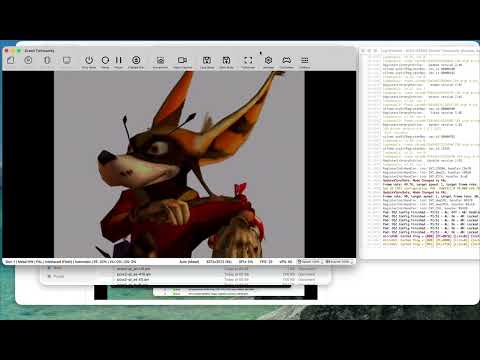
PlayStation 2 in stereoscopic 3D on a curved virtual screen.
About
ARMSX2 (the ARM64 fork of PCSX2) for Meta Quest, built on ARMSX2 2.7. The emulator runs as a normal 2D panel; starting a game moves it into an immersive OpenXR session with the game on a curved virtual screen, in real stereoscopic 3D.
Features
- Stereoscopic 3D: each frame is reprojected per eye from the game's depth buffer
- Curved virtual screen, 2.4 m wide at 1.5 m, 1920×1080 per eye
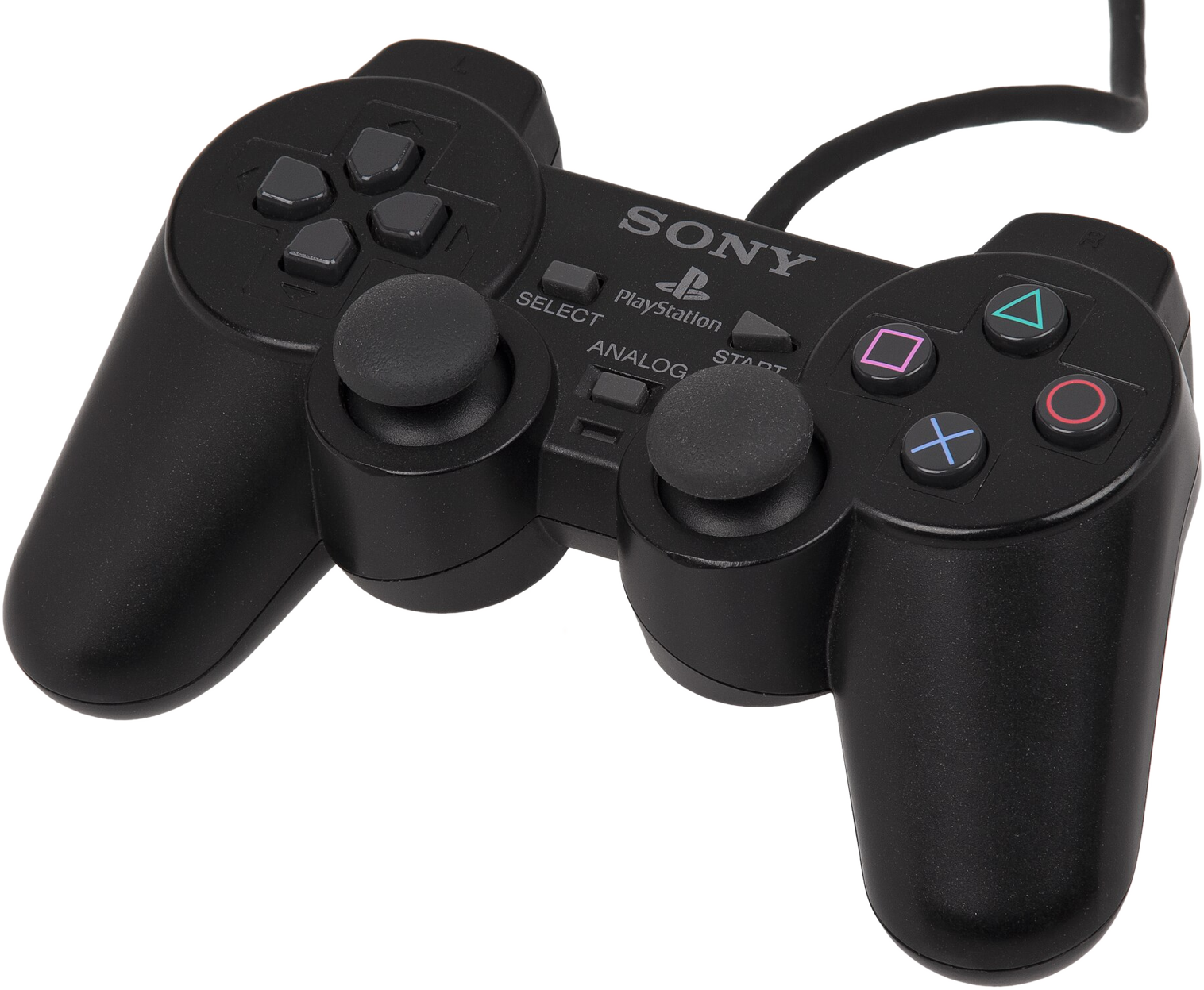
- Touch controllers mapped to a DualShock 2, with rumble
- Library and settings stay a 2D panel; the pause menu takes you back
- Quest-tuned defaults (3× internal resolution and more)
Manual
Installation
- Sideload the APK with SideQuest or
adb install -r ARMSX2-Quest-0.1-beta.apk. - Grant storage access and point the app at your games.
- Uninstall any other ARMSX2 build first if the install fails with a signature mismatch.
Good to know
- Games that never offer a usable depth buffer are shown flat.
- Depth reprojection shows small artifacts at object edges.
- 3D strength, screen size and distance can be tuned over adb, e.g.
adb shell setprop debug.armsx2.sep 0.011.
Controller mapping
| Quest | PS2 |
|---|---|
| A / B / X / Y | Cross / Circle / Square / Triangle |
| Grips / triggers | L1 R1 / L2 R2 (triggers analog) |
| Stick clicks | L3 / R3 |
| Left stick | Left analog; a hard push is the D-pad |
| Right stick | Right analog |
| Menu tap / long press | Start / Select |
| Menu + right stick | D-pad |
| Menu + B | Left stick: analog only, or analog + D-pad |
| Menu + right trigger | Recenter the screen |
| Menu + right grip | Leave VR to the ARMSX2 menu |
Download
Beta 0.1 latestv0.1-beta · 20 Sep 2026
All releases: github.com/SgtBilko76/ARMSX2-Quest/releases