
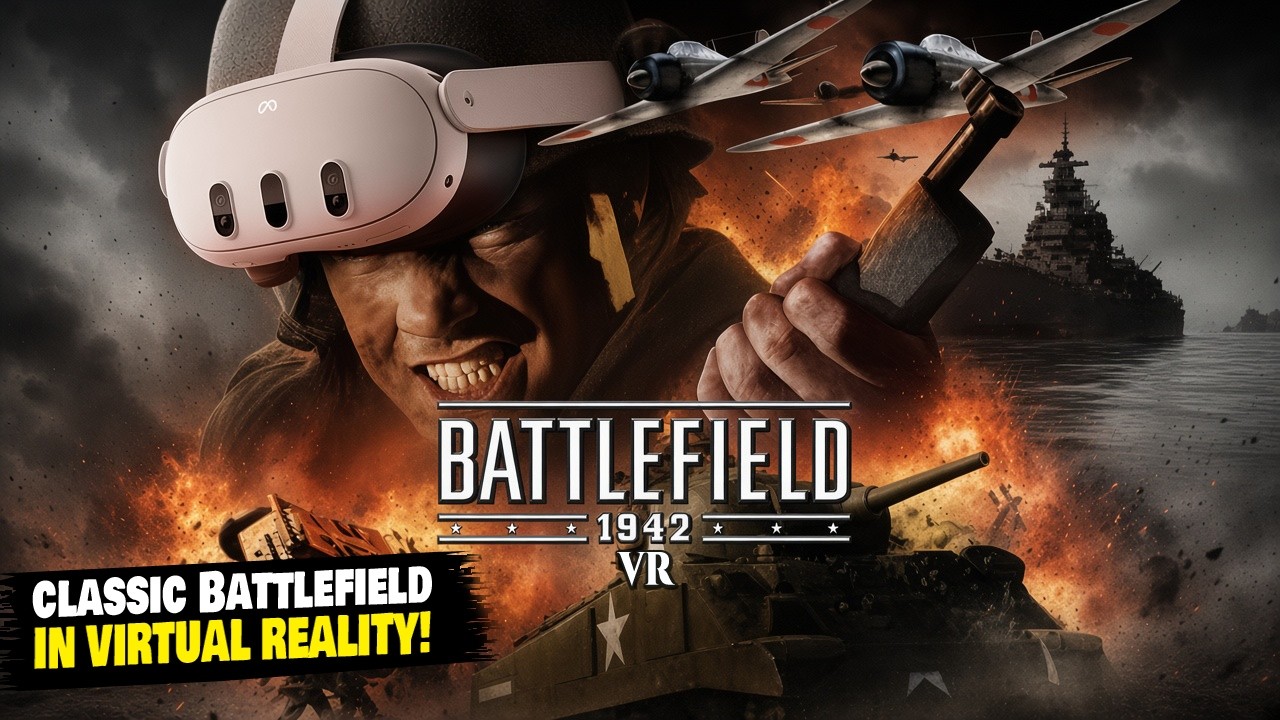
BFVR: Battlefield 1942 VR
Classic Battlefield in virtual reality, standalone on Meta Quest 3.
About
BFVR, the Battlefield 1942 VR mod by JayBiggsGaming, running standalone on Meta Quest 3 through WinlatorXR. Includes launchers for the expansions The Road to Rome and Secret Weapons of WWII.
Features
- Stereoscopic VR rendering with head tracking
- Tracked-controller aiming and two-handed weapon grip
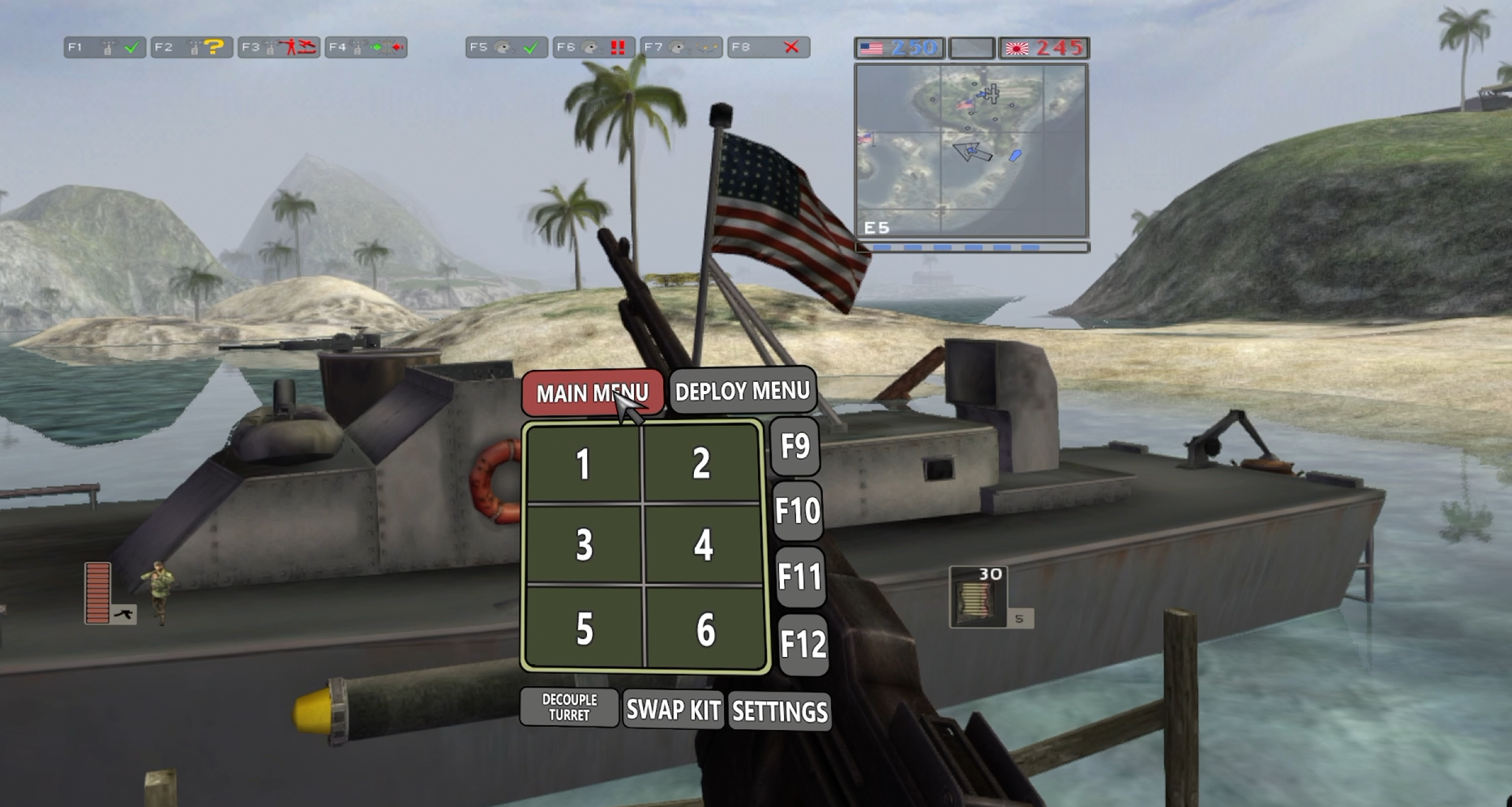
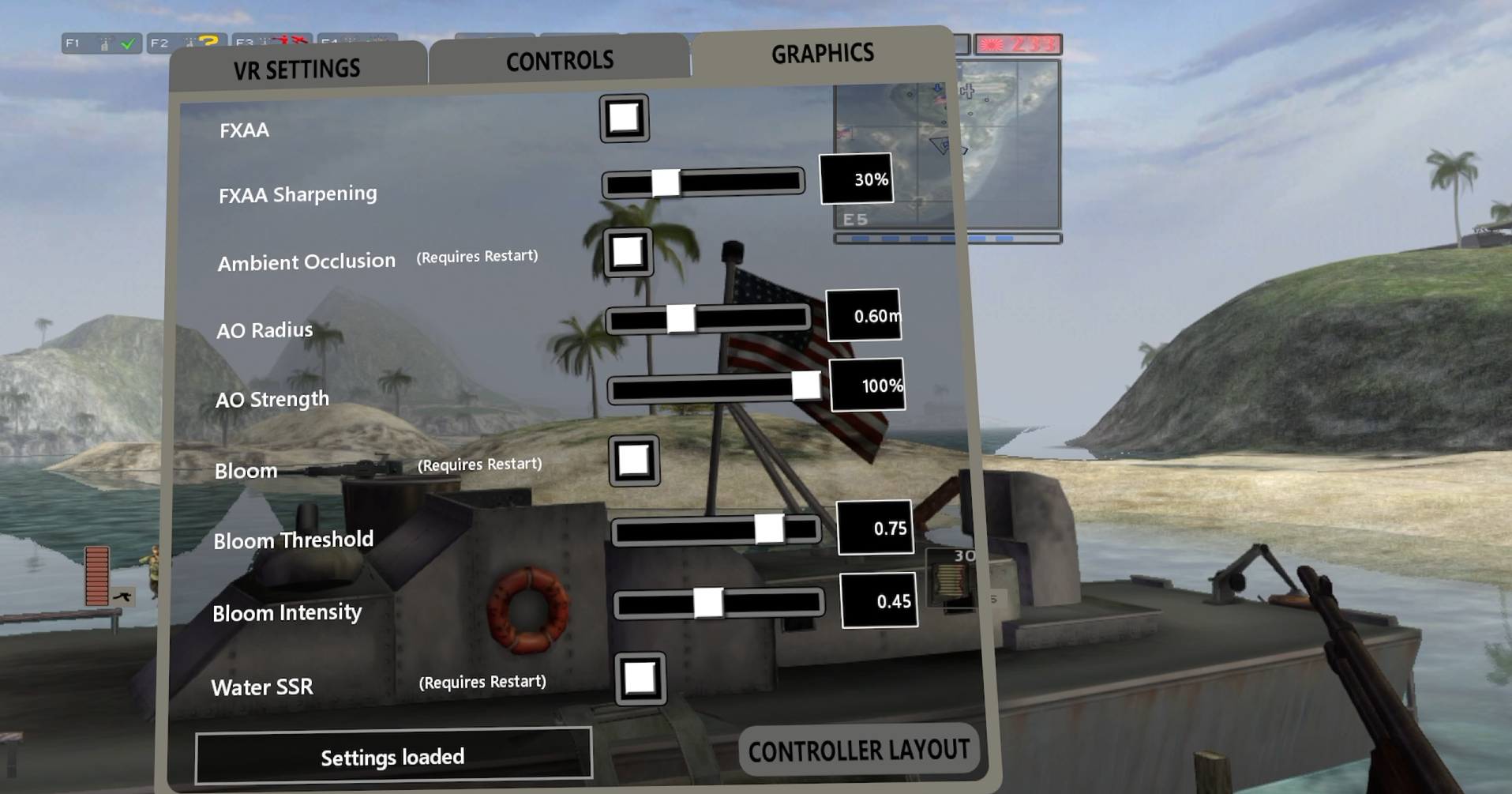
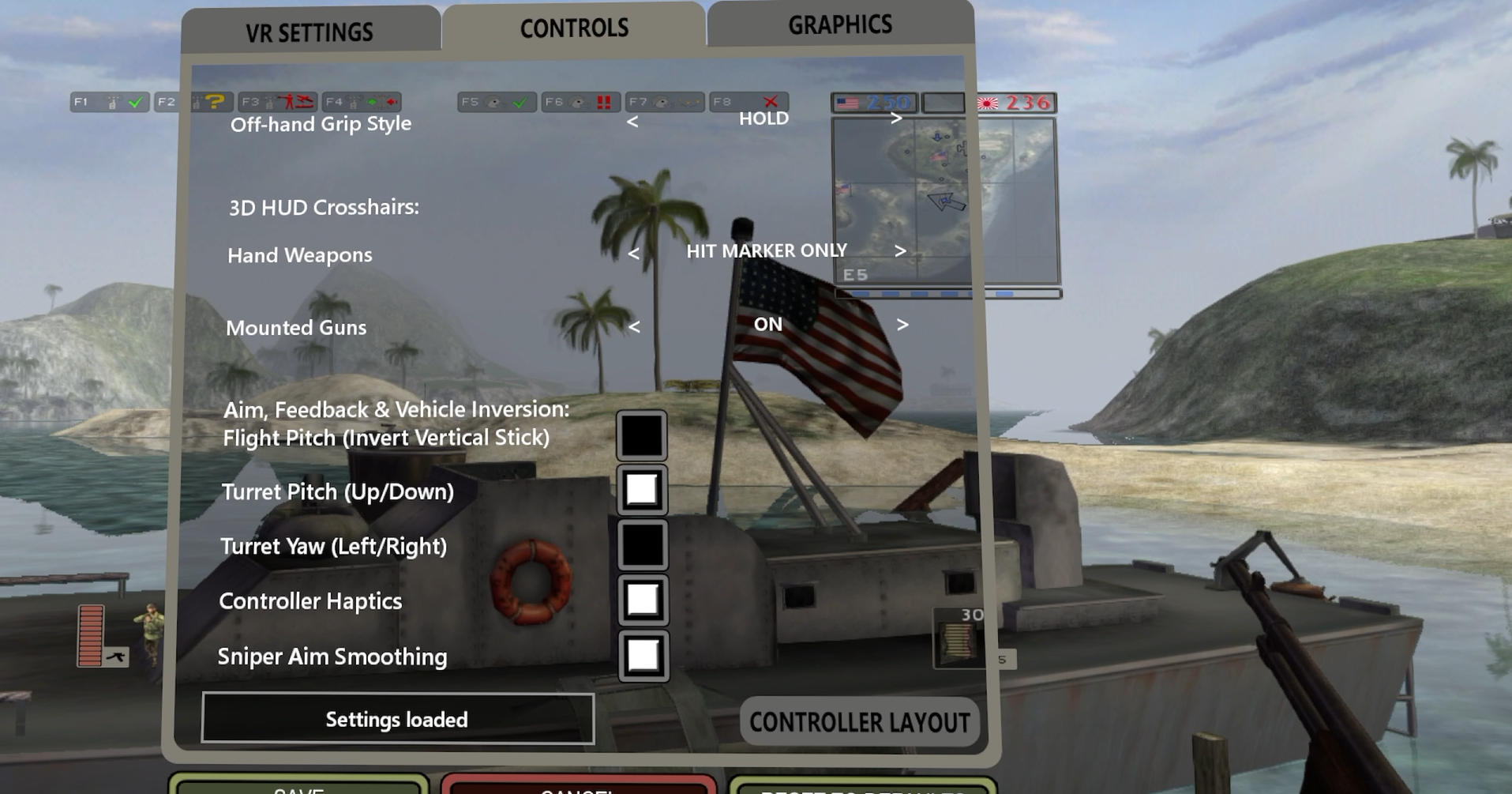
- VR Quick Menu and VR settings (turning, HUD, comfort vignette and more)
- Shortcuts for the base game and both expansions
Manual
Installation
- Install the MoonGamers package on a PC and copy the complete
Battlefield 1942folder to the headset asDownload/BF1942. - Copy the zip's
BF1942folder contents intoDownload/BF1942, and itsWinlatorfolder toDownload/Winlator. - In WinlatorXR, create a container: screen 3120x1430, drive
D:=/sdcard/Download, Wineproton-9.0-x86_64, Box64, DXVK 1.10.x with Async. The full tested settings (including the controller key mapping) are inREADME-QUEST.md. - Start the container and run
D:\BF1942\Setup-BFVR-Quest.batonce, then optionallyInstall-BFVR-Shortcut.bat. - Play with
D:\BF1942\BFVR-VR.bator the BFVR-VR shortcut. The first start takes a few minutes.
Good to know
- Secret Weapons of WWII runs slower than the base game; lower View Distance.
- Occasionally the screen stays black with music after starting: restart the game.
- Play with more than 50% battery; the Quest throttles below that.
Controller mapping
| Input | Action |
|---|---|
| Right trigger | Fire |
| Right grip | Secondary fire |
| Left trigger | Use |
| A | Reload |
| B (short press) | Next weapon |
| B (hold 2 s) | Recenter |
| Left stick | Move |
| Right stick | Turn; up jump, down crouch |
| X | Prone |
| Y (hold) | Scoreboard |
| Left grip (near the weapon) | Hold the weapon with both hands |
| Left stick click (hold) | Quick Menu: point with the right hand, release to choose |
| Left menu button | Game menu |
Download
BFVR Quest Beta 2 latestquest-beta2 · 18 Sep 2026
All releases: github.com/SgtBilko76/Battlefield-1942-WinlatorXR/releases
Credits: BFVR by JayBiggsGaming. No game files included.