
Red Faction VR
Red Faction (2001) in VR, standalone on Meta Quest 3 via WinlatorXR.
About
Alpine Faction VR by Cactus VR Studios, extended with a WinlatorXR backend so Red Faction runs standalone on a Meta Quest 3 (Wine + Box64 + DXVK). No PC needed while playing.
Beta 0.1 is tested on Quest 3 with WinlatorXR dawn-33 and the GOG version in the first levels: about 72 fps most of the time.
Features
- Stereo VR with head and controller tracking at the headset's 72 fps
- Tracked weapons with two-hand grip, laser sight and shake-to-reload
- Big HUD in front of you with health and ammo near the center
- Pause menu on WinlatorXR's sharp 2D screen; sniper zoom on a screen fixed in the room
- Settings file for HUD, menu, graphics and CPU tuning, most of them applied while playing
Manual
Installation
- Copy your complete Red Faction folder (with
RF.exe) to the headset asDownload/RedFaction. - Unzip
RedFactionVR-Quest-WinlatorXR-v0.1.0-beta.zipinto that folder. - Create a WinlatorXR container: screen 2388x1080, DXVK with Async, Wrapper/Turnip driver, XR API on, drive
D:=/sdcard/Download. - Start
D:\RedFaction\RedFactionVR.batfrom the container's file manager, or make a shortcut forwine C:\windows\system32\cmd.exewith the arguments/c D:\RedFaction\RedFactionVR.bat. - The first start converts the GOG
RF.exetoRF_120na.exeand takes a little longer. Steam and retail versions: seeREADME-WinlatorXR.txt.
Good to know
- The container screen size must be 2388x1080.
- Beta: only the first levels are tested. Multiplayer, Quest 2 and Pico are untested.
- HUD size and position, the menu mode and graphics can be changed in
afvr_winlatorxr.iniin the game folder.
Controller mapping
| Input | Action |
|---|---|
| Right trigger | Fire |
| Left trigger | Alternate fire / sniper zoom |
| Left grip | Use; hold the weapon with both hands |
| A | Crouch |
| B | Jump |
| X | Reload (or shake the right controller down) |
| Y | Headlamp |
| Left stick | Move; click: holster |
| Right stick | Snap turn; up/down: previous/next weapon |
| Right stick click | Laser sight on/off |
| Left menu button | Pause menu (point and click) |
Download
Install from your browser
Over USB, for Meta Quest 3: installs or updates WinlatorXR, copies your own Red Faction folder and unpacks the VR mod into it. It checks for the newest WinlatorXR release (WinlatorXR-dawn-42.apk) first. Works in Chrome or Edge on a PC or Mac.
The installer needs JavaScript. Use the manual download below.
First time? Before you start
- Turn on developer mode: Meta Horizon app on your phone → Devices → your headset → Headset settings → Developer mode.
- Connect the headset to this computer with a USB cable that carries data (not a charge-only cable).
- Close SideQuest and Meta Quest Developer Hub. If you use adb, run
adb kill-serverfirst: only one program can talk to the headset at a time. - Windows: if the headset doesn't show up in the list, install the Meta Quest ADB driver.
- After pressing Connect, put on the headset and allow USB debugging for this computer.
- Copying a game folder takes a few minutes for big games; keep the headset plugged in and awake.
Red Faction VR for Quest (WinlatorXR) 0.1.0 Beta latestquest-v0.1.0-beta · 12 Oct 2026
All releases: github.com/SgtBilko76/alpinefactionVR/releases
Need help or found a bug? Ask in #support on our Discord, and get new releases in #new-releases.
Join the DiscordPictures & video
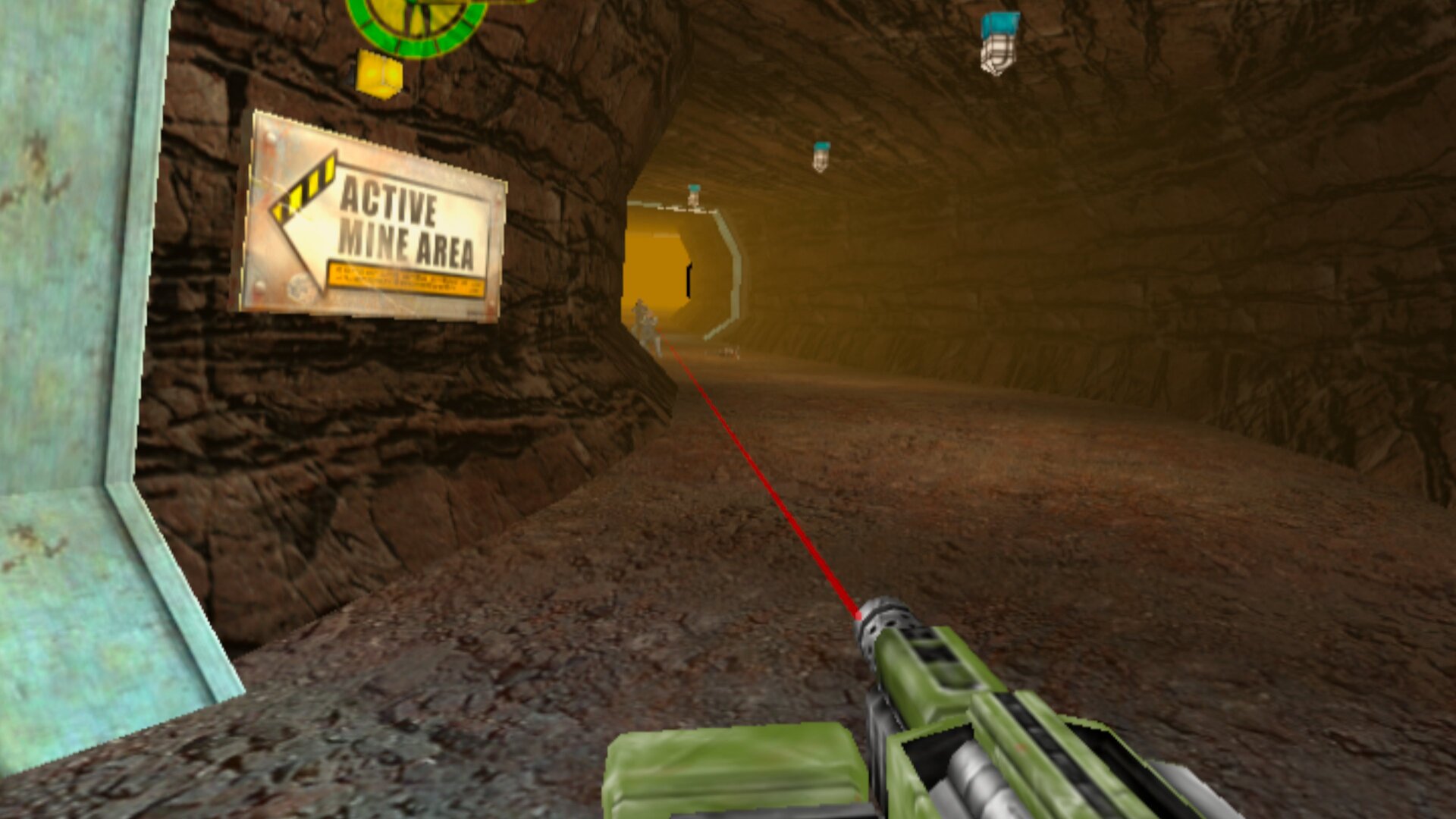
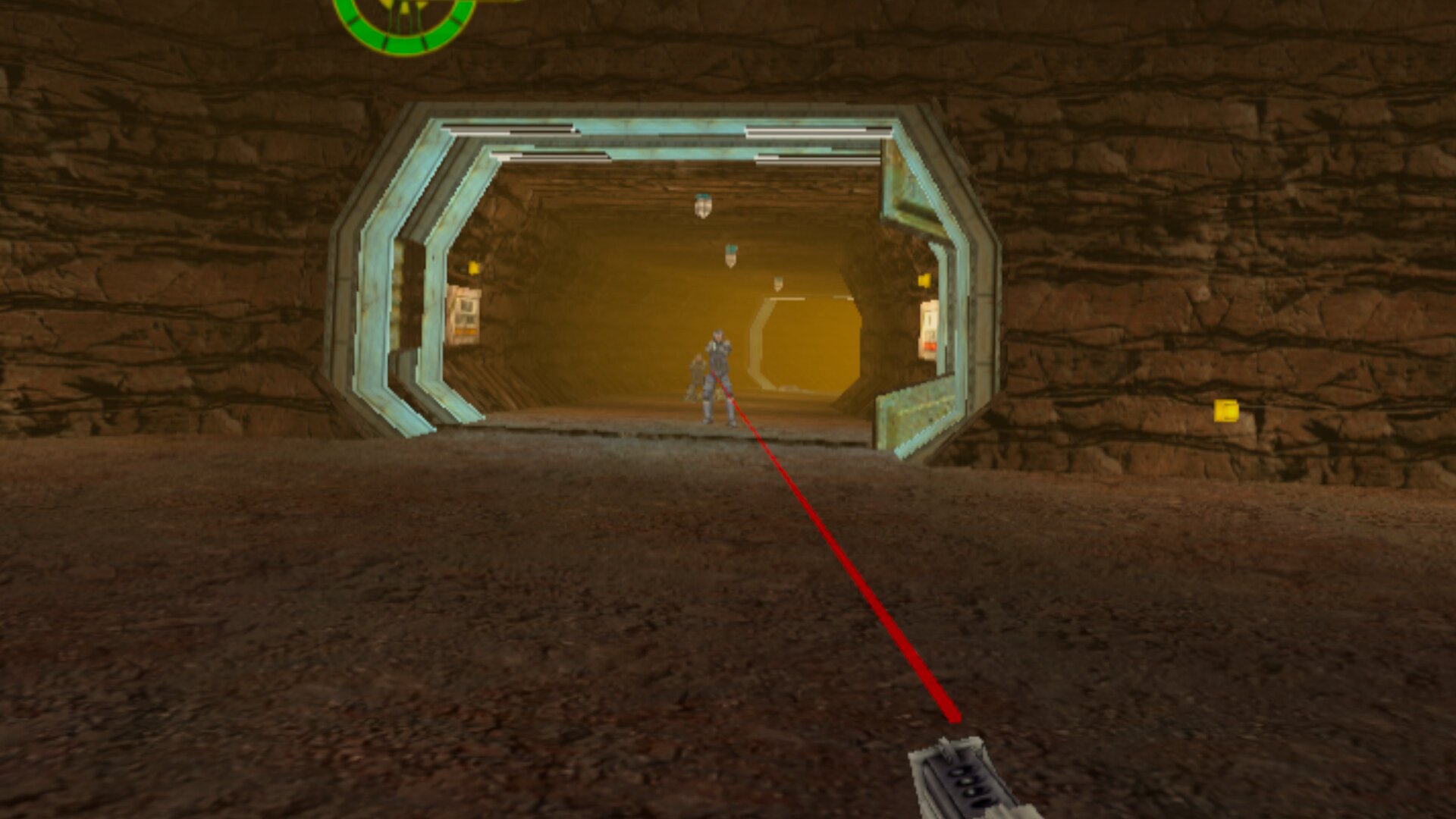
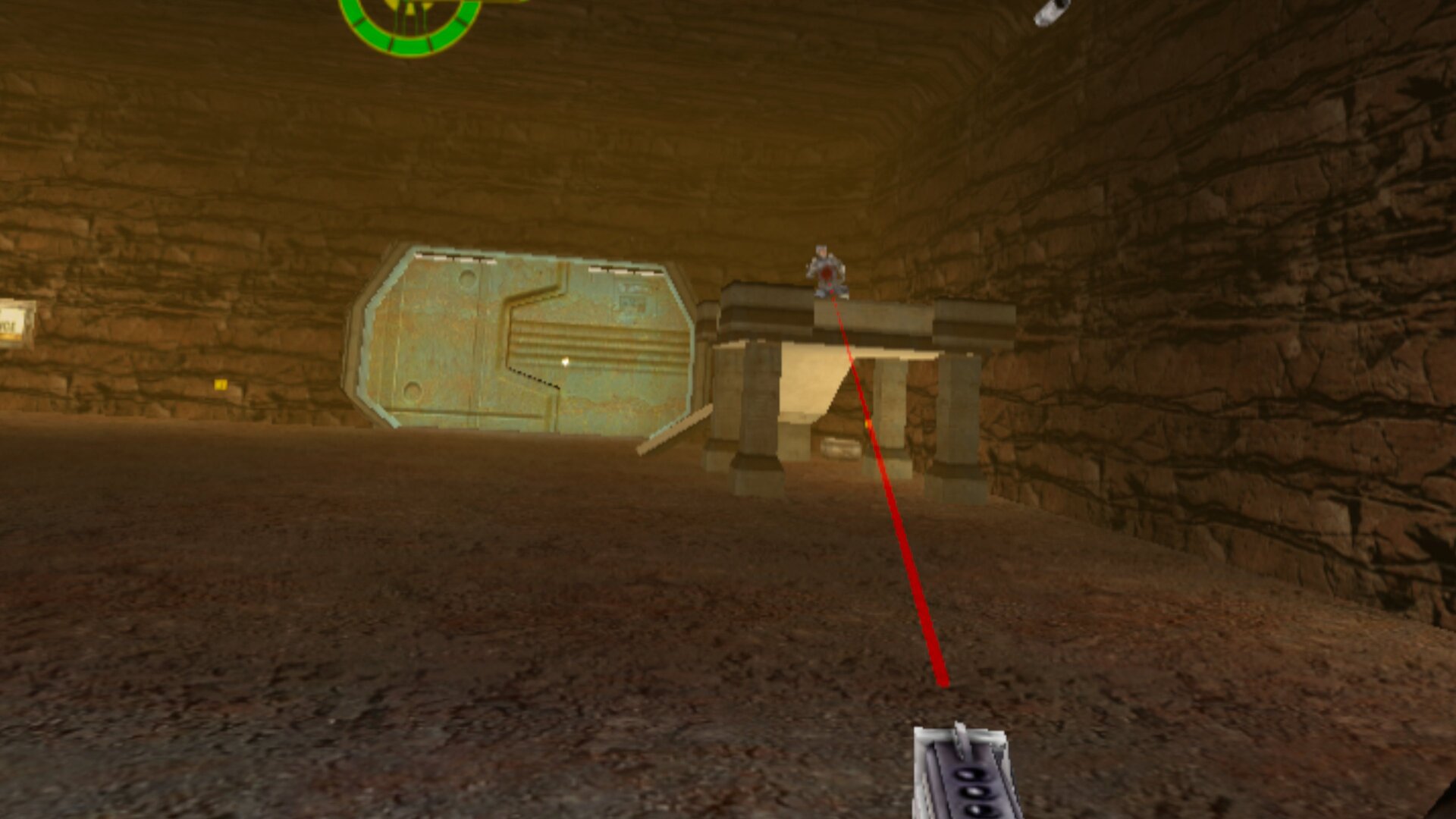
Credits: Based on Alpine Faction VR by Cactus VR Studios and Alpine Faction by GooberRF. Red Faction is © THQ Nordic. No game files included. Logo: Cactus VR Studios. Pictures: captured on a Meta Quest 3.