
CTR: Turbocharged VR
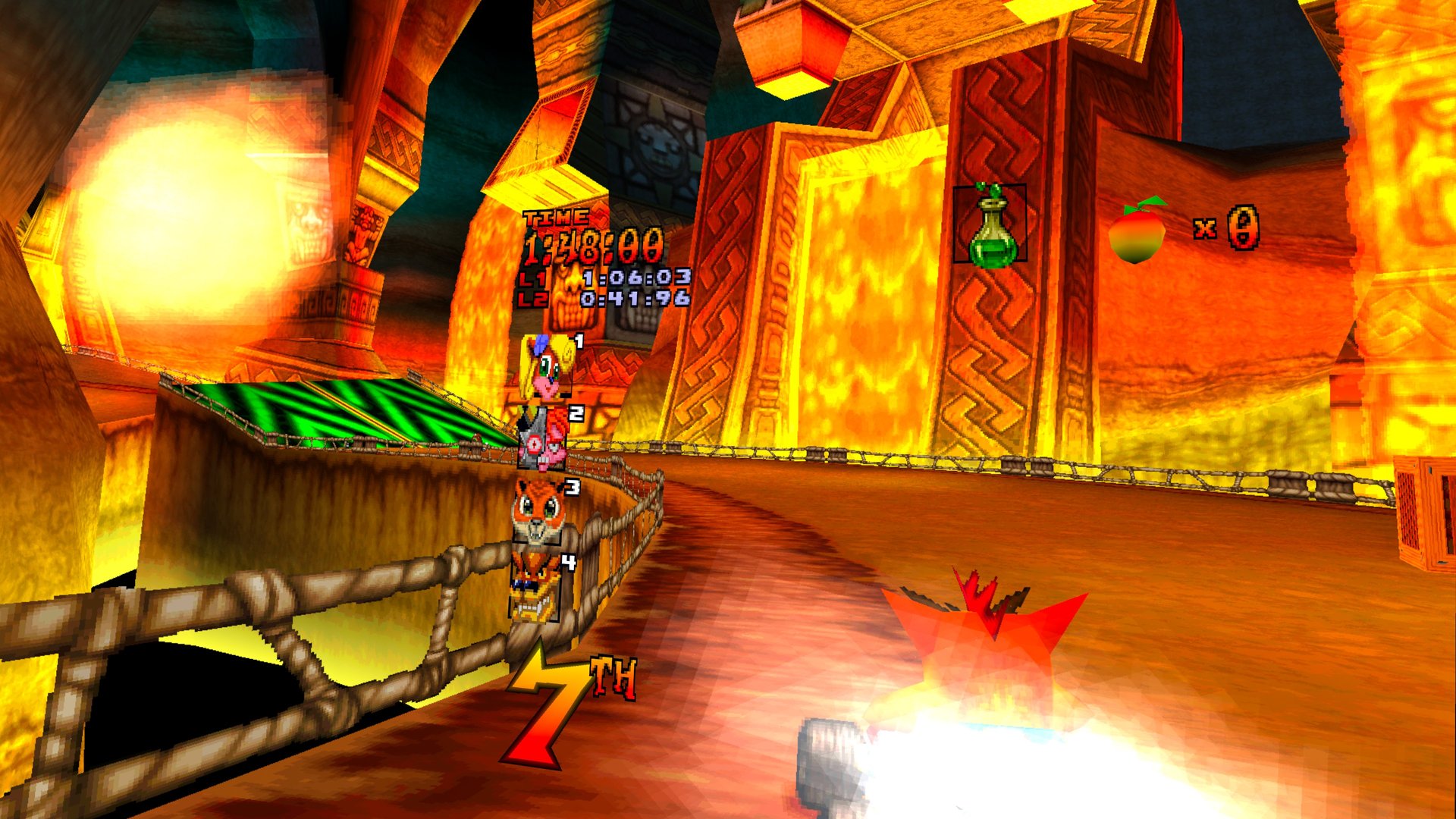
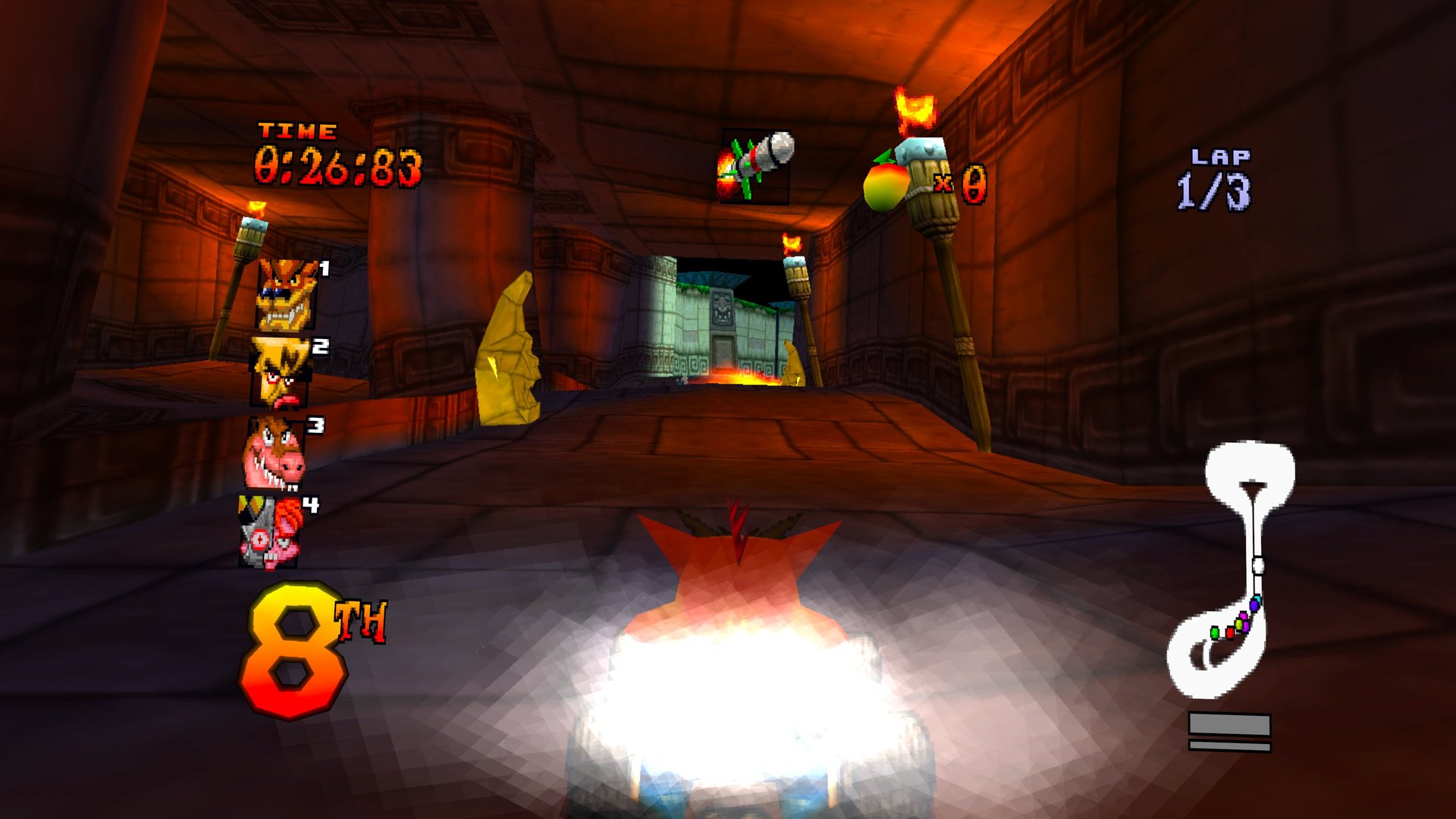
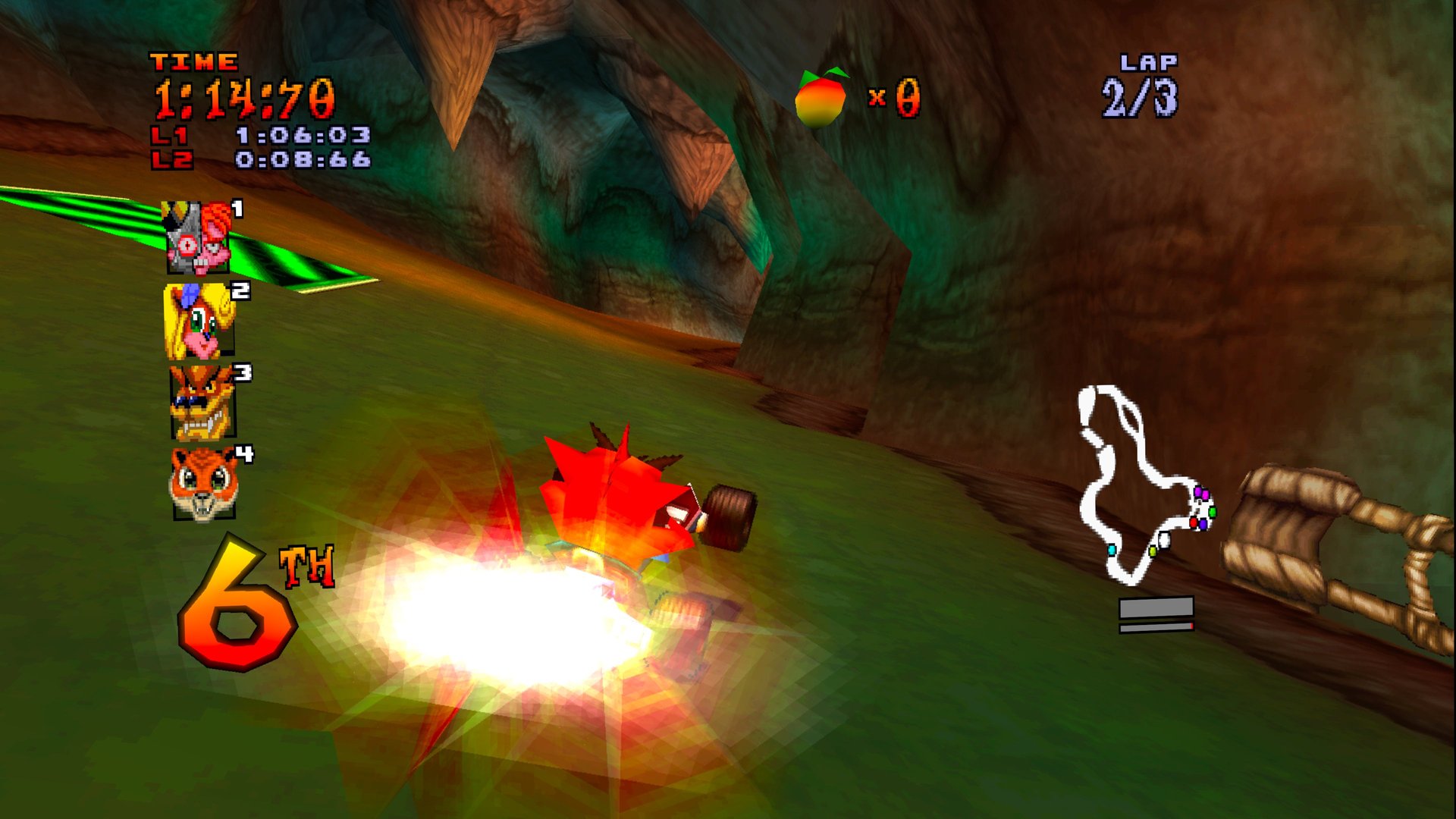
Crash Team Racing in real stereoscopic 3D, with you sitting right behind the kart.
About
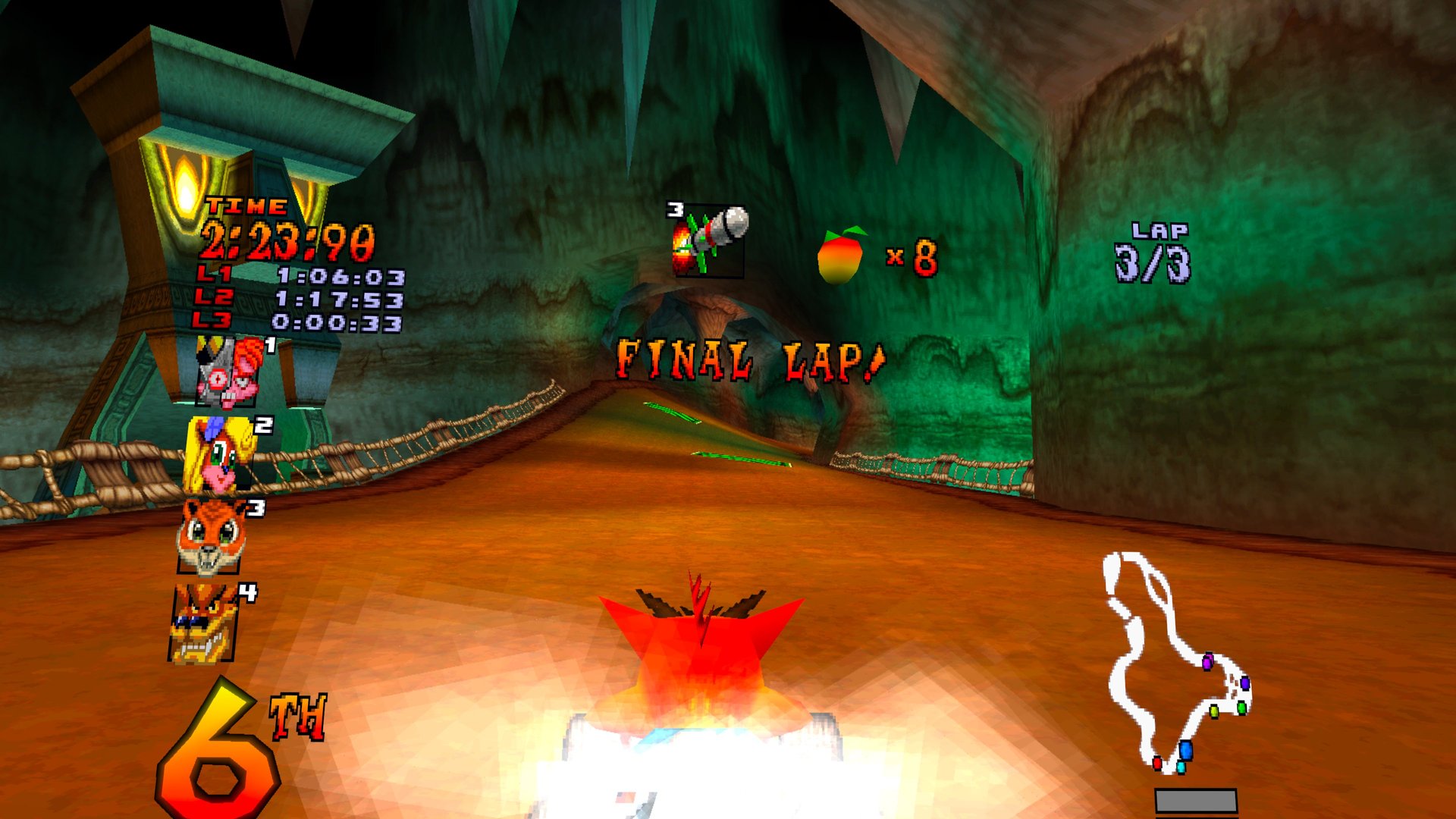
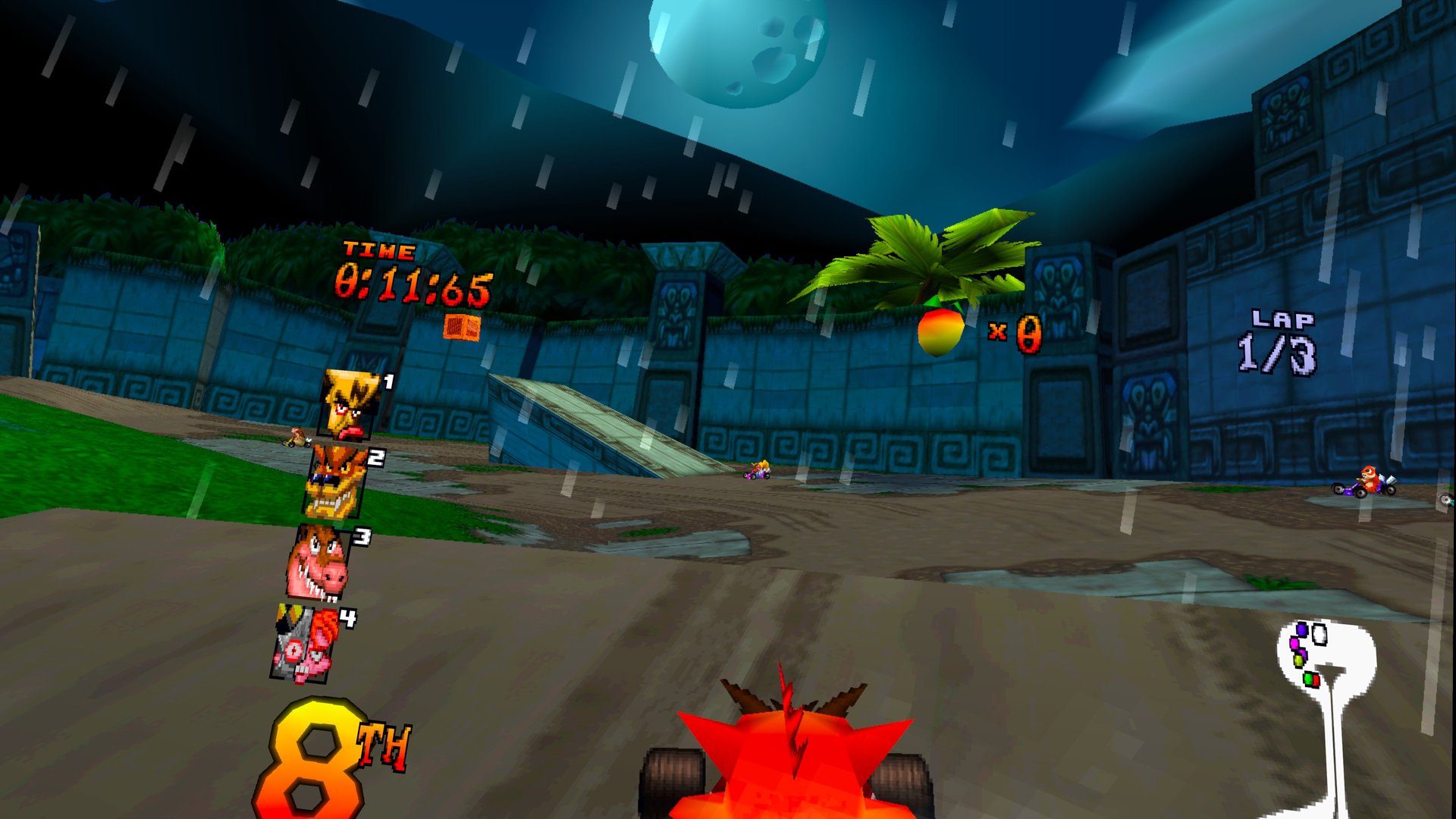
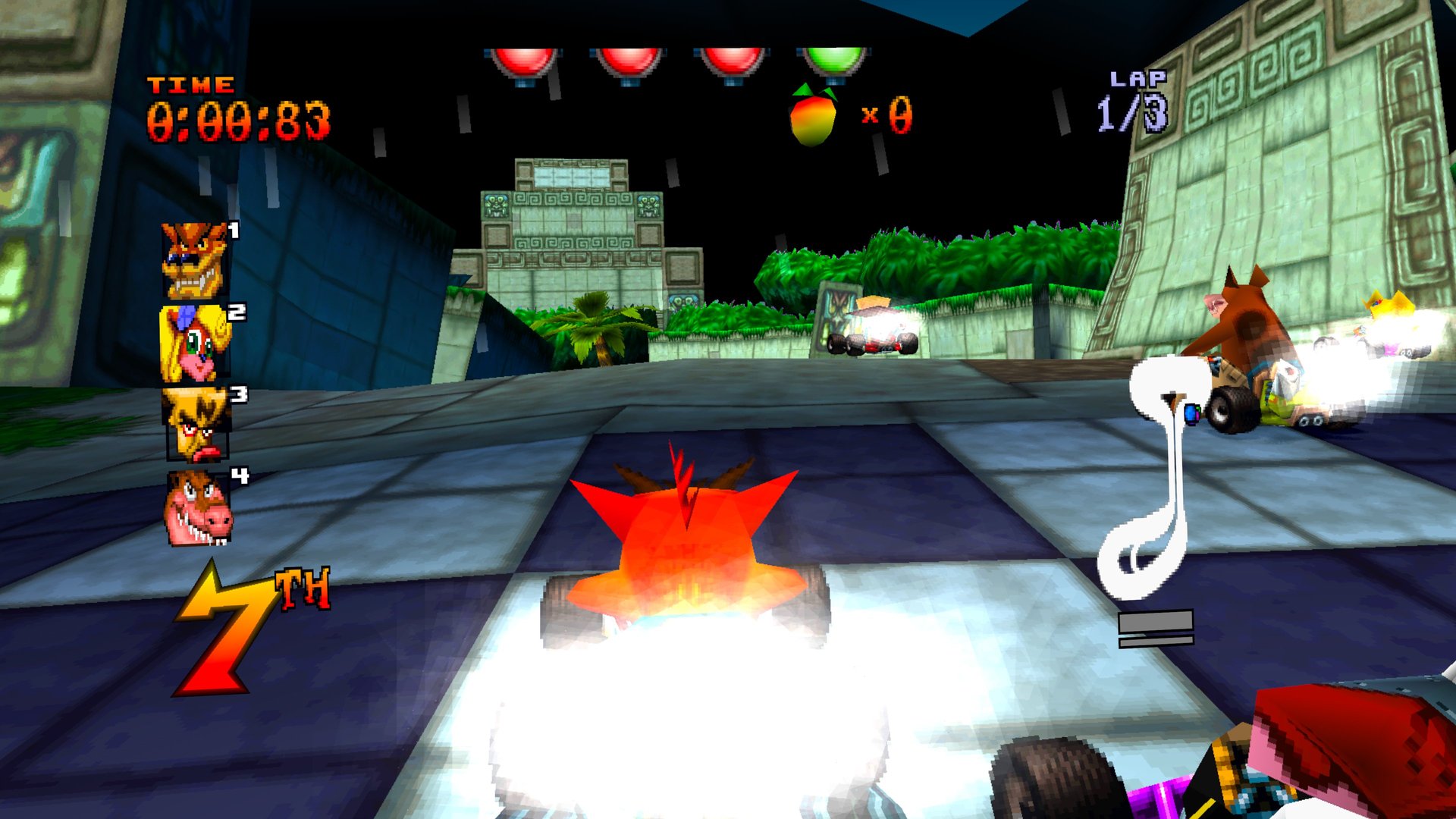
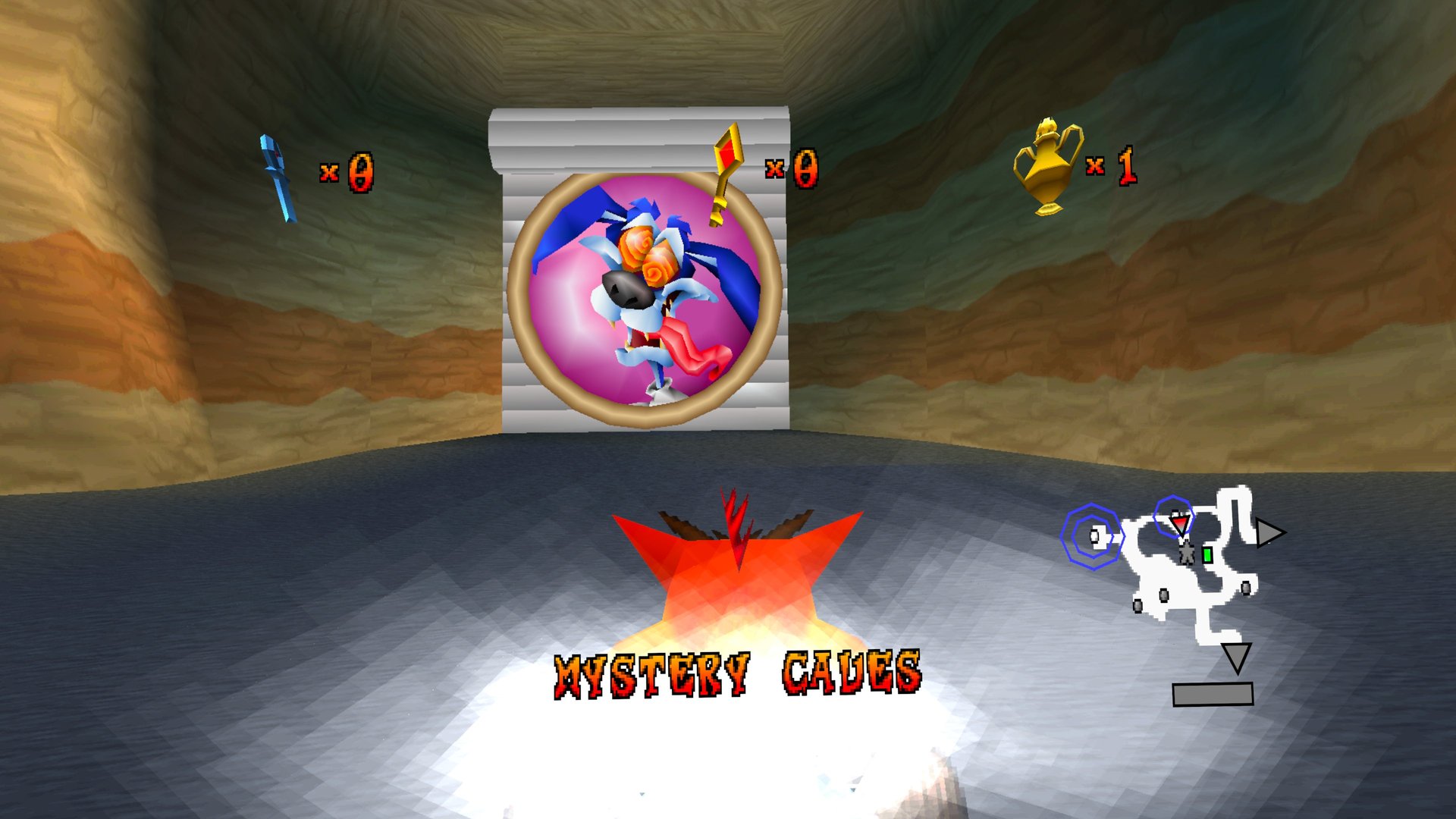
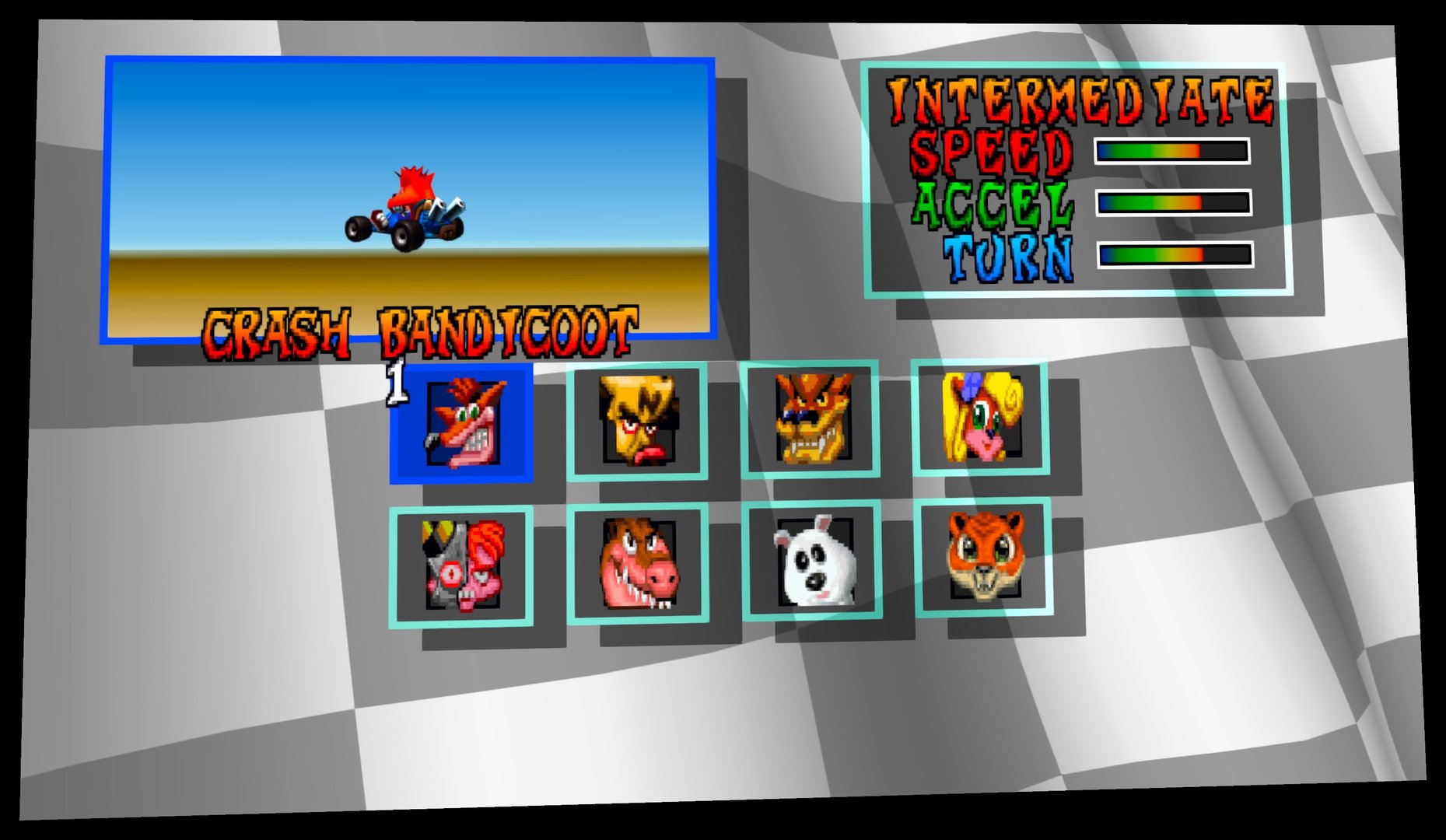
A VR port of Crash Team Racing: Turbocharged, the native PC source port of the PlayStation classic. The game is not emulated and not shown on a virtual screen during races: every frame is drawn twice, once per eye, so the karts, tracks and power-ups have real depth around you.
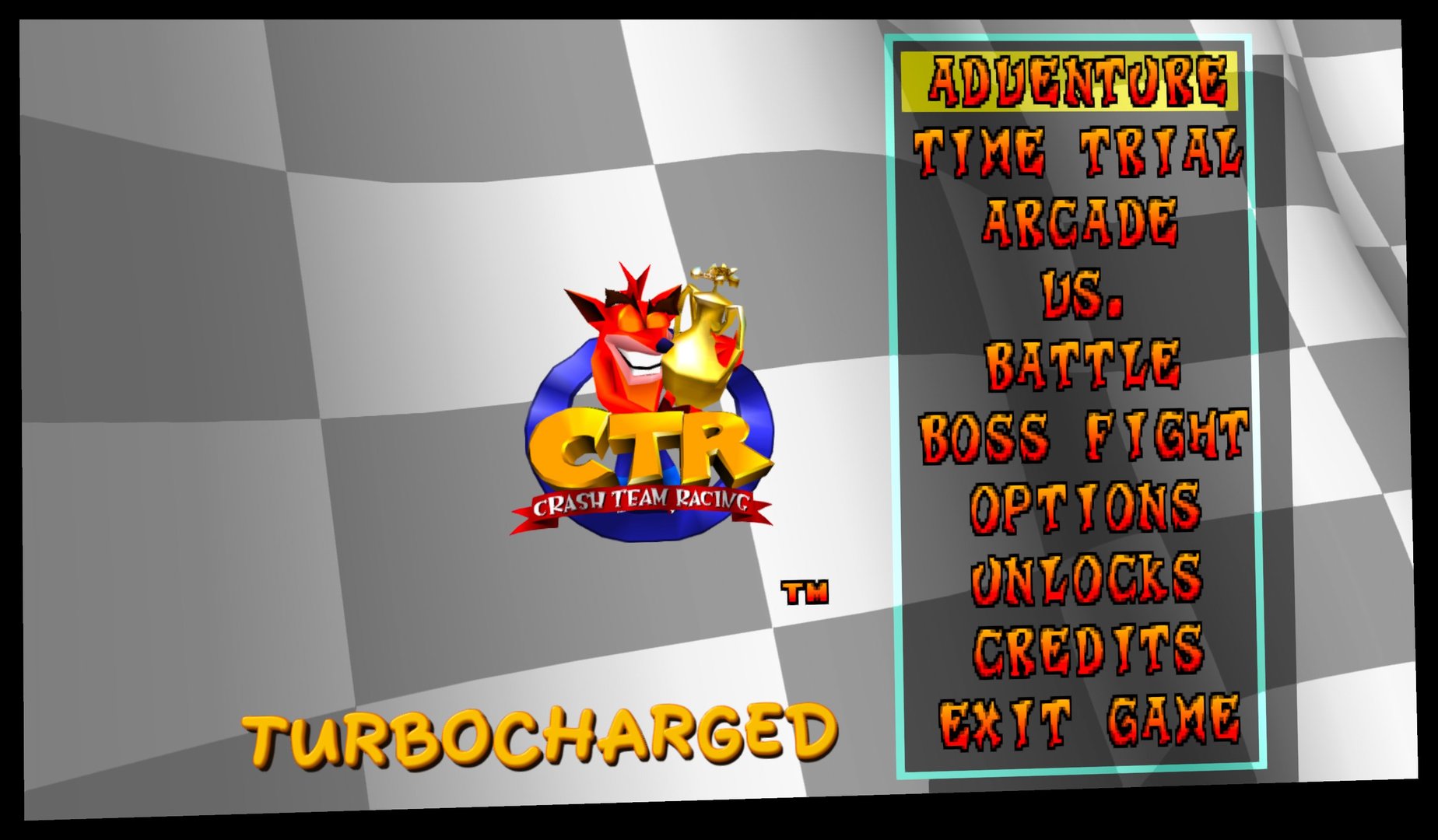
You sit at the game's own chase camera and can look around freely with your head while the race goes on. The race HUD floats on its own panel in front of you; menus and split-screen show on a large virtual screen.
Features
- True per-eye stereo 3D with head tracking in races, the Adventure hub and every other 1-player 3D scene
- Race HUD (position, laps, Wumpa, map) on a panel fixed in the room
- Track and scenery stay visible when you turn your head away from the driving line
- 60 fps gameplay on a 120 Hz display
- Racing controls on the triggers, steering tuned for the Touch thumbstick
- Adjustable world scale, HUD panel and steering sensitivity; 3D can be switched off for a flat screen
Manual
Installation
- Enable developer mode on your headset.
- Download the APK below and sideload it with SideQuest or
adb install -r CTR-Turbocharged-VR-v0.1.0.apk. - Rename your disc image to
ctr-u.binand copy it onto the headset intoCTR/assets/, for exampleadb push ctr-u.bin /sdcard/CTR/assets/ctr-u.bin. - Launch it from Library → Unknown Sources. On the first start, allow file access, then start the app again.
Good to know
- This is the first release, tested on Quest 3.
- Only the NTSC-U release (SCUS-94426) is supported. The APK contains no game data.
- Split-screen multiplayer runs on the flat virtual screen, not in 3D.
- The VR settings (3D on/off, world scale, HUD panel, steering) are in
/sdcard/CTR/vr.cfgon the headset; the list is in the repository's README-QUEST.md.
Controller mapping
| Race | Touch |
|---|---|
| Steer | Left stick |
| Accelerate | Right trigger (or A) |
| Brake / reverse | Left trigger (or X) |
| Hop / power-slide | Right grip |
| Turbo during a power-slide | Left grip (tap) |
| Weapon | B |
| Camera near / far | Right stick click |
| Menus | Right stick, A to confirm, B to go back |
| Pause | Left menu button |
| Recentre the view | Both stick clicks, hold 1 s |
The Touch controllers act as a PlayStation pad, so the game's own controller menu can remap the buttons.
Download
Install from your browser
Over USB, for Meta Quest and PICO: installs the app and copies your own game files to the right place. No SideQuest, no adb. Works in Chrome or Edge on a PC, Mac or Android phone.
The installer needs JavaScript. Use the manual download below.
First time? Before you start
- Turn on developer mode. Quest: Meta Horizon app on your phone → Devices → your headset → Headset settings → Developer mode. PICO: Settings → General → About → tap Software version 7 times, then Settings → Developer → turn on USB debugging.
- Connect the headset to this computer with a USB cable that carries data (not a charge-only cable).
- Close SideQuest and Meta Quest Developer Hub. If you use adb, run
adb kill-serverfirst: only one program can talk to the headset at a time. - Windows: if the headset doesn't show up in the list, install the Meta Quest ADB driver.
- After pressing Connect, put on the headset and allow USB debugging for this computer.
CTR: Turbocharged VR v0.1.0 latestv0.1.0 · 22 Oct 2026
All releases: github.com/SgtBilko76/CTR-Turbocharged-VR/releases
Need help or found a bug? Ask in #support on our Discord, and get new releases in #new-releases.
Join the DiscordPictures & video
Credits: Based on Crash Team Racing: Turbocharged by CameronRedmore, a fork of CTR: High Octane and the ctr-native decompilation. Unofficial fan project, not affiliated with Sony, Activision or Naughty Dog. Pictures: captured on a Meta Quest 3.