
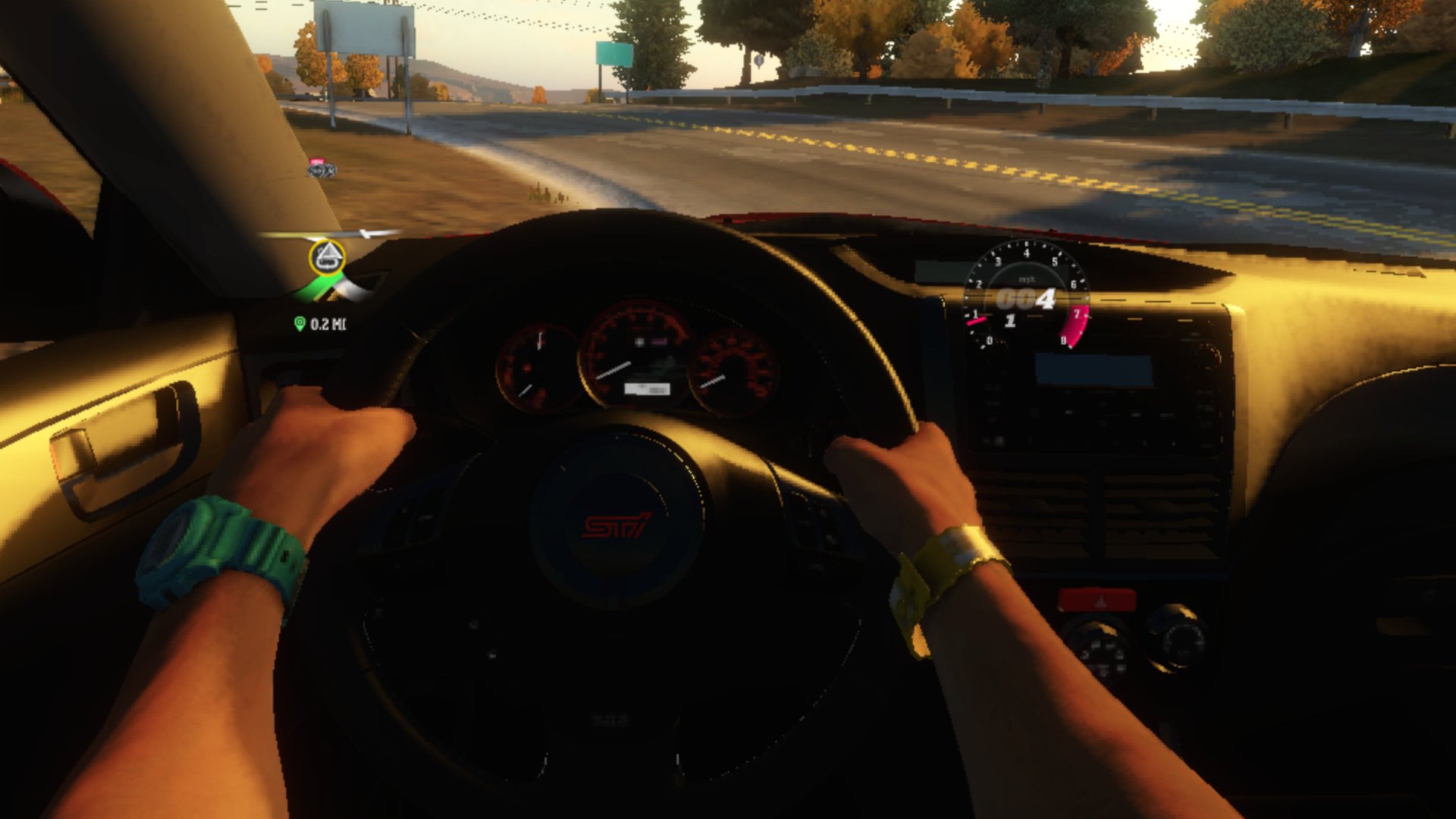
Forza Horizon VR
The Xbox 360 open-world festival racer, with a head-tracked cockpit view, on Meta Quest and PICO 4 Ultra.
About
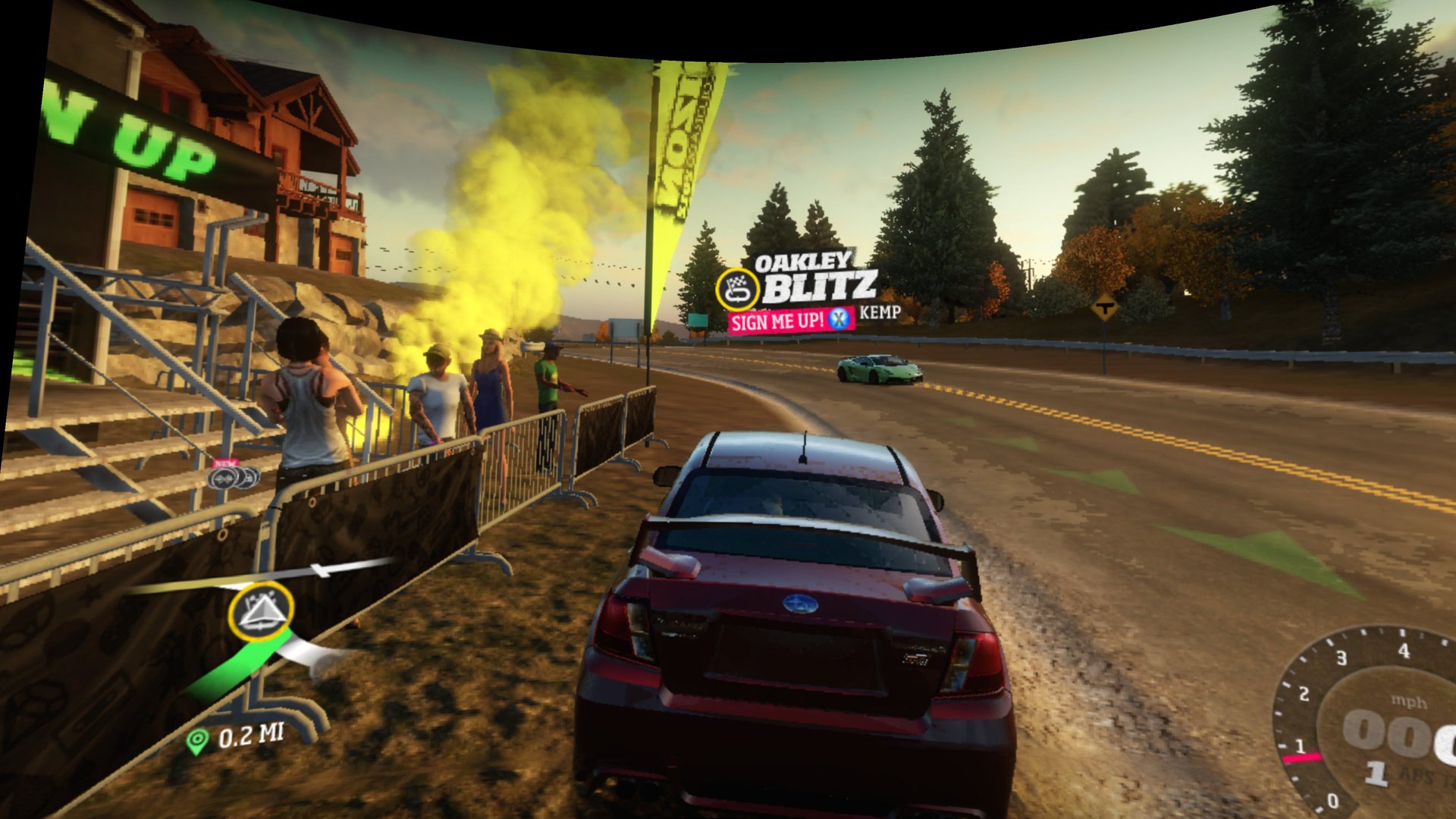
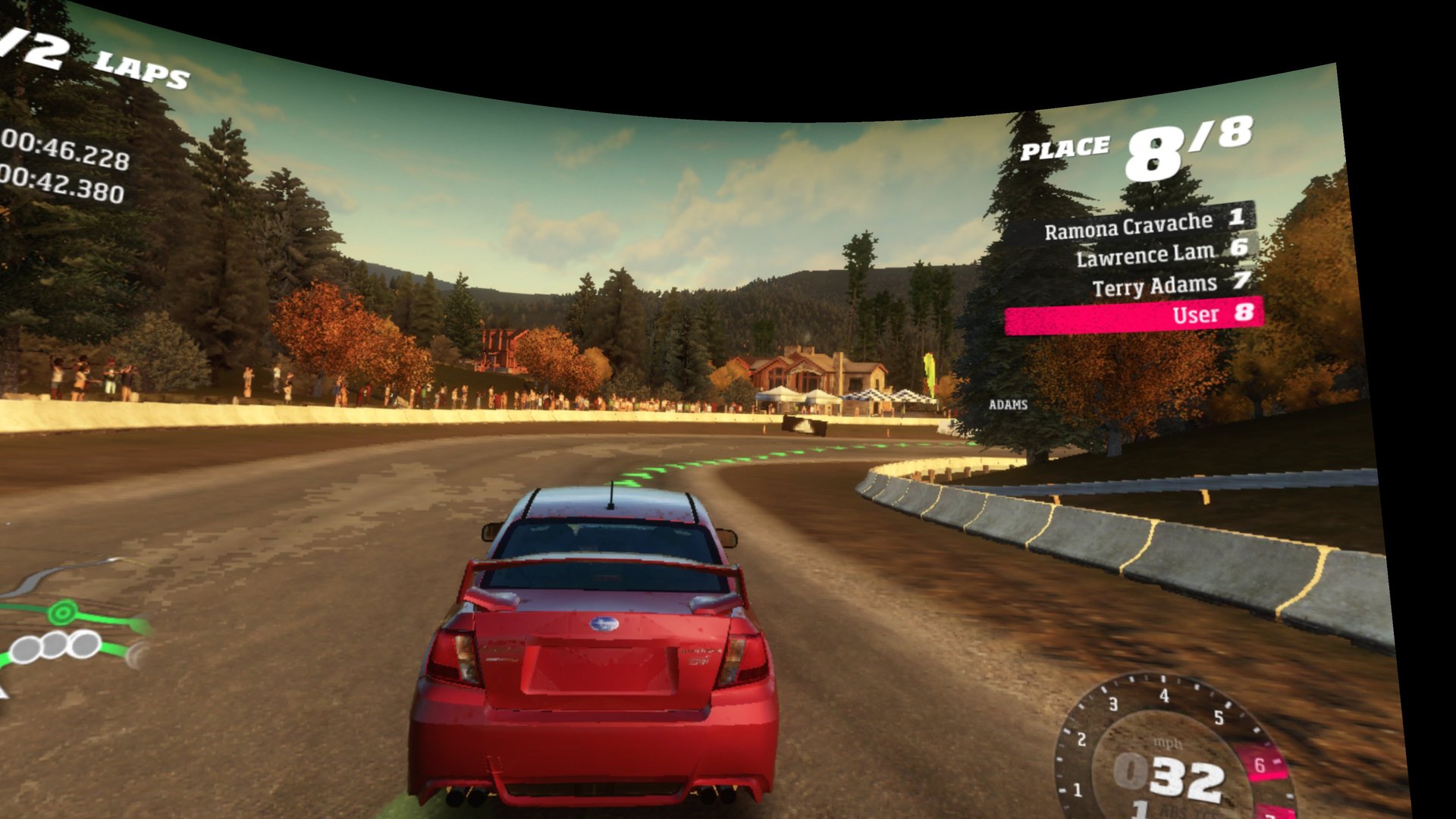
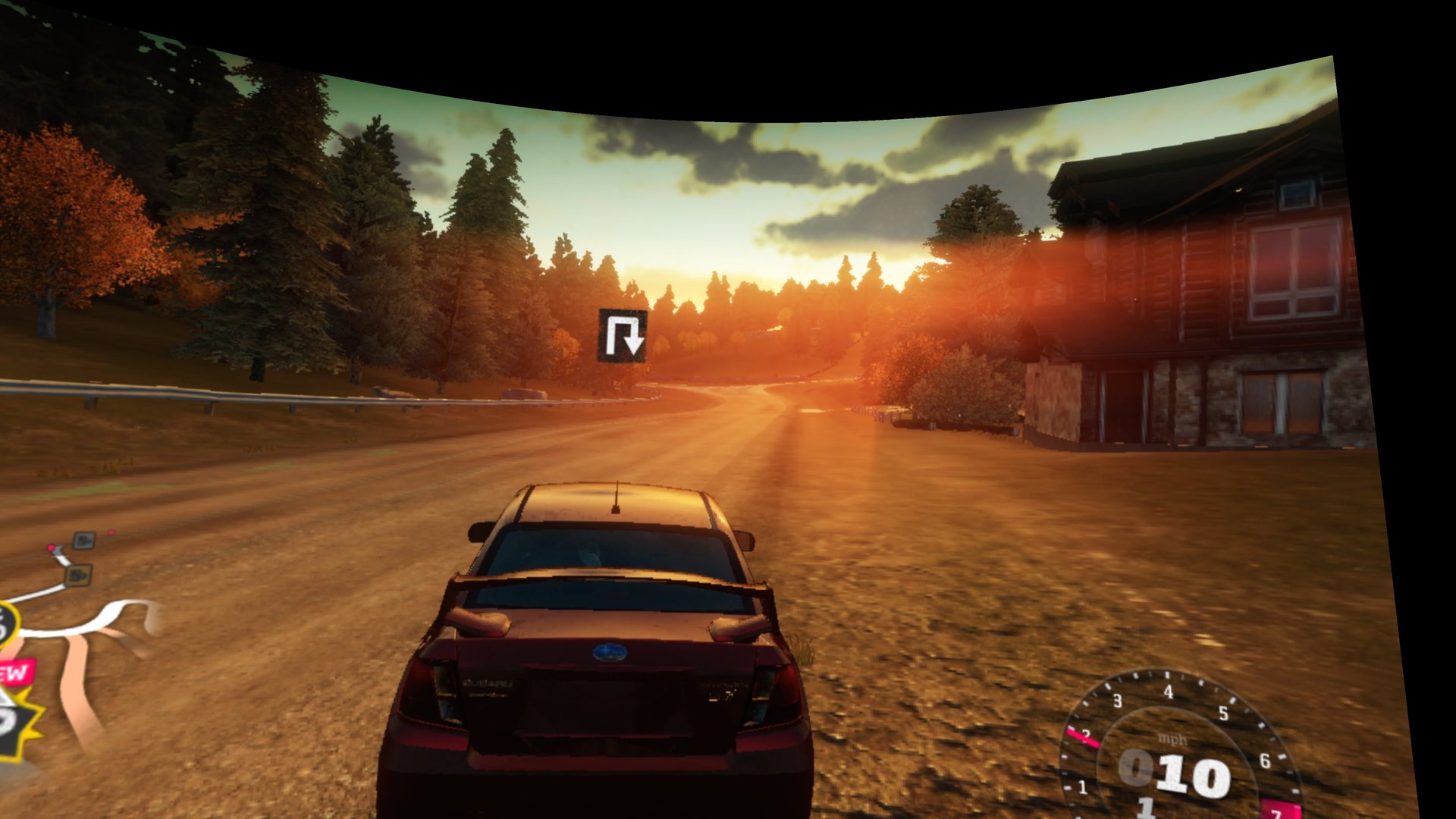
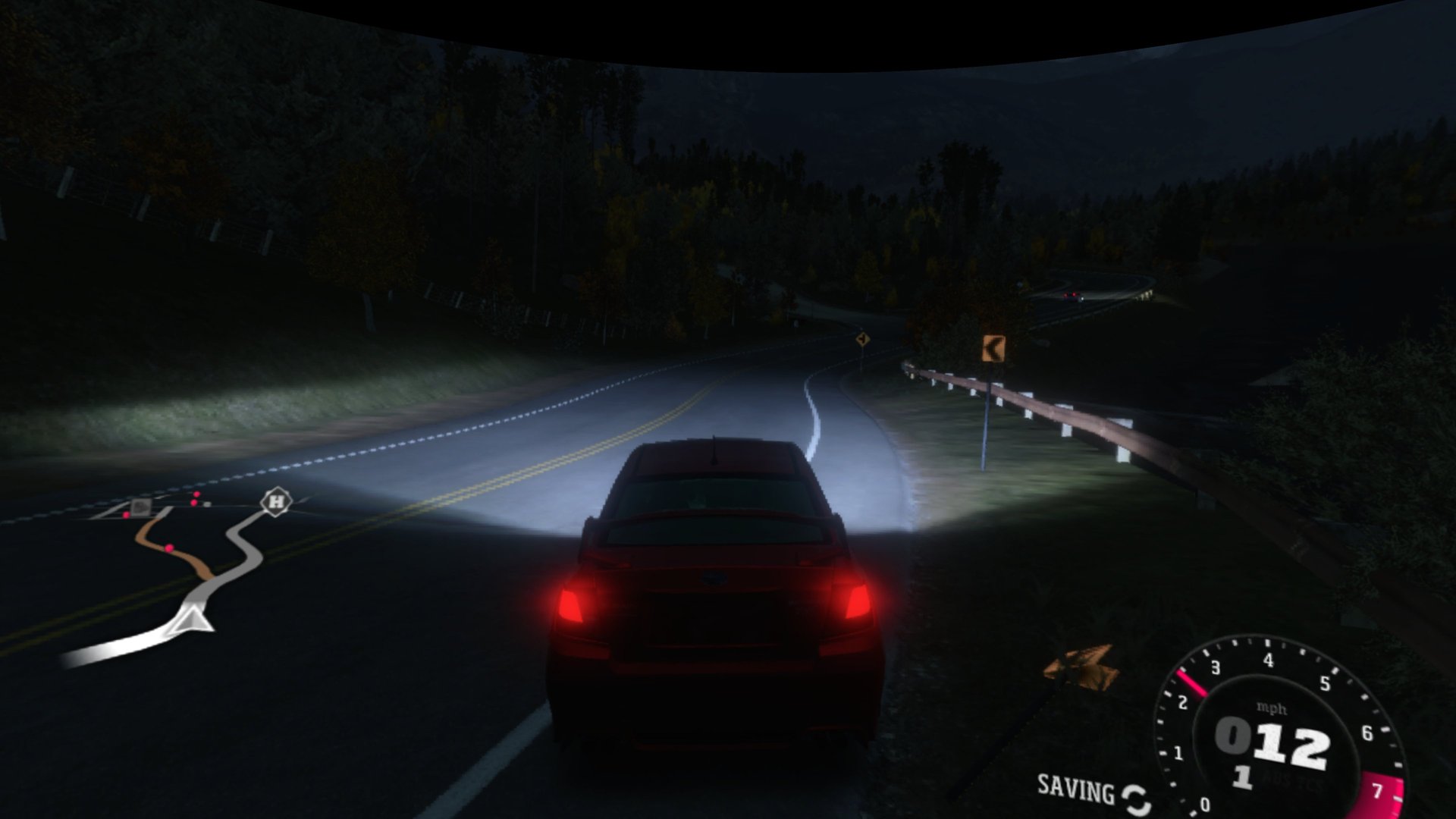
A standalone VR port of Forza Horizon (Xbox 360, 2012), built on Pinyon Shift: the game's own code is statically recompiled and runs directly on the headset, no emulator CPU. Menus, the map and the third-person cameras are shown on a large curved 3D screen.
Switch to the cockpit or hood camera and the view becomes head-tracked: you look around inside the car and into the corners while you drive through Colorado, and the HUD stays fixed in the driving direction instead of following your head. Back on a chase camera, the curved screen returns by itself.
The APK contains no game code or data: you bring your own disc. Copy the .iso you made from it to the headset, and the setup screen copies the game out of it right there, no PC tools needed.
One APK for Meta Quest and PICO 4 Ultra: it uses the Khronos OpenXR loader, so the headset's own runtime takes over. The setup screen and the first-start build screen appear on a curved VR screen: point with a controller and pull the trigger.
Why the first start takes 25 to 35 minutes: the game belongs to Microsoft, and a download that carried its code could not be shared legally. So the headset makes the game itself from your own disc files the first time you start the app: it translates the Xbox 360 program into source code (about 10 minutes), compiles it for the headset's processor (about 13 minutes) and links it (about a minute). A progress screen shows each step and the time left. This happens once after installing or updating; after that the game starts in seconds. If the headset goes to sleep or you close the app, the build continues where it stopped.
Features
- Head-tracked cockpit and hood view: switch to either camera in the game and it turns on by itself
- HUD fixed in the driving direction, sized for the VR view
- Curved 3D screen for menus, the map and the chase cameras
- Sharper picture: 2x antialiasing (MSAA) is on by default, for clean edges on the curved screen at a smooth 60 fps limit
- Analog throttle and brake on the triggers, all Xbox 360 controller buttons on the Touch controllers
- Mesa Turnip graphics driver built for the Quest, for a smoother cockpit view
Manual
Installation
- Enable developer mode on your headset (on PICO: Settings → General → About, tap the software version 7 times, then turn on USB debugging under Developer).
- Download the APK below and sideload it with SideQuest or
adb install -r ForzaHorizon-VR-0.3.4-beta.apk. Installing over an earlier build keeps your saves. - Copy the .iso you made from your own disc (US release) to the headset: connect it to your PC with a USB cable, allow file access in the headset, and copy the file into the Download folder.
- Start ForzaHorizon-VR from Library → Unknown Sources (on PICO: Library → Unknown), press Choose the .iso file and pick it. The game files are copied out of it (a few minutes); then you can delete the .iso there. Press Play: the headset builds the game from your disc files (25 to 35 minutes, once, with a progress screen; see above why). Keep about 12 GB free for the copy and the build. When it is done, the game starts by itself.
Good to know
- This is a beta (0.3.4-beta), tested on Quest 3 from a fresh install with the .iso. It fixes the head-tracked cockpit view, which earlier betas did not include. Only the US release of the disc is supported. Updating from 0.3.0 to 0.3.3 keeps your built game (no rebuild); from 0.2.0-beta it rebuilds once. Your saves are kept.
- PICO support is untested: if the app does not start, or the buttons are mapped differently, please open an issue on GitHub (headset model and PICO OS version).
- The head-tracked cockpit view runs at about 35–45 fps; menus and the curved screen are smoother.
- Online multiplayer is switched off in this beta.
- The first minutes of play can stutter briefly while the headset builds its own shader cache (it is made from the game too, so it cannot be included in the download).
Controller mapping
| Touch controller | Xbox 360 controller |
|---|---|
| Right trigger | Right trigger (throttle, analog) |
| Left trigger | Left trigger (brake, analog) |
| Left stick | Left stick (steer) |
| Right stick | Right stick |
| A / B / X / Y | A / B / X / Y |
| Left / right stick click | Left / right stick click |
| Right grip | RB |
| Left grip, tap | LB |
| Left grip held + right stick | D-pad |
| Menu button, tap | Start |
| Menu button, hold | Back |
The Touch controllers work like an Xbox 360 controller, so the game's own button layout applies. The head-tracked view turns on with the game's cockpit or hood camera. Hold the Meta button to re-centre the view.
Download
Install from your browser
One click over USB, for Meta Quest and PICO: no SideQuest needed. USB install works in Chrome or Edge on a PC, Mac or Android phone. No PC? Open this page in the Meta Quest Browser on your headset and install it right there.
The installer needs JavaScript. Use the manual download below.
First time? Before you start
- Turn on developer mode. Quest: Meta Horizon app on your phone → Devices → your headset → Headset settings → Developer mode. PICO: Settings → General → About → tap Software version 7 times, then Settings → Developer → turn on USB debugging.
- Connect the headset to this computer with a USB cable that carries data (not a charge-only cable).
- Close SideQuest and Meta Quest Developer Hub. If you use adb, run
adb kill-serverfirst: only one program can talk to the headset at a time. - Windows: if the headset doesn't show up in the list, install the Meta Quest ADB driver.
- After pressing Connect, put on the headset and allow USB debugging for this computer.
ForzaHorizon-VR 0.3.4-beta latestquest-v0.3.4-beta · 16 Nov 2026
All releases: github.com/SgtBilko76/ForzaHorizon-VR/releases
Need help or found a bug? Ask in #support on our Discord, and get new releases in #new-releases.
Join the DiscordPictures & video
Credits: Based on Pinyon Shift and its ShiftGlue SDK (BSD-3-Clause, derived from Xenia); graphics on the headset through Mesa Turnip. Forza Horizon is a trademark of Microsoft; this unofficial fan project is not affiliated with Microsoft or Playground Games and contains no game data.