Ridge Racer V VR
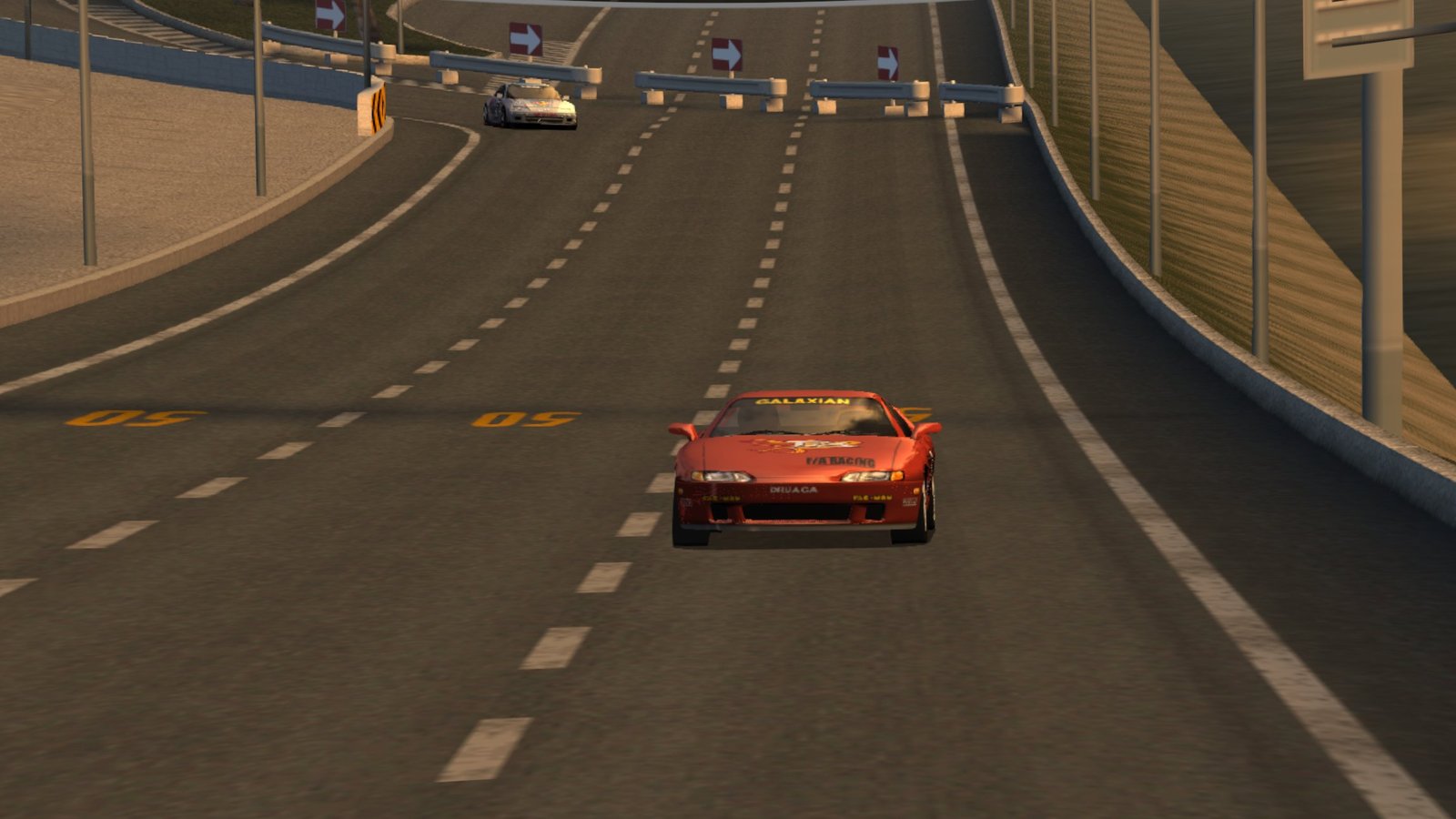
Namco's PS2 launch racer on a huge curved 3D screen, with a head-tracked VR view in the race, on Meta Quest.
About
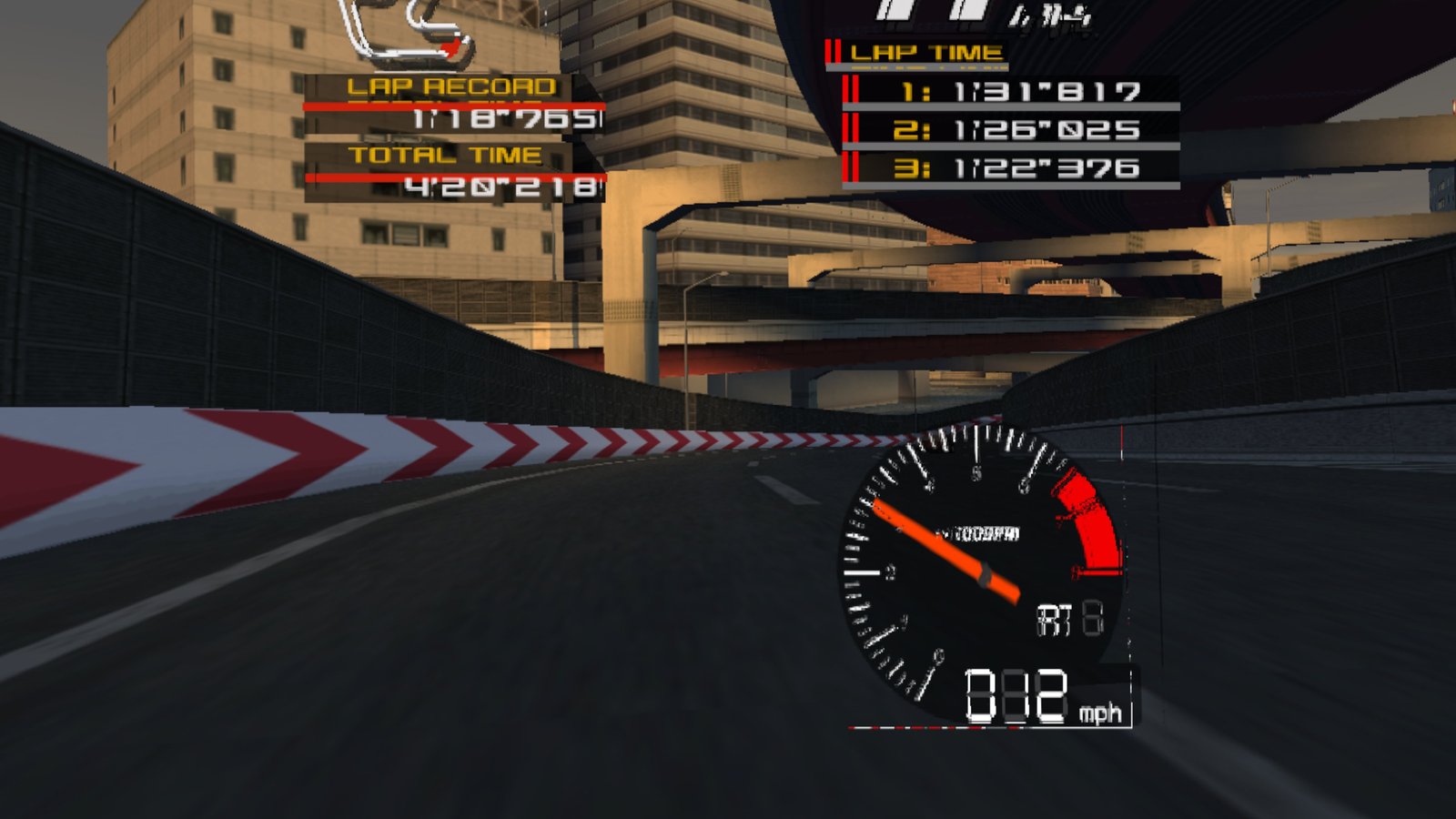
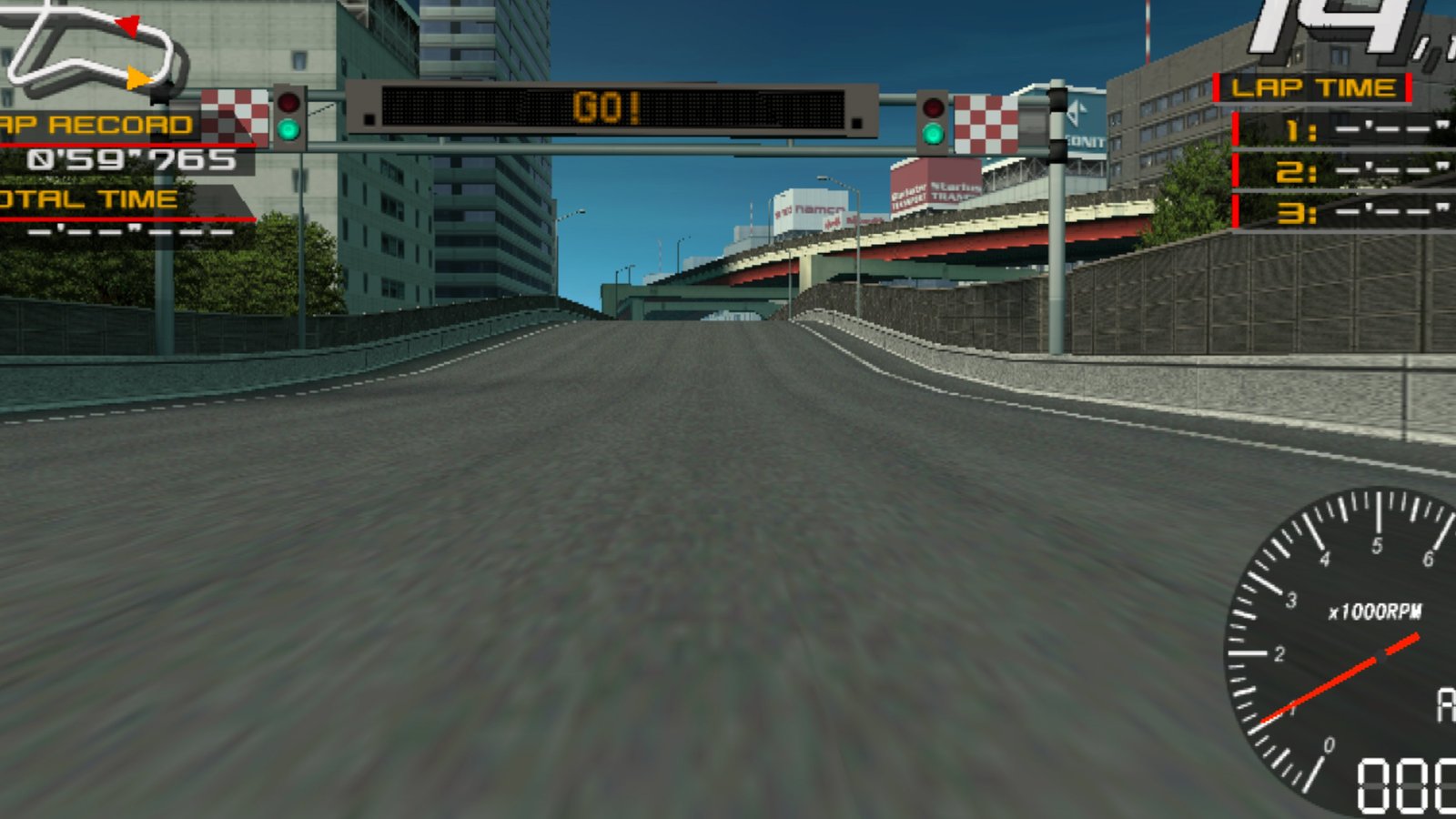
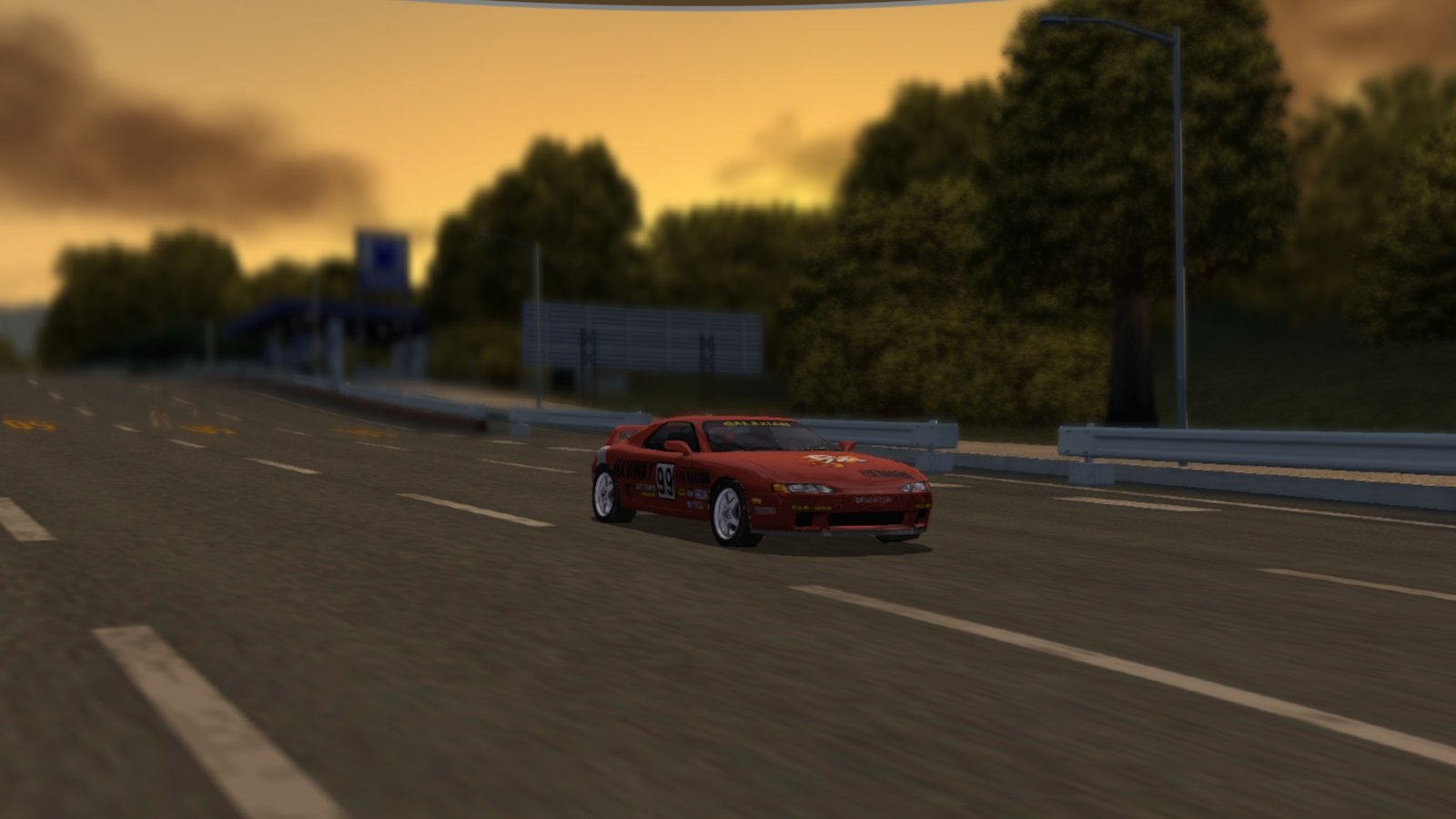
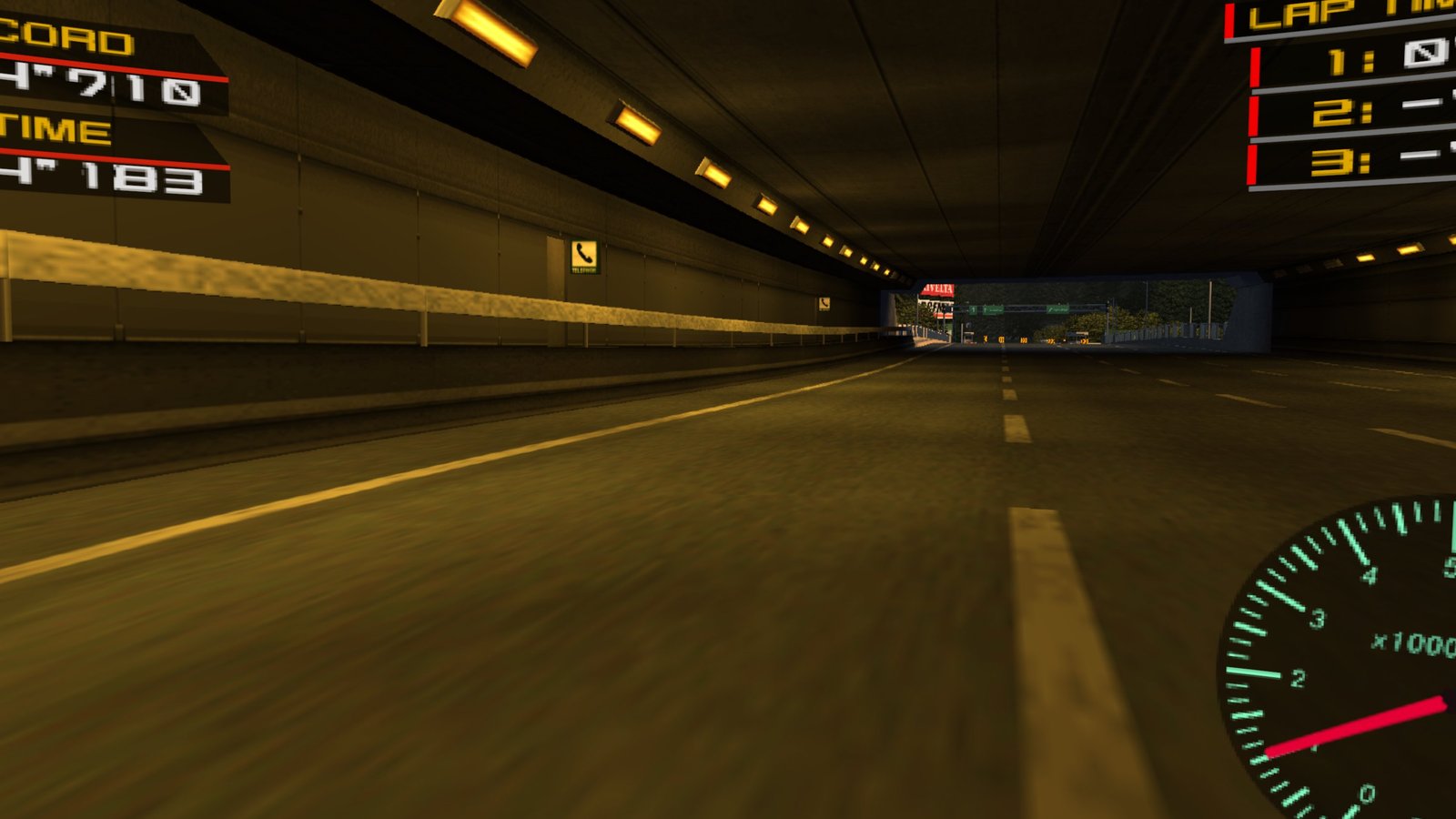
A standalone VR port of Ridge Racer V (PS2, 2000), built on Fukami by Dani Sandoval: the game's own code is statically recompiled and runs directly on the headset, no emulator CPU. You race on a big curved screen with real stereo depth, sharp at several times the PS2's resolution and in widescreen.
The VR view doesn't switch on by itself: every race starts on the curved screen, and once the race has started you press both sticks to switch to a head-tracked VR view. The race then fills your field of view and you look into the corners while you drive, with the HUD on its own panel fixed in the driving direction. Menus, replays and the start sequence always stay on the curved screen.
The APK contains no game data: you bring the files of your own disc.
Features
- Curved 3D screen with real stereo depth, about 88° wide, in true widescreen
- Head-tracked VR view during the race: press both sticks once the race has started (it doesn't switch on by itself), with the HUD on its own panel in the driving direction
- Sharp picture: 3x the PS2's resolution, 16x anisotropic filtering and FXAA
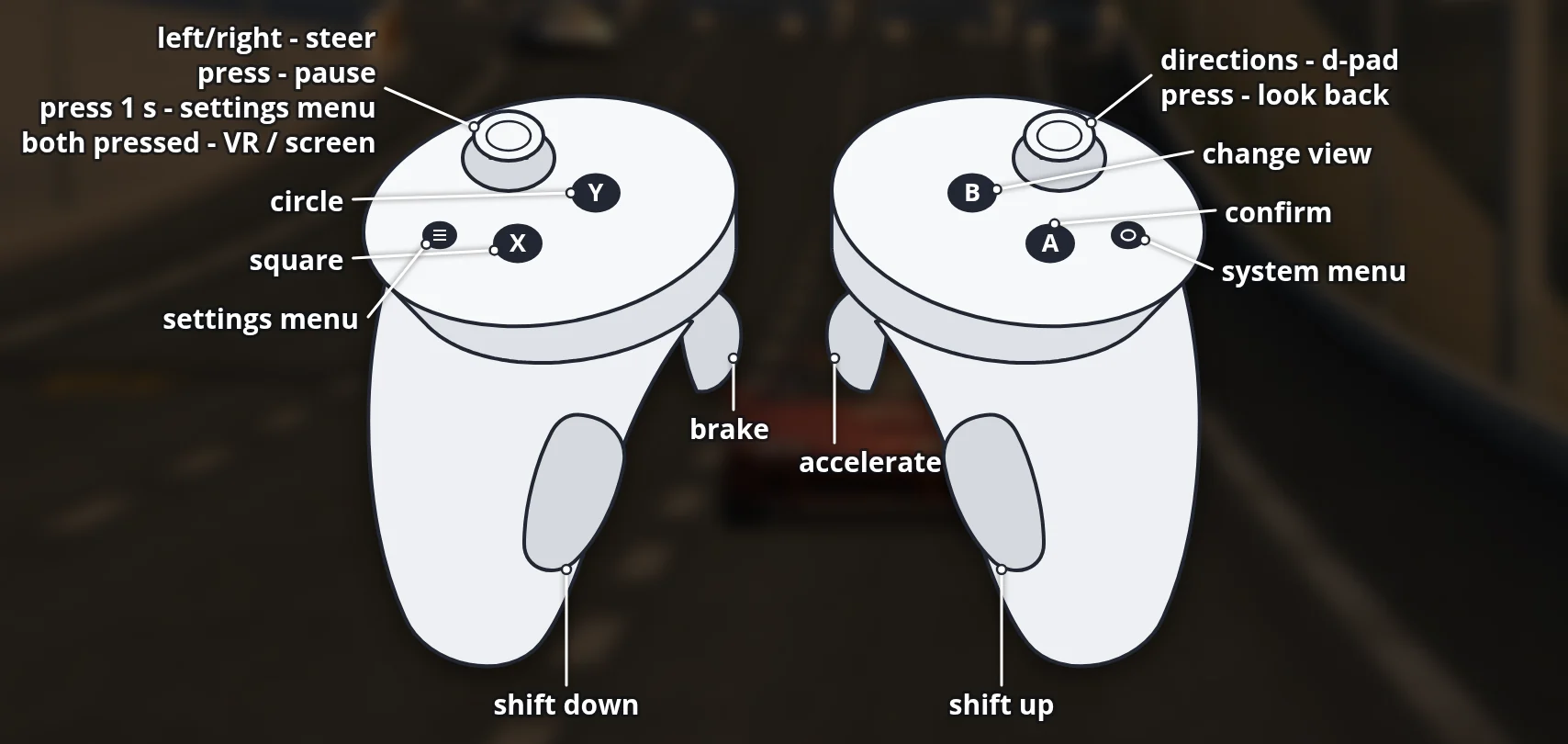
- Analog steering, accelerator and brake on the triggers, gear shifts on the grips
- Settings menu in the game (hold the left stick or press Menu): widescreen, HUD layout, picture and car detail options
- Shaders prepared in advance, so new tracks and cars don't stutter the first time
Manual
Installation
- Enable developer mode on your headset.
- Once it is released: download the APK below and sideload it with SideQuest or
adb install -r RidgeRacerV-VR-0.1.0-beta.apk. Installing over an earlier beta keeps your saves. - Copy all files of your disc (
SLUS_200.02,R5.ALL,R5.STR, the.IRXfiles and the rest; not an.iso) to/sdcard/RidgeRacerV/discon the headset: with a PC file manager, SideQuest's file manager oradb push. - Start the app from Library → Unknown Sources and allow access to files when asked. If the disc files are missing, it says so on the screen.
Good to know
- This is a beta, tested on Quest 3. Only the US release of the disc is supported.
- In very dense traffic the picture can drop a few frames now and then; the game itself keeps its full speed.
- Saves live in
/sdcard/RidgeRacerV/mc: copy them to your PC now and then.
Controller mapping
| Controller | In a race | In the menus |
|---|---|---|
| Right trigger | Accelerate | Confirm |
| Left trigger | Brake | |
| Right / left grip | Shift up / down | |
| Left stick | Steer (analog) | Move (push hard) |
| Right stick | D-pad | D-pad |
| A / B / X / Y | Cross / Triangle (change view) / Square / Circle | Cross confirms |
| Right stick click, hold | Look back | |
| Left stick click, tap | Pause (Start) | Start |
| Left stick click, hold 1 s, or Menu button | Settings menu | Settings menu |
| Both stick clicks | Switch between the VR view and the curved screen (once the race has started) |
The VR view doesn't switch on by itself: every race starts on the curved screen, and you press both sticks once the race has started. In the menus the stick clicks do nothing; after the finish the curved screen comes back by itself. Hold the Meta button to re-centre the view.
Download
Coming soon. Ridge Racer V VR is in beta testing. It will be released here once the version that doesn't contain any of the game's code is ready: you will only need the files of your own disc.
Need help or found a bug? Ask in #support on our Discord, and get new releases in #new-releases.
Join the DiscordPictures & video