

Visual Pinball X VR
Real pinball tables in VR and mixed reality on Meta Quest 3.
About
Visual Pinball X standalone for Meta Quest 3 (OpenXR, Vulkan), based on vpinball 10.8.1. Stand in front of real and original tables, with the cabinet and backglass around you, or play them in your own room with passthrough.
Features
- Mixed Reality (passthrough): see your real room around the table, switchable instantly while playing
- Backglass for tables not built for VR: rebuilt from the desktop backdrop, including working EM score reels
- VR room switch: cycle a table's VR rooms by holding the menu button
- Adjustable table position, angle, size and distance
- Accidental Start presses are ignored while a ball is in play
- The menu pauses the game
Manual
Installation
- Sideload the APK with SideQuest or
adb install -r VPinball-QuestVR-Beta-0.16.apk. - Put each table in its own folder, with its ROMs next to it:
VPinball/tables/<Table name>/<table>.vpxandVPinball/tables/<Table name>/pinmame/roms/<rom>.zip. - Start VPinball (Library → Unknown Sources) and select the
VPinball/tablesfolder in the settings.
Good to know
- Williams / Bally / Data East tables show "Factory settings restored" on their very first start: quit once through the menu and start again.
- Some VR tables ship with
Const VRRoom = 0, which hides their cabinet. Put a copy of the table script next to the table as<table name>.vbswithVRRoomset to a room ("Ultra Minimal" is the lightest). - Updating from an earlier beta: install over it, settings and tables are kept.
Controller mapping
| Button | During play | In the menu |
|---|---|---|
| Triggers | Flippers | |
| Grips | Magna save | |
| ☰ (left menu) | Open menu (hold: next VR room) | Back / close |
| A | Start game (hold 1 s while a ball is moving) | Select |
| B | Insert coin | Back |
| X (hold) | Move away from the table | |
| Y | View mode: left stick = left/right & up/down, right stick = angle (press again to save). Hold: reset view | |
| Left stick click | Size & distance mode: left stick = distance, right stick = size | |
| Right stick click | Launch ball | Reset page to defaults |
| Right stick up/down | Plunger | |
| Left stick | Nudge | Navigate |
Download
Quest Beta 0.16 latestv0.16-beta · 22 Sep 2026
All releases: github.com/SgtBilko76/VPinball-QuestVR/releases
Pictures & video
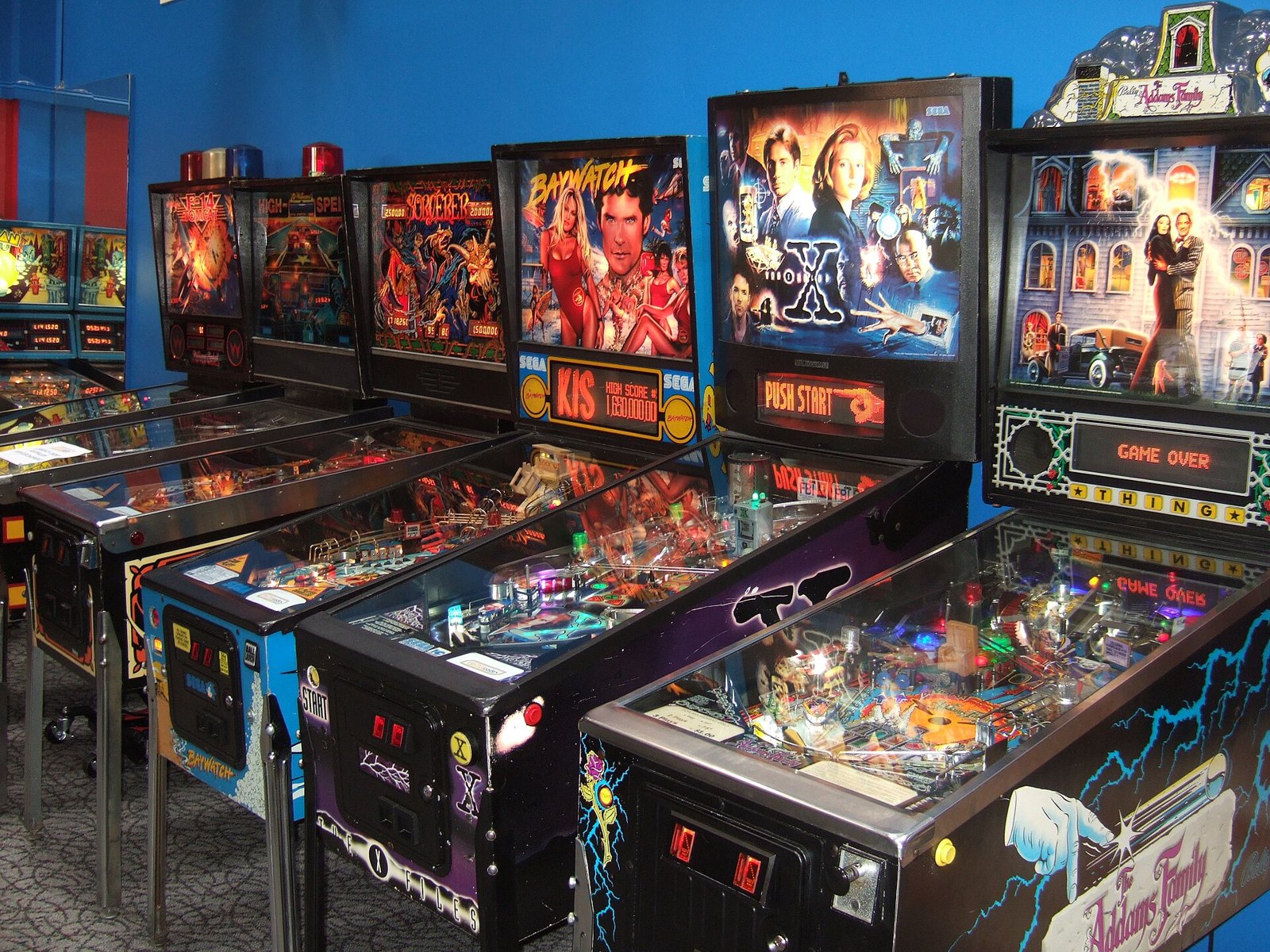
Credits: Based on Visual Pinball by the Visual Pinball development team. Photo: pinball machines by Rob DiCaterino.jpg), CC BY 2.0.