

Gran Turismo 4 VR
The PS2's big racing simulator, with head-tracked stereo 3D races on Meta Quest and PICO.
About
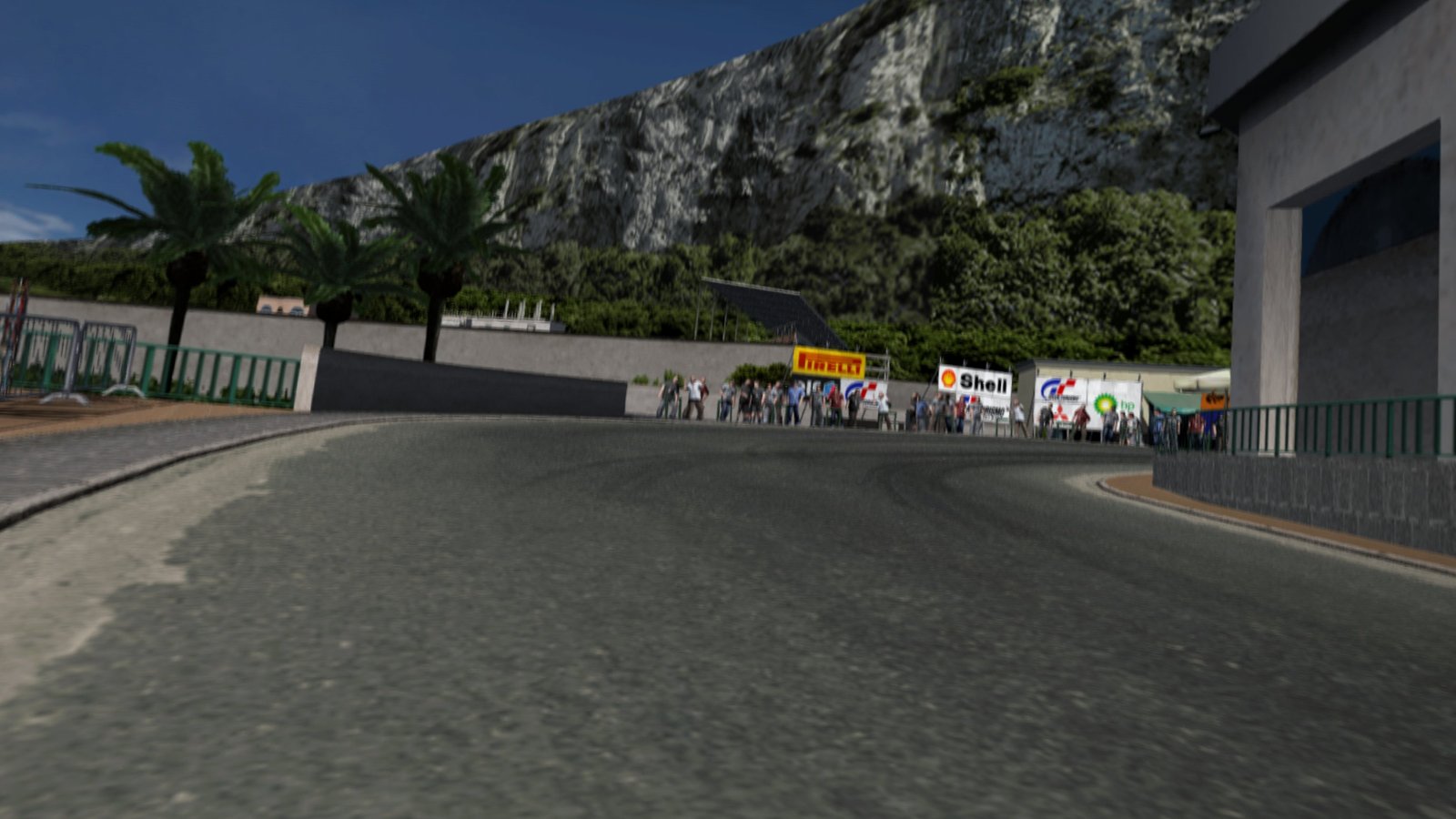
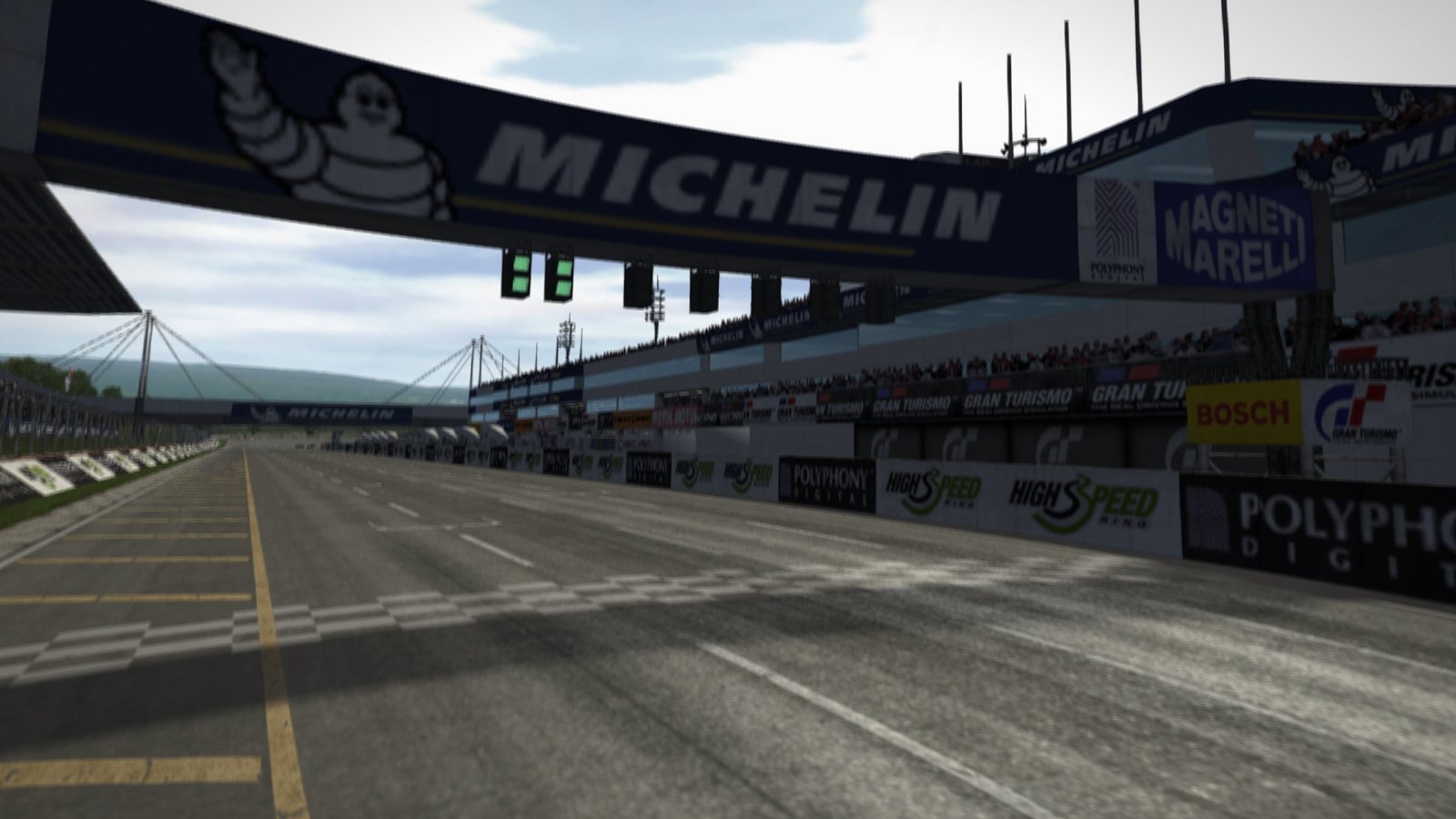
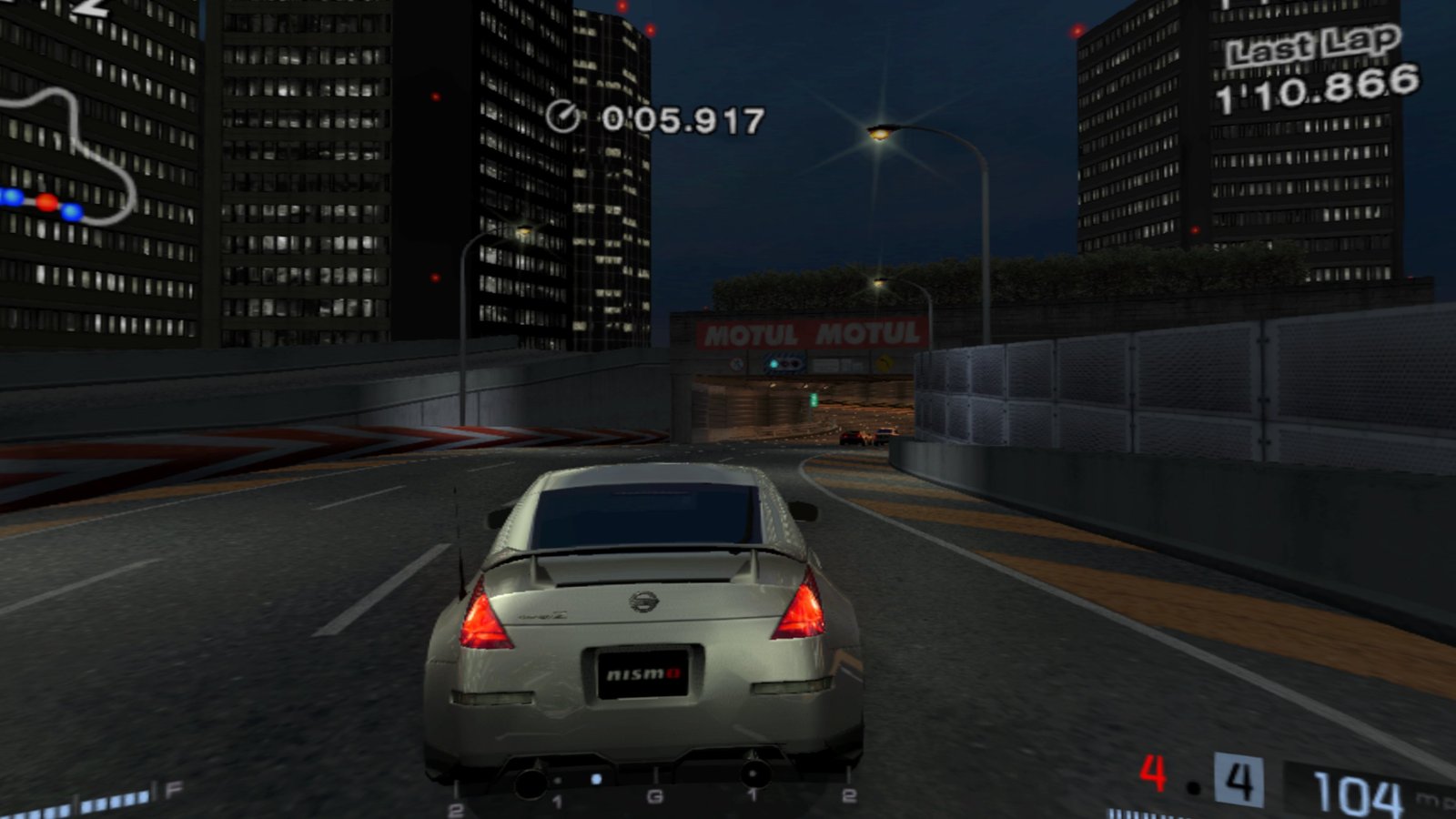
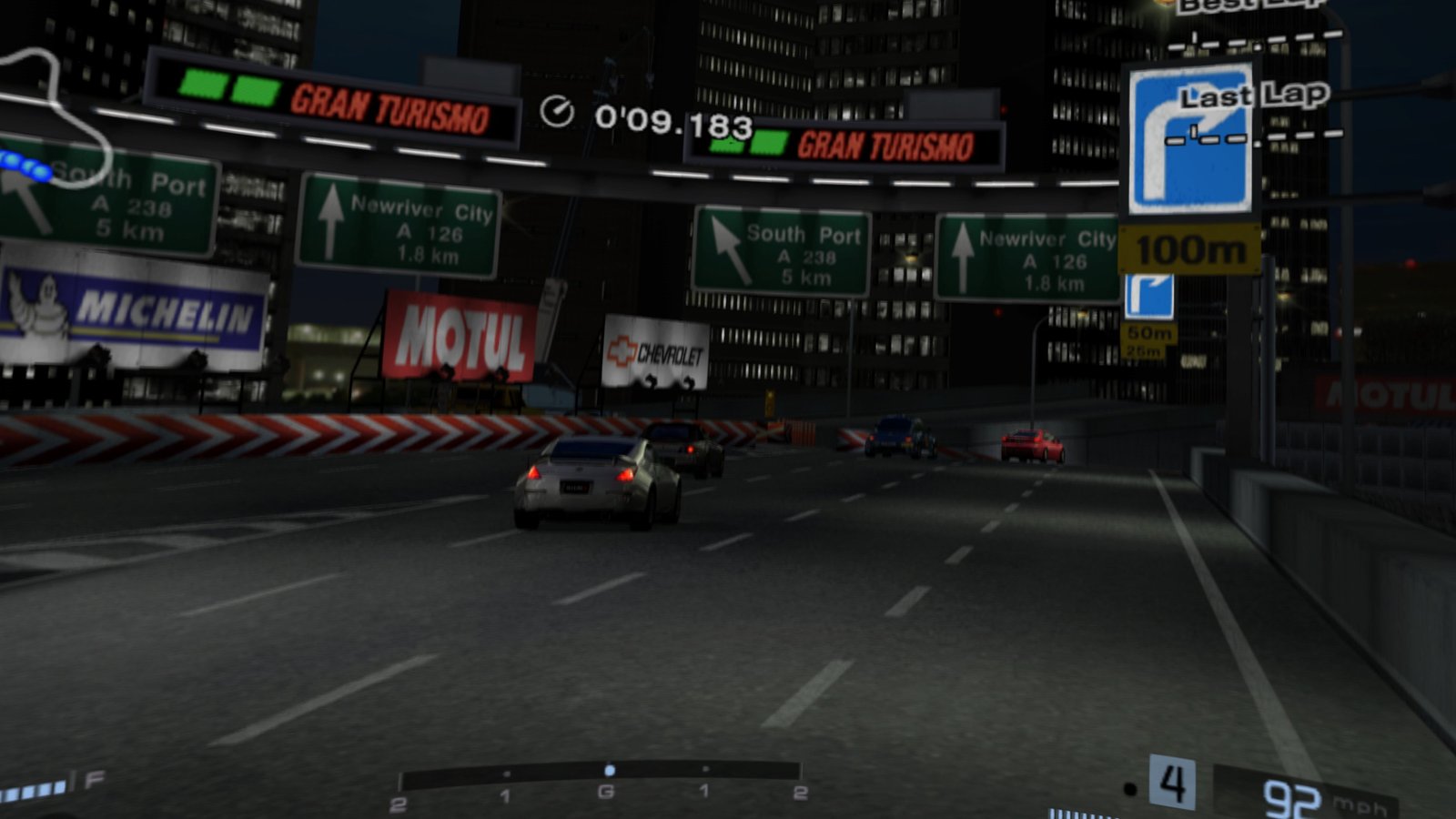
A standalone VR port of Gran Turismo 4 (PS2, 2004), built on ps2-web-recomp by snuri00: the app reads the game's program from your own disc image and translates it into native ARM code on the headset while you play. Menus, replays and the race start are shown on a large curved 3D screen. The VR view doesn't switch on by itself: once the race has started, press both sticks to switch to head-tracked VR, so you can look into the corners and around the cockpit while you drive.
Two apps come from the same port: GT4 Spec II VR for the Spec II 1.10 mod, and GT4 Online VR for the US v2.00 release, with online races against other players through the in-game Multi-LAN mode. Both can be installed side by side.
The APKs contain no game code and no game data: you bring a disc image of your own.
Features
- Head-tracked stereo 3D races with real depth: press both sticks once the race has started (VR doesn't switch on by itself)
- Curved 3D screen for menus, replays and the race start, sharp at 3x the PS2's resolution
- Analog throttle and brake on the triggers, gear shifts on the grips
- VR menu (hold the Menu button): screen distance and size, 3D strength, swapped triggers or grips, saved for the next start
- GT4 Online VR: online races through a lobby in the VR menu and the game's own Multi-LAN race
- Shaders prepared in advance, so new tracks and cars don't stutter the first time
Manual
Installation
- Enable developer mode on your headset.
- Download the APK for your disc below, or install it with the browser installer. To sideload it yourself, use SideQuest or
adb install -r GT4-SpecII-VR-0.3.2-beta.apk(orGT4-Online-VR-0.3.2-beta.apk). Installing over an earlier beta keeps your saves. - Copy your disc image (any name ending in
.iso) to/sdcard/GT4SpecII(Spec II) or/sdcard/GT4HD(Online) on the headset: with a PC file manager, SideQuest's file manager oradb push. - Start the app from Library → Unknown Sources. On the first start it asks for permission to access all files (it reads your disc image from that folder): allow it. It then checks the disc image and starts the game; if access, the image or the right version is missing, it says so in the headset.
Good to know
- This is a beta, tested on Quest 3 and PICO 4. Only the two disc versions above are supported: other releases of the game won't start.
- Online races: open the lobby (hold Menu), create a race or join one, then follow the three steps shown there (LAN settings, then Arcade → Multi-LAN Race → Connect).
- Support the online server: online races in GT4 Online VR run through our own server, and its costs are paid privately. If you enjoy racing online, a coffee on Ko-fi helps keep it running.
- Saves live in
/sdcard/GT4SpecIIand/sdcard/GT4HD(memcard.ps2): copy them to your PC now and then. - Known issue: in the car selection (showroom) the sound can crackle, because the game drops to about 45 fps there. Once you pick a car, it runs at full speed again.
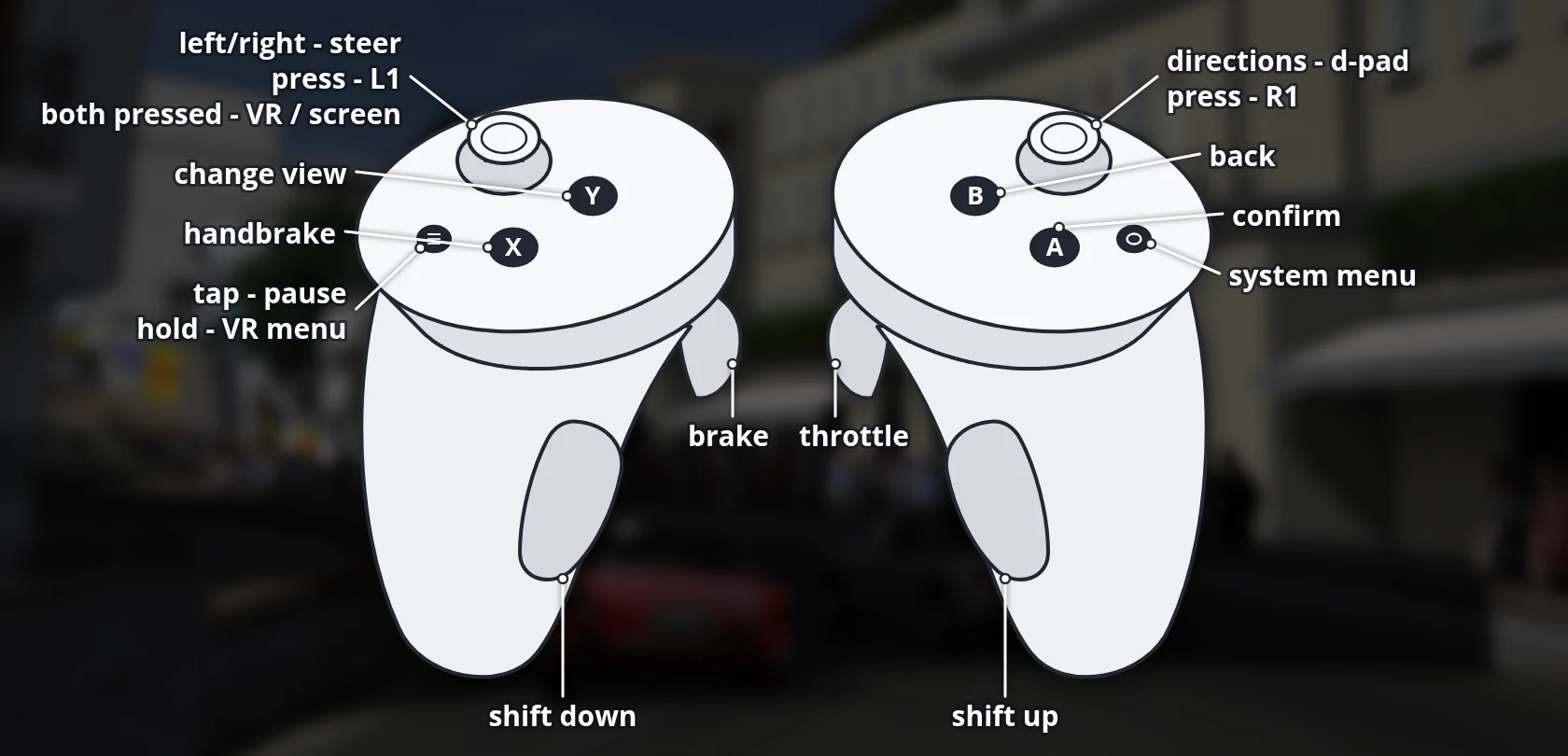
Controller mapping
| Controller | In a race | In the menus |
|---|---|---|
| Right trigger | Throttle (analog) | Confirm |
| Left trigger | Brake (analog) | |
| Right / left grip | Shift up / down | |
| Left stick | Steer | Move the cursor |
| Right stick | D-pad | D-pad |
| A | Confirm | |
| B | Back | |
| X | Handbrake | |
| Y | Change the camera view | |
| Left / right stick click | L1 / R1 | L1 / R1 |
| Both stick clicks | Switch between the VR view and the curved screen (once the race has started) | |
| Menu button | Pause | Start |
| Menu button, hold | VR menu: settings (and the online lobby in GT4 Online VR) | VR menu |
In the VR menu, either stick chooses and changes a setting, A selects, the grips switch between Lobby and Settings, and B or the Menu button closes it. Triggers and grips can be swapped there. Hold the Meta button to re-centre the view.
Download
Install from your browser
One click over USB, for Meta Quest and PICO: no SideQuest needed. USB install works in Chrome or Edge on a PC, Mac or Android phone. No PC? Open this page in the Meta Quest Browser on your headset and install it right there.
The installer needs JavaScript. Use the manual download below.
First time? Before you start
- Turn on developer mode. Quest: Meta Horizon app on your phone → Devices → your headset → Headset settings → Developer mode. PICO: Settings → General → About → tap Software version 7 times, then Settings → Developer → turn on USB debugging.
- Connect the headset to this computer with a USB cable that carries data (not a charge-only cable).
- Close SideQuest and Meta Quest Developer Hub. If you use adb, run
adb kill-serverfirst: only one program can talk to the headset at a time. - Windows: if the headset doesn't show up in the list, install the Meta Quest ADB driver.
- After pressing Connect, put on the headset and allow USB debugging for this computer.
GT4 Spec II VR 0.3.2-beta latestv0.3.2-beta-specii · 13 Nov 2026
GT4 Online VR 0.3.2-beta latestv0.3.2-beta-online · 13 Nov 2026
All releases: github.com/SgtBilko76/gt4-vr/releases
Need help or found a bug? Ask in #support on our Discord, and get new releases in #new-releases.
Join the DiscordPictures & video






Credits: Based on ps2-web-recomp by snuri00 (MIT License); graphics through a PCSX2-based renderer (source, GPL-3.0). Spec II is a fan mod by its own authors and is not part of this port. Gran Turismo is a trademark of Sony Interactive Entertainment; this unofficial fan project is not affiliated with Sony or Polyphony Digital and contains no game data. Pictures: captured on a Meta Quest 3.