
Wipeout Pure VR
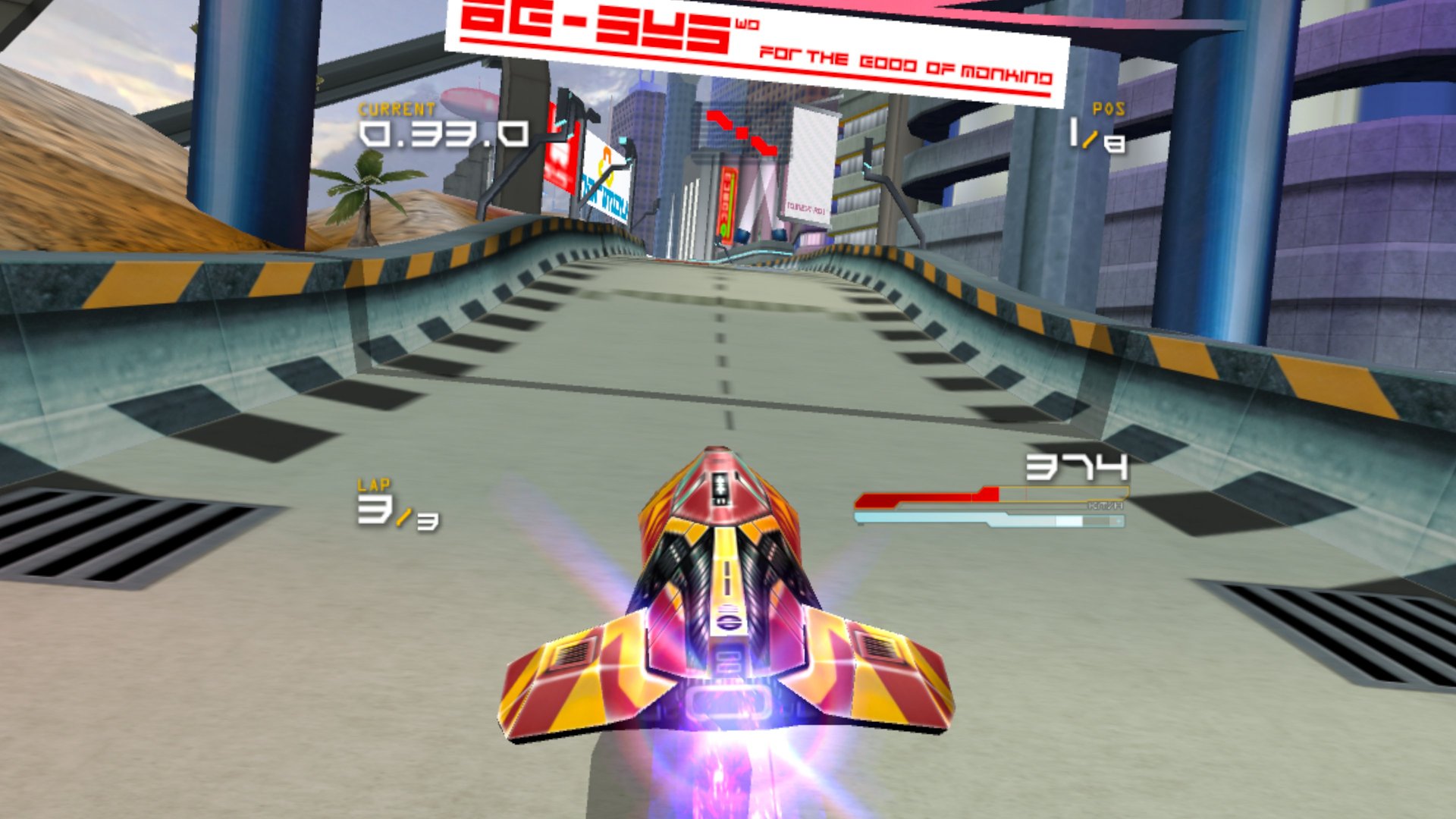
The PSP's anti-gravity racer, in stereo 3D around you on Meta Quest and PICO.
About
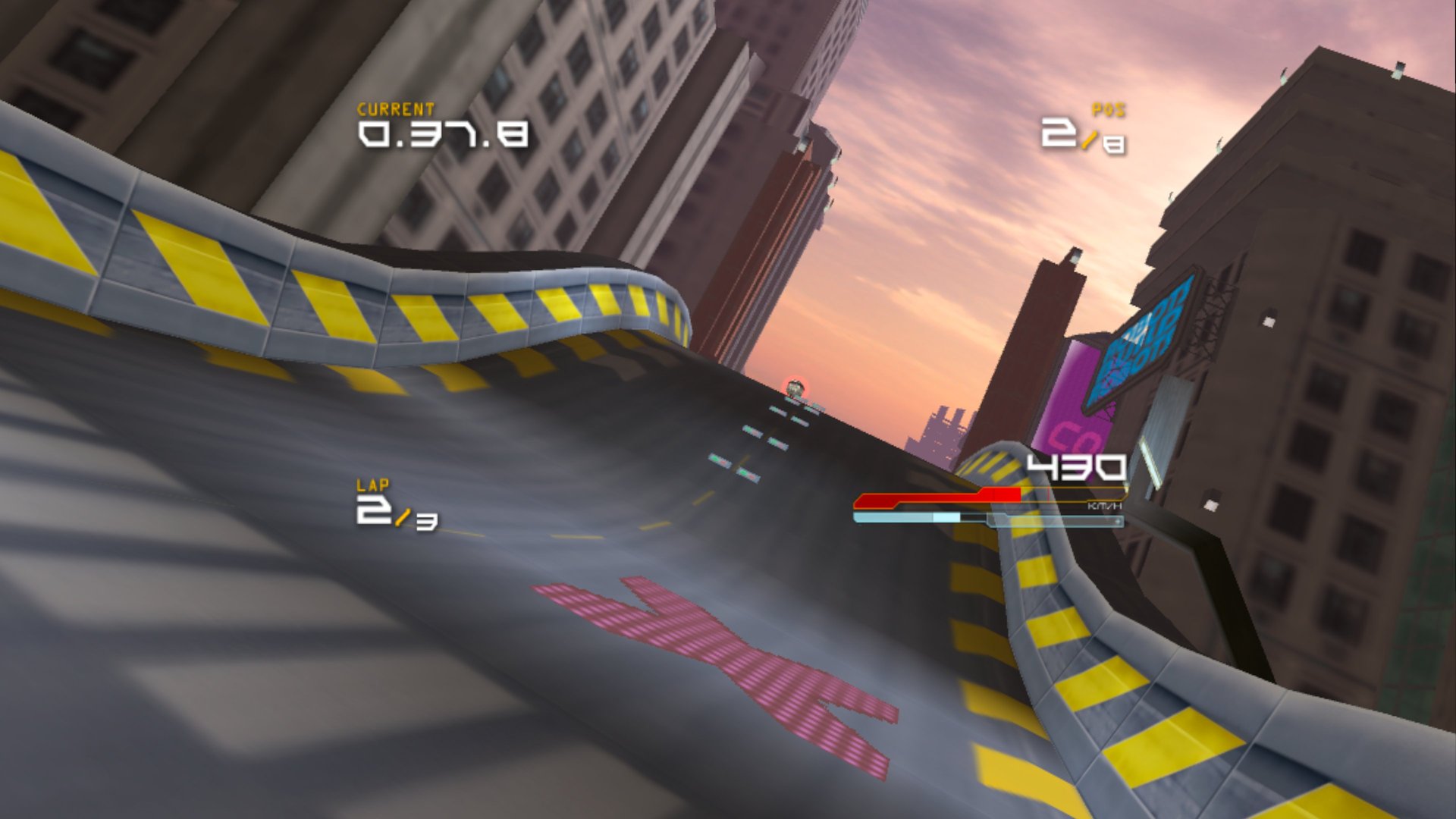
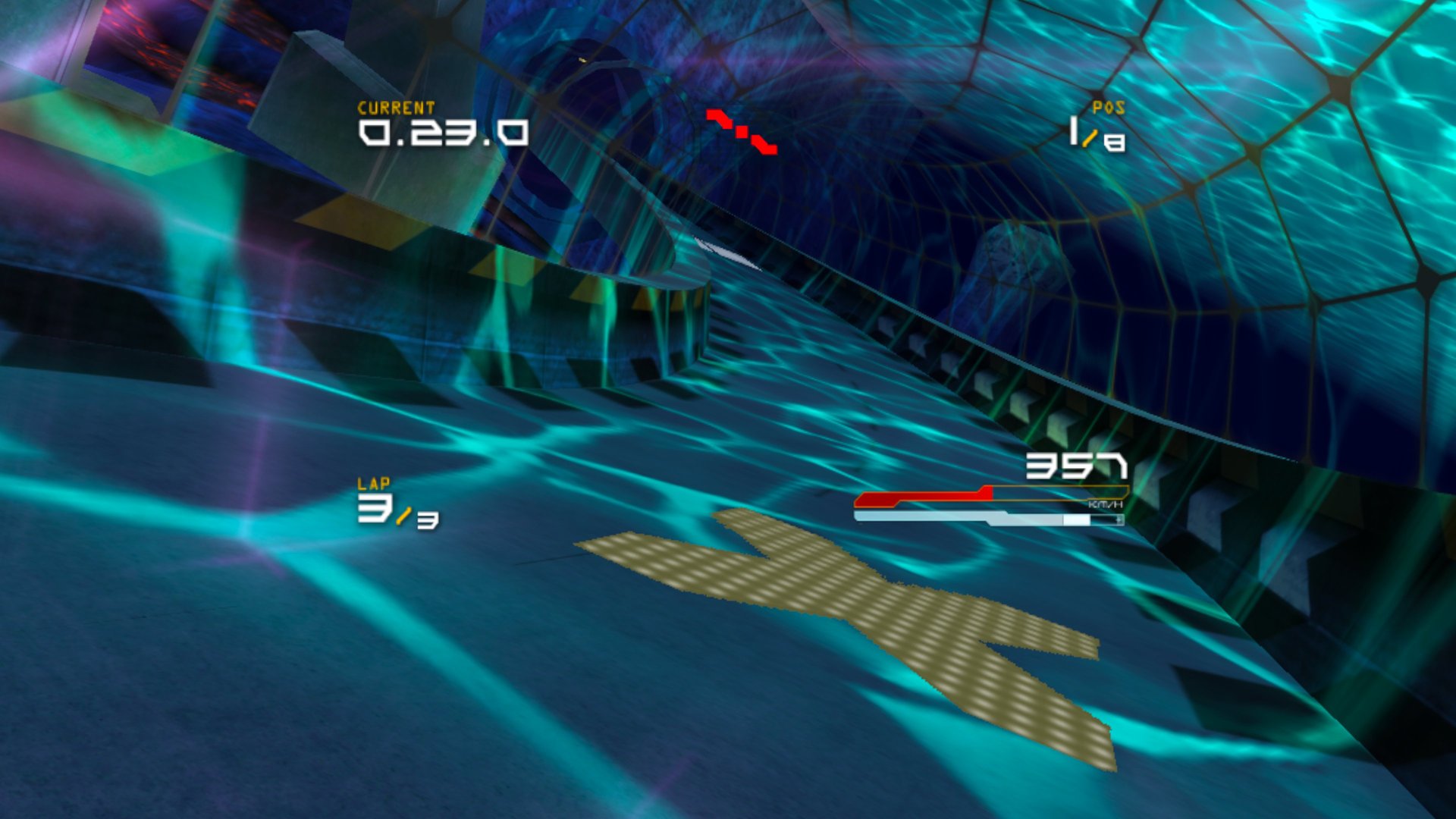
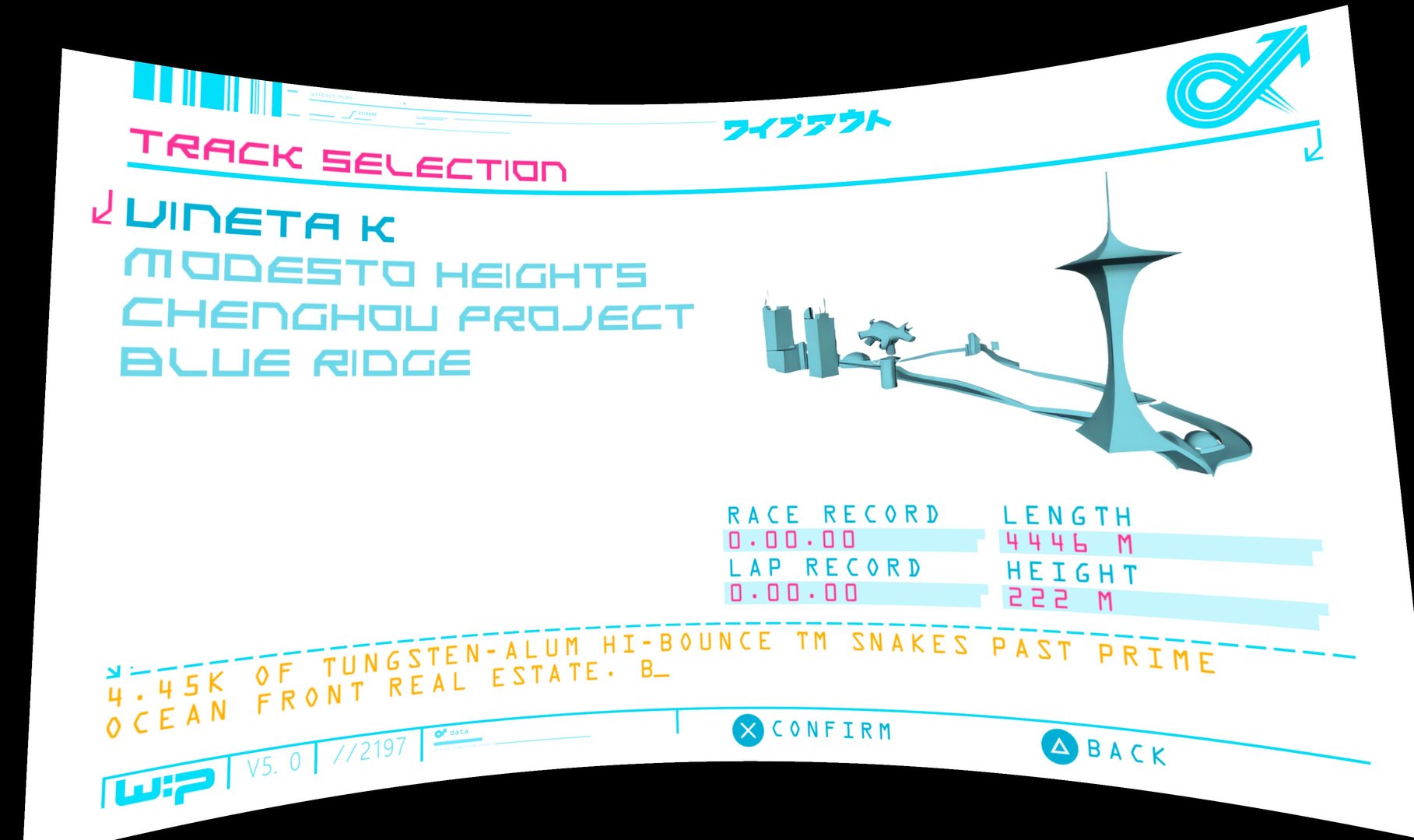
A VR port of pure-recomp, the native port of Wipeout Pure (PSP, 2005) made by static recompilation: the game's own code runs directly on the headset, no emulator. Races are drawn twice, once per eye, so the tracks, ships and weapons have real depth, and you can look around freely while you race. The HUD floats in front of you; menus, movies and the port's settings are on a large curved screen.
On the first start the app downloads the HD texture pack by NR74W in the background and switches to it by itself when it's done.
PICO support is brand new and not tested on PICO hardware yet: reports are very welcome. One APK covers both makes.
Features
- Stereo 3D races with head tracking: look into the corners and over the edge of the track
- 60 fps races at full game speed, shown at 120 Hz on Quest 3
- HD texture pack downloaded on the first start, sharp eyes plus 2x MSAA
- Shaders for the whole game prepared in the background: no stutter in the first races
- Menus on the left stick too, the port's settings menu on both stick clicks
- Runs on PICO 4 / Neo 3 too, from the same APK (untested)
Manual
Installation
- Enable developer mode on your headset.
- Download the APK below and sideload it with SideQuest or
adb install -r WipeoutPure-VR-v0.1.0-beta.apk. SideQuest is a Quest tool, so on PICO use adb or whichever sideloader you already use. - Start Wipeout Pure VR once from Library → Unknown Sources, so it creates its folder, then quit it with the Meta / PICO button.
- Copy your disc image (any name ending in
.iso) intoAndroid/data/online.portroyale.wipeoutpurevr/files/import/on the headset: with the box above, a PC file manager, SideQuest's file manager oradb push WipeoutPure.iso /sdcard/Android/data/online.portroyale.wipeoutpurevr/files/import/. - Start the app again: it checks the image, sets the game up in a few seconds and starts. With Wi-Fi, the HD textures download in the background while you play.
Good to know
- This is the first beta, tested on Quest 3. The APK contains no game data, and only the US Greatest Hits disc (UCUS-98612 v2.00) is supported: if the image is a different one,
import/SETUP-ERROR.txtsays why. - Don't want the HD textures? Create an empty file
no-hd-texturesinAndroid/data/online.portroyale.wipeoutpurevr/files/before the first start. Have the pack already? Copy its folder (the one withtextures.ini) tofiles/textures/UCUS98612/. - Saves and settings live in the app's
files/folder. Uninstalling the app deletes it, so copy it to your PC first. - PICO needs PICO OS 5.9.0 or newer. The PICO build is untested: if it doesn't start or the controllers do nothing, please open an issue on GitHub and attach
files/PureNative.log. - No online (ad hoc) multiplayer yet. Settings for testers (eye resolution, MSAA, 72 fps races) are in the repository's README-QUEST.md.
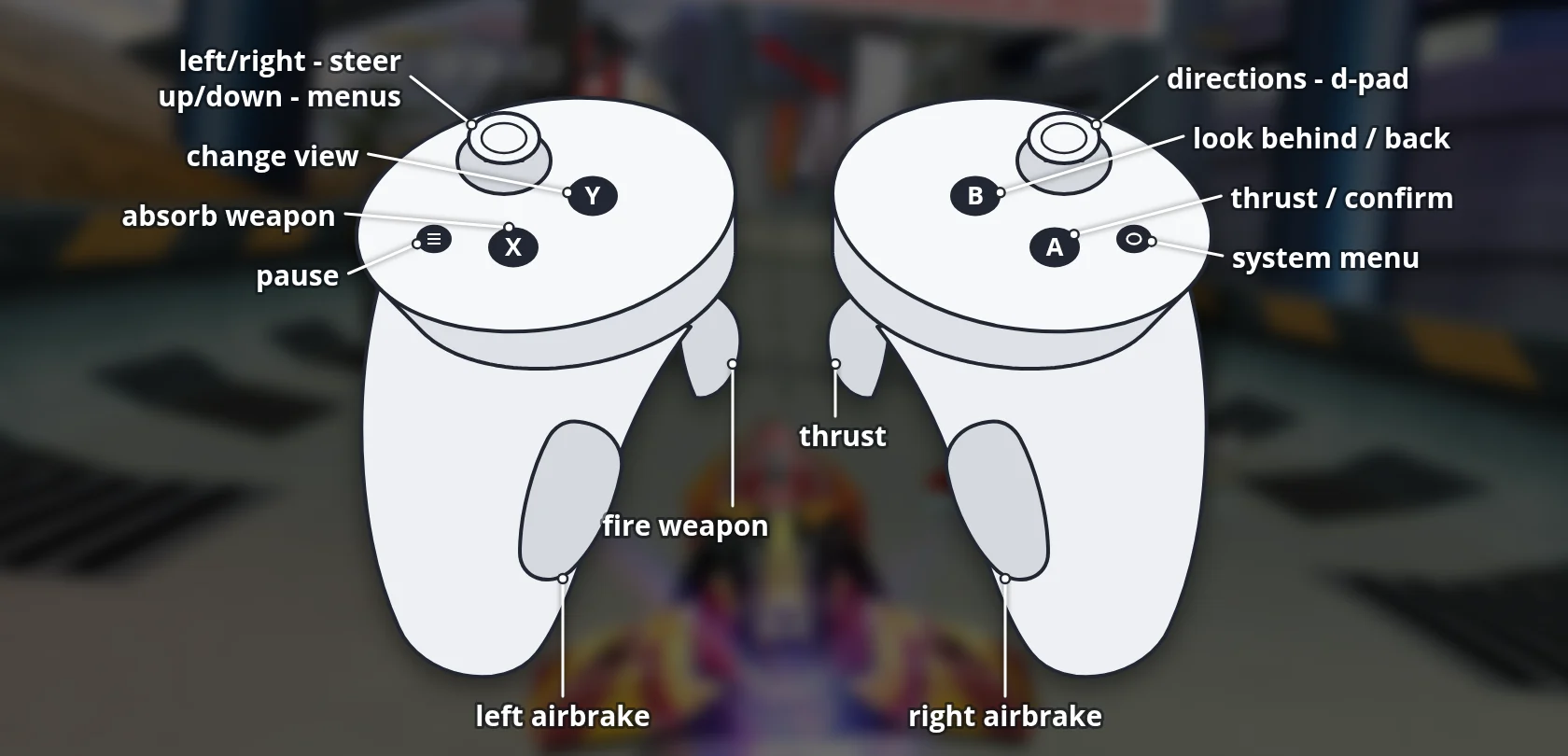
Controller mapping
| Controller | In a race | In the menus |
|---|---|---|
| Left stick | Steer | Move the cursor |
| Right trigger or A | Thrust | Confirm |
| Left trigger | Fire weapon | |
| Left / right grip | Left / right airbrake | |
| X | Absorb the weapon (shield energy) | |
| B | Look behind | Back |
| Y | Change the camera view | |
| Menu button or left stick click | Pause | |
| Right stick | D-pad | D-pad |
| Both stick clicks | The port's settings menu |
Hold the Meta / PICO button to re-centre the view. In the pause menu the left stick moves the cursor up and down while you don't thrust. PICO controllers use the same layout.
Download
Install from your browser
Over USB, for Meta Quest and PICO: installs the app and copies your own game files to the right place. No SideQuest, no adb. Works in Chrome or Edge on a PC, Mac or Android phone.
The installer needs JavaScript. Use the manual download below.
First time? Before you start
- Turn on developer mode. Quest: Meta Horizon app on your phone → Devices → your headset → Headset settings → Developer mode. PICO: Settings → General → About → tap Software version 7 times, then Settings → Developer → turn on USB debugging.
- Connect the headset to this computer with a USB cable that carries data (not a charge-only cable).
- Close SideQuest and Meta Quest Developer Hub. If you use adb, run
adb kill-serverfirst: only one program can talk to the headset at a time. - Windows: if the headset doesn't show up in the list, install the Meta Quest ADB driver.
- After pressing Connect, put on the headset and allow USB debugging for this computer.
Wipeout Pure VR v0.1.0-beta (Meta Quest + PICO) latestv0.1.0-beta · 30 Oct 2026
All releases: github.com/SgtBilko76/WipeoutPure-VR/releases
Need help or found a bug? Ask in #support on our Discord, and get new releases in #new-releases.
Join the DiscordPictures & video
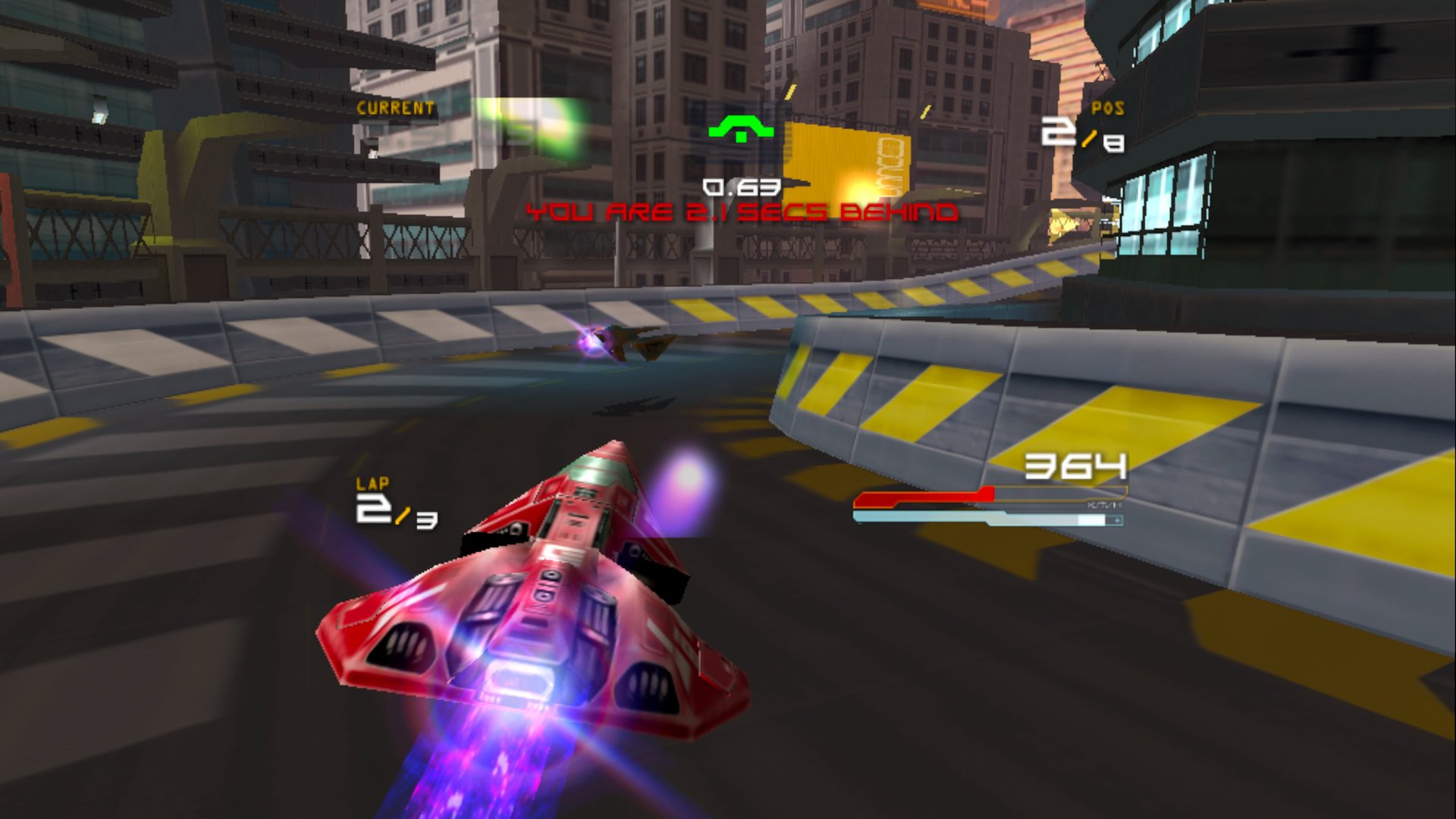
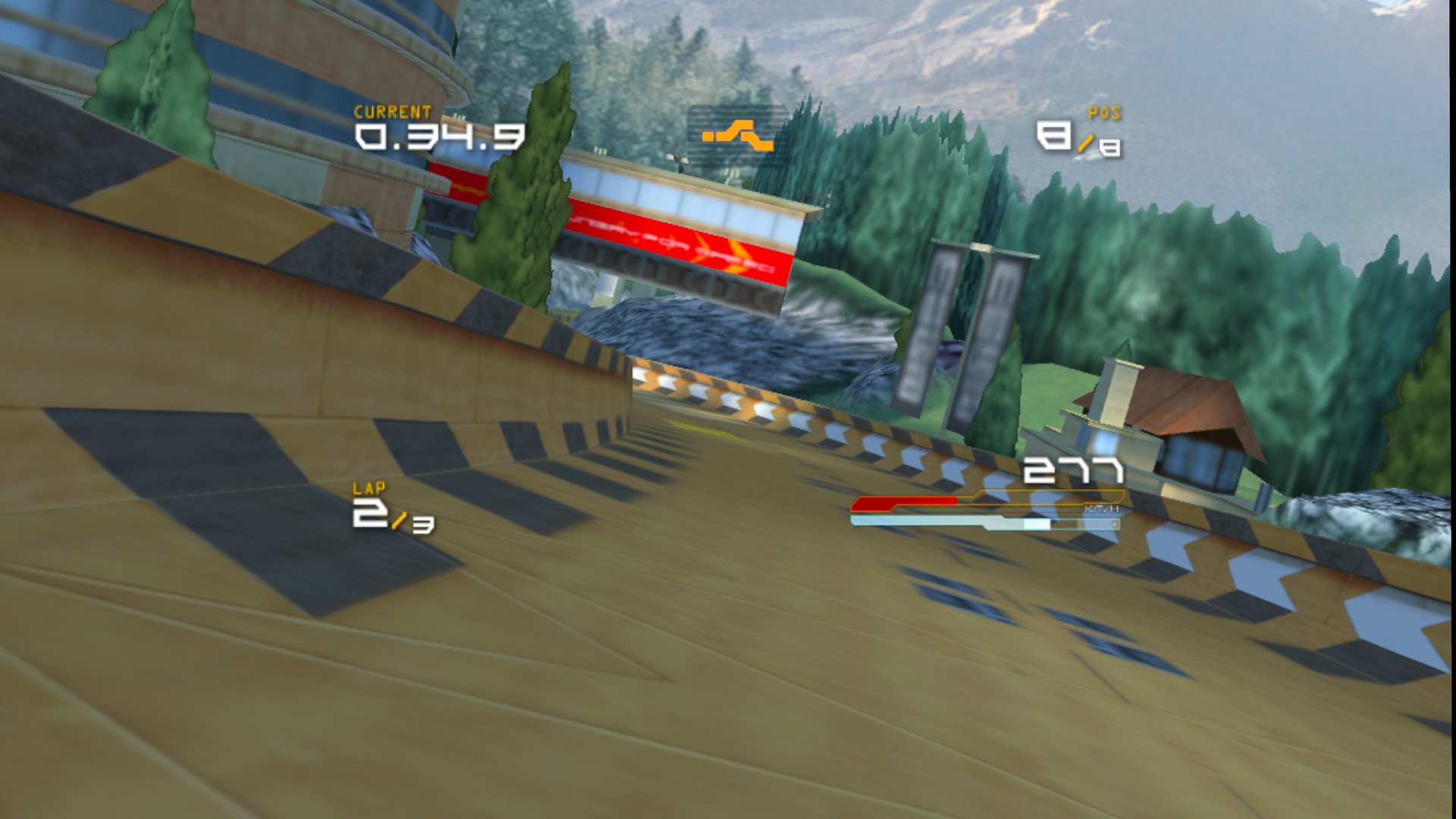

Credits: Based on pure-recomp by erreib and the PortableKit framework. HD textures: the WipEout Pure HD texture pack by NR74W, re-uploaded by 0xf0xx0. WIPEOUT is a trademark of Sony Interactive Entertainment; this unofficial fan project contains no game data. Pictures: captured on a Meta Quest 3.