
Lionheart 3D
Thalion's Amiga classic in stereoscopic 3D, standalone on Meta Quest.
About
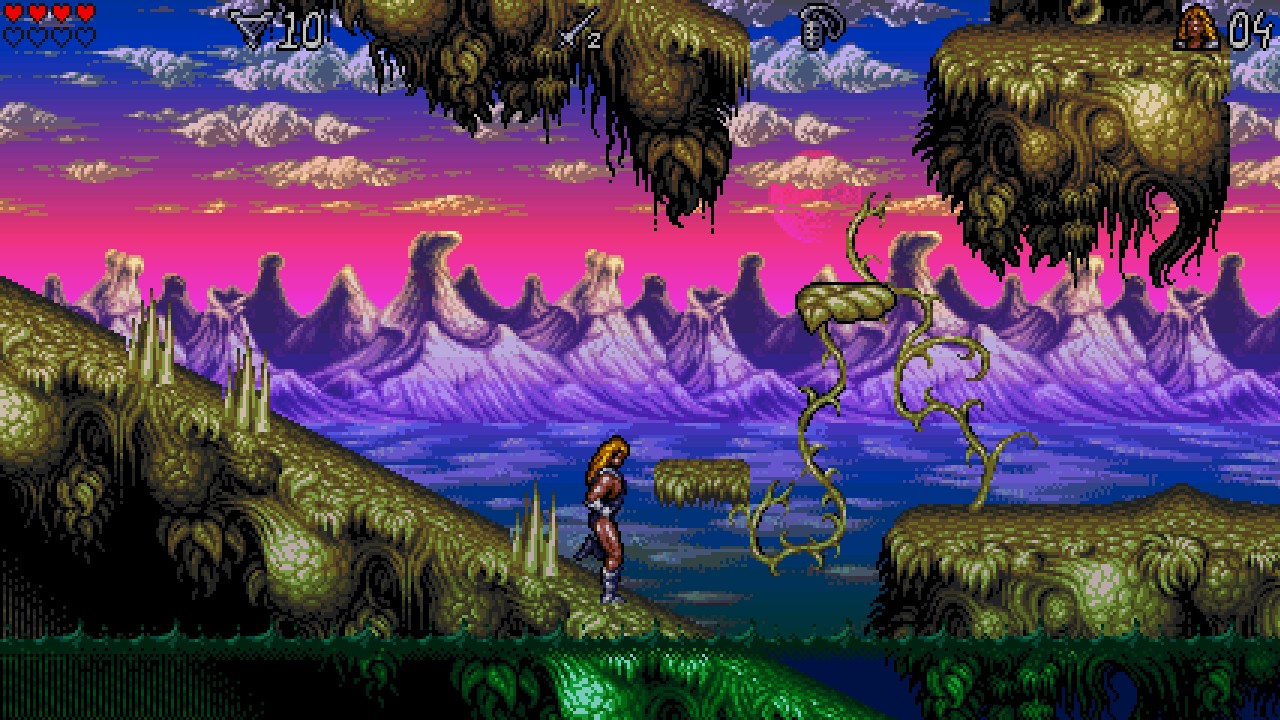
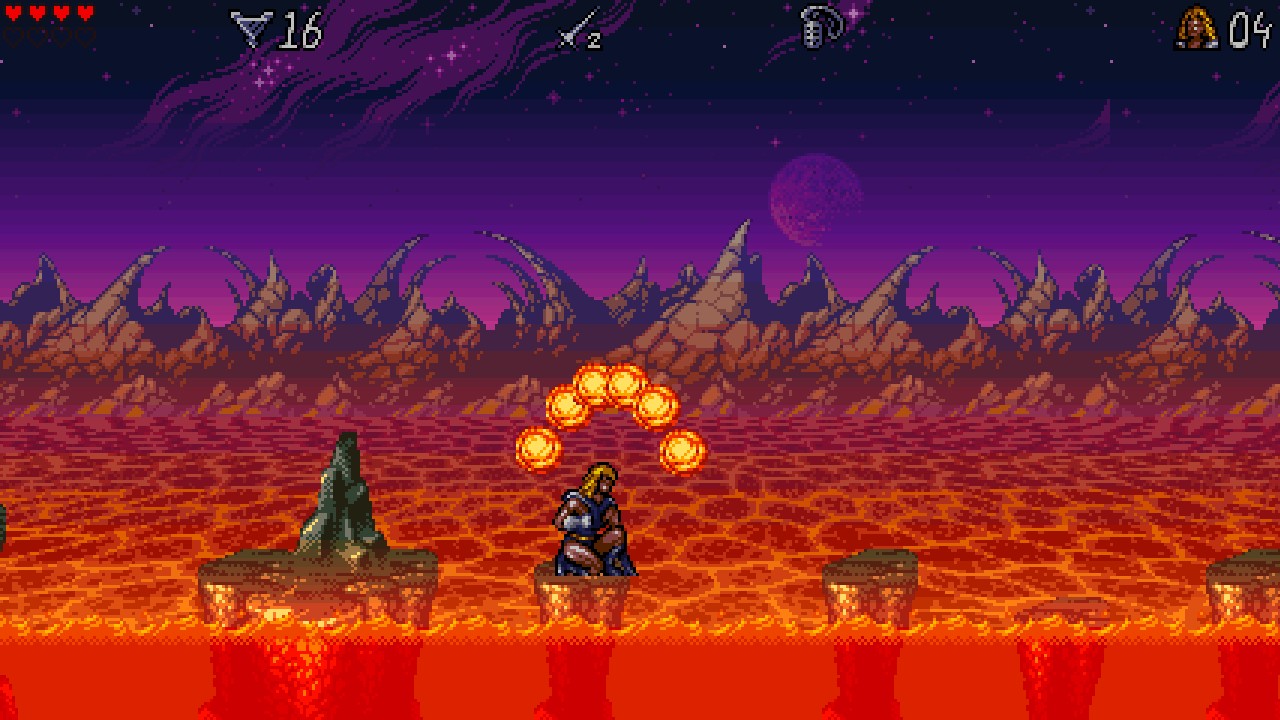
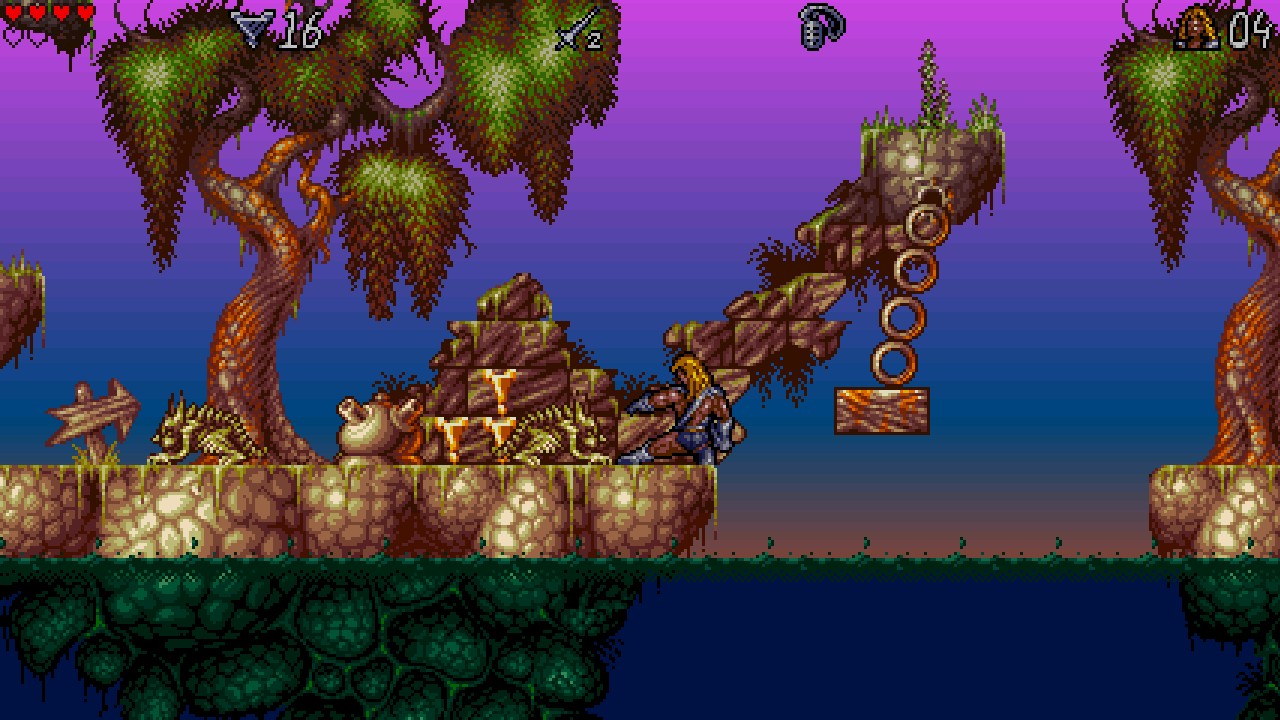
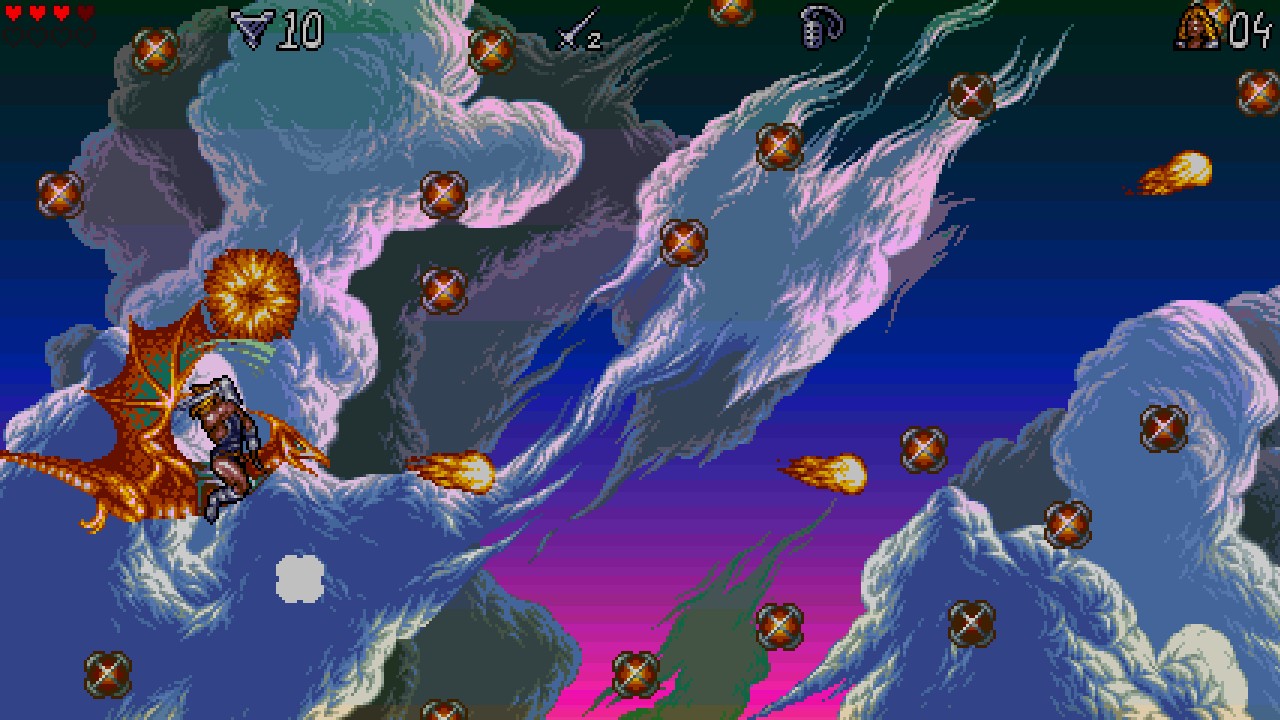
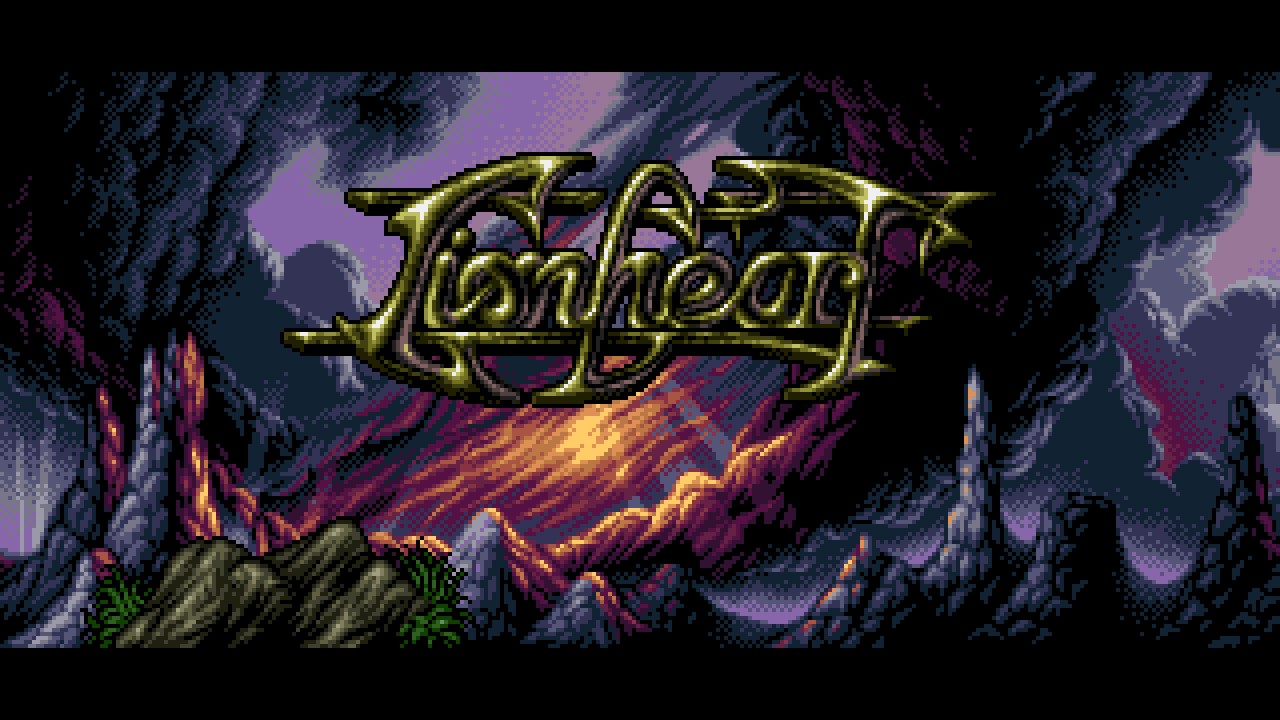
Lionheart Remake, Byron 3D Games Studio's faithful remake of Thalion's 1993 Amiga platformer, running on Meta Quest as a VR app. You play Valdyn, the lionheart, on his quest to save the kingdom: swamps, spider caves, the underworld, an ancient town, lava fields, an airship, dragonfly flights and the tower of Norka.
The famous parallax backgrounds become real depth: the sky hangs far away, the middle layers sit in between, the scrolling ground runs tilted into the distance, and the playfield with Valdyn floats on a large curved screen in front of you, with water, lava and the HUD closer still.
Press the left stick to swap the game's skies for your own room in passthrough. The whole game is inside the APK, so there is nothing else to copy.
Features
- Stereoscopic 3D: every parallax layer at its own depth
- Large curved screen around you (2.6 m wide at 2.2 m)
- Passthrough mode on the left stick click, remembered between starts
- Smoothed pixel art (edge-directed 4x upscaling) and sharpening
- 72 FPS, Touch controllers mapped onto the game's own gamepad support
- Screen size, curve, 3D depth and smoothing adjustable in a settings file
- Complete game inside the APK
Manual
Installation
- Enable developer mode on your headset.
- Download the APK below.
- Sideload it with SideQuest or
adb install -r Lionheart-3D-v0.1.0-beta.apk. - Launch Lionheart 3D from Library → Unknown Sources.
Good to know
- This is the first public beta, tested on Quest 3. Please report problems on GitHub.
- Settings: copy vr.cfg.example to
/sdcard/Android/data/com.b3dgs.lionheart.quest/files/vr.cfgto change screen size and distance, curve, 3D depth, smoothing and sharpening. - The APK is signed with a debug key (sideload only).
- Lionheart Remake is licensed GPL-3.0; the Quest port is GPL-3.0 too.
Controller mapping
| Input | In game | In menus |
|---|---|---|
| Left stick | Move Valdyn | Choose an entry / change a value |
| Left stick click | Passthrough on / off | Passthrough on / off |
| A | Attack | Confirm |
| B | Jump | – |
| Y | Pause | – |
| X | Quit | Back |
| Left grip | Player list | – |
| Right grip | Cheat menu | – |
| Left trigger | Page down | – |
Button names are those of the Meta Quest controllers. The right stick is not used.
Download
Install from your browser
One click over USB, for Meta Quest and PICO: no SideQuest needed. Works in Chrome or Edge on a PC, Mac or Android phone.
The installer needs JavaScript. Use the manual download below.
First time? Before you start
- Turn on developer mode. Quest: Meta Horizon app on your phone → Devices → your headset → Headset settings → Developer mode. PICO: Settings → General → About → tap Software version 7 times, then Settings → Developer → turn on USB debugging.
- Connect the headset to this computer with a USB cable that carries data (not a charge-only cable).
- Close SideQuest and Meta Quest Developer Hub. If you use adb, run
adb kill-serverfirst: only one program can talk to the headset at a time. - Windows: if the headset doesn't show up in the list, install the Meta Quest ADB driver.
- After pressing Connect, put on the headset and allow USB debugging for this computer.
Lionheart 3D v0.1.0-beta (Meta Quest 3) latestv0.1.0-beta · 25 Oct 2026
All releases: github.com/SgtBilko76/lionheart-remake-vr/releases
Need help or found a bug? Ask in #support on our Discord, and get new releases in #new-releases.
Join the DiscordPictures & video
Credits: Based on Lionheart Remake and LionEngine by Pierre-Alexandre / Byron 3D Games Studio, GPL-3.0. Original Lionheart © 1993 Thalion Software. OpenXR host modelled on QuakeQuest. Pictures: desktop screenshots from the Lionheart Remake website.