
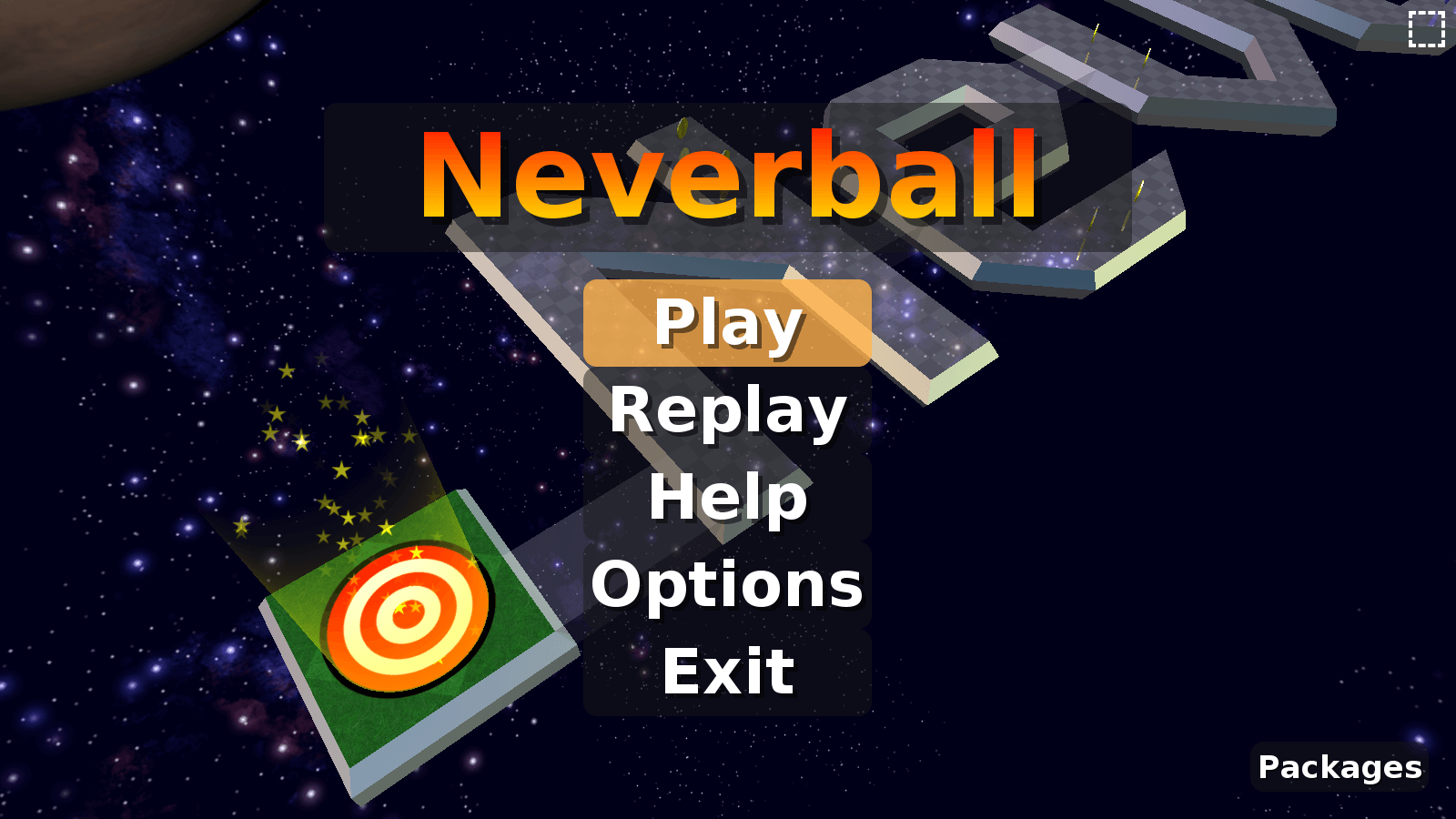
Neverball & Neverputt VR
Tilt the world to roll the ball, plus mini golf, on Meta Quest and PICO.
About
Neverball and its mini-golf sibling Neverputt, ported to Meta Quest and PICO as standalone VR apps. Each release has a Quest APK and a PICO APK: pick the one for your headset.
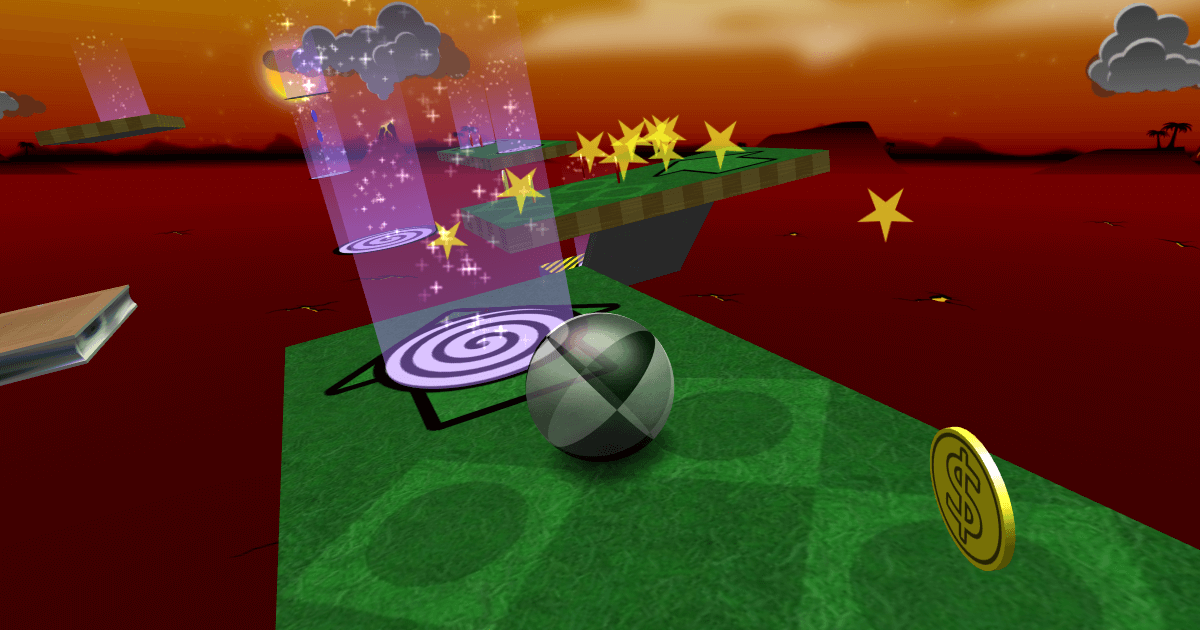
Neverball: tilt the floor to roll a ball through an obstacle course before time runs out. Collect coins to unlock the exit. Neverputt: mini golf on Neverball's courses.
Features
- Two separate apps: install either or both
- Laser-pointer menus
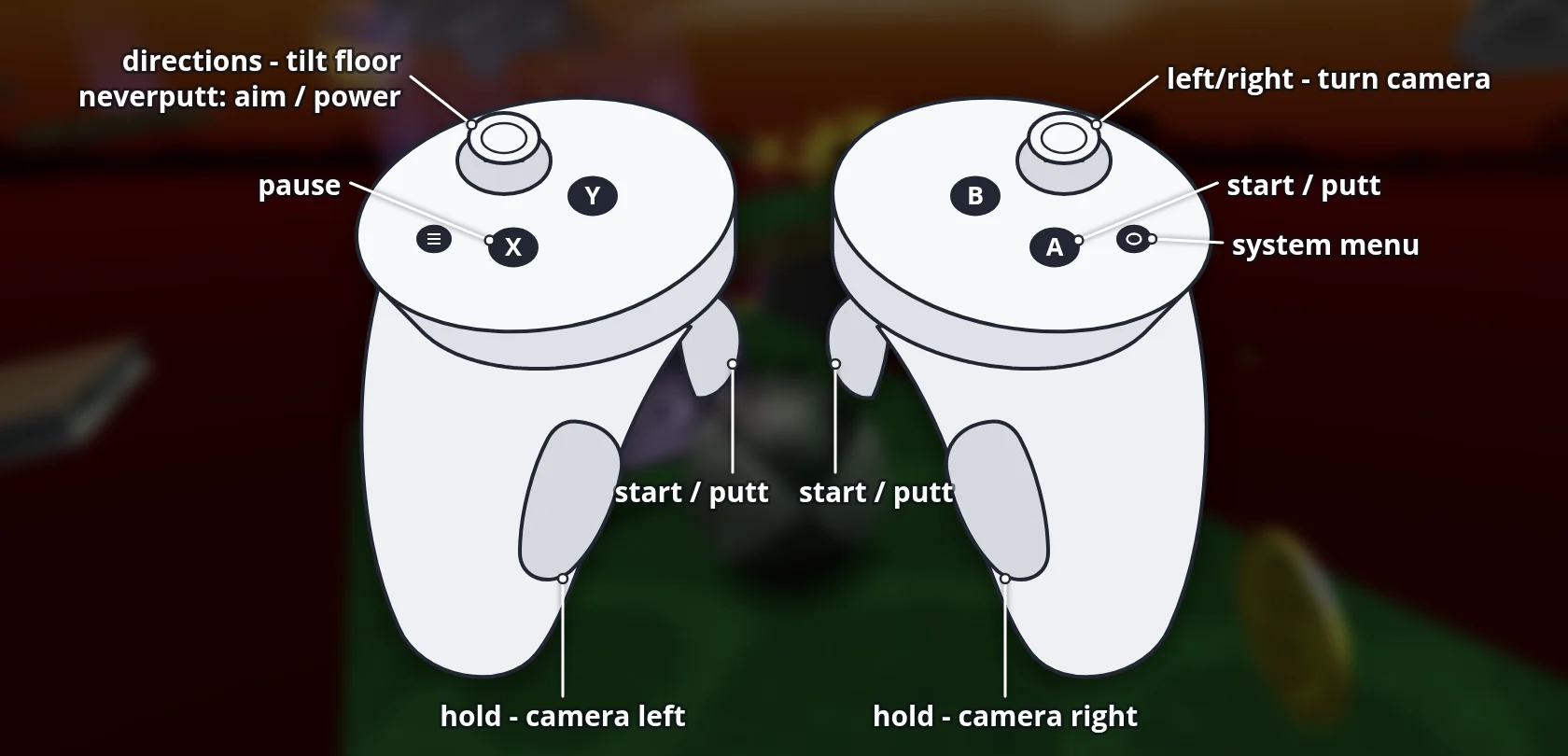
- Optional wrist control: tilt the floor by turning the right controller (
vr_control 1)
Manual
Installation
- Enable developer mode on your Quest.
- Download the APK below.
- Sideload it with SideQuest or
adb install -r <file>.apk. - Launch it from Library → Unknown Sources.
Good to know
- The PICO builds are untested: if they do not start, or the buttons are mapped differently, please open an issue on GitHub.
Controller mapping
| Input | Action |
|---|---|
| Left stick | Tilt the floor (Neverputt: aim); move the menu highlight |
| Right stick | Turn the camera left or right, one step per push |
| Trigger | Click what the ray is on |
| A | Take the highlight |
| B | Back |
| X | Pause |
| Y | Options |
| Grip | Turn the camera left or right |
Download
Install from your browser
One click over USB, for Meta Quest and PICO: no SideQuest needed. USB install works in Chrome or Edge on a PC, Mac or Android phone. No PC? Open this page in the Meta Quest Browser on your headset and install it right there.
The installer needs JavaScript. Use the manual download below.
First time? Before you start
- Turn on developer mode. Quest: Meta Horizon app on your phone → Devices → your headset → Headset settings → Developer mode. PICO: Settings → General → About → tap Software version 7 times, then Settings → Developer → turn on USB debugging.
- Connect the headset to this computer with a USB cable that carries data (not a charge-only cable).
- Close SideQuest and Meta Quest Developer Hub. If you use adb, run
adb kill-serverfirst: only one program can talk to the headset at a time. - Windows: if the headset doesn't show up in the list, install the Meta Quest ADB driver.
- After pressing Connect, put on the headset and allow USB debugging for this computer.
NeverBall-QuestVR latestneverball-0814 · 08 Sep 2026
NeverPutt-QuestVR puttnik-0507 · 08 Sep 2026
All releases: github.com/SgtBilko76/Neverball-and-Neverputt-VR/releases
Need help or found a bug? Ask in #support on our Discord, and get new releases in #new-releases.
Join the DiscordPictures & video
Credits: Based on Neverball by Robert Kooima and contributors.