

RVGL VR
Re-Volt, the 1999 R/C car racer, in VR: standalone on Meta Quest and PICO.
About
A standalone VR port of Re-Volt for Meta Quest 2 / Pro / 3 / 3S (tested on Quest 3) and PICO 4 / Neo 3, built on the official Android build of RVGL, the community's modern Re-Volt engine. A native OpenXR host puts the menus on a big virtual screen and renders the races in head-tracked stereo 3D.
No game content is included in the APK. On first launch the app downloads the Re-Volt game files and soundtrack from Re-Volt I/O, plus the RV 25th Anniversary pack from Re-Volt World, and installs them for you.
PICO support is brand new and not tested on PICO hardware yet: reports are very welcome. One APK covers both makes.
Features
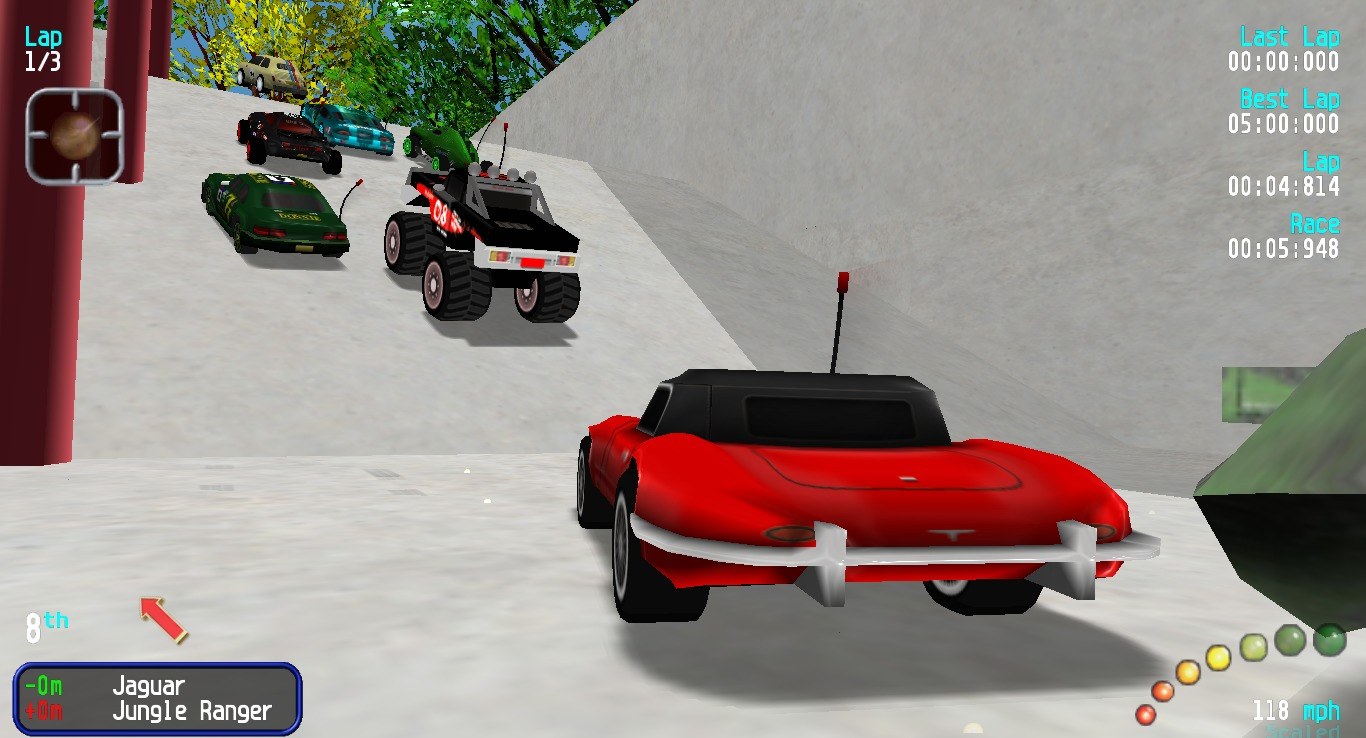
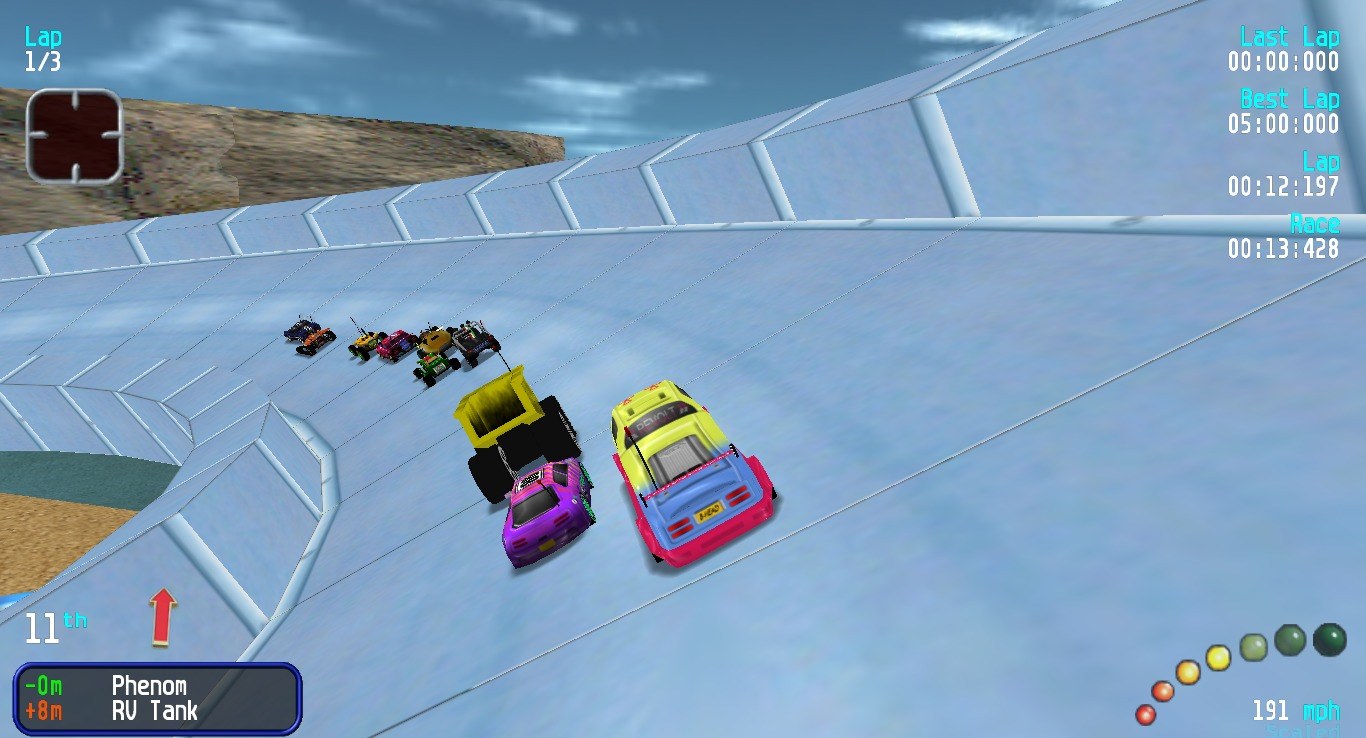
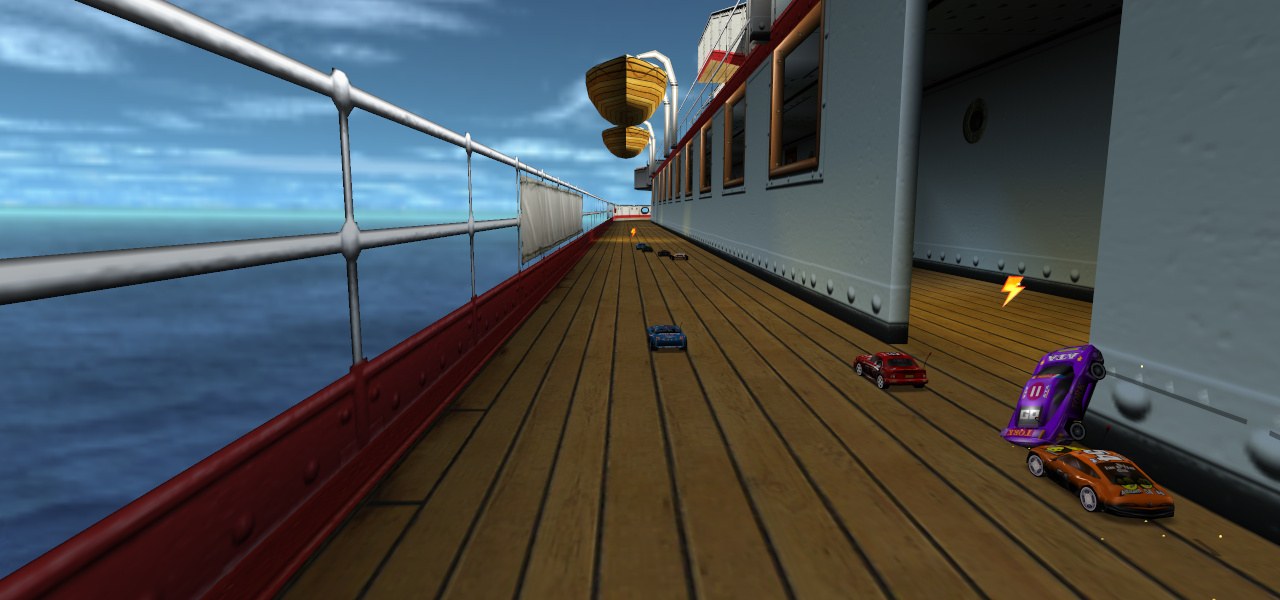
- Races in head-tracked stereo 3D at 72 Hz: look around the track from the car
- HUD on a floating panel in front of you; menus on a big virtual screen
- Touch controller layout set up automatically for every new profile, and still changeable in RVGL's own controller settings
- All 19 original tracks plus the RV25 pack's 13 tracks and 14 cars
- Downloads and installs the free game data on first launch: no file copying
- Hold both stick clicks for 1 s to re-centre the view
Manual
Installation
- Sideload the APK with SideQuest or
adb install -r RVGL-VR-v0.1.1.apk. SideQuest is a Quest tool, so on PICO use adb or whichever sideloader you already use. - Launch RVGL VR from Unknown Sources. A setup panel opens: press Allow file access, switch it on and press Done.
- Press Download and install. The game files, soundtrack and RV25 pack are fetched from the official sources and installed (Wi-Fi needed, a minute or two), and then the game starts by itself.
- Create your profile: turn the wheel with the left stick and press A for each letter, then turn to END and press A.
- Already have RVGL data, for example from the Android version? Copy it to
/sdcard/RVGLbefore the first launch, and the packs that are present are not downloaded again.
Good to know
- Single player only for now: split-screen and online play are untested in VR.
- Menus are on the flat virtual screen; only the races are in 3D.
- PICO needs PICO OS 5.9.0 or newer. The PICO build is untested: if it does not start, or the controllers do nothing, please open an issue on GitHub.
adb logcat -s RVGLQuest:*shows how far it gets, which is the useful thing to paste in.
Controller mapping
| Input | Race | Menus |
|---|---|---|
| Left stick | Steer | Move / turn the name wheel |
| Right trigger | Accelerate | |
| Left trigger | Brake / reverse | |
| A | Fire weapon | Select / add letter |
| B | Reset car | Back |
| X | Reposition car | |
| Y | Change camera | |
| Right grip | Rear view | |
| Right stick click | Horn | |
| Left menu button | Pause | Back |
| Both stick clicks, hold 1 s | Re-centre the view | Re-centre the view |
Button names are those of the Meta Quest controllers; PICO controllers use the same layout.
Download
Install from your browser
One click over USB, for Meta Quest and PICO: no SideQuest needed. Works in Chrome or Edge on a PC, Mac or Android phone.
The installer needs JavaScript. Use the manual download below.
First time? Before you start
- Turn on developer mode. Quest: Meta Horizon app on your phone → Devices → your headset → Headset settings → Developer mode. PICO: Settings → General → About → tap Software version 7 times, then Settings → Developer → turn on USB debugging.
- Connect the headset to this computer with a USB cable that carries data (not a charge-only cable).
- Close SideQuest and Meta Quest Developer Hub. If you use adb, run
adb kill-serverfirst: only one program can talk to the headset at a time. - Windows: if the headset doesn't show up in the list, install the Meta Quest ADB driver.
- After pressing Connect, put on the headset and allow USB debugging for this computer.
RVGL-VR v0.1.1 latestv0.1.1 · 23 Oct 2026
All releases: github.com/SgtBilko76/RVGL-VR/releases
Need help or found a bug? Ask in #support on our Discord, and get new releases in #new-releases.
Join the DiscordPictures & video
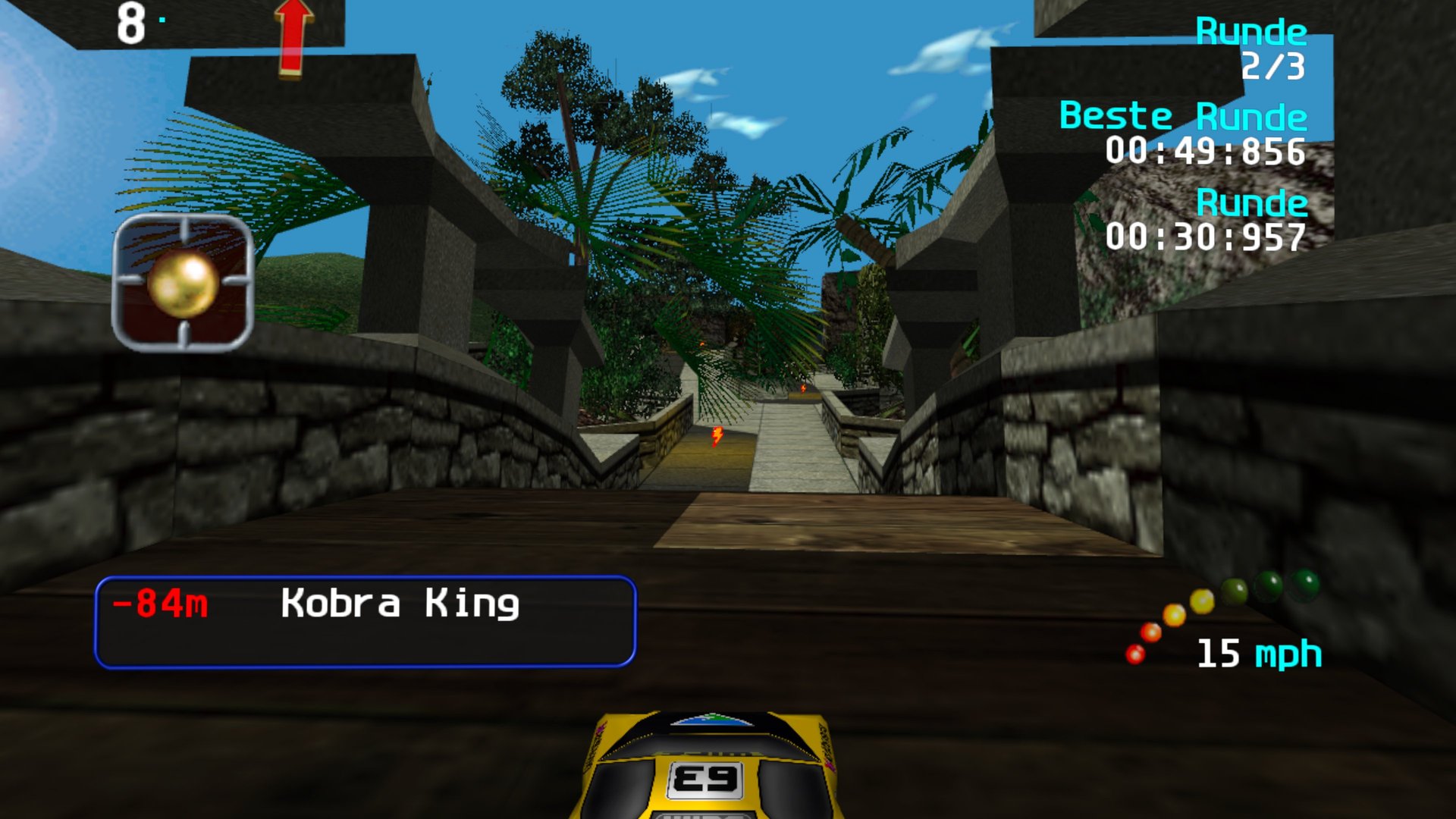
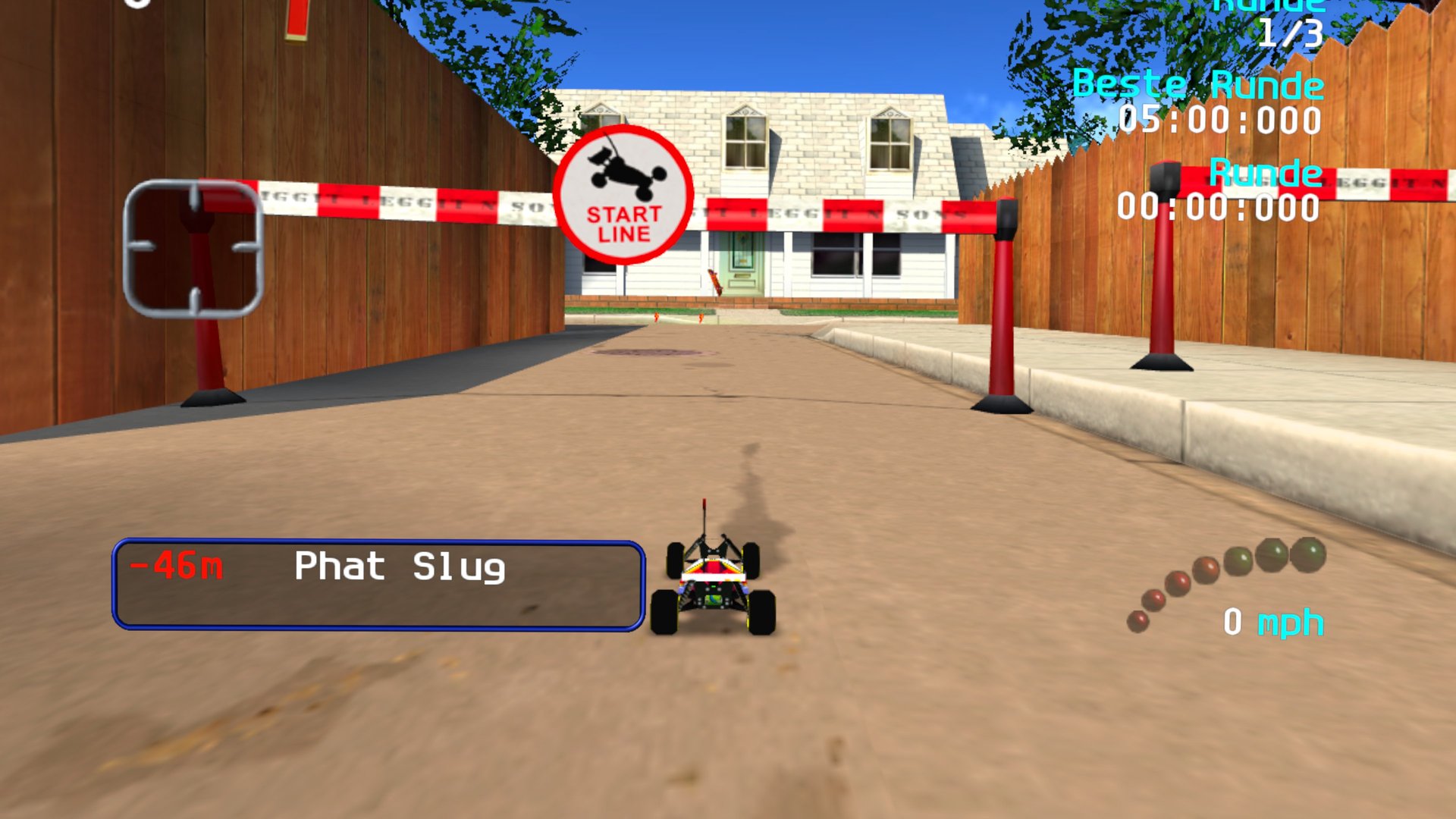
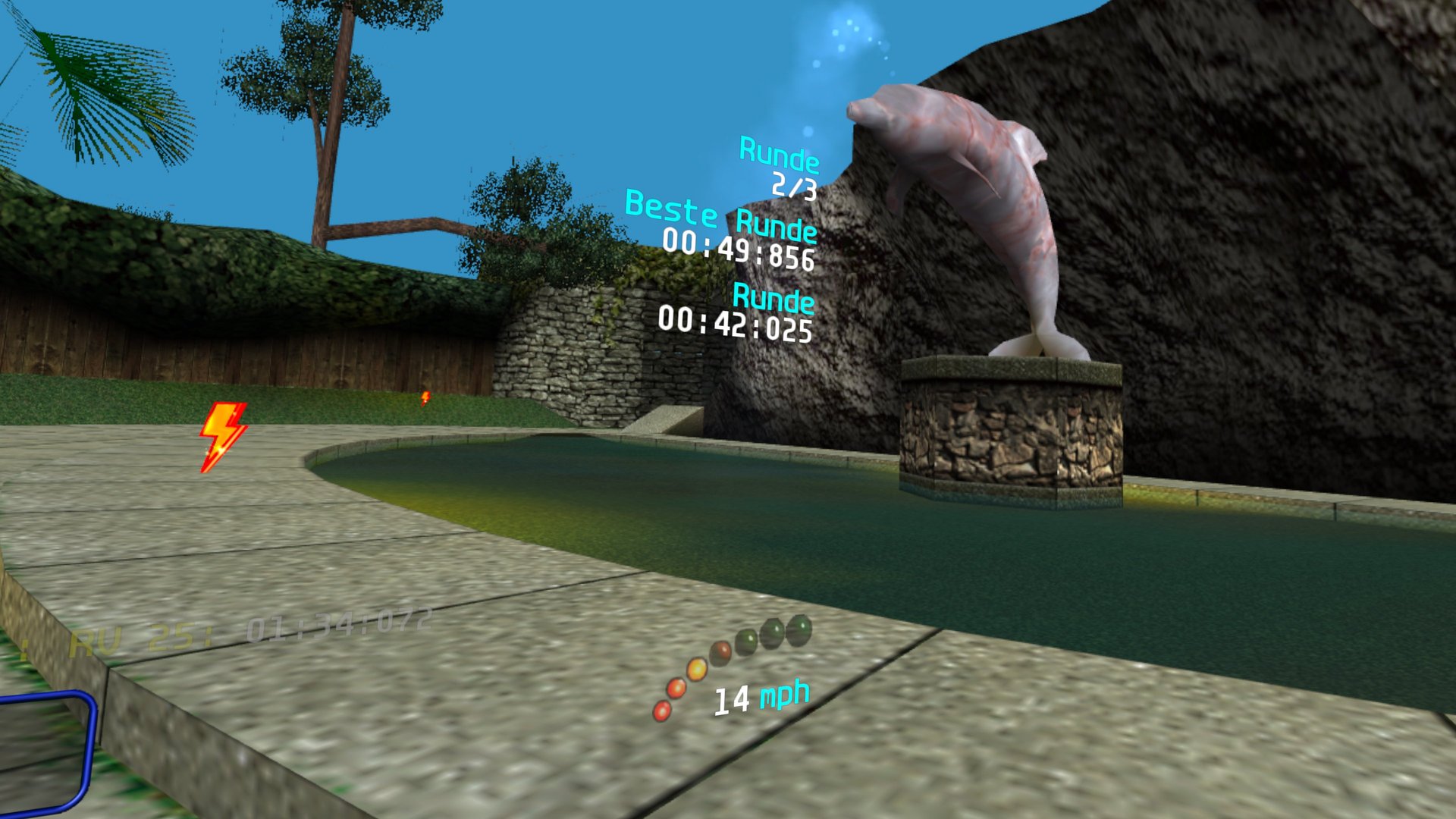
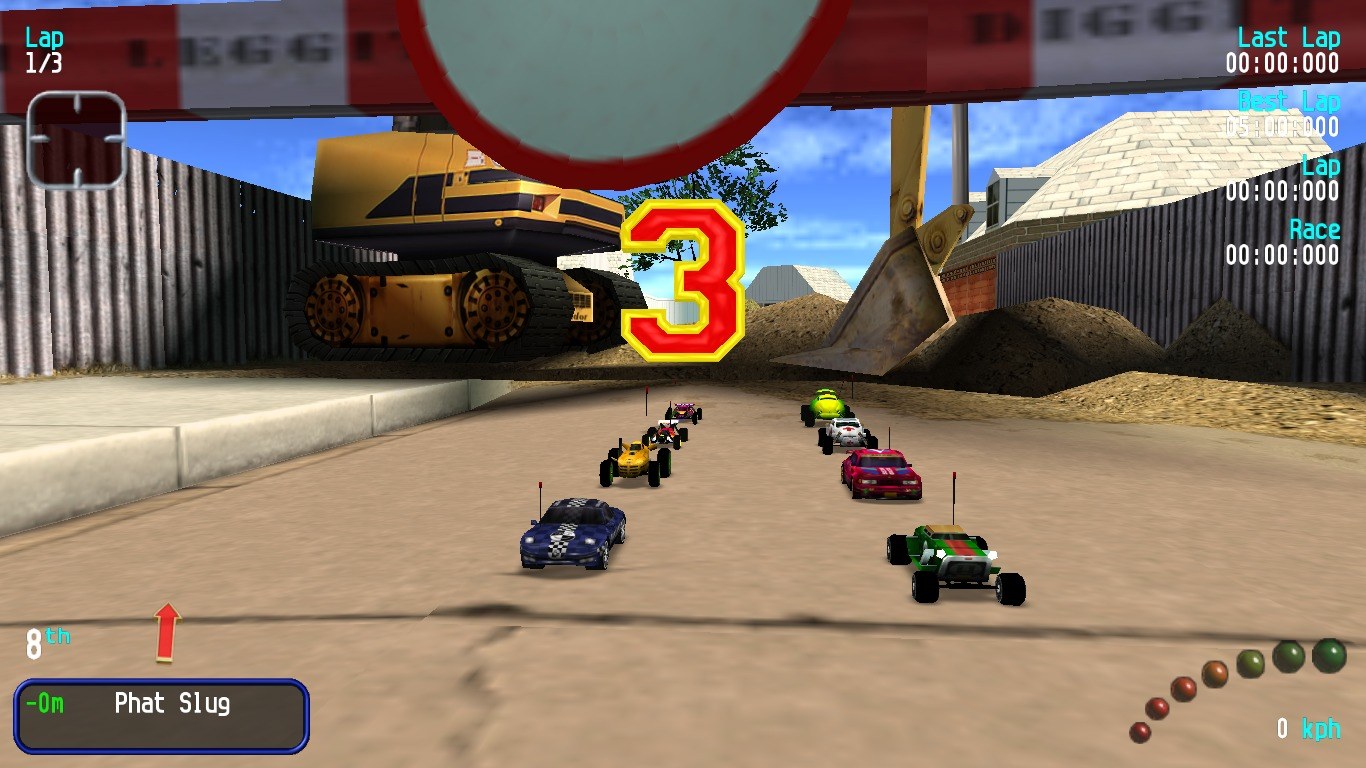
Credits: Built on RVGL by the RVGL team (redistributable engine, CC BY-NC-SA 4.0). Re-Volt is © Acclaim / WeGo Interactive; game data and soundtrack from Re-Volt I/O. RV 25th Anniversary pack by the Re-Volt community, compiled by Crimson Fury (Re-Volt World). This port is unofficial and not affiliated with the RVGL team or WeGo Interactive. Logo: RVGL. Pictures 2–4: captured on a Meta Quest 3; pictures 5–8: rvgl.org.