
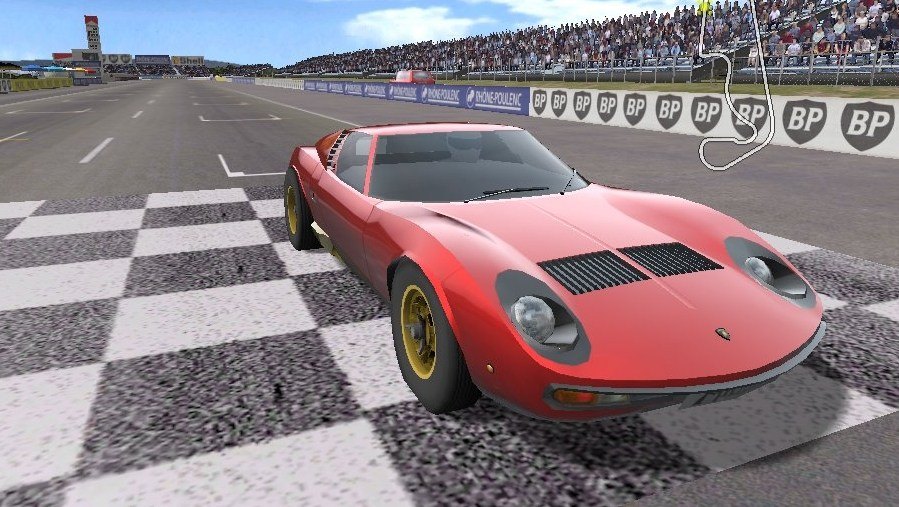
VDrift VR
The open-source drift racing simulator, from the driver's seat.
About
A native port of VDrift for Meta Quest and PICO. The same APK works on both headsets. The race is rendered in stereo with head tracking on whichever camera you pick (in-car, hood, chase...), the HUD is a head-locked panel, and the menus float in front of you over the 3D garage scene.
Online multiplayer runs on a dedicated server that simulates every car, including collisions between players. Pick Multiplayer on the main menu, choose a server and join with the car from your garage. Hosting a server is described in the server README.
PICO support is brand new and not tested on PICO hardware yet: reports are very welcome.
Features
- Stereo races with head tracking on every camera
- Floating (curved) menu screen over the garage scene
- Online multiplayer on a dedicated server, with bots
- Sound and rumble
- Runs on PICO headsets from the same APK (experimental)
- Full game package with all tracks and cars (1.7 GB)
Manual
Installation
- Enable developer mode on your Quest.
- Download the APK below.
- Sideload it with SideQuest or
adb install -r <file>.apk. - Launch it from Library → Unknown Sources.
The first start can take a minute or two while the game data is extracted. Grant "All files access" when asked. SideQuest is a Quest tool, so on PICO install with adb install -r (or your usual sideloader) and launch it from your library.
Good to know
- Coming from 0.1.0 on Quest: uninstall it first. Version 0.2.0 is signed with a different key, so it can't install over it. Your game data and settings in
/sdcard/VDriftVRare kept. - The PICO build is untested: if it does not start, or the controllers do nothing, please open an issue on GitHub.
- PICO needs PICO OS 5.9.0 or newer: only from that version does the PICO runtime work with the generic Khronos OpenXR loader the port uses.
- Your multiplayer name is
player_namein/sdcard/VDriftVR/vr.cfg, and the server list is/sdcard/VDriftVR/.vdrift/servers.config(onename = host:portper line).
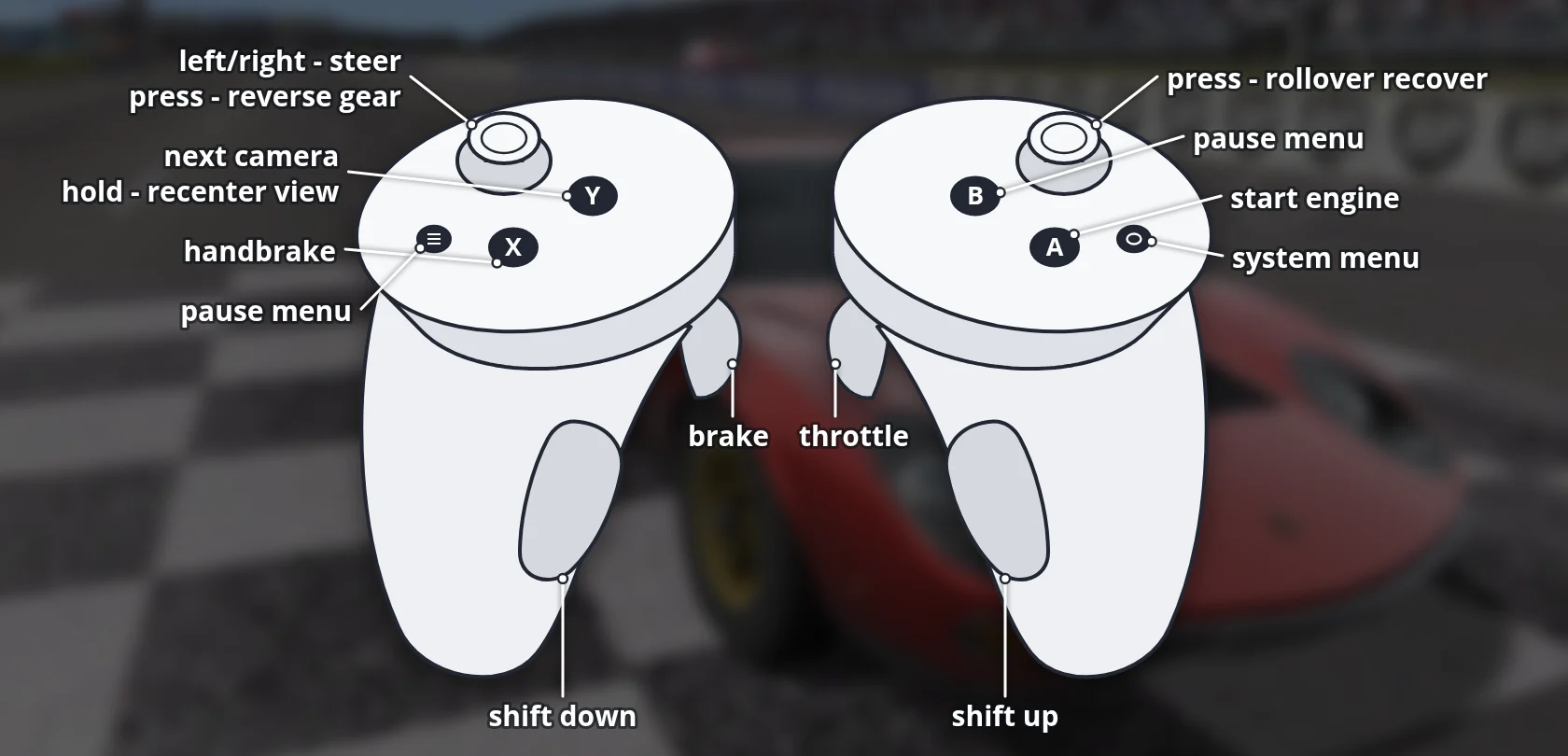
Controller mapping
| Input | Menus | Race |
|---|---|---|
| Right hand pointer | Move the cursor | |
| Right trigger | Click | Throttle |
| Left trigger | Back | Brake |
| Left stick | Navigate lists | Steering |
| A | Select / Enter | Start engine |
| B / left menu button | Back | Pause menu |
| X | Handbrake | |
| Y | Recenter (hold 1 s) | Next camera; hold 1 s to recenter |
| Right / left grip | Shift up / down | |
| Left stick click | Reverse gear | |
| Right stick click | Rollover recover |
Download
Install from your browser
One click over USB, for Meta Quest and PICO: no SideQuest needed. USB install works in Chrome or Edge on a PC, Mac or Android phone. No PC? Open this page in the Meta Quest Browser on your headset and install it right there.
The installer needs JavaScript. Use the manual download below.
First time? Before you start
- Turn on developer mode. Quest: Meta Horizon app on your phone → Devices → your headset → Headset settings → Developer mode. PICO: Settings → General → About → tap Software version 7 times, then Settings → Developer → turn on USB debugging.
- Connect the headset to this computer with a USB cable that carries data (not a charge-only cable).
- Close SideQuest and Meta Quest Developer Hub. If you use adb, run
adb kill-serverfirst: only one program can talk to the headset at a time. - Windows: if the headset doesn't show up in the list, install the Meta Quest ADB driver.
- After pressing Connect, put on the headset and allow USB debugging for this computer.
VDrift VR 0.2.0 – Quest + PICO, Full Game Package latestv0.2.0 · 24 Sep 2026
All releases: github.com/SgtBilko76/VDrift-QuestVR/releases
Need help or found a bug? Ask in #support on our Discord, and get new releases in #new-releases.
Join the DiscordPictures & video
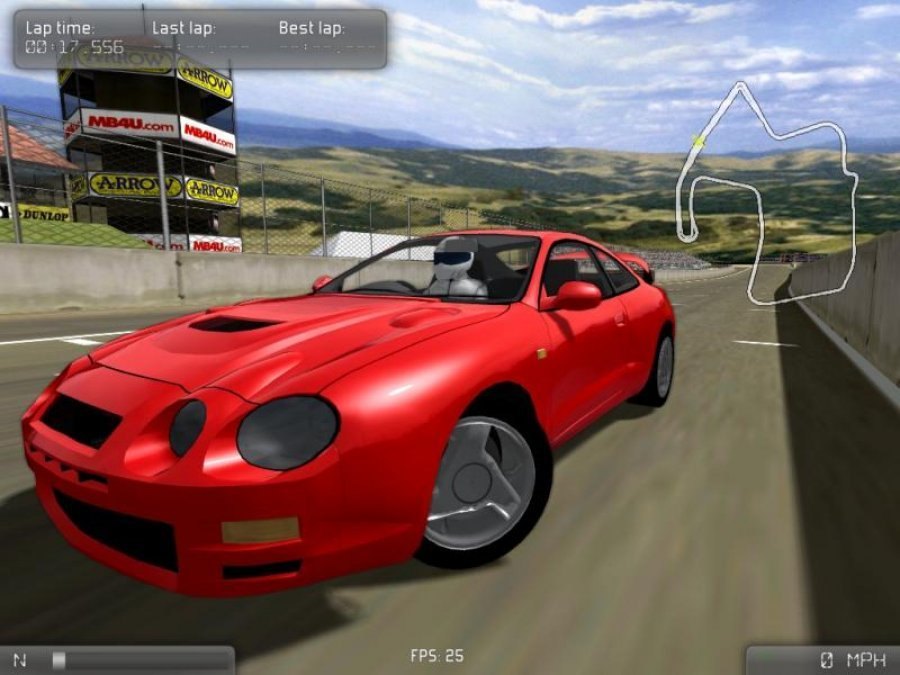
Credits: Based on VDrift. VR framework from Team Beef's QuakeQuest. Pictures (desktop version): VDrift community, GPLv3.