
No Gravity VR
realtech VR's 1997 space shooter in stereo 3D, on Meta Quest and PICO.
About
A native VR port of No Gravity, the arcade space combat game by realtech VR (1997), later released as open source under the GPL. Fight across five worlds against fighters, capital ships and space stations, with missions, wingmen and upgrades between flights.
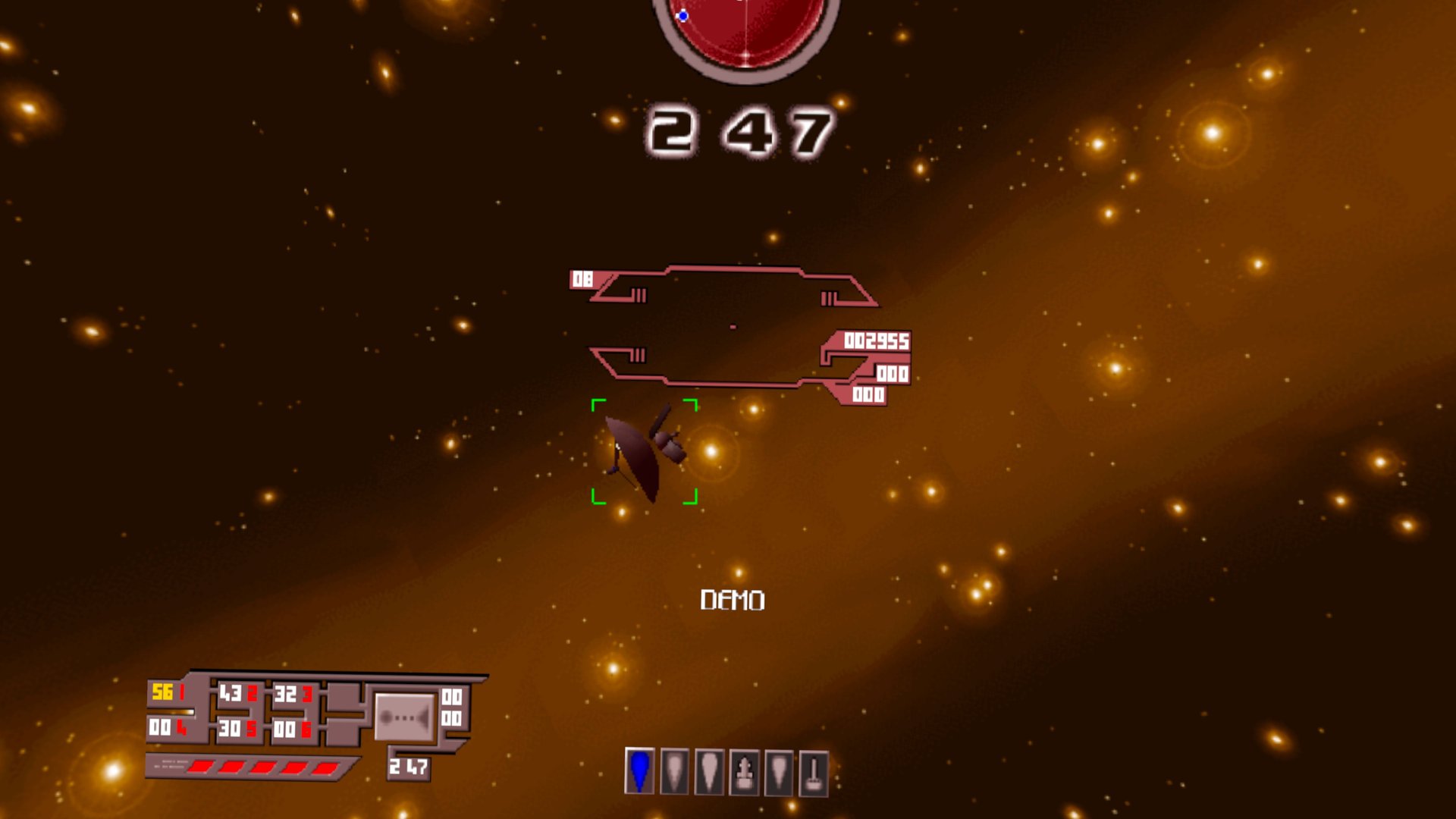
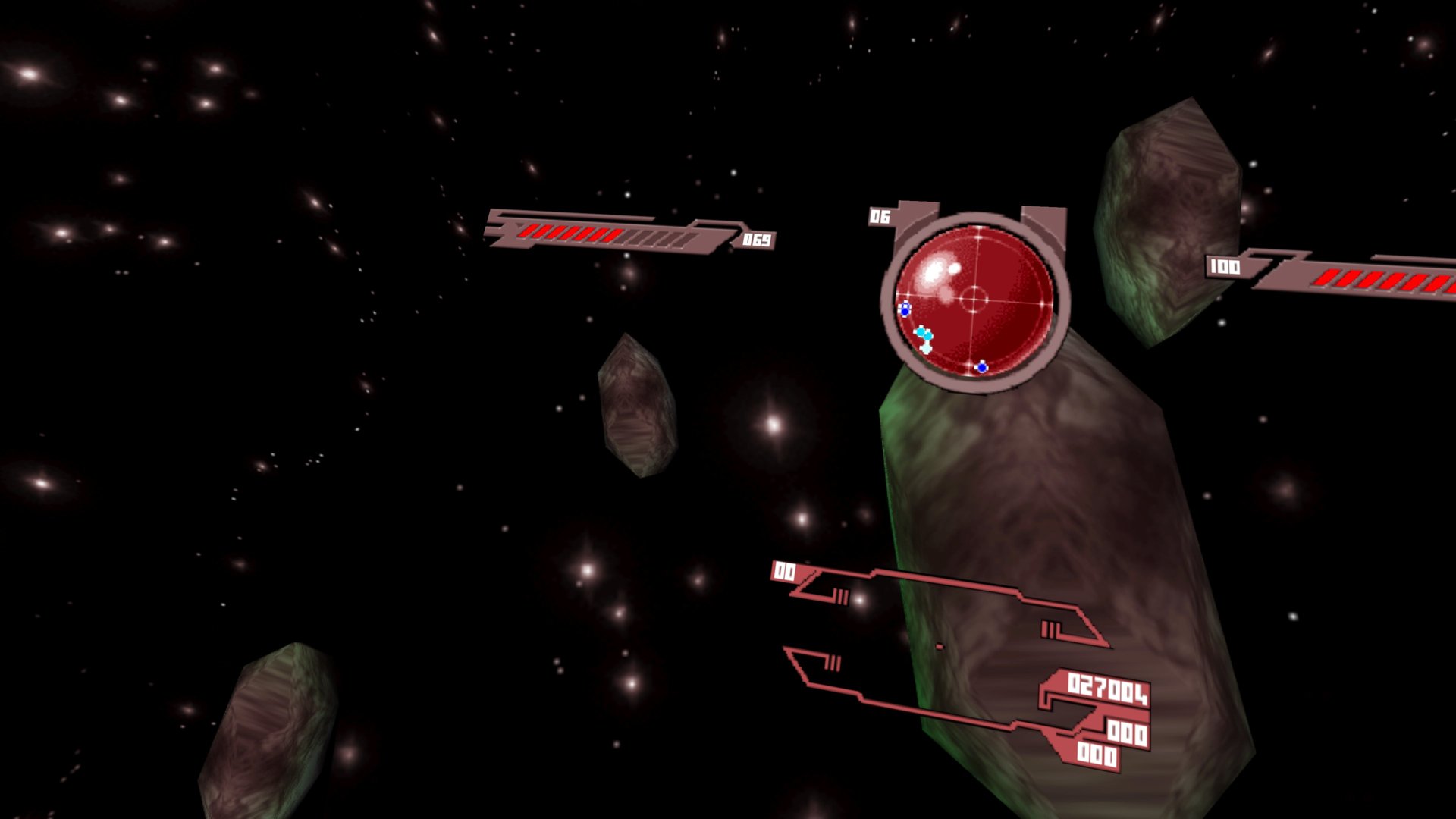
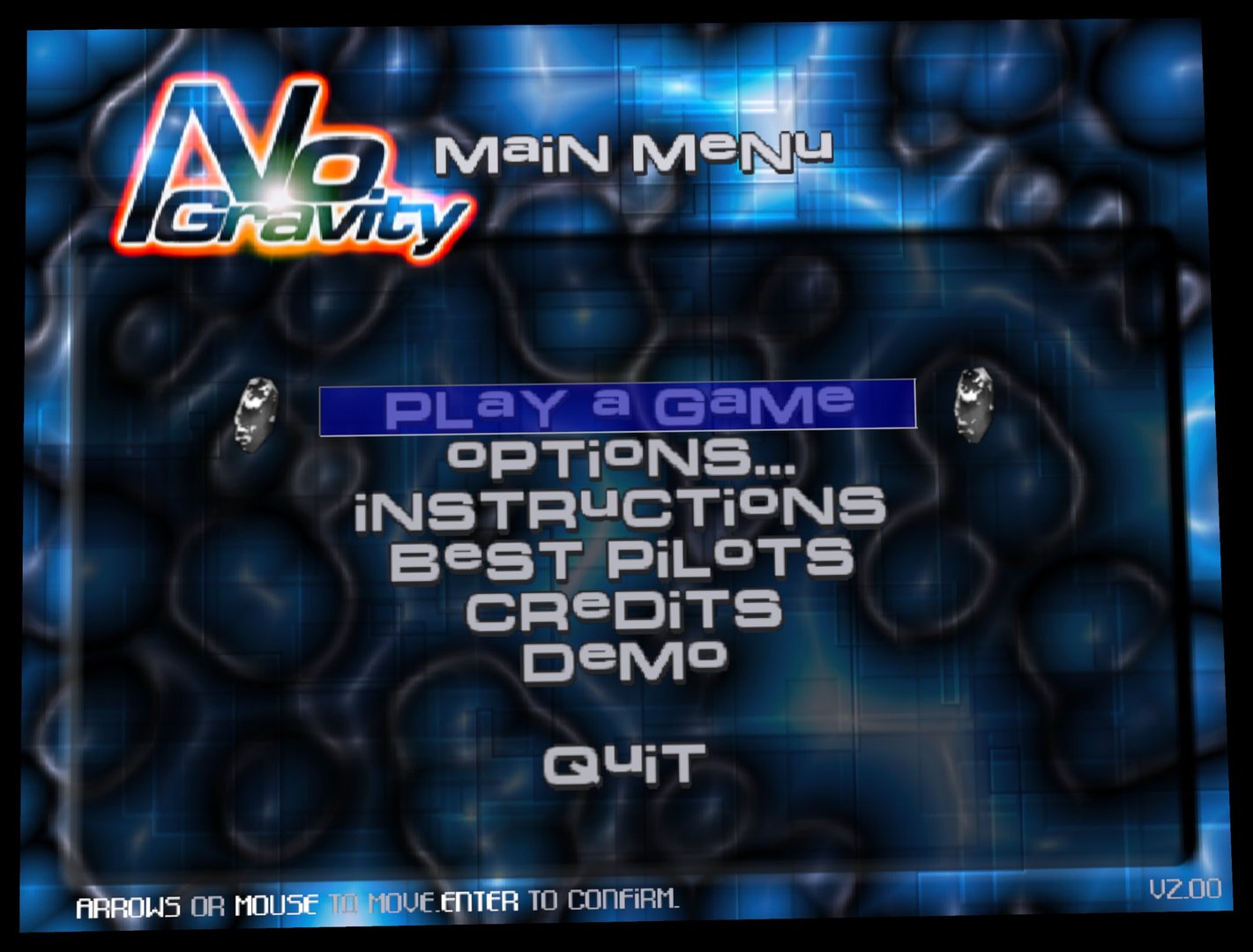
You fly in head-tracked stereo 3D: look around while ships, planets and explosions sit at real depth, with the HUD and crosshair fixed in front of you. Menus float on a large screen. The whole game is inside the APK, so there is nothing else to copy.
PICO support is brand new and not tested on PICO hardware yet: reports are very welcome. One APK covers both makes.
Features
- Head-tracked stereo 3D in flight at 72 Hz, 2400 x 2400 per eye with 4x anti-aliasing
- HUD and crosshair lined up with your guns; hit and explosion flashes fill your whole view
- Touch controllers as the flight stick: analog pitch, turn and roll, plus a throttle lever
- Menus on a large floating screen, on-screen keyboard for the pilot name
- Complete game inside the APK
- Runs on PICO 4 / Neo 3 too, from the same APK (untested)
Manual
Installation
- Enable developer mode on your headset.
- Download the APK below.
- Sideload it with SideQuest or
adb install -r NoGravity-VR-v0.1.1-beta.apk. SideQuest is a Quest tool, so on PICO use adb or whichever sideloader you already use. - Launch No Gravity VR from Library → Unknown Sources (on PICO: Library). The first start takes a few seconds longer while the game data is unpacked.
Good to know
- This is the first public beta, tested on Quest 3. Please report problems on GitHub.
- To quit, press the Menu button in the main menu and answer Yes: the game closes and you're back in the Quest home.
- Resolution and anti-aliasing can be lowered without reinstalling: put
NGQ_EYE_SIZE=2000orNGQ_MSAA=0lines in/sdcard/Android/data/com.bilko.nogravityvr/files/env.txt. - The APK is signed with a debug key (sideload only).
- The port's code is GPL-3.0; the No Gravity game data is GPL-2.0.
- PICO needs PICO OS 5.9.0 or newer. The PICO build is untested: if it does not start, or the controllers do nothing, please open an issue on GitHub.
adb logcat -s NoGravityVR:*shows how far it gets.
Controller mapping
| Input | Flight | Menus |
|---|---|---|
| Left stick | Pitch and turn | Move the selection |
| Right stick | Roll (left/right), throttle lever (up/down) | Move the selection |
| Right trigger | Fire | Select |
| Left trigger | Missile / use item | |
| A / B | Lock target / next weapon | Select / back |
| X / Y | Next item / next navpoint | |
| Right grip | Booster | |
| Left grip | Reverse booster | |
| Right stick click | HUD info | |
| Left stick click | Radar mode | |
| Left Menu button | Pause menu | Back / quit question |
| Both stick clicks (hold 1 s) | Recenter view | Recenter view |
Button names are those of the Meta Quest controllers; PICO controllers use the same layout. Flight buttons can be changed in the game's joystick options. Pilot name keyboard: stick moves, A types, B deletes, X adds a space, Y is OK.
Download
Install from your browser
One click over USB, for Meta Quest and PICO: no SideQuest needed. Works in Chrome or Edge on a PC, Mac or Android phone.
The installer needs JavaScript. Use the manual download below.
First time? Before you start
- Turn on developer mode. Quest: Meta Horizon app on your phone → Devices → your headset → Headset settings → Developer mode. PICO: Settings → General → About → tap Software version 7 times, then Settings → Developer → turn on USB debugging.
- Connect the headset to this computer with a USB cable that carries data (not a charge-only cable).
- Close SideQuest and Meta Quest Developer Hub. If you use adb, run
adb kill-serverfirst: only one program can talk to the headset at a time. - Windows: if the headset doesn't show up in the list, install the Meta Quest ADB driver.
- After pressing Connect, put on the headset and allow USB debugging for this computer.
No Gravity VR 0.1.1-beta (PICO support) latestv0.1.1-beta · 26 Oct 2026
All releases: github.com/SgtBilko76/NoGravity-VR/releases
Need help or found a bug? Ask in #support on our Discord, and get new releases in #new-releases.
Join the DiscordPictures & video
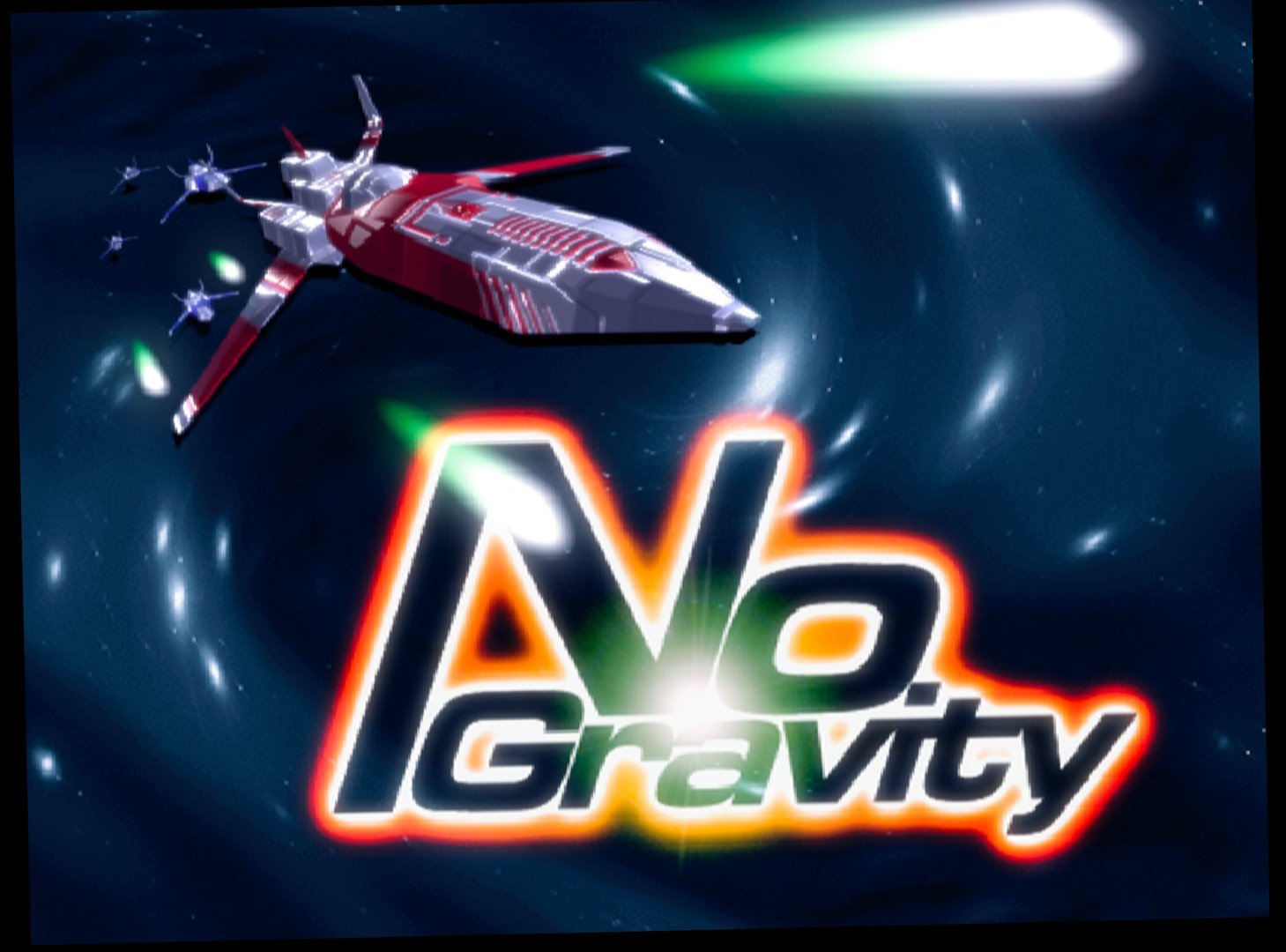
Credits: No Gravity by realtech VR (Stéphane Denis), open source on SourceForge, GPL. Pictures: captured on a Meta Quest 3.