
X-Wing Revival VR
Free Star Wars space combat in the cockpit, standalone on Meta Quest and PICO.
About
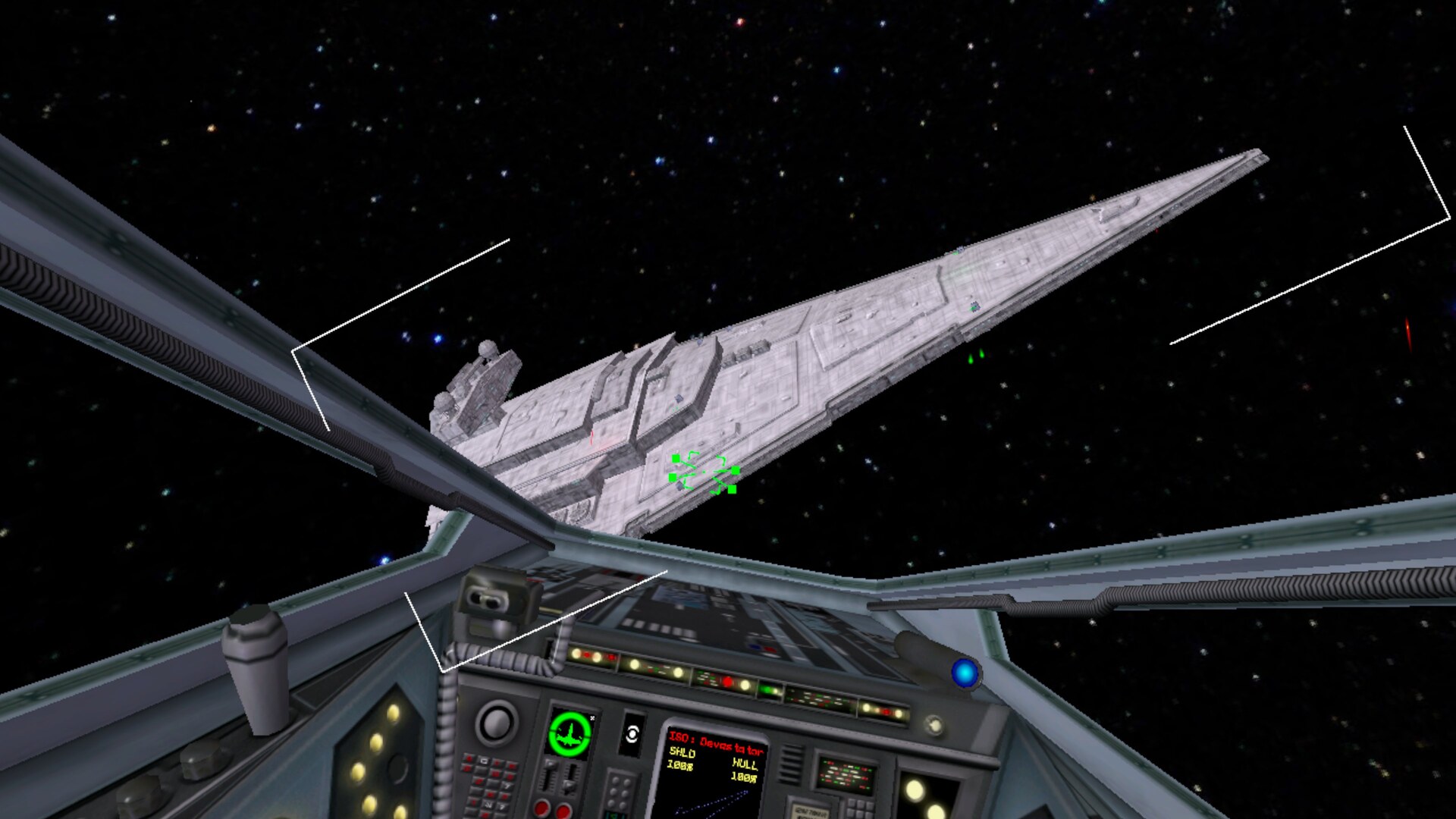
A native VR port of X-Wing Revival by Raptor007, a free Star Wars space combat game with 25 flyable ships, fleet battles, the Death Star trench run and online multiplayer. You fly from the cockpit in head-tracked stereo 3D; in the menus space surrounds you and the menu floats in front of you, with a laser pointer and an on-screen keyboard. Quest, PICO and PC pilots fly together online.
Features
- Head-tracked stereo 3D from the cockpit at 72 Hz
- Menus floating in front of you with space all around, laser pointer and on-screen keyboard
- Full flight control on the controllers, remappable in Controls
- Fly Online joins the official Raptor007 server (
www.raptor007.com:7000), where Quest, PICO and PC pilots meet - Custom missions, including an Upload Mission button in the lobby
Manual
Installation
- Sideload the full APK with SideQuest or
adb install -r X-Wing-Revival-VR-v1.0.3-full.apk. - Start X-Wing Revival VR from Unknown Sources and allow "access to all files" when asked.
- The first start unpacks the game data to
/sdcard/XWingRevival/(about 310 MB, takes a moment), then the menu appears. - Custom missions: copy the mission's
.deffile to/sdcard/XWingRevival/Missions/and pick it in the lobby under Game Type → Mission, or send it to the server with Upload Mission.
Good to know
- The APK contains the X-Wing Revival 0.6.1 game data (by Raptor007, ship models by XWA Upgrade).
- Big fleet battles run at about 45-65 FPS on Quest 3; the engine draws each eye separately.
- Graphics are set lighter than on PC; raise them in Preferences if you like.
- PC players with the original X-Wing Revival 0.6.1 join the same server via Custom / LAN → Connect to IP Address
www.raptor007.com:7000. - The PICO build is untested: if it does not start, or the controllers do nothing, please open an issue on GitHub with the output of
adb logcat -s XWingRevival.
Controller mapping
| Input | Flight | Menus |
|---|---|---|
| Left stick | Pitch and yaw | |
| Right stick | Roll (left/right), throttle (up/down) | Scroll |
| Right trigger | Fire | Click |
| Left trigger | Target what's in front of you | |
| Right grip | Switch weapon (lasers / ions / torpedoes) | |
| Left grip | Firing mode (single / linked) | |
| A / B | Target nearest enemy / nearest attacker | B = back |
| X / Y | Shield direction / target newest incoming | |
| Right stick click | Target objective | |
| Left stick click | Scoreboard | |
| Left Menu button | Pause menu | Back |
| Both stick clicks (hold 1 s) | Recenter view | Recenter view |
Button names are those of the Meta Quest controllers; PICO controllers use the same layout. All flight controls can be changed in the game's Controls menu.
Download
Install from your browser
One click over USB, for Meta Quest and PICO: no SideQuest needed. Works in Chrome or Edge on a PC, Mac or Android phone.
The installer needs JavaScript. Use the manual download below.
First time? Before you start
- Turn on developer mode. Quest: Meta Horizon app on your phone → Devices → your headset → Headset settings → Developer mode. PICO: Settings → General → About → tap Software version 7 times, then Settings → Developer → turn on USB debugging.
- Connect the headset to this computer with a USB cable that carries data (not a charge-only cable).
- Close SideQuest and Meta Quest Developer Hub. If you use adb, run
adb kill-serverfirst: only one program can talk to the headset at a time. - Windows: if the headset doesn't show up in the list, install the Meta Quest ADB driver.
- After pressing Connect, put on the headset and allow USB debugging for this computer.
X-Wing Revival VR 1.0.3 (Meta Quest + PICO) latestv1.0.3 · 19 Oct 2026
All releases: github.com/SgtBilko76/X-Wing-Revival-VR/releases
Need help or found a bug? Ask in #support on our Discord, and get new releases in #new-releases.
Join the DiscordPictures & video
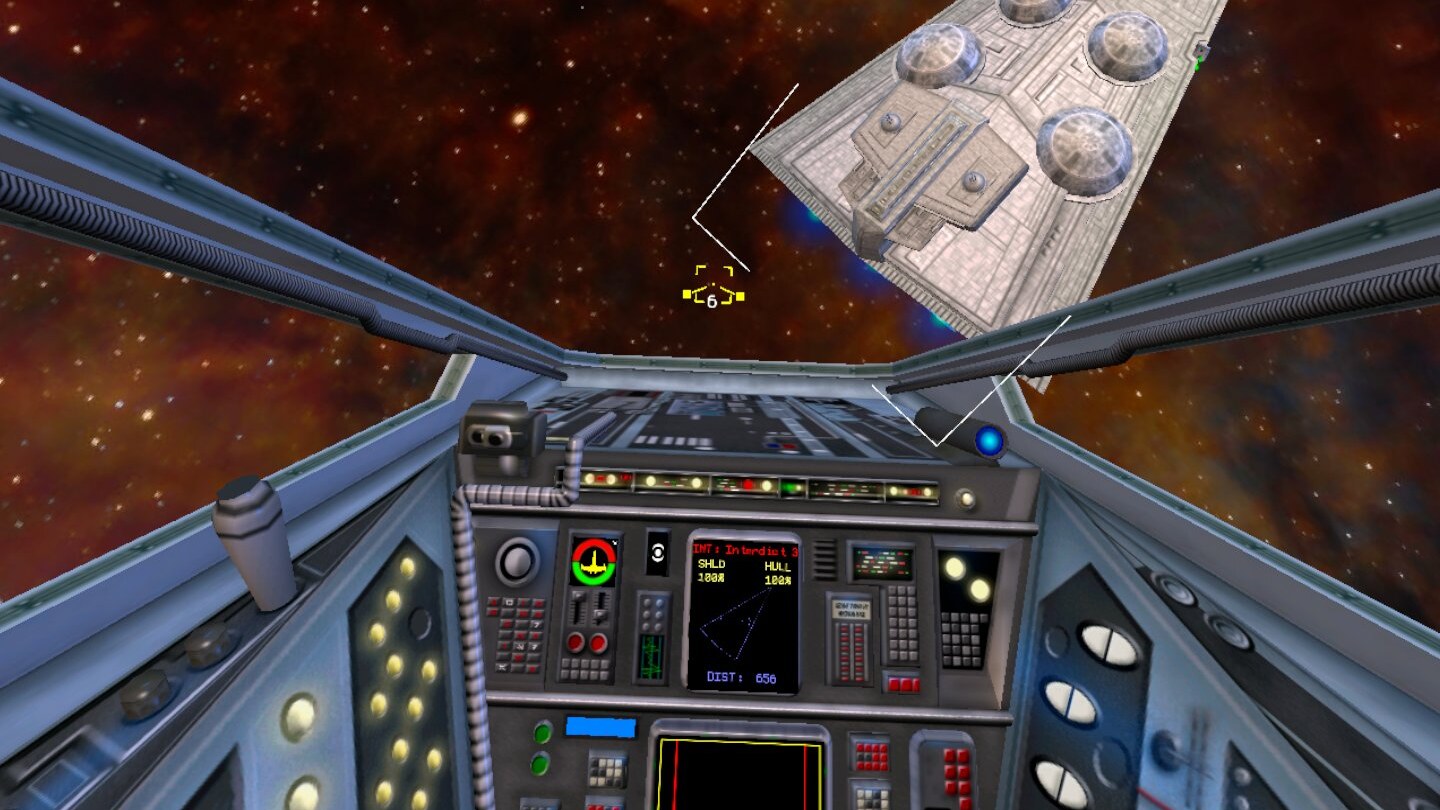
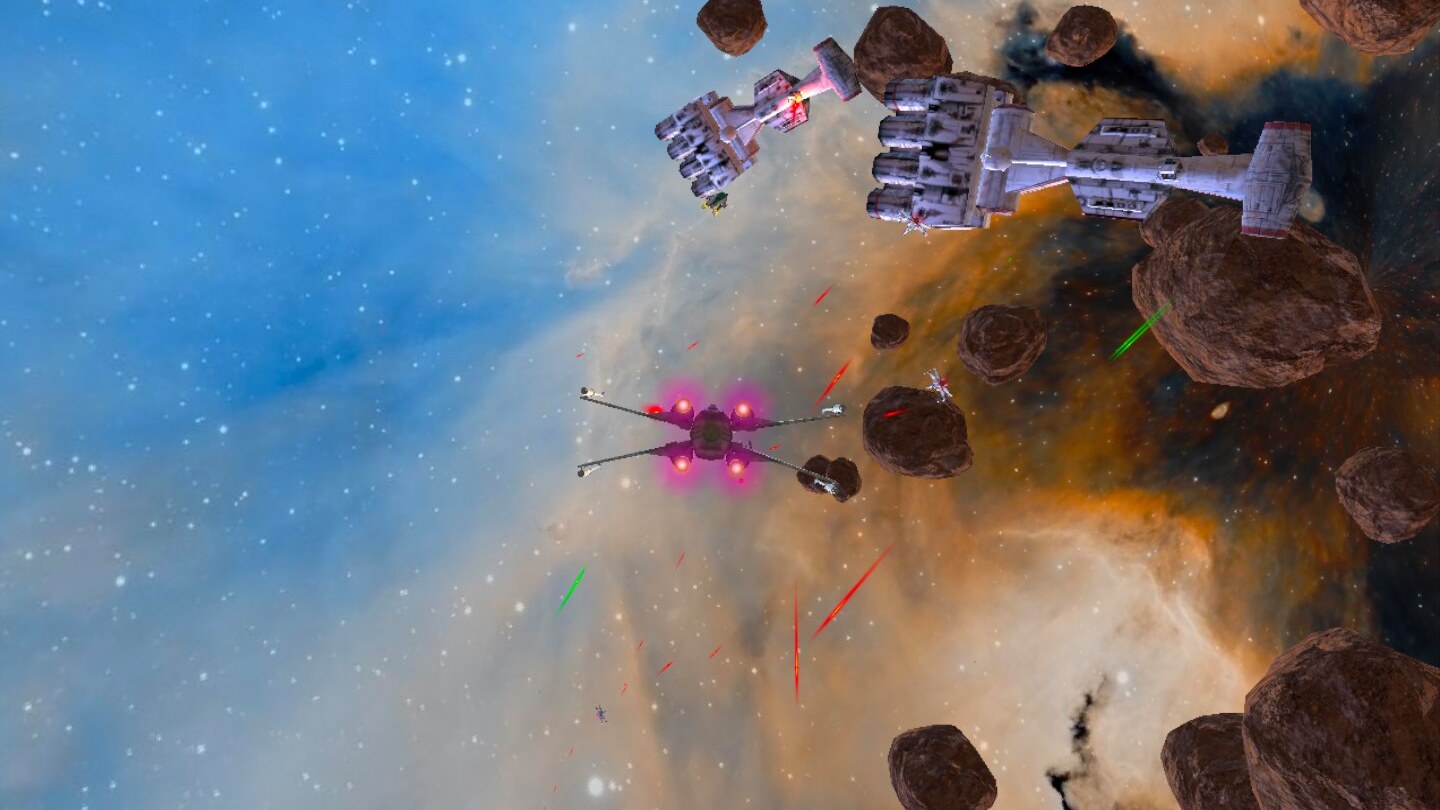

Credits: X-Wing Revival and RaptorEngine by Raptor007. Pictures: captured on a Meta Quest 3.