
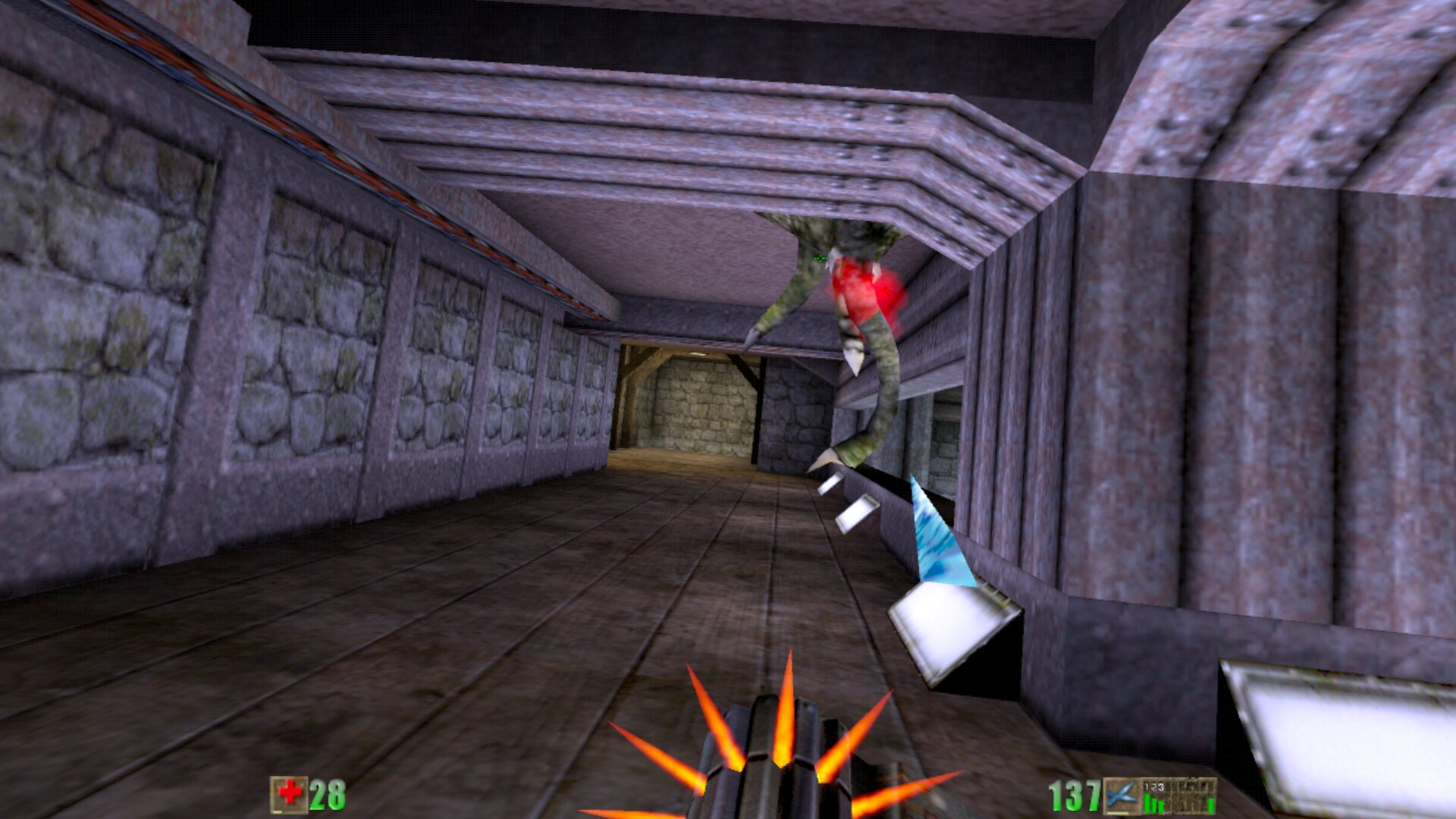
Unreal Gold VR
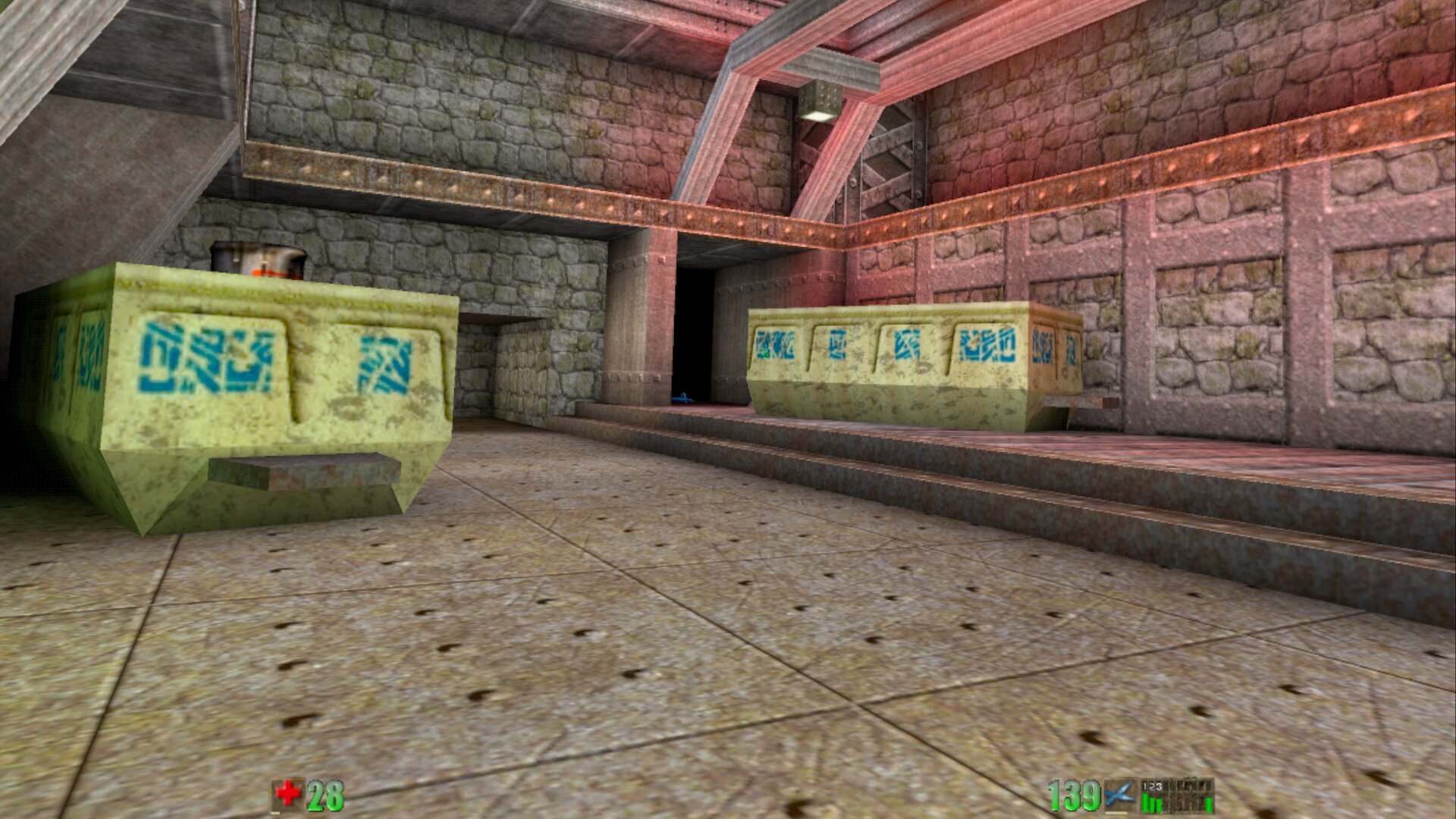
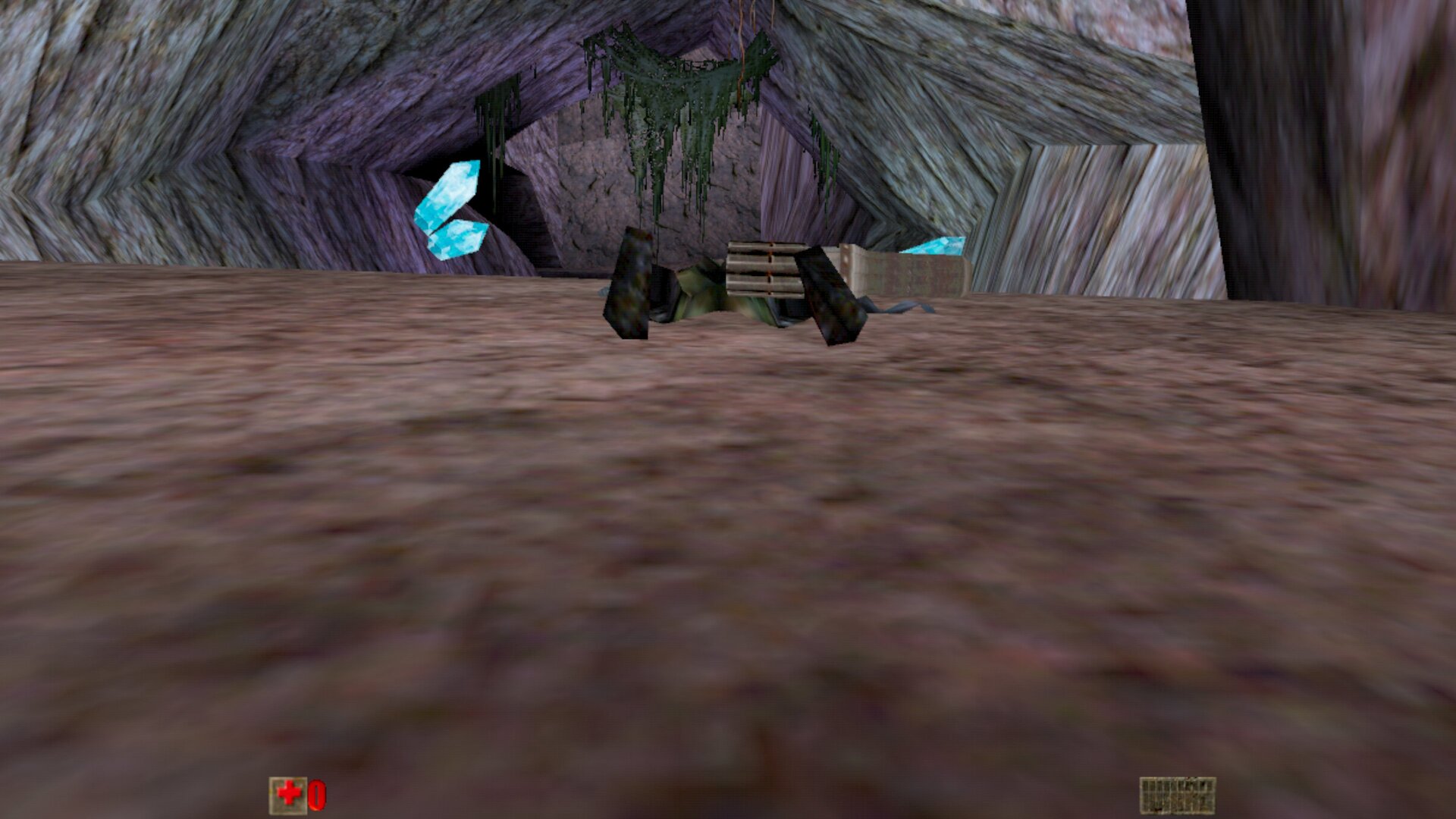
The 1998 classic Unreal in VR, standalone on Meta Quest and PICO.
About
A standalone VR port for Meta Quest 2 / Pro / 3 / 3S (tested on Quest 3) and PICO 4 / Neo 3 of Unreal Gold, built on Surreal Engine, a from-scratch reimplementation of Unreal Engine 1, with an OpenXR/Vulkan stereo renderer.
No game content is included, but Unreal Gold is available free and legally from OldUnreal, and the app downloads and installs it for you on first launch.
PICO support is brand new and not tested on PICO hardware yet: reports are very welcome. One APK covers both makes.
Features
- Native OpenXR rendering at 72 Hz, snap turning, stick locomotion
- Weapons held and aimed with the right controller, with a controller-ray crosshair
- VR-tuned controls for translator, inventory and crouch
- Save games persist on the headset
- Installs side by side with Unreal Tournament VR
- Downloads and installs the free original game from OldUnreal on first launch: no file copying
- Flat, readable menu panel; an on-screen keyboard pops up when you click a text field (e.g. your player name)
- Correct lighting and colours in the headset
Manual
Installation
- Sideload the APK with SideQuest or
adb install -r. SideQuest is a Quest tool, so on PICO use adb or whichever sideloader you already use. - Launch Unreal Gold VR from Unknown Sources and grant "All files access".
- On first launch a panel offers to download the free original Unreal Gold disc (645 MB) from OldUnreal, the source Epic Games approved. Press I agree - download and install: it installs the 226b game files and starts the game (Wi-Fi needed, about a minute).
- Prefer your own files? Copy your Unreal Gold 226b
System,Maps,Textures,Sounds,MusicandHelpfolders to/sdcard/SurrealEngine/before the first launch (leave outUnreal.ini/User.ini) and the download is skipped.
Good to know
- Enemy AI is only partially implemented in Surreal Engine: monsters often just stand around.
- Inventory does not carry over between maps.
- No dynamic lighting; some movers behave oddly.
- The PICO build is untested: if it does not start, or the controllers do nothing, please open an issue on GitHub.
adb logcat -s SurrealEngine-Log:*shows how far it gets, which is the useful thing to paste in.
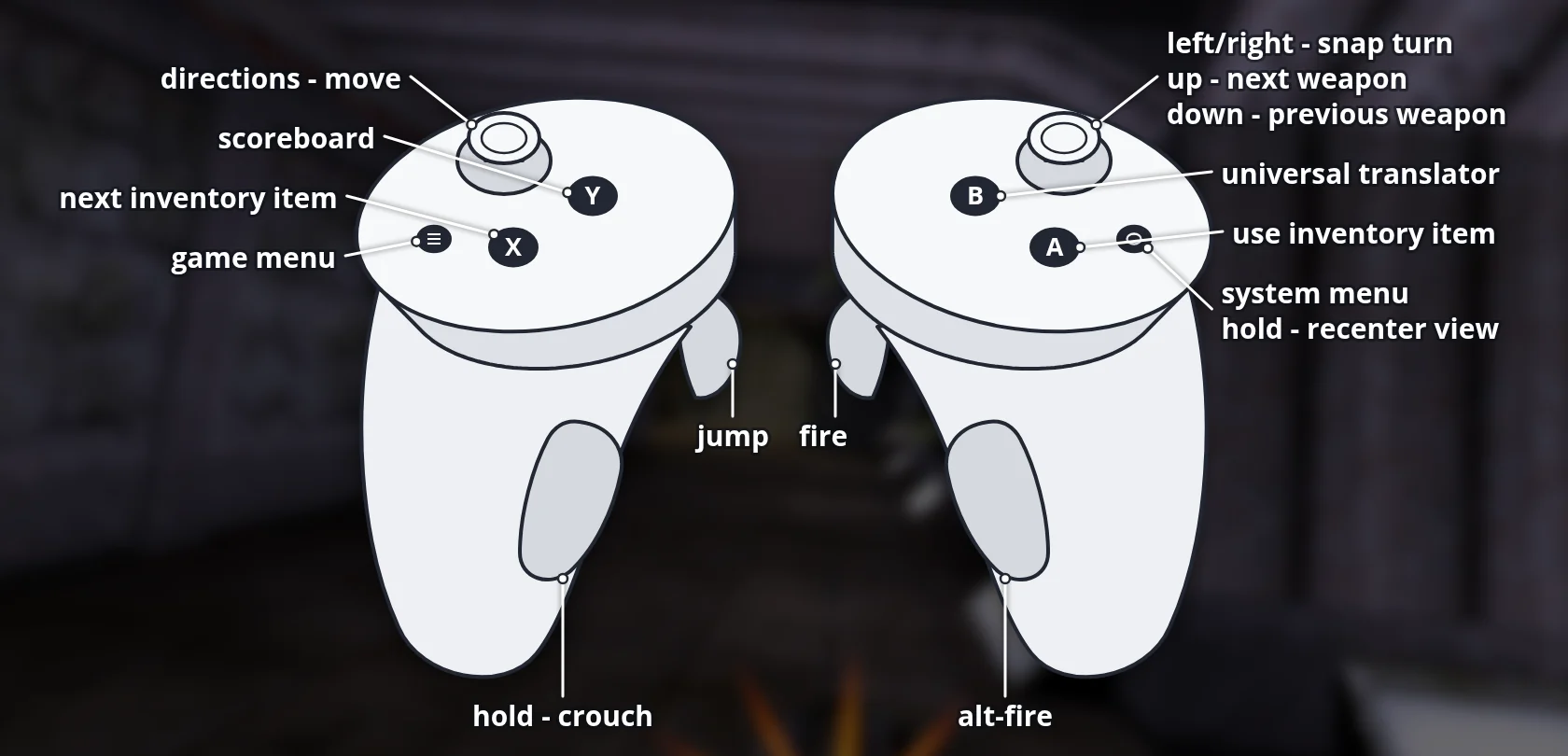
Controller mapping
| Input | Action |
|---|---|
| Left stick | Move (direction follows snap-turns) |
| Right stick left/right | Snap-turn 45° |
| Right stick up/down | Next / previous weapon |
| Right trigger | Fire |
| Right grip | Alt-fire |
| A | Activate selected inventory item |
| B | Universal translator |
| Left trigger | Jump |
| X | Next inventory item |
| Left grip (hold) | Crouch |
| Y | Scoreboard |
| Left menu button | Open / close the game menu |
| Left thumbstick (click) | Show / hide the on-screen keyboard (in menus) |
| Meta / Home button (long press) | Recenter |
Button names are those of the Meta Quest controllers; PICO controllers use the same layout.
Download
Install from your browser
Over USB, for Meta Quest and PICO: installs the app and copies your own game files to the right place. No SideQuest, no adb. USB install works in Chrome or Edge on a PC, Mac or Android phone. No PC? Open this page in the Meta Quest Browser on your headset and install it right there.
The installer needs JavaScript. Use the manual download below.
First time? Before you start
- Turn on developer mode. Quest: Meta Horizon app on your phone → Devices → your headset → Headset settings → Developer mode. PICO: Settings → General → About → tap Software version 7 times, then Settings → Developer → turn on USB debugging.
- Connect the headset to this computer with a USB cable that carries data (not a charge-only cable).
- Close SideQuest and Meta Quest Developer Hub. If you use adb, run
adb kill-serverfirst: only one program can talk to the headset at a time. - Windows: if the headset doesn't show up in the list, install the Meta Quest ADB driver.
- After pressing Connect, put on the headset and allow USB debugging for this computer.
Unreal Gold VR 1.0.0-beta12 latestv1.0.0-beta12 · 19 Oct 2026
All releases: github.com/SgtBilko76/Unreal-Gold-VR/releases
Need help or found a bug? Ask in #support on our Discord, and get new releases in #new-releases.
Join the DiscordPictures & video
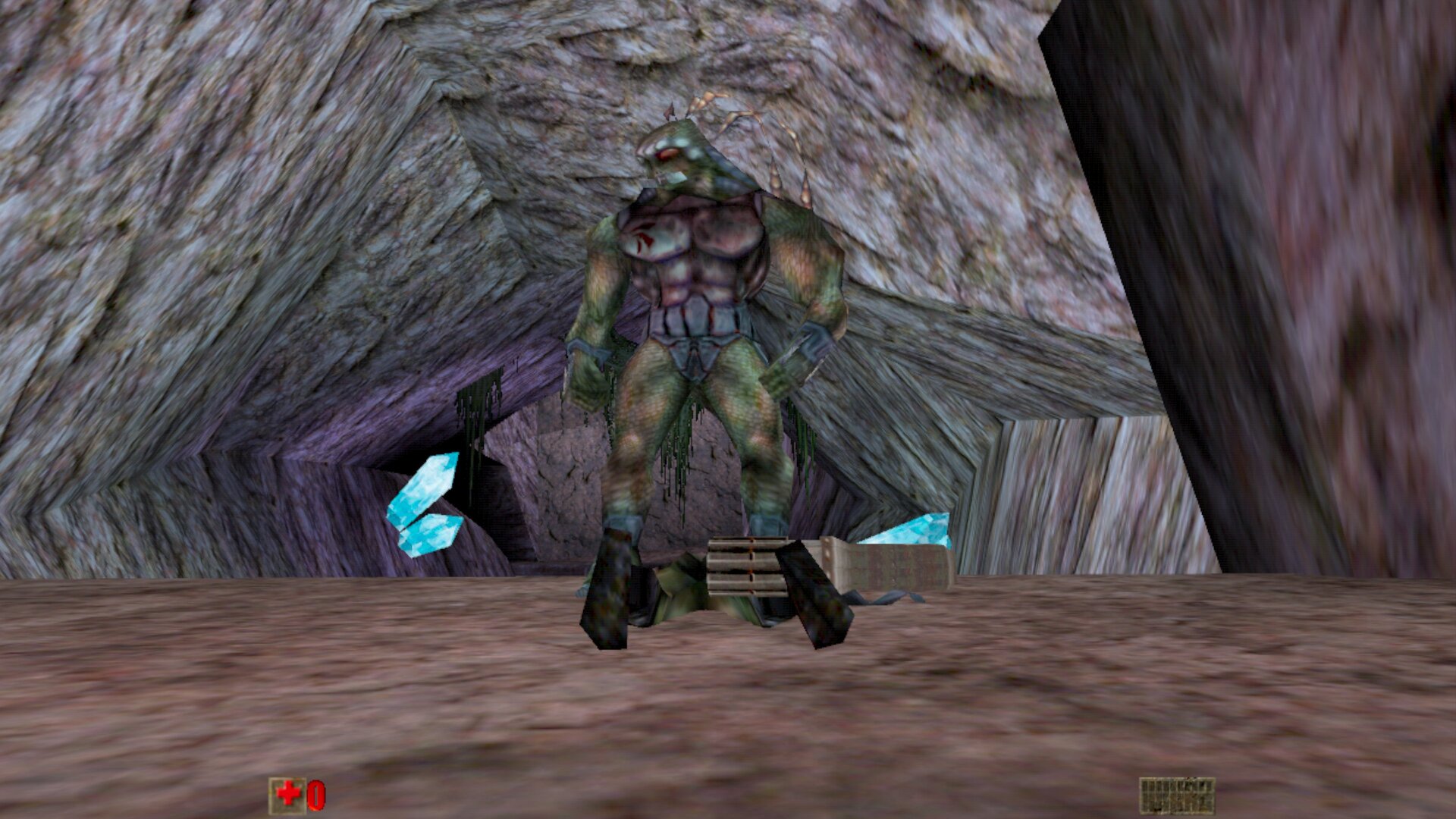
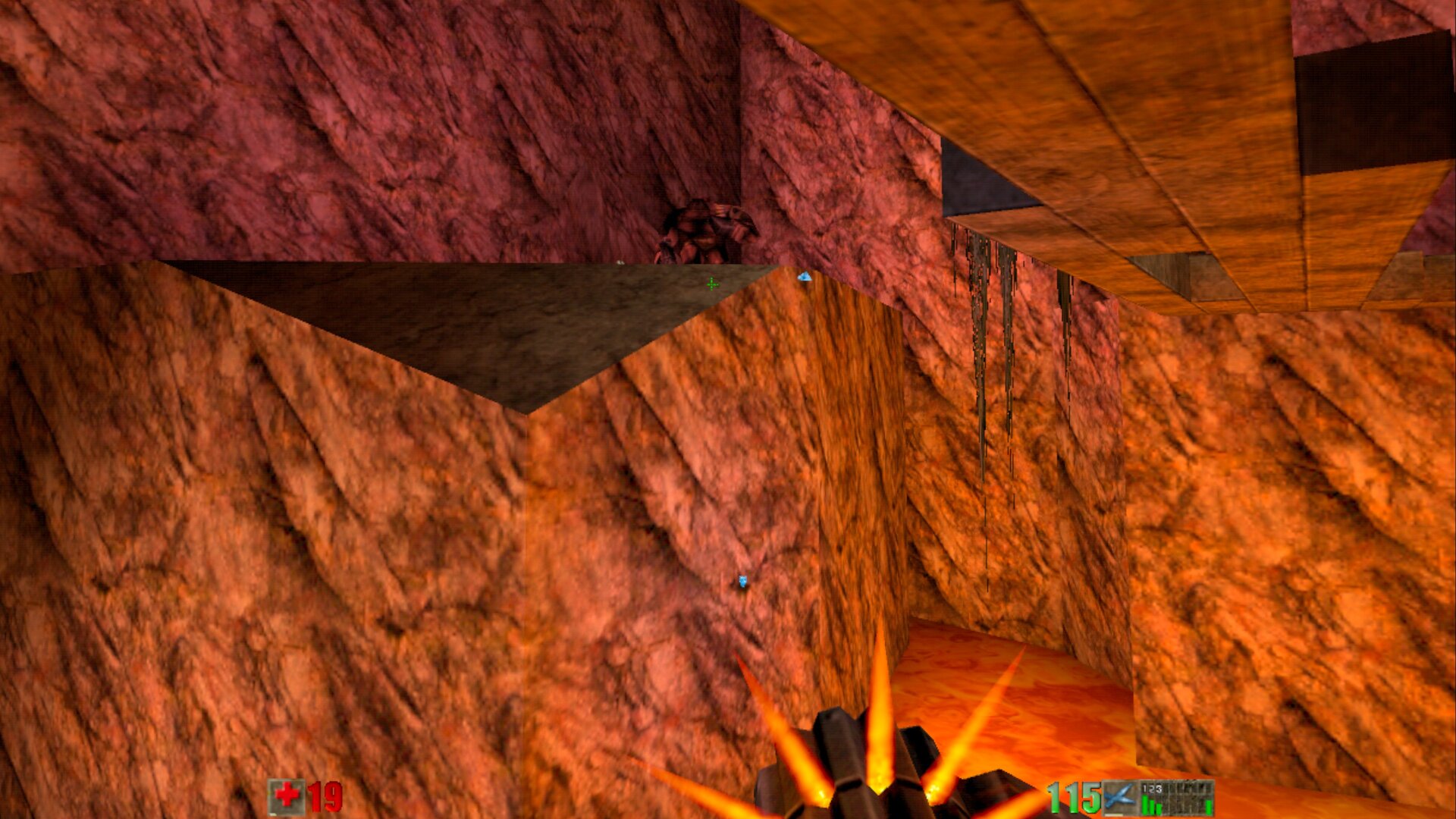
Credits: Built on Surreal Engine by dpjudas and contributors. Unreal is a trademark of Epic Games; this project is not affiliated with Epic Games. Pictures 2–7: captured on a Meta Quest 3.